

Informações gerais
Informações gerais
General info


Artificial Intelligence
人工知能
Artificial Intelligence
Artificial Intelligence
INTELLIGENCE ARTIFICIELLE
Künstliche Intelligenz
Artificial Intelligence
Artificial Intelligence
Inteligência artificial
Artificial Intelligence
الذكاء الاصطناعي
Inteligência artificial


Metalloscope™
Metalloscope™
Metalloscope™
Metalloscope™
Metalloscope™
Metalloscope™
Metalloscope™
Metalloscope™
Metalloscope™
Metalloscope™
Metalloscope™
Metalloscope™


振動・温度・湿度
Vibration, Temperature & Humidity
Vibration, Temperature & Humidity
Vibration, Temperature & Humidity
VIBRATION, TEMPÉRATURE & HUMIDITÉ
Vibration, Temperatur & Luftfeuchtigkeit
Vibration, Temperature & Humidity
Vibration, Temperature & Humidity
Vibration, Temperature & Humidity
Vibração, temperatura e umidade
الاهتزازات ودرجة الحرارة والرطوبة
Vibração, temperatura e umidade


バーコード | QRコード
BAR | QR code
BAR | QR code
CODE-BARRE | QR CODE
BAR | QR code
BAR | QR code
BAR | QR code
BAR | QR code
BAR | QR code
Código de barras | QR
رمز الاستجابة السريعة
Código de barras | QR

Prüfmuster-Editor
SZABLON POMIAROWY
Test Pattern
PATRÓN DE ENSAYO
Padrão de testes
Modèles d’essais
نمط الاختبار
Test Pattern
テストパターン
Padrão de testes
测试模板
Modello Di Prova


Immagine Composita
ŁĄCZENIE OBRAZÓW
图像拼接
Image Stitching
UNIÓN DE IMAGEN
Costura de imagens
خياطة الصورة
Assemblage d’images
画像ステッチング
Zusammenfügen von Bildern
Costura de imagens
Image Stitching
KIC Riss-Zähigkeitsmessung
Prova KIC Crack
KIC Crack Measurement
POMIAR ODPORNOŚCI NA KRUCHE PĘKNANIE KIC
KIC Crack Measurement
KIC 断裂韧性
MEDICIÓN DE GRIETA KIC
Medição de fissuras KIC
Mesure de la ténacité KIC
KIC قياس الكراك
KIC 破壊靭性
Medição de fissuras KIC


Automatische Kontur-Scannung
Scansione Automatica Del Contorno
Automatic Contour Scanning
AUTOMATYCZNE SKANOWANIE KONTURÓW
Automatic Contour Scanning
自动轮廓扫描
ESCANEO DE CONTORNO AUTOMÁTICO
Varredura automática de contornos
Analyse automatique des contours
المسح التلقائي للأطراف
自動輪郭スキャン
Varredura automática de contornos


Gráfico de dureza 2d / 3d
2D / 3D Härtediagramm
Mappatura Di Durezza 2d / 3d
2D / 3D Hardness Chart
WYKRES TWARDOŚCI 2D/3D
2D / 3D Hardness Chart
GRÁFICO DE DUREZA 2D / 3D
Cartographie de dureté 2D / 3D
2D/3D硬度分布图
Gráfico de dureza 2D / 3D
مخطط صلابة ثنائي وثلاثي الأبعاد
2D / 3D硬さチャート
Gráfico de dureza 2D / 3D


APLIKACJA DO RYSOWANIA I POMIARÓW
Drawing and Measuring Application
Drawing and measuring application
Applicazione Di Disegno E Misura
绘图和测量应用
APLICACIÓN DE DIBUJO Y MEDICIÓN
Application de dessin et mesure
Aplicação de desenho e medição
تطبيق الرسم والقياس
描画および測定アプリケーション
Zeichnen und Messen
Aplicação de desenho e medição


DualView-Technologie
TECHNOLOGIA PODWÓJNEGO PODGLĄDU
Dualview technology
Dualview technology
Tecnologia Dualview
TECNOLOGÍA DE VISTA DUAL
تقنية الرؤية المزدوجة
Technologie dualview
Tecnologia DUALVIEW
双屏技术
デュアルビューテクノロジー
Tecnologia Dualview


GENERATOR RAPORTÓW
Report Generator
Prüfprotokoll
Report Generator
GENERADOR DE REPORTES
Generatore Di Report
مولد التقرير
报告生成器
Générateur de rapports
Gerador de relatórios
レポートジェネレーター
Gerador de relatórios


FUNKCJA ZRZUTU EKRANU
Screenshot-Funktion
Snapshot Function
وظيفة الصورة المفاجئة
FUNCIÓN DE CAPTURA INSTANTÁNEA
Fonction photo
Funzione Snapshot
快照功能
Snapshot Function
Função snapshot
スナップショット機能


Automatische Kantenerkennung
AUTOMATYCZNE WYKRYWANIE KRAWĘDZI
Automatic Edge Detection
Automatic Edge Detection
الكشف التلقائي عن الحواف
DETECCIÓN AUTOMÁTICA DE BORDES
Détection automatique du bord
Detecção automática de bordas
Rilevamento Automatico Dei Bordi
自动边缘检测
Detecção automática de bordas
自動エッジ検出

WYKRES GŁĘBOKOŚCI/CZASU SIŁY
Force depth/time diagram
Force depth/time diagram
DIAGRAMA DE PROFUNDIDAD DE LA CARGA/TIEMPO
Diagramme force/profondeur
Diagrama de profundidade de força/tempo
Kraft-Tiefe/Zeit-Diagramm
试验力-深度/时间图
Diagramma Forza Profondità / Tempo
مخطط عمق القوة/ الوقت
Diagrama de profundidade de força/tempo
荷重深度/時間ダイヤグラム
Dureza da rosca de parafusos (ISO 898-1)
Ermittlung der Randentkohlung an Schrauben-gewinde (ISO-898-1)
TWARDOŚĆ GWINTU ŚRUBY (ISO 898-1)
Hardness of Screw Thread (ISO 898-1)
Hardness of Screw Thread (ISO 898-1)
DUREZA DE ROSCA DE TORNILLO (ISO 898-1)
Dureté du filetage (ISO 898-1)
螺纹脱碳层硬度(ISO-898-1)
Dureza da rosca de parafusos (ISO 898-1)
Durezza Filetto Della Vite (ISO 898-1)
صلابة البرغي اللولبي (ISO 898-1)
ネジ硬さ
(ISO 898-1)


Ermittlung der Randentkohlung an Schrauben-gewinde (ISO 2702)
TWARDOŚĆ ŚRUB SAMOGWINTUJĄCYCH (ISO 2702)
Hardness of Tapping Screws
(ISO 2702)
Hardness of Tapping Screws (ISO 2702)
DUREZA DE TORNILLOS AUTORROSCANTE (ISO 2702)
Dureté des vis auto-taraudeuses
(ISO 2702)
Dureza de parafusos de rosqueamento
(ISO 2702)
自攻螺丝硬度 (ISO 2702)
Durezza Viti Autofilettanti (ISO 2702)
صلابة مسامير التنصت
(ISO 2702)
Dureza de parafusos de rosqueamento
(ISO 2702)
タッピングネジ硬さ(ISO 2702)


Benutzerdefinierte Programme
KONTROLA Z POZIOMU UŻYTKOWNIKA
User Level Management
User Level Management
ADMINISTRACIÓN A NIVEL DE USUARIO
Gestion au niveau utilisateur
Gerenciamento a nível do usuário
用户分级管理
Gestione Permessi Utente
إدارة مستوى المستخدم
Gerenciamento a nível do usuário
ユーザーレベル管理


自動測定


Automatische Härteeindruck-
vermessung
POMIAR AUTOMATYCZNY
Automatic measurement
MEDICIÓN AUTOMÁTICA
Mesure automatique
自动测量
Medição automática
القياس التلقائي
Misura Automatica
Automatic measurement
Medição automática


CHD, SHD, NHD Konfigurator
CHD,SHD,NHDプログラム
KONFIGURATOR CHD, SHD, NHD
CHD, SHD, NHD Configurator
CHD, SHD, NHD Configurator
Configurateur CHD, SHD, NHD
CONFIGURADOR CHD, SHD, NHD
CHD, SHD, NHD
配置程序
Configurador CHD, SHD, NHD
Configuratore CHD, SHD, NHD
مكون CHD،SHD،NHD


Schweissnaht-
prüfung (ISO 9015)
Inspeção de solda (ISO 9015)
溶接解析(ISO9015)
KONTROLA SPAWÓW (ISO 9015)
Weld inspection (ISO 9015)
INSPECCIÓN DE SOLDADURAS (ISO 9015)
焊缝检验(ISO 9015)
Inspection des soudures (ISO 9015)
Weld inspection (ISO 9015)
Inspeção de solda (ISO 9015)
Ispezione Saldature (ISO 9015)
فحص اللحام (ISO 9015)
Munition Einzel-
oder Serienprüfungen
Testes de padrões de munição
弾薬試験パターン
SZABLON DO POMIARÓW AMUNICJI
Ammunition Pattern Testing
Ammunition Pattern Testing
弹壳测试模板
ENSAYO DE PATRONES DE MUNICIÓN
Configurateur de gabarit pour essais de munitions
Testes de padrões de munição
Prove Per Munizioni
اختبار نمط الذخيرة


Q-DAS
Q-DAS
Q-DAS
Q-DAS
Q-DAS
Q-DAS
Q-DAS
Q-DAS
Q-DAS
Q-DAS
Q-DAS
Q-DAS
Informações gerais
O software IMPRESSIONS™ foi projetado e construído pelos engenheiros da INNOVATEST para simplificar os mais complicados requisitos de testes de dureza de muitas indústrias neste campo. Nossa GUI (Graphical User Interface) contém aplicações preferidas predesenhadas, controle avançado do fluxo de trabalho, relatórios aprimorados e é muito fácil de aprender.
Um teste simples pode ser realizado em 3 segundos, e o teste que levava o dia todo para mapear a amostra pode ser realizado em menos de 10 minutos pela primeira vez, depois em menos de um minuto para cada repetição de desempenho. Um sistema de gerenciamento a nível de usuário maximiza a repetibilidade e a reprodutividade entre vários operadores.
Informações gerais
O software IMPRESSIONS™ foi projetado e construído pelos engenheiros da INNOVATEST para simplificar os mais complicados requisitos de testes de dureza de muitas indústrias neste campo. Nossa GUI (Graphical User Interface) contém aplicações preferidas predesenhadas, controle avançado do fluxo de trabalho, relatórios aprimorados e é muito fácil de aprender.
Um teste simples pode ser realizado em 3 segundos, e o teste que levava o dia todo para mapear a amostra pode ser realizado em menos de 10 minutos pela primeira vez, depois em menos de um minuto para cada repetição de desempenho. Um sistema de gerenciamento a nível de usuário maximiza a repetibilidade e a reprodutividade entre vários operadores.
General info
IMPRESSIONS™ Software, designed and built by INNOVATEST engineers to simplify the most complicated hardness testing requirements from many industries in the hardness testing field. Our GUI (Graphical User Interface) contains predesigned preferred applications, advanced workflow control, enhanced reporting and it is very easy to learn.
A simple test can be set up in 3 seconds, and the test that took all day to map out on the sample can be accomplished in under 10 minutes for the first time, then under a minute for each repeat performance. A user level management system maximizes repeatability and reproductivity across multiple operators.
Artificial Intelligence
The conventional image processing methods on hardness testing machines are fairly successful for clean images that present clear indentation boundaries. In practice, however, workpieces or samples often have rough surfaces that compromise the quality of the image processing which could potentially result in incorrect hardness values.
A human observer can easily find the indentation in both images and the exact boundaries of such indentation. For a computer algorithm, finding the indentation in the right image is much more challenging due to the many gradients in this image. Artificial intelligence can overcome this difficulty by training a complex computer neural network to “think” as a human observer.
The INNOVATEST Brinell AI model is trained in our research facility/R&D department using powerful supercomputers. The training phase optimizes millions and millions of weight factors in a neural network, to learn how an indent can look like, using a gradient descent approach. Weight factors have been optimized by a human observer and after optimum weigh factors where determined. Using the AI function on our hardness tester to detect new indentations is called ‘’inference’’ and requires significantly less computing power. The AI model has been created.
During inference, a new image (a new Brinell indent image) is entered into the neural network with weights that were determined during training. The complex algorithm is capable to calculate a “mask” on its own, this mask is plotted on top of the indent image, exactly filling the indent and marking the edges that then can be easily detected by automatic image recognition system.
This super advanced technology requires no special objectives and provides even indents with poor visibility, often the case with shallow indents in rough surface materials, to be perfectly detected and measured.
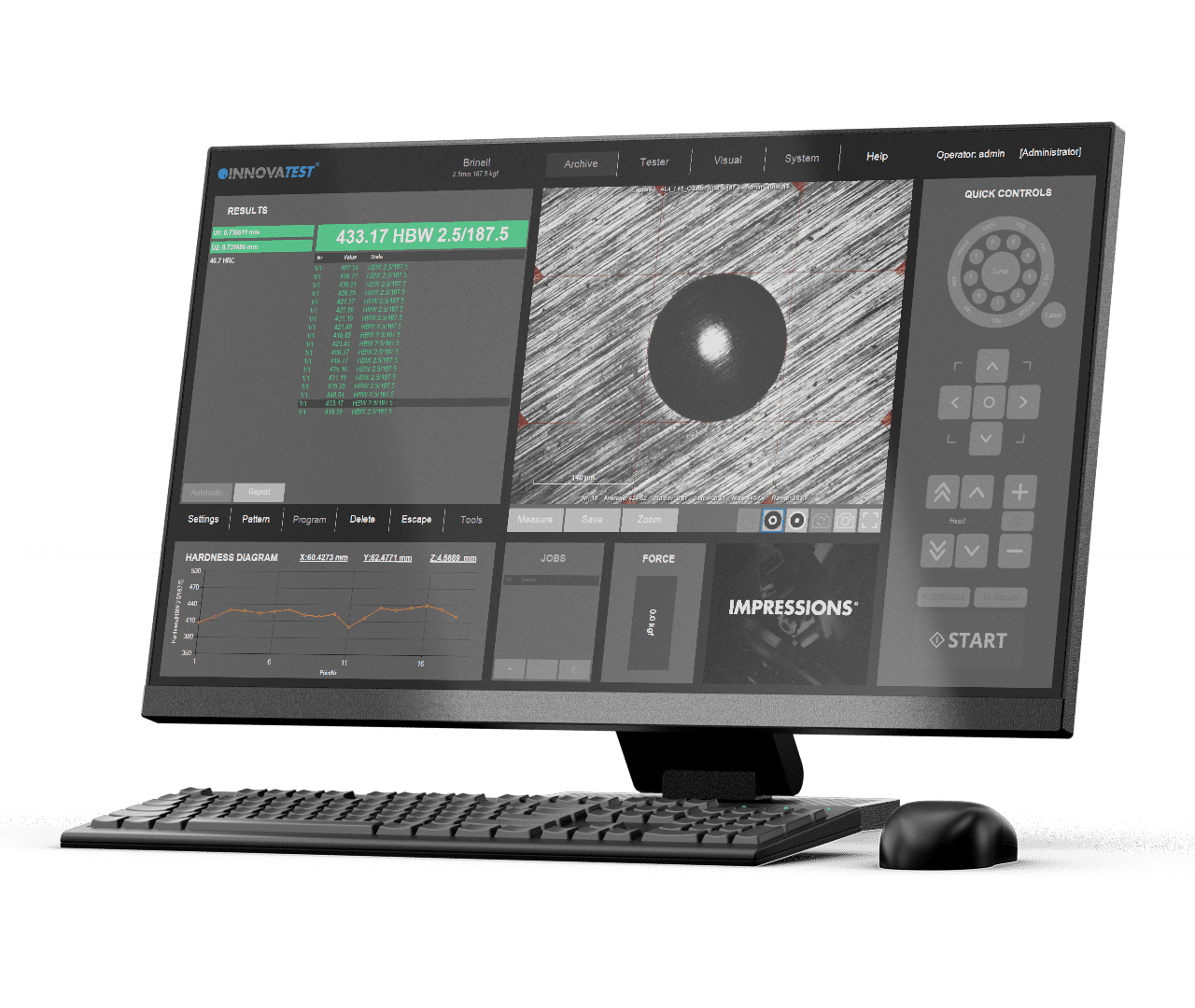
人工知能
硬さ試験機における従来の画像処理方法は、くっきりとした圧痕の境界が見えるきれいな画像に対しては、かなり良好な結果を出します。しかし実際には、加工物やサンプルの表面が粗いため、画像処理の品質が低下し、それが硬さ値の誤判定につながる可能性があります。
人間の観察者であれば、どちらの画像においても容易に圧痕を見つけ、その正確な境界を認識することができます。しかし、コンピュータのアルゴリズムにとっては、右側の画像のようにグラデーションが多い画像で圧痕を見つけるのは、はるかに難しい作業です。人工知能(AI)は、人間の観察者のように「考える」ように複雑なコンピュータのニューラルネットワークを訓練することで、この課題を克服できます。
INNOVATESTのBrinell AIモデルは、当社の研究施設/R&D部門で強力なスーパーコンピュータを用いて訓練されています。訓練段階では、ニューラルネットワーク内の何百万もの重み係数を最適化し、圧痕がどのように見えるかを学習します(勾配降下法を用います)。重み係数の最適化は人間の観察者によって評価され、最適な重み係数が決定されます。硬さ試験機のAI機能を使って新しい圧痕を検出するプロセスは「推論」と呼ばれ、訓練時よりはるかに少ない計算能力で実行できます。AIモデルは完成されています。
推論の際、新しい画像(新しいブリネル圧痕画像)が、訓練で決定された重みを持つニューラルネットワークに入力されます。この複雑なアルゴリズムは、自動的に「マスク」を計算し、このマスクは圧痕画像の上に重ねられ、圧痕を正確に塗りつぶし、境界をマーキングします。そのため、自動画像認識システムが容易に境界を検出できるようになります。
この超先進的な技術は、特別なレンズなどを必要とせず、視認性の低い圧痕、例えば粗い表面材料にできた浅い圧痕であっても、完全に検出・測定することが可能です。
This super advanced technology requires no special objectives and provides even indents with poor visibility, often the case with shallow indents in rough surface materials, to be perfectly detected and measured.
Artificial Intelligence
The conventional image processing methods on hardness testing machines are fairly successful for clean images that present clear indentation boundaries. In practice, however, workpieces or samples often have rough surfaces that compromise the quality of the image processing which could potentially result in incorrect hardness values.
A human observer can easily find the indentation in both images and the exact boundaries of such indentation. For a computer algorithm, finding the indentation in the right image is much more challenging due to the many gradients in this image. Artificial intelligence can overcome this difficulty by training a complex computer neural network to “think” as a human observer.
The INNOVATEST Brinell AI model is trained in our research facility/R&D department using powerful supercomputers. The training phase optimizes millions and millions of weight factors in a neural network, to learn how an indent can look like, using a gradient descent approach. Weight factors have been optimized by a human observer and after optimum weigh factors where determined. Using the AI function on our hardness tester to detect new indentations is called ‘’inference’’ and requires significantly less computing power. The AI model has been created.
During inference, a new image (a new Brinell indent image) is entered into the neural network with weights that were determined during training. The complex algorithm is capable to calculate a “mask” on its own, this mask is plotted on top of the indent image, exactly filling the indent and marking the edges that then can be easily detected by automatic image recognition system.
This super advanced technology requires no special objectives and provides even indents with poor visibility, often the case with shallow indents in rough surface materials, to be perfectly detected and measured.
Artificial Intelligence
The conventional image processing methods on hardness testing machines are fairly successful for clean images that present clear indentation boundaries. In practice, however, workpieces or samples often have rough surfaces that compromise the quality of the image processing which could potentially result in incorrect hardness values.
A human observer can easily find the indentation in both images and the exact boundaries of such indentation. For a computer algorithm, finding the indentation in the right image is much more challenging due to the many gradients in this image. Artificial intelligence can overcome this difficulty by training a complex computer neural network to “think” as a human observer.
The INNOVATEST Brinell AI model is trained in our research facility/R&D department using powerful supercomputers. The training phase optimizes millions and millions of weight factors in a neural network, to learn how an indent can look like, using a gradient descent approach. Weight factors have been optimized by a human observer and after optimum weigh factors where determined. Using the AI function on our hardness tester to detect new indentations is called ‘’inference’’ and requires significantly less computing power. The AI model has been created.
During inference, a new image (a new Brinell indent image) is entered into the neural network with weights that were determined during training. The complex algorithm is capable to calculate a “mask” on its own, this mask is plotted on top of the indent image, exactly filling the indent and marking the edges that then can be easily detected by automatic image recognition system.
This super advanced technology requires no special objectives and provides even indents with poor visibility, often the case with shallow indents in rough surface materials, to be perfectly detected and measured.
INTELLIGENCE ARTIFICIELLE
Les méthodes conventionnelles de traitement d’images sur les machines d’essai de dureté sont assez efficaces pour les images propres qui présentent des limites d’indentation claires. Dans la pratique, cependant, les pièces ou les échantillons présentent souvent des surfaces rugueuses qui compromettent la qualité du traitement de l’image, ce qui pourrait entraîner des valeurs de dureté incorrectes.
Un observateur humain peut facilement trouver l’empreinte dans les deux images et les limites exactes de cette empreinte. Pour un algorithme informatique, trouver l’indentation dans l’image de droite est beaucoup plus difficile en raison des nombreux gradients de cette image. L’intelligence artificielle peut surmonter cette difficulté en entraînant un réseau neuronal informatique complexe à « penser » comme un observateur humain.
Le modèle INNOVATEST Brinell AI est entraîné dans notre centre de recherche/département R&D à l’aide de puissants superordinateurs. La phase d’entraînement optimise des millions et des millions de facteurs de pondération dans un réseau neuronal, afin d’apprendre à quoi peut ressembler un retrait, en utilisant une approche de descente de gradient. Les facteurs de pondération ont été optimisés par un observateur humain et après que les facteurs de pondération optimaux ont été déterminés. L’utilisation de la fonction IA sur notre appareil de test de dureté pour détecter de nouvelles indentations est appelée « inférence » et nécessite beaucoup moins de puissance de calcul. Le modèle d’IA a été créé.
Pendant l’inférence, une nouvelle image (une nouvelle image de l’empreinte Brinell) est introduite dans le réseau neuronal avec des poids qui ont été déterminés pendant l’entraînement. L’algorithme complexe est capable de calculer lui-même un « masque », qui est tracé au-dessus de l’image de l’empreinte, remplissant exactement l’empreinte et marquant les bords qui peuvent alors être facilement détectés par un système de reconnaissance automatique d’images.
Cette technologie de pointe ne nécessite aucun objectif particulier et permet de détecter et de mesurer parfaitement même les empreintes peu visibles, comme c’est souvent le cas pour les empreintes peu profondes dans les matériaux à surface rugueuse.
Künstliche Intelligenz
Die herkömmlichen Methoden der Bildverarbeitung bei Härteprüfmaschinen sind bei sauberen Bildern mit klaren Eindrückgrenzen recht erfolgreich. In der Praxis haben Werkstücke oder Proben jedoch oft raue Oberflächen, die die Qualität der Bildverarbeitung beeinträchtigen können, was potenziell zu falschen Härtewerten führen könnte.
Ein menschlicher Beobachter kann die Eindrückung in beiden Bildern sowie die genauen Grenzen dieser Eindrückung leicht erkennen. Für einen Computeralgorithmus ist es jedoch deutlich schwieriger, die Eindrückung im rechten Bild zu erkennen, da dieses Bild viele Gradienten aufweist. Künstliche Intelligenz kann diese Schwierigkeit überwinden, indem ein komplexes neuronales Netzwerk trainiert wird, um wie ein menschlicher Beobachter „zu denken“.
Das INNOVATEST Brinell AI-Modell wird in unserer Forschungs- und Entwicklungsabteilung mit leistungsstarken Supercomputern trainiert. In der Trainingsphase werden Millionen von Gewichtsfaktoren im neuronalen Netzwerk optimiert, um zu lernen, wie eine Eindrückung aussehen kann, unter Verwendung eines Gradientenabstiegsverfahrens. Die Gewichtsfaktoren wurden von einem menschlichen Beobachter optimiert und nach Ermittlung der optimalen Gewichtsfaktoren abgeschlossen. Die Nutzung der AI-Funktion an unserem Härteprüfgerät zur Erkennung neuer Eindrückungen wird als „Inference“ bezeichnet und erfordert deutlich weniger Rechenleistung. Das AI-Modell wurde erstellt.
Während der Inferenz wird ein neues Bild (ein neues Brinell-Eindrückungsbild) in das neuronale Netzwerk eingegeben, dessen Gewichtungen während des Trainings bestimmt wurden. Der komplexe Algorithmus ist in der Lage, eigenständig eine „Maske“ zu berechnen, die auf das Eindrückungsbild gelegt wird, die Eindrückung exakt ausfüllt und die Kanten markiert, die dann leicht vom automatischen Bildverarbeitungssystem erkannt werden können.
Diese hochentwickelte Technologie erfordert keine speziellen Objektive und ermöglicht selbst bei Eindrückungen mit schlechter Sichtbarkeit – wie sie häufig bei flachen Eindrückungen auf rauen Oberflächen vorkommen – eine perfekte Erkennung und Messung.
Artificial Intelligence
The conventional image processing methods on hardness testing machines are fairly successful for clean images that present clear indentation boundaries. In practice, however, workpieces or samples often have rough surfaces that compromise the quality of the image processing which could potentially result in incorrect hardness values.
A human observer can easily find the indentation in both images and the exact boundaries of such indentation. For a computer algorithm, finding the indentation in the right image is much more challenging due to the many gradients in this image. Artificial intelligence can overcome this difficulty by training a complex computer neural network to “think” as a human observer.
The INNOVATEST Brinell AI model is trained in our research facility/R&D department using powerful supercomputers. The training phase optimizes millions and millions of weight factors in a neural network, to learn how an indent can look like, using a gradient descent approach. Weight factors have been optimized by a human observer and after optimum weigh factors where determined. Using the AI function on our hardness tester to detect new indentations is called ‘’inference’’ and requires significantly less computing power. The AI model has been created.
During inference, a new image (a new Brinell indent image) is entered into the neural network with weights that were determined during training. The complex algorithm is capable to calculate a “mask” on its own, this mask is plotted on top of the indent image, exactly filling the indent and marking the edges that then can be easily detected by automatic image recognition system.
This super advanced technology requires no special objectives and provides even indents with poor visibility, often the case with shallow indents in rough surface materials, to be perfectly detected and measured.
Artificial Intelligence
The conventional image processing methods on hardness testing machines are fairly successful for clean images that present clear indentation boundaries. In practice, however, workpieces or samples often have rough surfaces that compromise the quality of the image processing which could potentially result in incorrect hardness values.
A human observer can easily find the indentation in both images and the exact boundaries of such indentation. For a computer algorithm, finding the indentation in the right image is much more challenging due to the many gradients in this image. Artificial intelligence can overcome this difficulty by training a complex computer neural network to “think” as a human observer.
The INNOVATEST Brinell AI model is trained in our research facility/R&D department using powerful supercomputers. The training phase optimizes millions and millions of weight factors in a neural network, to learn how an indent can look like, using a gradient descent approach. Weight factors have been optimized by a human observer and after optimum weigh factors where determined. Using the AI function on our hardness tester to detect new indentations is called ‘’inference’’ and requires significantly less computing power. The AI model has been created.
During inference, a new image (a new Brinell indent image) is entered into the neural network with weights that were determined during training. The complex algorithm is capable to calculate a “mask” on its own, this mask is plotted on top of the indent image, exactly filling the indent and marking the edges that then can be easily detected by automatic image recognition system.
This super advanced technology requires no special objectives and provides even indents with poor visibility, often the case with shallow indents in rough surface materials, to be perfectly detected and measured.
Inteligência artificial
Os métodos convencionais de processamento de imagens em máquinas de teste de dureza são bastante bem-sucedidos para imagens limpas que apresentam limites claros de indentação. Na prática, no entanto, as peças ou amostras têm frequentemente superfícies ásperas que comprometem a qualidade do processamento da imagem, o que poderia resultar em valores de dureza incorretos.
Um observador humano pode facilmente encontrar o indentação em ambas as imagens e os limites exatos de tal indentação. Para um algoritmo de computador, encontrar a indentação na imagem correta é muito mais desafiador devido aos muitos gradientes desta imagem. A inteligência artificial pode superar esta dificuldade treinando uma complexa rede neural computacional para “pensar” como um observador humano.
O modelo INNOVATEST Brinell AI é treinado em nossas instalações de pesquisa/departamento de P&D usando poderosos supercomputadores. A fase de treinamento otimiza milhões e milhões de fatores de peso em uma rede neural, para aprender como pode parecer uma reentrância, usando uma abordagem de descida gradiente. Os fatores de peso foram otimizados por um observador humano e, após os fatores de peso ideais, onde foram determinados. O uso da função IA em nosso durômetro para detectar novas indentações é chamado de “inferência” e requer significativamente menos poder de computação. O modelo de IA foi criado.
Durante a inferência, uma nova imagem (uma nova imagem Brinell de reentrância) é inserida na rede neural com pesos que foram determinados durante o treinamento. O complexo algoritmo é capaz de calcular uma “máscara” por si só, esta máscara é plotada no topo da imagem da reentrância, preenchendo exatamente a reentrância e marcando as bordas que depois podem ser facilmente detectadas pelo sistema de reconhecimento automático de imagem.
Esta tecnologia super avançada não requer objetivos especiais e proporciona até mesmo reentrâncias com pouca visibilidade, muitas vezes o caso com reentrâncias rasas em materiais de superfície rugosa, para serem perfeitamente detectadas e medidas.
Artificial Intelligence
The conventional image processing methods on hardness testing machines are fairly successful for clean images that present clear indentation boundaries. In practice, however, workpieces or samples often have rough surfaces that compromise the quality of the image processing which could potentially result in incorrect hardness values.
A human observer can easily find the indentation in both images and the exact boundaries of such indentation. For a computer algorithm, finding the indentation in the right image is much more challenging due to the many gradients in this image. Artificial intelligence can overcome this difficulty by training a complex computer neural network to “think” as a human observer.
The INNOVATEST Brinell AI model is trained in our research facility/R&D department using powerful supercomputers. The training phase optimizes millions and millions of weight factors in a neural network, to learn how an indent can look like, using a gradient descent approach. Weight factors have been optimized by a human observer and after optimum weigh factors where determined. Using the AI function on our hardness tester to detect new indentations is called ‘’inference’’ and requires significantly less computing power. The AI model has been created.
During inference, a new image (a new Brinell indent image) is entered into the neural network with weights that were determined during training. The complex algorithm is capable to calculate a “mask” on its own, this mask is plotted on top of the indent image, exactly filling the indent and marking the edges that then can be easily detected by automatic image recognition system.
This super advanced technology requires no special objectives and provides even indents with poor visibility, often the case with shallow indents in rough surface materials, to be perfectly detected and measured.
الذكاء الاصطناعي
تعد طرق معالجة الصور التقليدية على آلات اختبار الصلابة ناجحة إلى حد ما بالنسبة للصور النظيفة التي تقدم حدودًا واضحة للمسافة البادئة. ومع ذلك، من الناحية العملية، غالبًا ما تحتوي قطع العمل أو العينات على أسطح خشنة تضر بجودة معالجة الصورة مما قد يؤدي إلى قيم صلابة غير صحيحة.
يمكن للمراقب البشري أن يجد بسهولة المسافة البادئة في كلتا الصورتين والحدود الدقيقة لهذه المسافة البادئة. بالنسبة إلى خوارزمية الكمبيوتر، يُعد العثور على المسافة البادئة في الصورة الصحيحة أكثر صعوبة بسبب التدرجات العديدة في هذه الصورة. يمكن للذكاء الاصطناعي التغلب على هذه الصعوبة من خلال تدريب شبكة عصبية حاسوبية معقدة على “التفكير” كمراقب بشري.
تم تدريب نموذج INNOVATEST Brinell AI في منشأة البحث/قسم البحث والتطوير باستخدام أجهزة كمبيوتر عملاقة قوية. تعمل مرحلة التدريب على تحسين الملايين والملايين من عوامل الوزن في الشبكة العصبية، لمعرفة كيف يمكن أن تبدو المسافة البادئة، باستخدام نهج النسب المتدرج. تم تحسين عوامل الوزن بواسطة مراقب بشري وبعد تحديد عوامل الوزن المثلى عند تحديدها. يُطلق على استخدام وظيفة الذكاء الاصطناعي في أداة اختبار الصلابة لدينا لاكتشاف المسافات البادئة الجديدة اسم “الاستدلال” ويتطلب قوة حوسبة أقل بشكل ملحوظ. إنشاء نموذج الذكاء الاصطناعي.
أثناء الاستدلال، يتم إدخال صورة جديدة (صورة مسافة بادئة جديدة برينل) في الشبكة العصبية بأوزان يتم تحديدها أثناء التدريب. الخوارزمية المعقدة قادرة على احتساب “قناع” من تلقاء نفسها، يتم رسم هذا القناع أعلى الصورة البادئة، وملء المسافة البادئة تمامًا وتحديد الحواف التي يمكن اكتشافها بسهولة عن طريق نظام التعرف التلقائي على الصور.
لا تتطلب هذه التكنولوجيا المتقدمة للغاية أهدافًا خاصة، كما أنها توفر مسافات بادئة مع ضعف الرؤية، وغالبًا ما تكون الحالة ذات المسافات البادئة الضحلة في المواد السطحية الخشنة، ليتم اكتشافها وقياسها بشكل مثالي.
Inteligência artificial
Os métodos convencionais de processamento de imagens em máquinas de teste de dureza são bastante bem-sucedidos para imagens limpas que apresentam limites claros de indentação. Na prática, no entanto, as peças ou amostras têm frequentemente superfícies ásperas que comprometem a qualidade do processamento da imagem, o que poderia resultar em valores de dureza incorretos.
Um observador humano pode facilmente encontrar o indentação em ambas as imagens e os limites exatos de tal indentação. Para um algoritmo de computador, encontrar a indentação na imagem correta é muito mais desafiador devido aos muitos gradientes desta imagem. A inteligência artificial pode superar esta dificuldade treinando uma complexa rede neural computacional para “pensar” como um observador humano.
O modelo INNOVATEST Brinell AI é treinado em nossas instalações de pesquisa/departamento de P&D usando poderosos supercomputadores. A fase de treinamento otimiza milhões e milhões de fatores de peso em uma rede neural, para aprender como pode parecer uma reentrância, usando uma abordagem de descida gradiente. Os fatores de peso foram otimizados por um observador humano e, após os fatores de peso ideais, onde foram determinados. O uso da função IA em nosso durômetro para detectar novas indentações é chamado de “inferência” e requer significativamente menos poder de computação. O modelo de IA foi criado.
Durante a inferência, uma nova imagem (uma nova imagem Brinell de reentrância) é inserida na rede neural com pesos que foram determinados durante o treinamento. O complexo algoritmo é capaz de calcular uma “máscara” por si só, esta máscara é plotada no topo da imagem da reentrância, preenchendo exatamente a reentrância e marcando as bordas que depois podem ser facilmente detectadas pelo sistema de reconhecimento automático de imagem.
Esta tecnologia super avançada não requer objetivos especiais e proporciona até mesmo reentrâncias com pouca visibilidade, muitas vezes o caso com reentrâncias rasas em materiais de superfície rugosa, para serem perfeitamente detectadas e medidas.
Metalloscope™
金属組織学は、銅やチタンから鉄、鋼、そしてあらゆる種類の合金に至るまで、金属を調査するために用いられます。これらの調査は現在、INNOVATESTのMetalloscope™ 1ソフトウェアモジュールを使用することで、定量的かつ高い信頼性をもって実施できます。このモジュールは、当社の上位モデルの硬さ試験機*の多くで稼働します。
*(Metalloscope™ 1ソフトウェアの機能は、試験機のモデルによって異なります。)
金属の微細構造は、その強度や耐食性などの特性に大きな影響を与えます。したがって、顕微鏡を用いた微細構造の詳細な調査は、金属組織学の分野においても、多くの産業用途においても、非常に重要な役割を果たします。
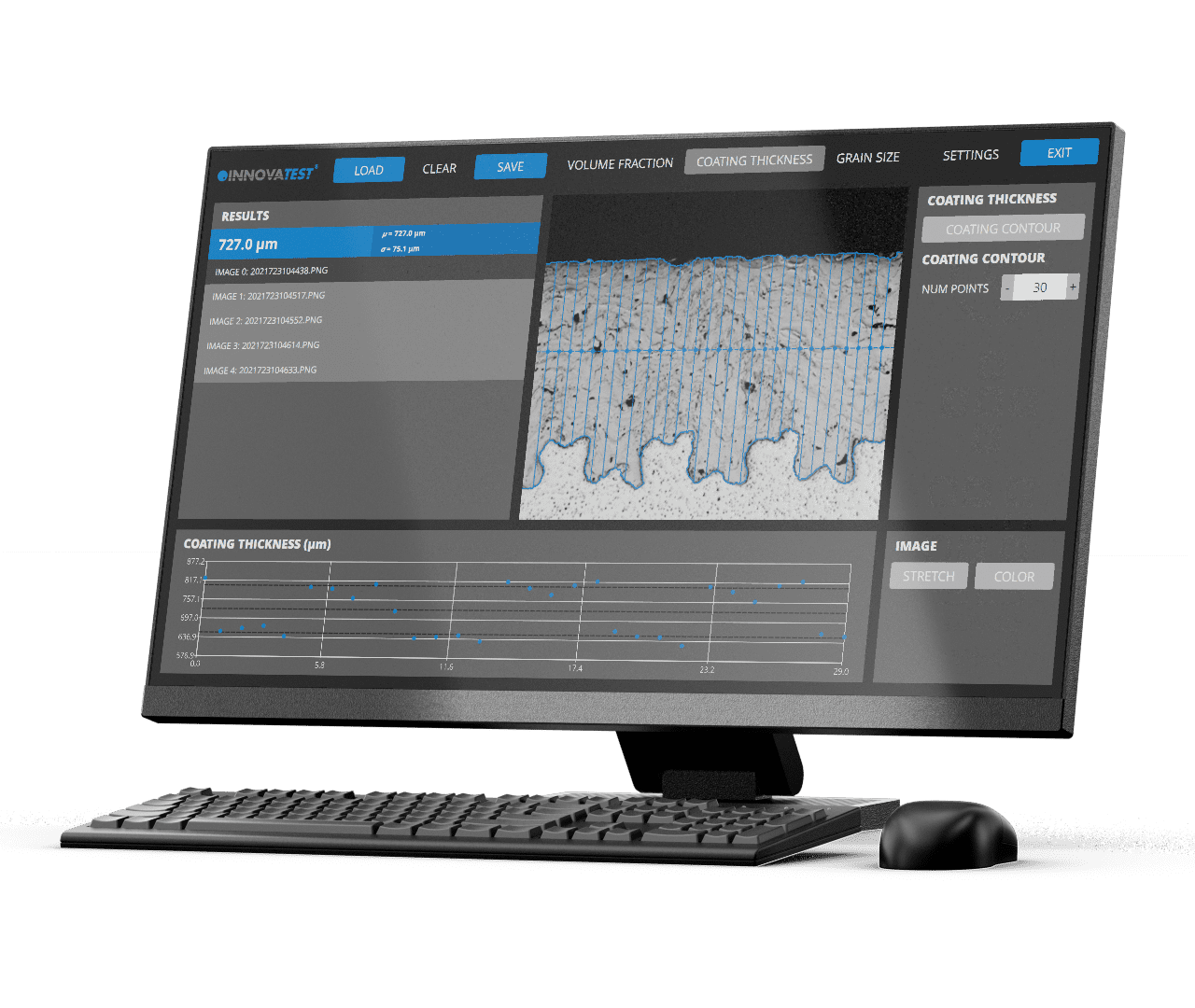
Metalloscope™
Metallography is used to investigate metals from copper and titanium to iron, steel and alloys of every description. These investigations can now be performed quantitatively and reliably using the INNOVATEST Metalloscope™ 1 software module, running on most of our higher-end hardness testing machines*. *(features of Metalloscope™ 1 software depend on the particular tester model).
The microstructure of metals has a significant influence on properties such as strength and corrosion resistance. Therefore, a detailed investigation of the microstructure with the help of microscopy is central to metallographical disciplines as well as many industrial applications.
Metalloscope™
Metallography is used to investigate metals from copper and titanium to iron, steel and alloys of every description. These investigations can now be performed quantitatively and reliably using the INNOVATEST Metalloscope™ 1 software module, running on most of our higher-end hardness testing machines*. *(features of Metalloscope™ 1 software depend on the particular tester model).
The microstructure of metals has a significant influence on properties such as strength and corrosion resistance. Therefore, a detailed investigation of the microstructure with the help of microscopy is central to metallographical disciplines as well as many industrial applications.
Metalloscope™
La métallographie est utilisée pour étudier les métaux, du cuivre et du titane au fer, à l’acier et aux alliages de toutes sortes. Ces investigations peuvent désormais être réalisées de manière quantitative et fiable à l’aide du module logiciel INNOVATEST Metalloscope™, fonctionnant sur la plupart de nos machines d’essai de dureté haut de gamme*.
*(les caractéristiques du logiciel Metalloscope™ dépendent du modèle de duromètre).
La microstructure des métaux a une influence significative sur les propriétés telles que la solidité et la résistance à la corrosion. Par conséquent, une étude détaillée de la microstructure à l’aide de la microscopie est essentielle pour les disciplines métallographiques ainsi que pour de nombreuses applications industrielles.
Metalloscope™
Die Metallographie wird zur Untersuchung von Metallen von Kupfer und Titan bis hin zu Eisen, Stahl und Legierungen jeglicher Art eingesetzt. Diese Untersuchungen können nun quantitativ und zuverlässig mit dem INNOVATEST Metalloscope™ 1 Softwaremodul durchgeführt werden, das auf den meisten unserer hochwertigen Härteprüfmaschinen* läuft.
*Die Funktionen der Metalloscope™ 1 Software hängen vom jeweiligen Prüfermodell ab.
Die Mikrostruktur von Metallen hat einen erheblichen Einfluss auf Eigenschaften wie Festigkeit und Korrosionsbeständigkeit. Daher ist die detaillierte Untersuchung der Mikrostruktur mit Hilfe der Mikroskopie sowohl in metallographischen Disziplinen als auch in vielen industriellen Anwendungen von zentraler Bedeutung.
Metalloscope™
Metallography is used to investigate metals from copper and titanium to iron, steel and alloys of every description. These investigations can now be performed quantitatively and reliably using the INNOVATEST Metalloscope™ 1 software module, running on most of our higher-end hardness testing machines*. *(features of Metalloscope™ 1 software depend on the particular tester model).
The microstructure of metals has a significant influence on properties such as strength and corrosion resistance. Therefore, a detailed investigation of the microstructure with the help of microscopy is central to metallographical disciplines as well as many industrial applications.
Metalloscope™
Metallography is used to investigate metals from copper and titanium to iron, steel and alloys of every description. These investigations can now be performed quantitatively and reliably using the INNOVATEST Metalloscope™ 1 software module, running on most of our higher-end hardness testing machines*. *(features of Metalloscope™ 1 software depend on the particular tester model).
The microstructure of metals has a significant influence on properties such as strength and corrosion resistance. Therefore, a detailed investigation of the microstructure with the help of microscopy is central to metallographical disciplines as well as many industrial applications.
Metalloscope™
Metallography is used to investigate metals from copper and titanium to iron, steel and alloys of every description. These investigations can now be performed quantitatively and reliably using the INNOVATEST Metalloscope™ 1 software module, running on most of our higher-end hardness testing machines*. *(features of Metalloscope™ 1 software depend on the particular tester model).
The microstructure of metals has a significant influence on properties such as strength and corrosion resistance. Therefore, a detailed investigation of the microstructure with the help of microscopy is central to metallographical disciplines as well as many industrial applications.
Metalloscope™
A metalografia é utilizada para pesquisar metais desde cobre e titânio até ferro, aço e ligas de qualquer descrição. Estas pesquisas podem agora ser realizadas quantitativamente e de forma confiável usando o módulo de software INNOVATEST Metalloscope™ 1, instalado na maioria de nossas máquinas de teste de dureza* de alta qualidade. *(as funcionalidades do software Metalloscope™ 1 dependem do modelo específico do testador).
A microestrutura dos metais tem uma influência significativa em propriedades como a resiliência e a resistência à corrosão. Portanto, uma pesquisa detalhada da microestrutura com a ajuda da microscopia é fundamental para as disciplinas metalográficas, assim como para muitas aplicações industriais.
Metalloscope™
علم المعادن يستخدم لفحص المعادن من النحاس والتيتانيوم إلى الحديد والصلب والسبائك من كل النواحي. يمكن الآن إجراء هذه التحقيقات كميًا وبشكل موثوق باستخدام وحدة برنامج INNOVATEST Metalloscope ™ 1، والتي تعمل على معظم آلات اختبار الصلابة المتطورة لدينا *. *(تعتمد ميزات برنامج Metalloscope ™ 1 على طراز المختبر المحدد).
للبنية المجهرية للمعادن تأثير كبير على خصائص مثل القوة ومقاومة التآكل. لذلك، يُعد إجراء تحقيق مفصل للبنية المجهرية بمساعدة الفحص المجهري أمرًا أساسيًا للتخصصات المعدنية بالإضافة إلى العديد من التطبيقات الصناعية.
Metalloscope™
Metallography is used to investigate metals from copper and titanium to iron, steel and alloys of every description. These investigations can now be performed quantitatively and reliably using the INNOVATEST Metalloscope™ 1 software module, running on most of our higher-end hardness testing machines*. *(features of Metalloscope™ 1 software depend on the particular tester model).
The microstructure of metals has a significant influence on properties such as strength and corrosion resistance. Therefore, a detailed investigation of the microstructure with the help of microscopy is central to metallographical disciplines as well as many industrial applications.
Metalloscope™
A metalografia é utilizada para pesquisar metais desde cobre e titânio até ferro, aço e ligas de qualquer descrição. Estas pesquisas podem agora ser realizadas quantitativamente e de forma confiável usando o módulo de software INNOVATEST Metalloscope™ 1, instalado na maioria de nossas máquinas de teste de dureza* de alta qualidade. *(as funcionalidades do software Metalloscope™ 1 dependem do modelo específico do testador).
A microestrutura dos metais tem uma influência significativa em propriedades como a resiliência e a resistência à corrosão. Portanto, uma pesquisa detalhada da microestrutura com a ajuda da microscopia é fundamental para as disciplinas metalográficas, assim como para muitas aplicações industriais.
振動・温度・湿度
統合された高精度加速度センサー電子機器が、常にテスターの設置環境の安定性を監視します。テスターには振動アイソレーター(機械用ダンパー)が装備されていますが、設置環境が理想的でない場合も少なくありません。例えば、激しい交通、積載されたフォークリフト、エキセンタープレス、その他の機械設備による振動など、工場フロアでの設置はトラブルの原因になりがちです。
また、世界の一部の地域では軽い地震が日常的に発生し、人間がほとんど感じない場合もありますが、そのようなときでも振動監視システムが警告メッセージを出し、硬さ試験を一時停止して誤った測定を防ぎます。
極端に高温または低温の環境では、硬さ測定の結果に影響を与える可能性があります(非常に暑い国や炉の近くに設置される場合など)。さらに、極端な湿度はデリケートな電子機器を損傷するおそれがあります。
そのため、当社では振動・温度・湿度の監視機能をご用意しています。
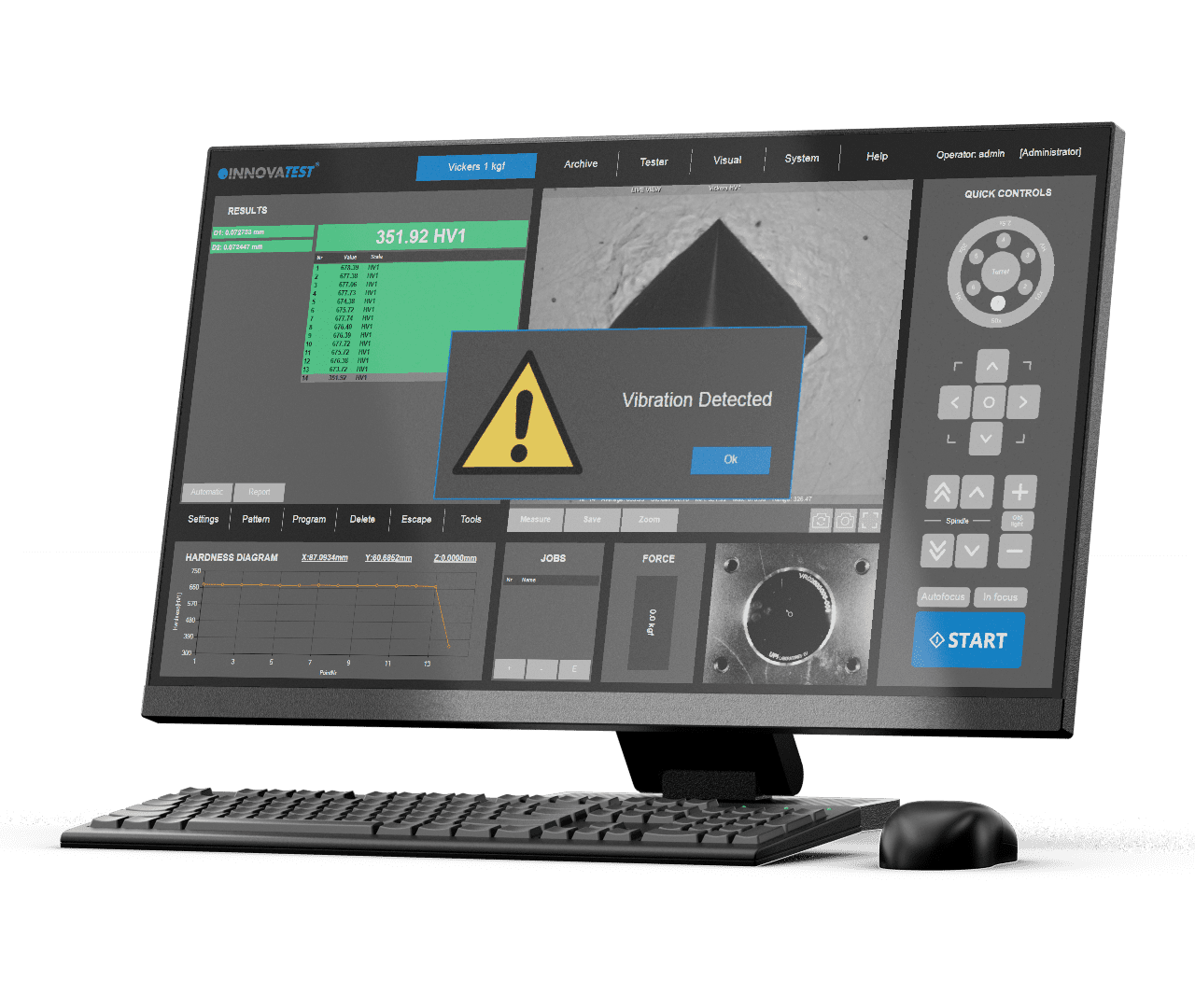
Vibration, Temperature & Humidity
The integrated high precision accelerometer electronics continuously monitor your tester’s stability environment. While the tester has vibration isolators (machine dampers) installation environment is often not ideal. Think of heavy traffic, loaded fork lift trucks, excentre presses or other equipment making shop floor installation a base of trouble.
For certain countries/areas in the world where light earthquakes are so common that they are hardly noticed, the vibration monitoring system will give a warning message and stop the hardness testing process to avoid incorrect readings.
Extreme high or low temperatures might not only affect the hardness readings of your machine (think of installation in extremely warm countries or nearby furnaces) extreme humidity might even damage the sensitive electronics. That’s why we offer vibration, temperature and humidity monitoring.
Vibration, Temperature & Humidity
The integrated high precision accelerometer electronics continuously monitor your tester’s stability environment. While the tester has vibration isolators (machine dampers) installation environment is often not ideal. Think of heavy traffic, loaded fork lift trucks, excentre presses or other equipment making shop floor installation a base of trouble.
For certain countries/areas in the world where light earthquakes are so common that they are hardly noticed, the vibration monitoring system will give a warning message and stop the hardness testing process to avoid incorrect readings.
Extreme high or low temperatures might not only affect the hardness readings of your machine (think of installation in extremely warm countries or nearby furnaces) extreme humidity might even damage the sensitive electronics. That’s why we offer vibration, temperature and humidity monitoring.
Vibration, Temperature & Humidity
The integrated high precision accelerometer electronics continuously monitor your tester’s stability environment. While the tester has vibration isolators (machine dampers) installation environment is often not ideal. Think of heavy traffic, loaded fork lift trucks, excentre presses or other equipment making shop floor installation a base of trouble.
For certain countries/areas in the world where light earthquakes are so common that they are hardly noticed, the vibration monitoring system will give a warning message and stop the hardness testing process to avoid incorrect readings.
Extreme high or low temperatures might not only affect the hardness readings of your machine (think of installation in extremely warm countries or nearby furnaces) extreme humidity might even damage the sensitive electronics. That’s why we offer vibration, temperature and humidity monitoring.
VIBRATION, TEMPÉRATURE & HUMIDITÉ
L’accéléromètre électronique intégré de haute précision surveille en permanence la stabilité de l’environnement duromètre. Bien que l’appareil soit équipé d’isolateurs de vibrations (amortisseurs de machine), l’environnement d’installation n’est souvent pas idéal. Pensez à la circulation intense, aux chariots élévateurs chargés, aux presses à excentrique ou à d’autres équipements qui font de l’installation en atelier une base de problèmes.
Dans certains pays ou régions du monde où les tremblements de terre légers sont si fréquents qu’on les remarque à peine, le système de surveillance des vibrations émet un message d’avertissement et interrompt le processus d’essai de dureté afin d’éviter les mesures erronées.
Des températures extrêmement élevées ou basses peuvent non seulement affecter les mesures de dureté de votre machine (pensez à une installation dans des pays extrêmement chauds ou à proximité de fours), mais l’humidité extrême peut même endommager les composants électroniques sensibles. C’est pourquoi nous proposons une surveillance des vibrations, de la température et de l’humidité.
Vibration, Temperatur & Luftfeuchtigkeit
Die integrierte Hochpräzisions-Beschleunigungsmesser-Elektronik überwacht kontinuierlich die Stabilität der Umgebung Ihres Prüfers. Auch wenn der Prüfer über Vibrationsisolatoren (Maschinendämpfer) verfügt, ist die Installationsumgebung oft nicht ideal. Denken Sie an starken Verkehr, beladene Gabelstapler, Exzenterpressen oder andere Geräte, die die Installation auf dem Werkstattboden problematisch machen können.
In bestimmten Ländern oder Regionen der Welt, in denen leichte Erdbeben so häufig auftreten, dass sie kaum bemerkt werden, gibt das Vibrationsüberwachungssystem eine Warnmeldung aus und stoppt den Härteprüfprozess, um fehlerhafte Messergebnisse zu vermeiden.
Extreme hohe oder niedrige Temperaturen können nicht nur die Härtewerte Ihrer Maschine beeinflussen (denken Sie an die Installation in sehr warmen Ländern oder in der Nähe von Öfen), extreme Luftfeuchtigkeit kann sogar die empfindliche Elektronik beschädigen. Deshalb bieten wir Überwachung von Vibrationen, Temperatur und Luftfeuchtigkeit an.
Vibration, Temperature & Humidity
The integrated high precision accelerometer electronics continuously monitor your tester’s stability environment. While the tester has vibration isolators (machine dampers) installation environment is often not ideal. Think of heavy traffic, loaded fork lift trucks, excentre presses or other equipment making shop floor installation a base of trouble.
For certain countries/areas in the world where light earthquakes are so common that they are hardly noticed, the vibration monitoring system will give a warning message and stop the hardness testing process to avoid incorrect readings.
Extreme high or low temperatures might not only affect the hardness readings of your machine (think of installation in extremely warm countries or nearby furnaces) extreme humidity might even damage the sensitive electronics. That’s why we offer vibration, temperature and humidity monitoring.
Vibration, Temperature & Humidity
The integrated high precision accelerometer electronics continuously monitor your tester’s stability environment. While the tester has vibration isolators (machine dampers) installation environment is often not ideal. Think of heavy traffic, loaded fork lift trucks, excentre presses or other equipment making shop floor installation a base of trouble.
For certain countries/areas in the world where light earthquakes are so common that they are hardly noticed, the vibration monitoring system will give a warning message and stop the hardness testing process to avoid incorrect readings.
Extreme high or low temperatures might not only affect the hardness readings of your machine (think of installation in extremely warm countries or nearby furnaces) extreme humidity might even damage the sensitive electronics. That’s why we offer vibration, temperature and humidity monitoring.
Vibration, Temperature & Humidity
The integrated high precision accelerometer electronics continuously monitor your tester’s stability environment. While the tester has vibration isolators (machine dampers) installation environment is often not ideal. Think of heavy traffic, loaded fork lift trucks, excentre presses or other equipment making shop floor installation a base of trouble.
For certain countries/areas in the world where light earthquakes are so common that they are hardly noticed, the vibration monitoring system will give a warning message and stop the hardness testing process to avoid incorrect readings.
Extreme high or low temperatures might not only affect the hardness readings of your machine (think of installation in extremely warm countries or nearby furnaces) extreme humidity might even damage the sensitive electronics. That’s why we offer vibration, temperature and humidity monitoring.
Vibração, temperatura e umidade
O acelerômetro eletrônico integrado de alta precisão monitora continuamente o ambiente de estabilidade de seu testador. Enquanto o testador possui isoladores de vibração (amortecedores de máquina), o ambiente da instalação muitas vezes não é o ideal. Pense no tráfego pesado, empilhadeiras carregadas, prensas ou outros equipamentos que fazem da instalação no chão uma fonte de problemas.
Para certos países/áreas do mundo onde os terremotos leves são tão comuns que quase não são notados, o sistema de monitoramento de vibrações dará uma mensagem de aviso e interromperá o processo de teste de dureza para evitar leituras incorretas.
Temperaturas extremas altas ou baixas podem não só afetar as leituras de dureza de sua máquina (pense na instalação em países extremamente quentes ou em fornos próximos), mas a umidade extrema pode até mesmo danificar componentes eletrônicos sensíveis. É por isso que oferecemos monitoramento de vibração, temperatura e umidade.
الاهتزازات ودرجة الحرارة والرطوبة
تراقب إلكترونيات مقياس التسارع المتكاملة عالية الدقة بيئة استقرار المختبر باستمرار. في حين أن جهاز الاختبار يحتوي على عوازل اهتزاز (مخمدات الآلة)، فإن بيئة التثبيت ليست مثالية في كثير من الأحيان. فكر في حركة المرور الكثيفة، أو شاحنات الرفع الشوكية المحملة، أو مكابس الإكسنتر أو غيرها من المعدات التي تجعل تركيب أرض المتجر أساسًا للمشاكل.
بالنسبة إلى بلدان/مناطق معينة في العالم حيث تكون الزلازل الخفيفة شائعة جدًا بحيث يصعب ملاحظتها، سيعطي نظام مراقبة الاهتزازات رسالة تحذير ويوقف عملية اختبار الصلابة لتجنب القراءات غير الصحيحة.
قد لا تؤثر درجات الحرارة المرتفعة أو المنخفضة للغاية على قراءات صلابة جهازك فقط (فكر في التركيب في البلدان شديدة الحرارة أو في الأفران القريبة) قد تؤدي الرطوبة الشديدة إلى إتلاف الأجهزة الإلكترونية الحساسة. لهذا السبب نقدم خدمة مراقبة الاهتزازات ودرجة الحرارة والرطوبة.
Vibração, temperatura e umidade
O acelerômetro eletrônico integrado de alta precisão monitora continuamente o ambiente de estabilidade de seu testador. Enquanto o testador possui isoladores de vibração (amortecedores de máquina), o ambiente da instalação muitas vezes não é o ideal. Pense no tráfego pesado, empilhadeiras carregadas, prensas ou outros equipamentos que fazem da instalação no chão uma fonte de problemas.
Para certos países/áreas do mundo onde os terremotos leves são tão comuns que quase não são notados, o sistema de monitoramento de vibrações dará uma mensagem de aviso e interromperá o processo de teste de dureza para evitar leituras incorretas.
Temperaturas extremas altas ou baixas podem não só afetar as leituras de dureza de sua máquina (pense na instalação em países extremamente quentes ou em fornos próximos), mas a umidade extrema pode até mesmo danificar componentes eletrônicos sensíveis. É por isso que oferecemos monitoramento de vibração, temperatura e umidade.
バーコード | QRコード
バーコードリーダーの基本的な機能は、指定されたユーザーフィールドにデータを読み込むことです。INNOVATESTのバーコード | QRコードモジュールは、試験機をデータベースやネットワーク環境に接続し、サンプルやデータを読み込みます。
ヘッダーファイルの単純な挿入(単一または連番)から、読み取り装置を完全に統合してデータベーステンプレートを自動選択したり、接続されたERPや品質管理システムからデータを取得したりする(オプション)まで、QRコードおよびバーコードリーダーはオペレーターの複雑な作業手順を簡素化します。
スキャナーは顧客データをすべて硬さ試験機に読み込み、試験結果が該当する試験レポート用データベースに自動的に記録されることを保証します。
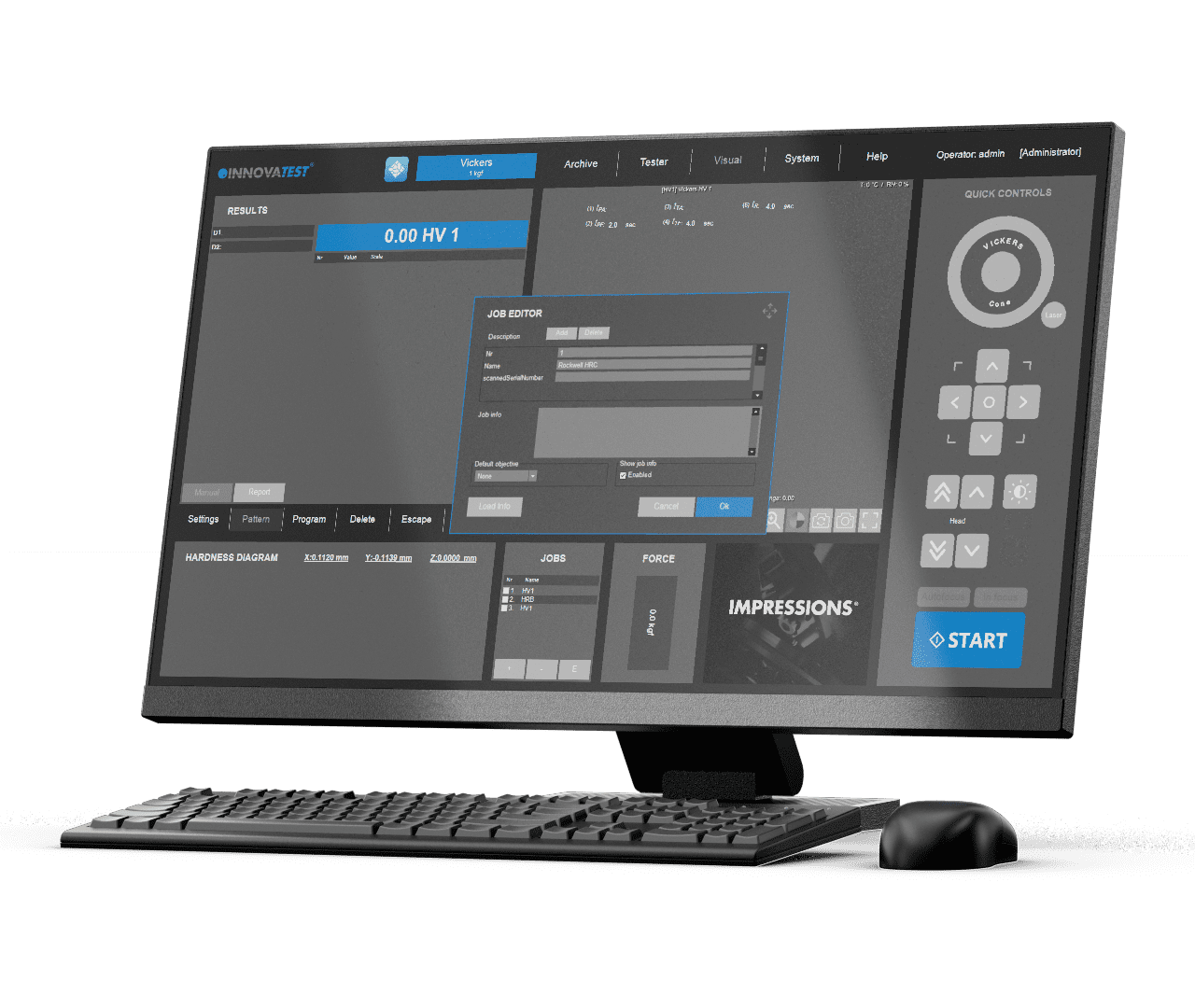
BAR | QR code
The basic function of the barcode reader is to load data in to determined user fields. The BAR | QR code module of INNOVATEST connects the machine to a database or network environment loading samples and data.
Whether simply inserting header files (single or serial) or the complete integration of reading devices for the automatic selection of database templates, retrieving data from connected ERP or quality systems (optional) QR and barcode readers simplify complicated work procedures for the operator. The scanner loads all customer data in the hardness testing machine and assures that the testing outcome is included in the particular test report database, fully automatic.
BAR | QR code
The basic function of the barcode reader is to load data in to determined user fields. The BAR | QR code module of INNOVATEST connects the machine to a database or network environment loading samples and data.
Whether simply inserting header files (single or serial) or the complete integration of reading devices for the automatic selection of database templates, retrieving data from connected ERP or quality systems (optional) QR and barcode readers simplify complicated work procedures for the operator. The scanner loads all customer data in the hardness testing machine and assures that the testing outcome is included in the particular test report database, fully automatic.
CODE-BARRE | QR CODE
La fonction de base du lecteur de code-barres est de charger des données dans des champs utilisateur déterminés. Le module Code-Barre | QR code d’INNOVATEST permet de connecter la machine à une base de données ou à un réseau pour charger des échantillons et des données.
Qu’il s’agisse de la simple insertion de fichiers d’en-tête (simples ou en série) ou de l’intégration complète de dispositifs de lecture pour la sélection automatique de modèles de base de données, de la récupération de données à partir de systèmes ERP ou de qualité connectés (en option), les lecteurs de QR codes et de codes-barres simplifient les procédures de travail compliquées pour l’opérateur. Le scanner charge toutes les données du client dans le duromètre et s’assure que le résultat de l’essai est inclus dans la base de données du rapport d’essai, de manière entièrement automatique.
BAR | QR code
Die Grundfunktion des Barcodelesers besteht darin, Daten in vordefinierte Benutzerfelder zu laden. Das BAR | QR-Code Modul von INNOVATEST verbindet die Maschine mit einer Datenbank oder einer Netzwerkumgebung und lädt Proben- und Stammdaten.
Ob es sich nun um das einfache Einfügen von Header-Dateien (einzeln oder seriell) oder die vollständige Integration von Lesegeräten für die automatische Auswahl von Datenbankvorlagen handelt – das Abrufen von Daten aus angeschlossenen ERP- oder Qualitätssystemen (optional) vereinfacht QR- und Barcodelesern komplizierte Arbeitsabläufe für den Bediener.
Der Scanner lädt alle Kundendaten in die Härteprüfmaschine und stellt sicher, dass die Prüfergebnisse automatisch in der entsprechenden Testbericht-Datenbank erfasst werden.
BAR | QR code
The basic function of the barcode reader is to load data in to determined user fields. The BAR | QR code module of INNOVATEST connects the machine to a database or network environment loading samples and data.
Whether simply inserting header files (single or serial) or the complete integration of reading devices for the automatic selection of database templates, retrieving data from connected ERP or quality systems (optional) QR and barcode readers simplify complicated work procedures for the operator. The scanner loads all customer data in the hardness testing machine and assures that the testing outcome is included in the particular test report database, fully automatic.
BAR | QR code
The basic function of the barcode reader is to load data in to determined user fields. The BAR | QR code module of INNOVATEST connects the machine to a database or network environment loading samples and data.
Whether simply inserting header files (single or serial) or the complete integration of reading devices for the automatic selection of database templates, retrieving data from connected ERP or quality systems (optional) QR and barcode readers simplify complicated work procedures for the operator. The scanner loads all customer data in the hardness testing machine and assures that the testing outcome is included in the particular test report database, fully automatic.
BAR | QR code
The basic function of the barcode reader is to load data in to determined user fields. The BAR | QR code module of INNOVATEST connects the machine to a database or network environment loading samples and data.
Whether simply inserting header files (single or serial) or the complete integration of reading devices for the automatic selection of database templates, retrieving data from connected ERP or quality systems (optional) QR and barcode readers simplify complicated work procedures for the operator. The scanner loads all customer data in the hardness testing machine and assures that the testing outcome is included in the particular test report database, fully automatic.
BAR | QR code
The basic function of the barcode reader is to load data in to determined user fields. The BAR | QR code module of INNOVATEST connects the machine to a database or network environment loading samples and data.
Whether simply inserting header files (single or serial) or the complete integration of reading devices for the automatic selection of database templates, retrieving data from connected ERP or quality systems (optional) QR and barcode readers simplify complicated work procedures for the operator. The scanner loads all customer data in the hardness testing machine and assures that the testing outcome is included in the particular test report database, fully automatic.
Código de barras | QR
A função básica da leitora de códigos de barras é introduzir os dados em determinados campos do usuário. O módulo de código de BARRAS | QR do INNOVATEST conecta a máquina a um banco de dados ou ambiente de rede carregando amostras e dados.
Seja simplesmente inserindo arquivos de cabeçalho (simples ou em série) ou a integração completa de dispositivos de leitura para a seleção automática de modelos de banco de dados, recuperação de dados de ERP conectados ou sistemas de qualidade (opcional) QR e leitores de código de barras simplificam os complicados procedimentos de trabalho para o operador. A leitora carrega todos os dados do cliente na máquina de teste de dureza e assegura que o resultado do teste seja incluído no banco de dados de relatórios de teste específico, totalmente automático.
رمز الاستجابة السريعة
تتمثل الوظيفة الأساسية لقارئ الباركود في تحميل البيانات في حقول المستخدم المحددة. تقوم وحدة رمز الاستجابة السريعة الخاصة بـ INNOVATEST بتوصيل الجهاز بقاعدة بيانات أو بيئة شبكة تحميل عينات وبيانات.
سواء أكان مجرد إدخال ملفات رأس (مفردة أو تسلسلية) أو التكامل الكامل لأجهزة القراءة للاختيار التلقائي لقوالب قاعدة البيانات، أو استرداد البيانات من تخطيط موارد المؤسسات (ERP) المتصلة أو أنظمة الجودة (اختياري)، تعمل قارئات QR والباركود على تبسيط إجراءات العمل المعقدة للمشغل. يقوم الماسح الضوئي بتحميل جميع بيانات العملاء في آلة اختبار الصلابة ويؤكد أن نتيجة الاختبار مضمنة في قاعدة بيانات تقرير الاختبار الخاصة ، تلقائيًا بالكامل.
Código de barras | QR
A função básica da leitora de códigos de barras é introduzir os dados em determinados campos do usuário. O módulo de código de BARRAS | QR do INNOVATEST conecta a máquina a um banco de dados ou ambiente de rede carregando amostras e dados.
Seja simplesmente inserindo arquivos de cabeçalho (simples ou em série) ou a integração completa de dispositivos de leitura para a seleção automática de modelos de banco de dados, recuperação de dados de ERP conectados ou sistemas de qualidade (opcional) QR e leitores de código de barras simplificam os complicados procedimentos de trabalho para o operador. A leitora carrega todos os dados do cliente na máquina de teste de dureza e assegura que o resultado do teste seja incluído no banco de dados de relatórios de teste específico, totalmente automático.
Prüfmuster-Editor
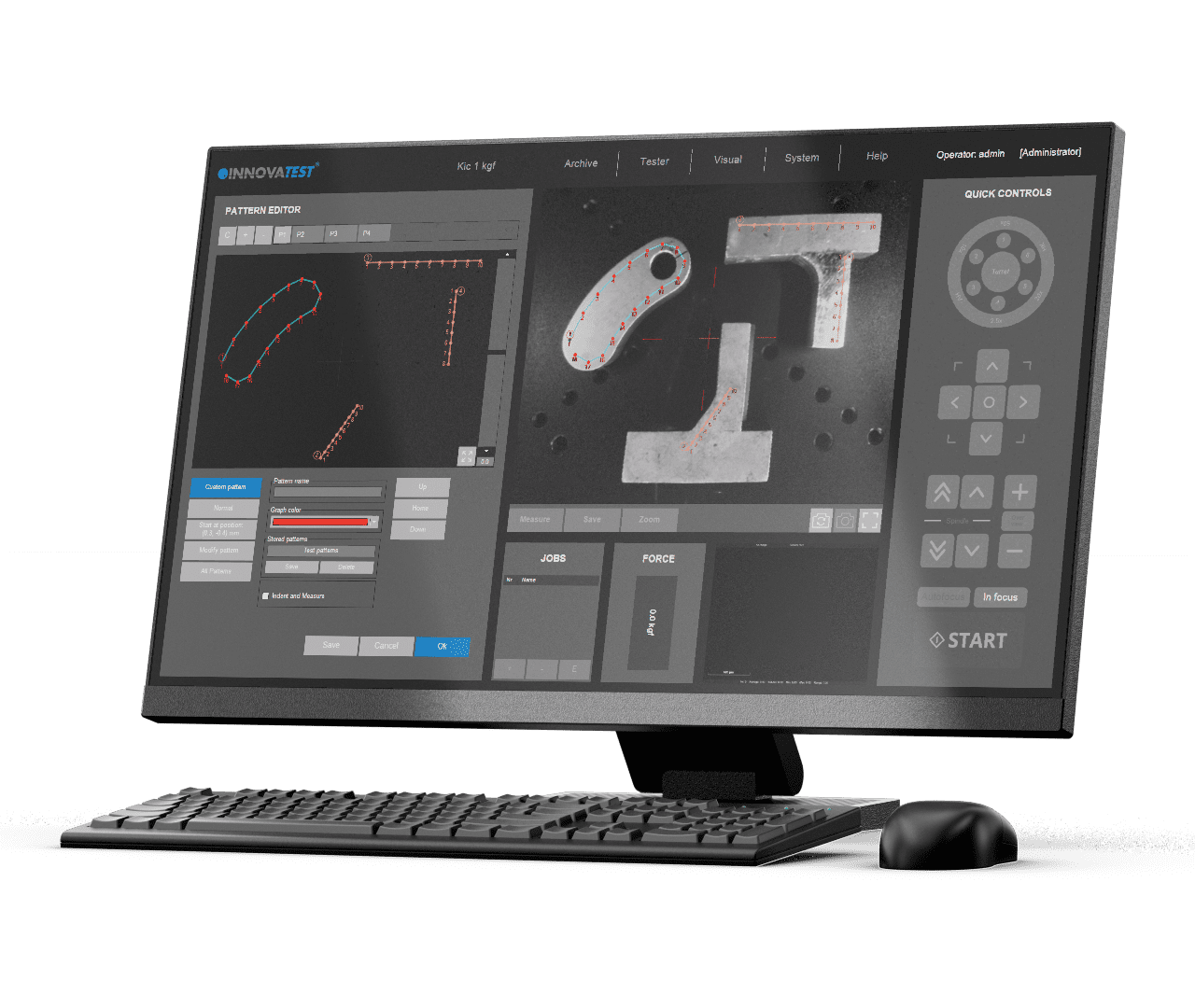
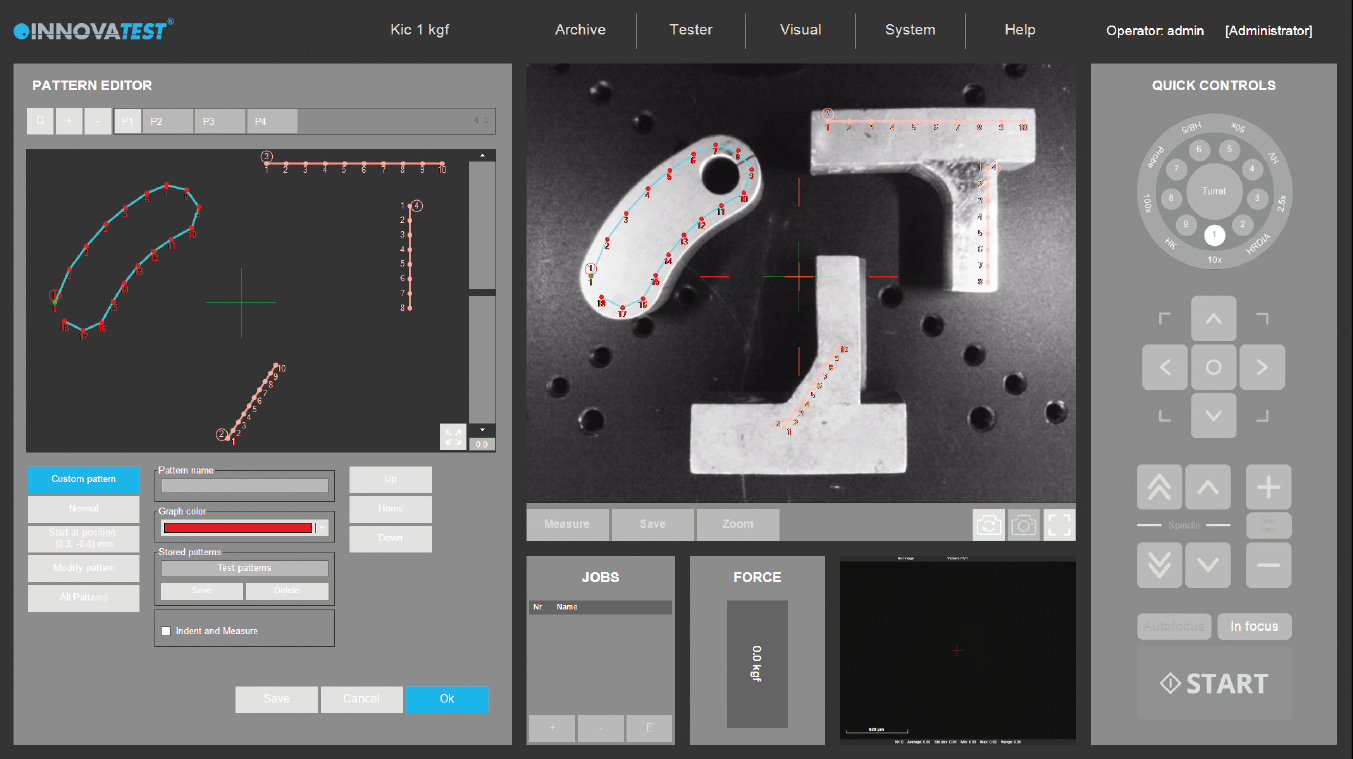
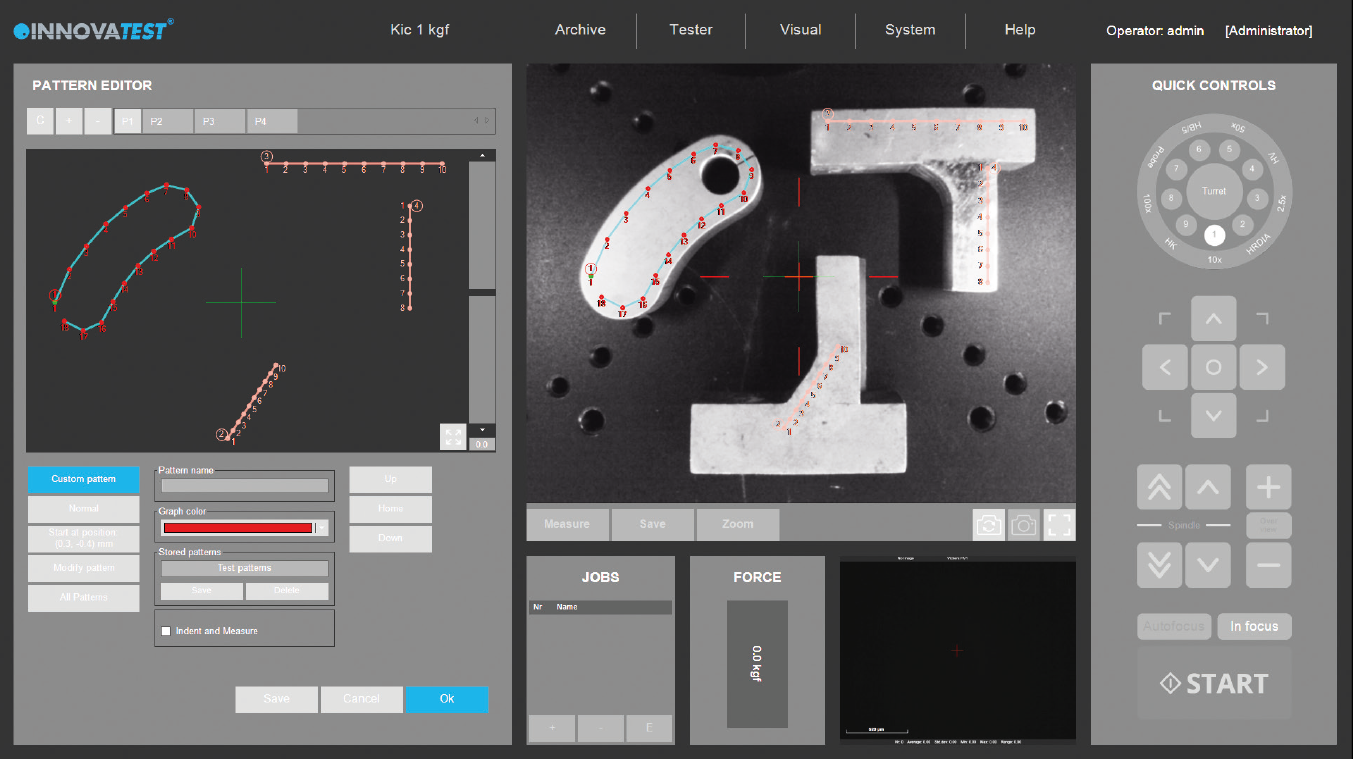
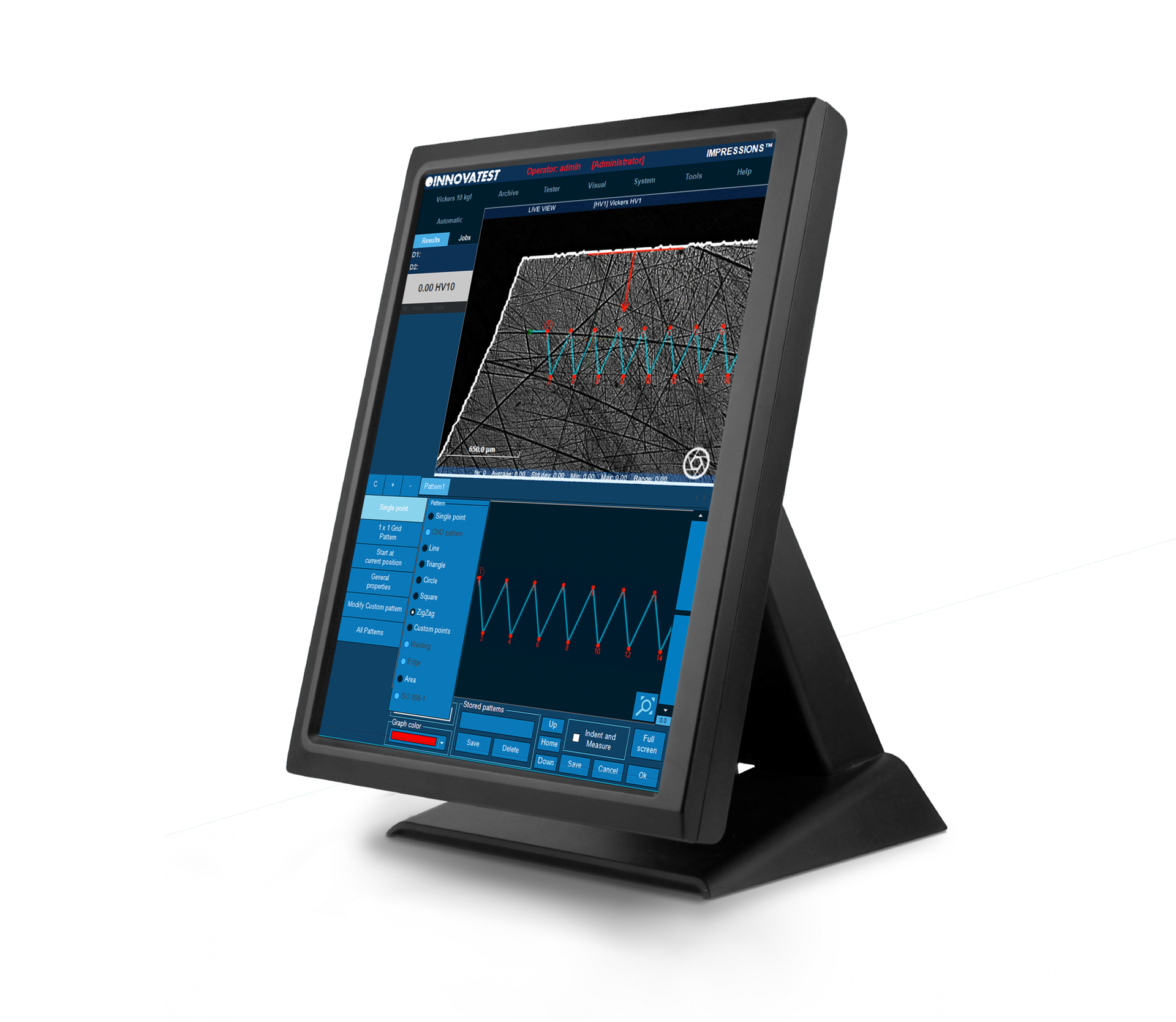
Der IMPRESSIONS™ Prüfmuster-Editor ermöglicht dem Nutzer die Erstellung einer unbegrenzten Anzahl von Prüfmustern mit einer großen Anzahl variabler Einstellung. Erstellen Sie Prüfmuster mit hoher Präzision und absoluten Freiheitsgraden. Kopieren & Einfügen eines Musters für den nächsten Prüfvorgang gehören zur typischen Nutzung.
Die Technik der Live-Ansichten und ein stufenlos arbeitender Übersichts-Zoom erübrigen das Verschmelzen (Stitching) von Mehrfachbildern. Kombinieren Sie verschiedene Prüfmuster-Vorlagen und kombinieren Sie diese mit differenten Prüflasten in einer gemeinsamen Sequenz. Alle Prüfeindrücke können individuell gekennzeichnet werden oder mit Bemerkungen versehen werden. Die Anmerkung wird in den Ergebnissen, in der Übersichts-Ansicht und im Ausdruck dargestellt – eine wichtige Funktion für z. B. Erstmuster-Berichte oder Schadensanalysen.
SZABLON POMIAROWY
Edytor szablonów IMPRESSIONS™ pozwala użytkownikowi na tworzenie dowolnej liczby szablonów pomiarowych z dużą liczbą zmiennych ustawień. Z wielką precyzją i swobodą twórz szablony pomiarowe. Sprawdzaj ustawienia w trybie podglądu. Przenoś szablony z jednej próbki pomiarowej na drugą za pomocą funkcji ‘przeciągnij i upuść’. Technika podglądu na żywo przez kamerę z zoomem, bez konieczności łączenia obrazu (image stitching).
Połącz różne szablony, a nawet różne siły pomiaru w jeden program i uruchom je w pełni automatycznie. Wszystkie punkty pomiarowe mogą być identyfikowane indywidualnie lub według specyfikacji klienta. Etykieta jest wyświetlana zarówno na liście wyników pomiaru jak i w przeglądzie wyników badań oraz na wydruku wyników. Ważna funkcja dla analiz próbek pod koniec pomiaru i w przyszłości celem przeglądu poprzednich pomiarów.
Test Pattern
Met de IMPRESSIONS ™ -sjablooneditor kan de gebruiker een willekeurig aantal meetsjablonen maken met een groot aantal variabele instellingen. Maak meetsjablonen met grote precisie en gemak. Controleer de instellingen in de voorbeeldmodus. Breng sjablonen over van het ene proefstuk naar het andere met de functie ‘slepen en neerzetten’. De techniek van live view door de camera met zoom, zonder de afbeelding te hoeven combineren (image stitching).
Combineer verschillende sjablonen en zelfs verschillende meetkrachten in één programma en laat ze volledig automatisch draaien. Alle meetpunten kunnen afzonderlijk of volgens klantspecificatie worden geïdentificeerd. Het label wordt zowel in de lijst met meetresultaten als in de beoordeling van testresultaten en op de afdruk van resultaten weergegeven. Belangrijke functie voor het analyseren van monsters aan het einde van de meting en in de toekomst om eerdere metingen te beoordelen.
PATRÓN DE ENSAYO
El editor de patrones de IMPRESSIONS™ le permite al usuario crear cualquier número de patrones de ensayo con un gran número de ajustes de variables, crear patrones de ensayo con gran precisión y libertad, verificar los ajustes en el modo de vista previa, así como arrastrar y soltar los patrones desde una muestra de ensayo a otra. La función de vista en vivo por medio de la cámara de vista general de zoom, no requiere la unión de imágenes.
Combine diferentes patrones e incluso diferentes cargas de ensayo en un programa, y ejecútelos de forma automática totalmente. Todos los puntos de prueba pueden ser identificados individualmente o según las especificaciones del cliente. La etiqueta se muestra en la lista de resultados de la prueba y en la vista general de los resultados de la prueba y en la impresión de los resultados. Una función importante para el análisis de muestras al final de un ensayo y en el futuro para la revisión de ensayos anteriores.
Padrão de testes
O editor de modelos IMPRESSIONS™ permite ao usuário criar qualquer número de modelos de medição com um grande número de configurações variáveis. Crie modelos de medição com grande precisão e facilidade. Verifique as configurações no modo de visualização. Transfira os modelos de medição de uma amostra para outra usando a função “arrastar e soltar”. A técnica de visualização ao vivo através da câmera com zoom, sem ter que combinar a imagem (costura da imagem).
Combine diferentes modelos e até mesmo diferentes forças de medição em um único programa e execute-os automaticamente. Todos os pontos de medição podem ser identificados individualmente ou de acordo com as especificações do cliente. A etiqueta é exibida tanto na lista de resultados de medição como na revisão dos resultados de testes e na impressão dos resultados. Esta é uma função importante para a análise de amostras no final da medição e no futuro para a revisão de medições anteriores.
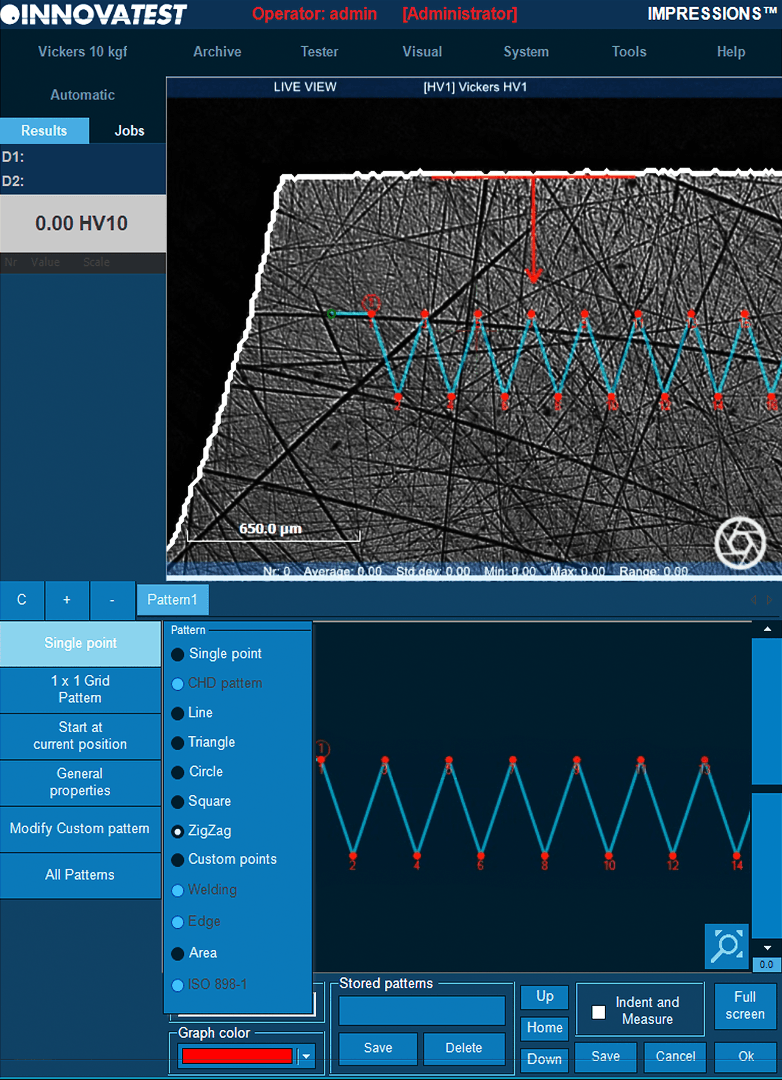

Modèles d’essais
L’éditeur de modèles d’essais IMPRESSIONS™ permet à l’utilisateur de créer plusieurs modèles d’essais avec un grand nombre de paramètres variables. Créer des modèles d’essais avec une grande précision en toute liberté. Vérifier les paramètres en mode aperçu. Glisser et déposer les modèles d’un échantillon d’essai sur un autre échantillon. Technique de vision en direct avec caméra zoom vue d’ensemble, pas d’assemblage d’images.
Combiner différents modèles, voire différentes forces d’essais en un programme, et l’exécuter de manière entièrement automatique. Les points d’essais peuvent être identifiés séparément ou selon les spécifications du client. L’étiquette figure dans la liste des résultats d’essais et dans l’aperçu des résultats d’essais ainsi que dans l’impression des résultats. Fonction importante pour analyser les échantillons en fin d’essai et dans le futur pour examiner les essais précédents.
نمط الاختبار
يسمح محرر قالب IMPRESSIONS ™ للمستخدم بإنشاء أي عدد من قوالب القياس مع عدد كبير من الإعدادات المتغيرة. قم بإنشاء قوالب قياس بدقة كبيرة وسهولة. تحقق من الإعدادات في وضع المعاينة. نقل النماذج من عينة قياس إلى أخرى باستخدام وظيفة “السحب والإفلات”. تقنية العرض المباشر من خلال الكاميرا مع التقريب، بدون الحاجة إلى دمج الصورة (خياطة الصورة).
اجمع بين القوالب المختلفة وحتى قوى القياس المختلفة في برنامج واحد وقم بتشغيلها تلقائيًا بالكامل. يمكن تحديد جميع نقاط القياس بشكل فردي أو وفقًا لمواصفات العميل. يتم عرض الملصق في كل من قائمة نتائج القياس وفي مراجعة نتائج الاختبار وفي النسخة المطبوعة من النتائج. وظيفة مهمة لتحليل العينات في نهاية القياس وفي المستقبل لمراجعة المقاسات
Test Pattern
The IMPRESSIONS ™ template editor allows the user to create any number of measurement templates with a large number of variable settings. Create measurement templates with great precision and ease. Check the settings in the preview mode. Transfer templates from one measurement sample to another using the ‘drag and drop’ function. The technique of live view through the camera with zoom, without having to combine the image (image stitching).
Combine different templates and even different measuring forces into one program and run them fully automatically. All measuring points can be identified individually or according to customer specifications. The label is displayed both in the list of measurement results and in the review of test results and on the printout of results. Important function for analyzing samples at the end of the measurement and in the future to review previous measurements.
テストパターン
IMPRESSIONS™ パターンエディタを使用すると、多くの設定を使用する事で任意のテストパターンを作成できます。作成したテストパターンは高精度かつ自由度があります。プレビューモードで設定を確認する事も可能です。あるテストサンプルから別のサンプルにパターンをドラッグ&ドロップします。ズームオーバービューカメラ上のライブビジョンにより、画像のステッチングを必要としません。
1つのプログラムでさまざまなパターンやさまざまなテストフォースを組み合わせ、完全に自動的に実行します。すべてのテストポイントは、ポイント別や、設定された仕様に基づいて識別できます。テスト結果リスト、テスト結果の概要、および結果印刷にはラベル表示されます。試験終了時および将来の過去の試験レビューにおける試料分析のための重要な機能です。
Padrão de testes
O editor de modelos IMPRESSIONS™ permite ao usuário criar qualquer número de modelos de medição com um grande número de configurações variáveis. Crie modelos de medição com grande precisão e facilidade. Verifique as configurações no modo de visualização. Transfira os modelos de medição de uma amostra para outra usando a função “arrastar e soltar”. A técnica de visualização ao vivo através da câmera com zoom, sem ter que combinar a imagem (costura da imagem).
Combine diferentes modelos e até mesmo diferentes forças de medição em um único programa e execute-os automaticamente. Todos os pontos de medição podem ser identificados individualmente ou de acordo com as especificações do cliente. A etiqueta é exibida tanto na lista de resultados de medição como na revisão dos resultados de testes e na impressão dos resultados. Esta é uma função importante para a análise de amostras no final da medição e no futuro para a revisão de medições anteriores.
测试模板
IMPRESSIONS™ 模板编辑器可供客户利用多种不同的设置来新建任意数量的测试模式。新建测试模式更为精确也更为方便。
在预览模式下,可浏览多种操作设置,可从一个试样上拖、放测试模式到另一个试样上。基于可变焦全景摄像头的现场视觉技术,全景视图可轻易获得,无需图像拼接。
在同一个测试任务中,可以混合使用不同的测试模板甚至可以应用不同的力值,并使他们全自动运行。所有测试点都可单独定义或根据用户参数定义。
这个标签将会在测试结果列表中或测试结果预览中显示,并能够直接打印,这对于之后的试样分析非常重要。
Modello Di Prova
L’editor di modelli IMPRESSIONS ™ consente all’utente di creare un numero qualsiasi di modelli di prova con una vasta gamma di impostazioni variabili. Crea modelli con grande precisione e libertà. Verifica le impostazioni nella modalità di anteprima. Funzione Drag & Drop di modelli da un campione di prova ad un altro. Tecnica di visione dal vivo su telecamera panoramica con zoom, nessuna cucitura dell’immagine richiesta.
Combina diversi modelli e persino diverse forze di prova in un singolo programma ed eseguilo in modo completamente automatico. Tutti i punti di prova possono essere identificati individualmente o secondo le specifiche del cliente. Può essere applicata un’etichetta che viene mostrata nell’elenco dei risultati, nella panoramica delle misure e nella stampa dei report. Una funzione importante per le analisi dei campioni dopo ogni prova o in futuro per la revisione dei risultati precedenti.
Immagine Composita
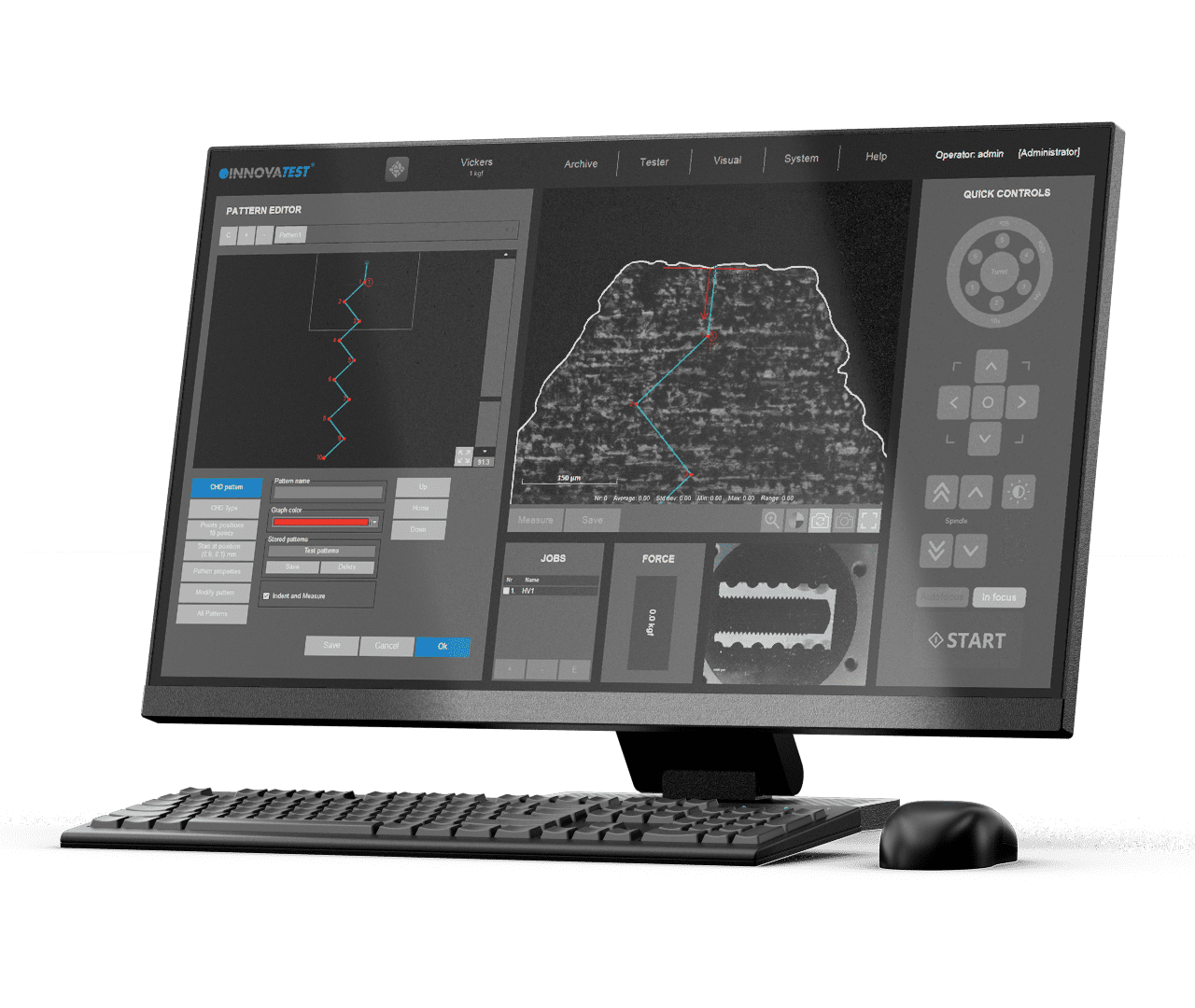
Qualora l’area da visualizzare dovesse essere più grande dell’area visibile tramite zoom, è possibile eseguire una scansione di più aree combinandole tra loro, per creare una panoramica completa della tavola o immagini dettagliate di aree più grandi di un campione di prova. Queste immagini (dettagliate) possono quindi essere utilizzate per riportare o definire le posizioni del modello di prova.
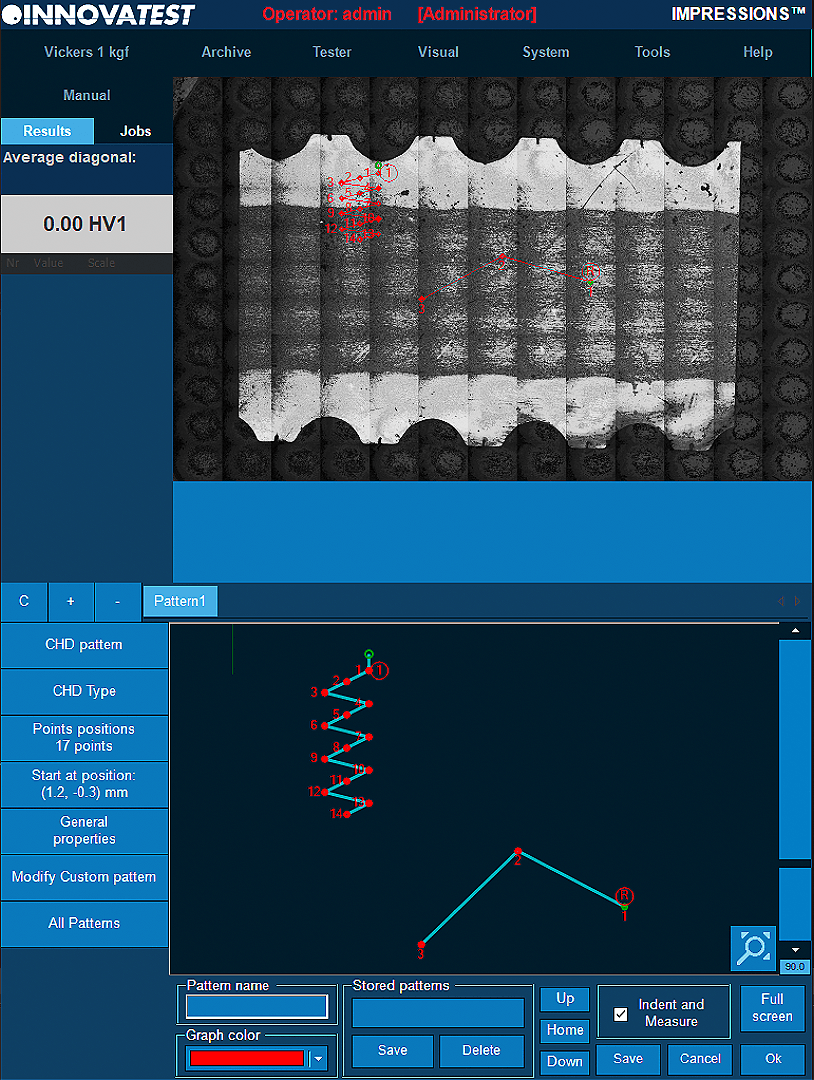
ŁĄCZENIE OBRAZÓW
Gdy obszar podglądu musi być większy niż zakres powiększenia, można wybrać funkcje skanowania i łączenia (stitching) w celu utworzenia pełnego podglądu lub szczegółowych obrazów większych obszarów próbki pomiarowej. Te (szczegółowe) obrazy mogą być następnie wykorzystane do raportowania lub definiowania lokalizacji szablonów pomiarowych.
Image Stitching
Zodra het weergavegebied groter moet zijn dan het zoombereik, kan “scanning and stitching” worden geselecteerd om een volledig overzicht of gedetailleerde afbeeldingen van grotere delen van een proefstuk te creëren. Deze (detail) afbeeldingen kunnen vervolgens worden gebruikt voor het rapporteren of definiëren van de testpatroonlocaties.
UNIÓN DE IMAGEN
Una vez que el campo visual necesita ser más grande que el rango del zoom, se puede seleccionar el escaneo y la unión para crear una vista general completa del escenario o imágenes detalladas de áreas más grandes de una muestra de ensayo. Estas imágenes en detalle pueden utilizarse entonces para informar o definir las ubicaciones de los patrones de ensayo.
Costura de imagens
Uma vez que a área de visualização precisa ser maior do que a faixa de zoom, a digitalização e a costura podem ser selecionadas para criar uma visão completa do estágio ou imagens detalhadas de áreas maiores de uma amostra de teste. Estas imagens (detalhadas) podem então ser usadas para relatar ou definir os locais do padrão de teste.
خياطة الصورة
بمجرد أن تحتاج منطقة العرض إلى أن تكون أكبر من نطاق التكبير/التصغير، يمكن تحديد المسح الضوئي والدرز لإنشاء نظرة عامة كاملة على المرحلة أو صور مفصلة لمناطق أكبر من عينة الاختبار. يمكن بعد ذلك استخدام هذه الصور (التفصيلية) للإبلاغ عن مواقع نمط الاختبار أو تحديدها.
Assemblage d’images
Si la zone de visualisation est plus grande que la portée du zoom, une analyse et un assemblage peuvent être sélectionnés pour créer un aperçu total ou des images détaillées de zones plus grandes d’un échantillon d’essai. Ces images (détaillées) peuvent ensuite servir à établir des rapports ou à définir l’emplacement des modèles d’essais.
画像ステッチング
表示領域をズーム範囲よりも大きくする必要がある場合は、スキャンおよびステッチングを選択して、試験サンプルの全体像またはより大きな領域の詳細画像を作成することができます。その後、取得した詳細なステッチングイメージを使用して、テストパターンの位置を確認または定義することができます。
Zusammenfügen von Bildern
Sollte einmal ein größer Bildausschnitt notwendig sein, der sich nicht mit der Übersichtskamera realisieren lässt, kann mit der Funktion „Scan & Stitch“ (Scannen und Zusammenfügen) eine Übersicht des gesamten Probentisches erstellt werden. Es lassen sich auch Detailansichten größerer Bereiche der Probe erstellen. Diese (Detail-) Abbildungen können dann für Berichte oder für die Festlegung von Prüfmusterpositionen verwendet werden.

Costura de imagens
Uma vez que a área de visualização precisa ser maior do que a faixa de zoom, a digitalização e a costura podem ser selecionadas para criar uma visão completa do estágio ou imagens detalhadas de áreas maiores de uma amostra de teste. Estas imagens (detalhadas) podem então ser usadas para relatar ou definir os locais do padrão de teste.
Image Stitching
Once the viewing area needs to be larger than the zoom range, scanning and stitching can be selected to create a full stage overview or detailed images of larger areas of a test sample. These (detailed) images can then be used for reporting or defining the test pattern locations.
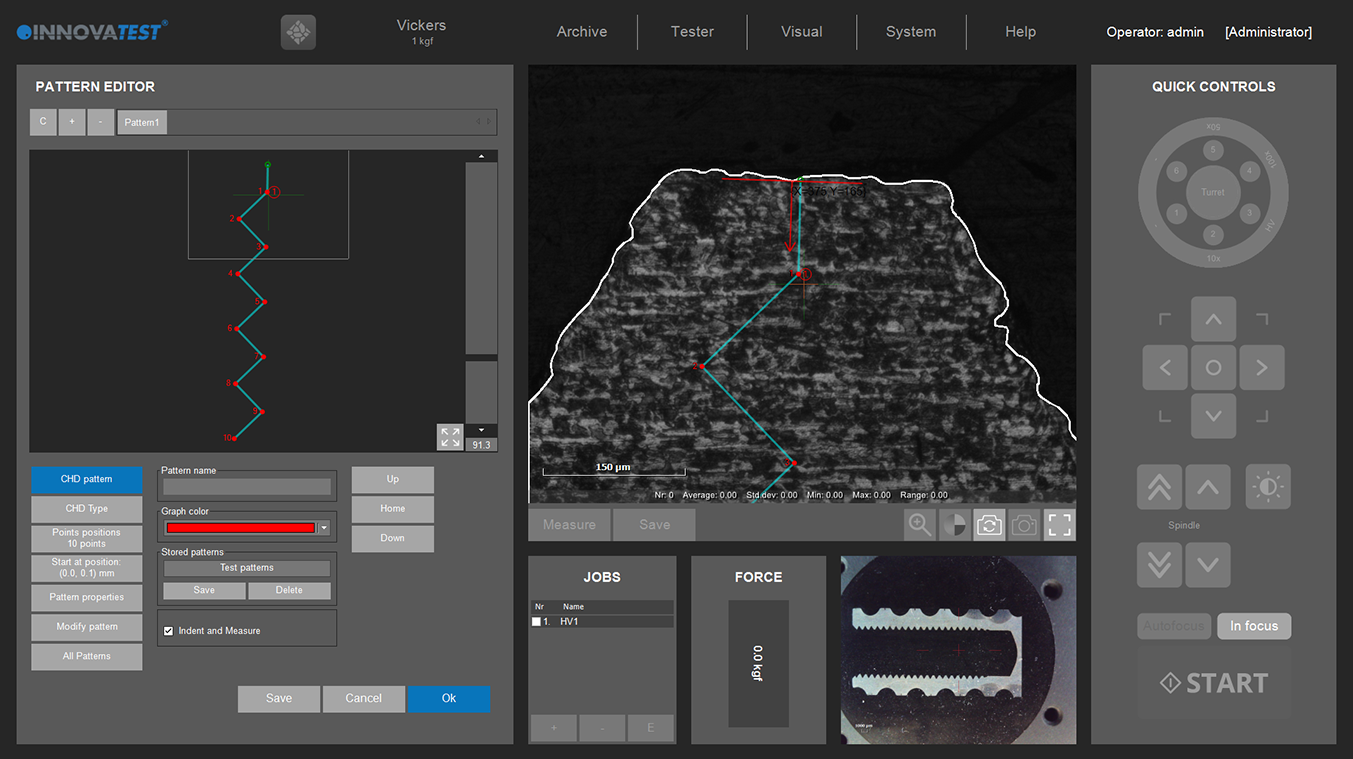
KIC Riss-Zähigkeitsmessung
Für Anwendung bei denen tiefere Erkenntnisse des Material-Verhaltens (Riss und Rissfortschritt) erforscht werden müssen, steht das Software Modul KIC zur Verfügung. Mit diesem Modul kann das Risswachstum vorhergesagt und gemessen werden. Die Software unterstützt KIC – Risserkennung unter Last. Es kann zwischen den beiden Methoden – Palmqvist und Median-/ Radial-Risszähigkeit – gewählt werden.
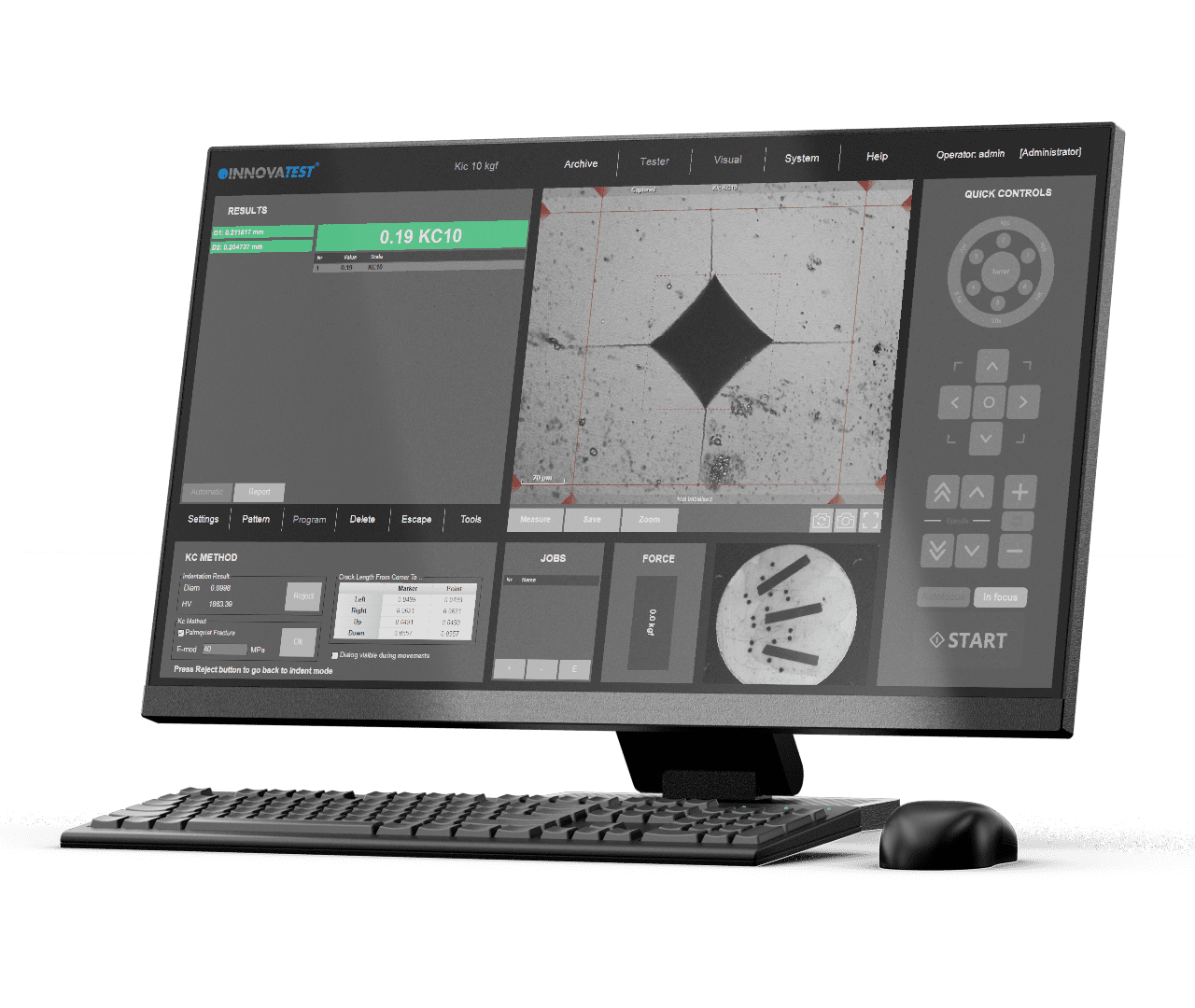
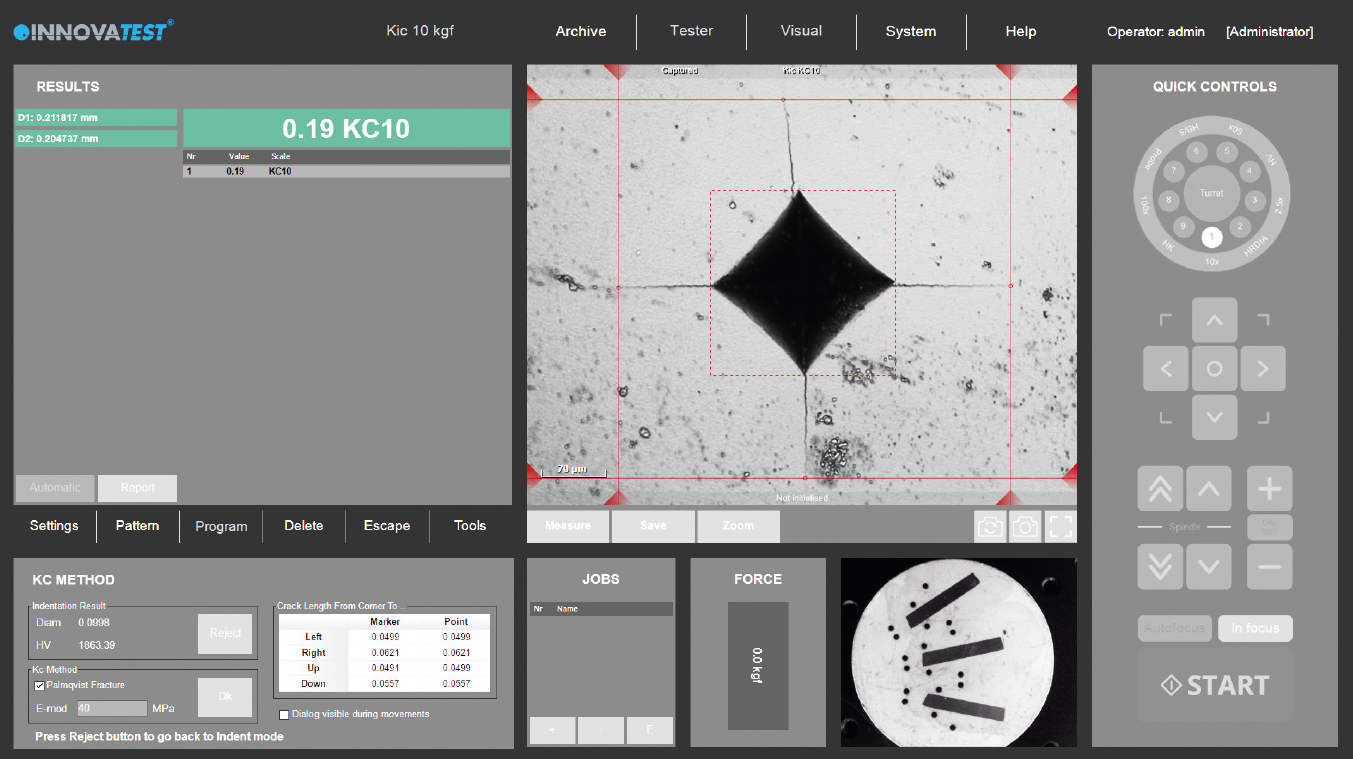
Prova KIC Crack
Per coloro che richiedono una conoscenza più approfondita del comportamento dei materiali e desiderano studiare la frattura e la resilienza del materiale, è possibile prevedere e misurare la formazione delle crepe utilizzando l’applicazione Kic. Il software supporta il rilevamento delle crepe Kic sotto carico con report dei risultati Kic personalizzati. Tramite uno o entrambi i metodi, Palmqvist o Median / Radial, la resilienza alla frattura è ora un test ripetibile e riproducibile da più operatori.
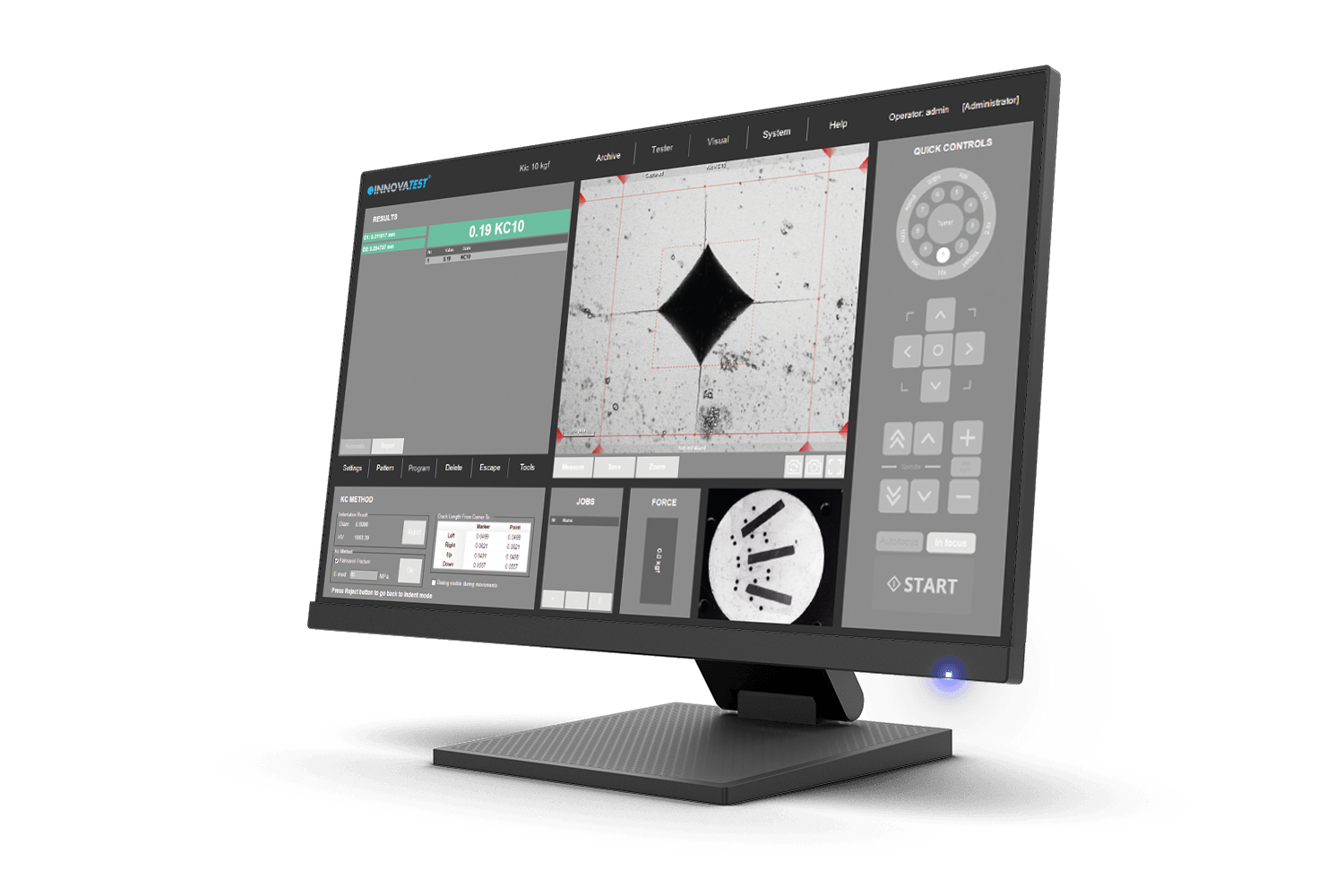
KIC Crack Measurement
For those requiring more in-depth knowledge on materials behavior, wishing to study material fracture and fatigue, crack growth can be predicted and measured by using the Kic application. The software supports Kic crack detection under load with customized Kic result reporting. By way of one or both methods, Palmqvist or Median / Radial, fracture toughness is now a repeatable and reproducible test across multiple operators.
POMIAR ODPORNOŚCI NA KRUCHE PĘKNANIE KIC
Dla tych, którym potrzebne są dogłębne informacje na temat zachowania się materiałów, chcących badać pęknięcia i zmęczenie materiału, z pomocą przyjdzie aplikacja KIc do przewidywania i pomiaru wystąpienia spękań. Oprogramowanie obsługuje wykrywanie pęknięć Kic pod obciążeniem z dostosowalnym raportowaniem wyników KIc. Dzięki zastosowaniu jednej lub obu metod, Palmqvist lub Median/Radial, odporność na kruche pękanie jest teraz powtarzalnym i odtwarzalnym pomiarem dla wielu operatorów.
KIC Crack Measurement
Voor personen die meer diepgaande kennis over materiaalgedrag nodig hebben, die materiaalbreuk en vermoeiing willen bestuderen, is de Kic-applicatie een uitkomst. De software ondersteunt Kic-barst-detectie onder belasting met aangepaste Kic-resultaatrapportage. Door middel van één of beide methoden, Palmqvist of Median / Radial, is breuktaaiheid nu een herhaalbare en reproduceerbare test voor meerdere operators.
KIC 断裂韧性
针对需要更深入了解材料特性和希望对材料断裂和疲劳进行研究的客户,可使用KIC对裂纹生成进行预测(测量)。软件支持试样负载情况下对试样表面裂纹进行检测,有两种方法可选:Palmqvist或垂直/径向的断裂韧性。
MEDICIÓN DE GRIETA KIC
Para aquellos que requieran un conocimiento más profundo del comportamiento de los materiales, que deseen estudiar fractura y fatiga de materiales, el crecimiento de las grietas puede ser predecido y medido utilizando la aplicación KIC. El software soporta la detección de grietas KIC bajo carga con reportes personalizados de resultados KIC. Mediante uno o ambos métodos, Palmqvist o Media/Radial, la resistencia a la fractura es ahora un ensayo repetible y reproducible a través de múltiples operadores.
Medição de fissuras KIC
Para aqueles que exigem um conhecimento mais profundo sobre o comportamento dos materiais, desejando estudar a fratura e a fadiga do material, o crescimento da fissura pode ser previsto e medido utilizando a aplicação do Kic. O software suporta a detecção de fissuras Kic sob carga com relatórios de resultados Kic personalizados. Por meio de um ou ambos os métodos, Palmqvist ou Median / Radial, a resistência à fratura é agora um teste repetível e reprodutível entre vários operadores.

Mesure de la ténacité KIC
Pour en savoir plus sur le comportement des matériaux, en particulier en matière de fissure et de fatigue, la croissance de la fissure peut être prédite et mesurée grâce à l’application Kic Le logiciel prend en charge la détection de fissures sous charge en établissant des rapports de résultats Kic personnalisés. Grâce à l’une des deux méthodes disponibles, fissure de type Palmqvist ou Médian / Radial, l’essai de ténacité est maintenant répétable et reproductible pour plusieurs opérateurs.
KIC قياس الكراك
بالنسبة إلى أولئك الذين يحتاجون إلى معرفة أكثر عمقًا بسلوك المواد ، والذين يرغبون في دراسة كسر المواد والتعب ، يمكن التنبؤ بنمو الكراك وقياسه باستخدام تطبيق Kic. يدعم البرنامج اكتشاف الشقوق Kic تحت الحمل مع تقارير نتائج Kic المخصصة. عن طريق إحدى الطريقتين أو كلتيهما، Palmqvist أو Median / Radial، أصبحت صلابة الكسر الآن اختبارًا قابلًا للتكرار عبر العديد من المشغلين.
KIC 破壊靭性
材料の破壊と疲労を研究するために、材料の挙動についてより深い知識を必要とする場合は、Kicアプリケーションを使用して亀裂の成長を予測および測定できます。このソフトウェアはKic結果レポートにより、荷重下のKicクラック検出をサポートします。PalmqvistまたはMedian/Radialの一方または両方の方法により、破壊靭性に関して複数のオペレータ間で再現可能かつ再現可能なテストになりました。
Medição de fissuras KIC
Para aqueles que exigem um conhecimento mais profundo sobre o comportamento dos materiais, desejando estudar a fratura e a fadiga do material, o crescimento da fissura pode ser previsto e medido utilizando a aplicação do Kic. O software suporta a detecção de fissuras Kic sob carga com relatórios de resultados Kic personalizados. Por meio de um ou ambos os métodos, Palmqvist ou Median / Radial, a resistência à fratura é agora um teste repetível e reprodutível entre vários operadores.
Automatische Kontur-Scannung
Diese Funktion scannt die äußere Kontur oder Teilabschnitte einer Probe. Sie ist nutzbar mit jedem Objektiv, oder ultraschnell, in der gezoomten Ansicht der
Übersichts-Kamera. Das System scannt die gesamte definierte Kontur und speichert alle relevanten Daten in einem Zwischenspeicher.
Anschließend kann nach Wahl eine Anzahl von Prüfpunkten innerhalb dieser Kontur oder in ausgewählten Abständen relativ zur Kante gesetzt werden. Diese Funktionserweiterung ermöglicht eine vollautomatisch Durchführung von Härteprüfungen und ist ein ausgezeichnetes Hilfsmittel um z. B. ein 2D- oder 3DHärte-Mapping (2D / 3D Darstellung der Härte-Homogenität) durchzuführen.
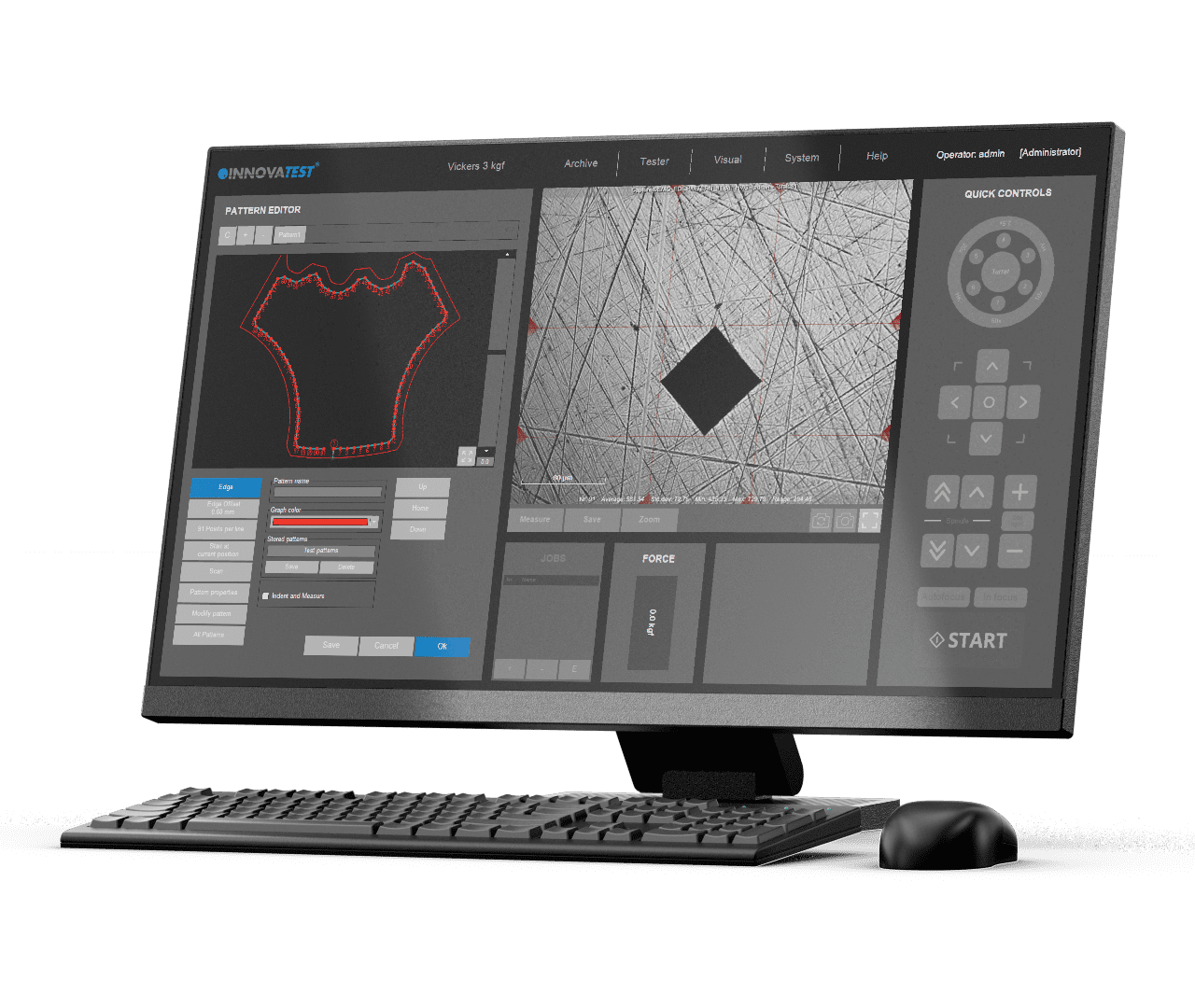
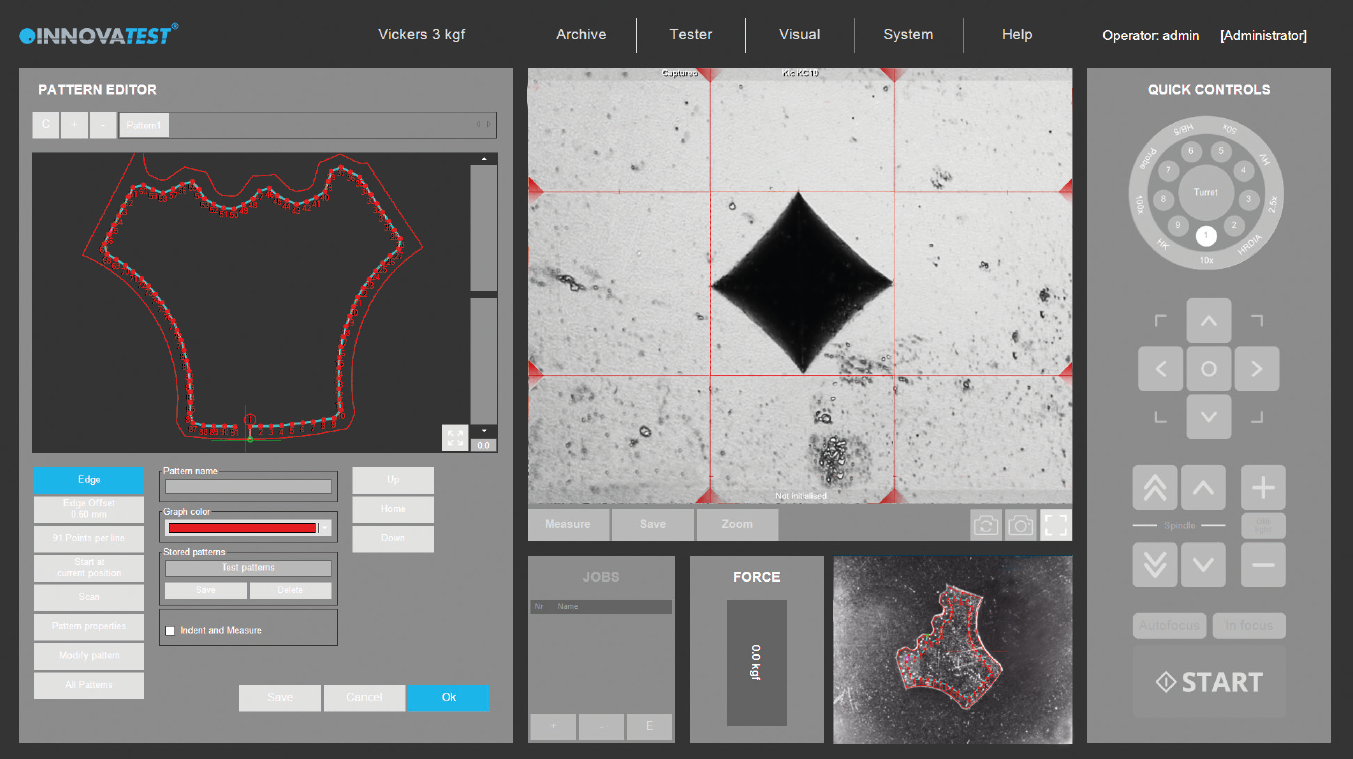
Scansione Automatica Del Contorno
Questa applicazione esegue la scansione dell’intera area del profilo (o parziale) di un campione. La funzione può essere utilizzata con un obiettivo tramite la telecamera panoramica con zoom per la scansione ad alta velocità. Il sistema analizza l’intero profilo definito e memorizza tutti i dati rilevanti nel programma di misura.
Successivamente può essere inserito un numero illimitato di punti di prova nell’immagine scansionata, o essere impostato a distanze selezionate (offset), rispetto al bordo. Questa funzionalità avanzata consente di eseguire atomicamente la procedura di prova della durezza. Una caratteristica eccellente da combinare con la mappatura della durezza 2D o 3D, nota anche come “grafico della durezza”.
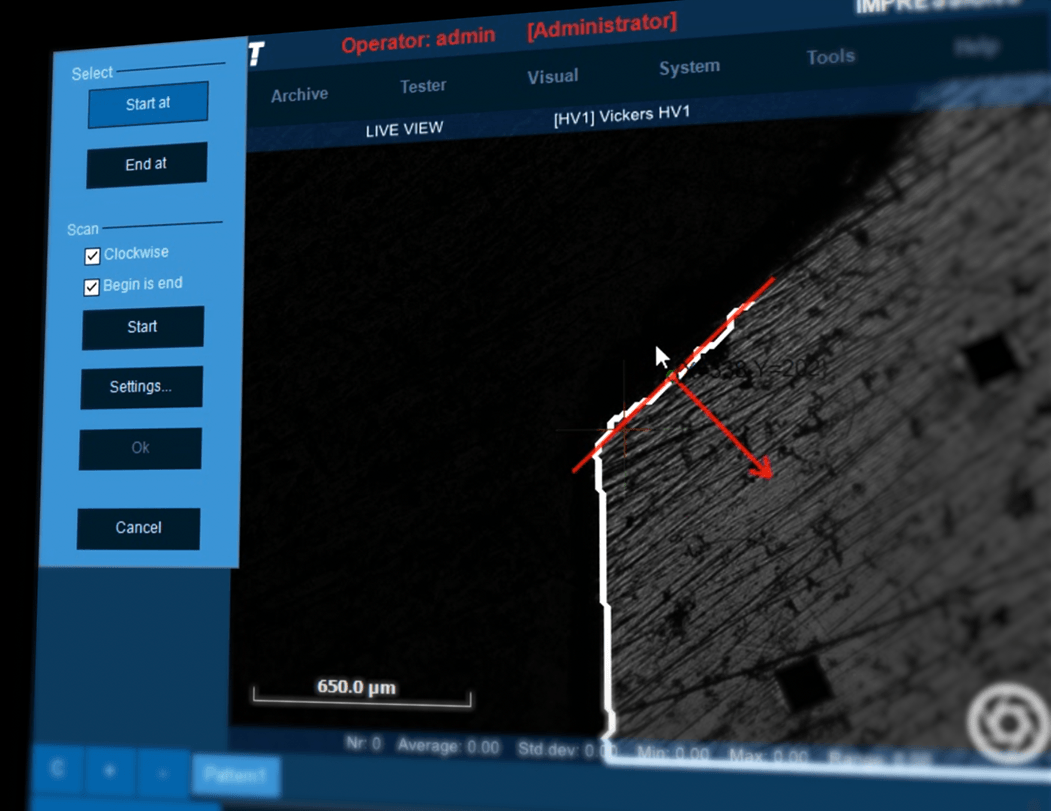

Automatic Contour Scanning
This application scans the entire outline (or partial) area of a sample. The function can be used with an objective by using the overview zoom camera for high speed scanning. The system scans the entire outline defined and stores all relevant data in the test program.
Subsequently, a limitless number of test points can be inserted into the scanned image, or be set at selected distances (offset), relative to the edge. This advanced feature enables the hardness testing procedure to be performed automically. An excellent feature to combine with 2D or 3D hardness mapping, also known as ‘’plane hardness chart’’.
AUTOMATYCZNE SKANOWANIE KONTURÓW
Aplikacja ta skanuje cały obrys (lub część) powierzchni próbki. Funkcja ta może być używana z obiektywem za pomocą kamery z zoomem ogólnym do szybkiego skanowania. System skanuje cały zdefiniowany kontur i zapisuje wszystkie istotne dane w programie pomiarowym.
Następnie na zeskanowanym obrazie można umieścić nieograniczoną liczbę punktów pomiarowych lub ustawić je w wybranych odległościach (przesunięciach) względem krawędzi. Ta zaawansowana funkcja umożliwia przeprowadzenie procedury pomiaru twardości metodą atomową. Doskonała funkcja współpracująca z mapowaniem twardości 2D lub 3D, znanym również jako „wykres twardości płaszczyzny”.
Automatic Contour Scanning
Deze applicatie scant de volledige omtrek (of een deel) van een proefstuk. De functie kan worden gebruikt door een objectief en de overzichtszoomcamera te gebruiken voor scannen met hoge snelheid. Het systeem scant de volledige gedefinieerde contour en slaat alle relevante gegevens op in het testprogramma.
Vervolgens kan een onbeperkt aantal testpunten in het gescande beeld worden ingevoegd, of op geselecteerde afstanden (offset) ten opzichte van de rand worden ingesteld. Met deze geavanceerde functie kan de hardheidstestprocedure met uiterste precisie worden uitgevoerd. Een uitstekende functie om te combineren met “2D- of 3D-hardness mapping”, ook wel bekend als “plane hardness chart”.
自动轮廓扫描
此应用程序可对一个试样的整个或部分区域轮廓进行扫描。使用此功能时,需使用物镜或超快速的全景缩放摄像头。
系统会扫描已界定的整个轮廓并将所有相关数据储存在测试程序中。随后,将一定数量的测试点编辑到特定程序中,或将测试点设置于距离边缘一定距离的位置。
这项先进的功能能够使硬度测试程序全自动地进行。结合使用2D或3D硬度分布功能,优点更为明显,即可得到“硬度分布平面图”。
ESCANEO DE CONTORNO AUTOMÁTICO
Esta aplicación escanea todo el contorno (o parcialmente) del área de una muestra. La función puede utilizarse con un objetivo usando la cámara de vista general de zoom para el escaneo a alta velocidad. El sistema escanea todo el contorno definido y almacena todos los datos relevantes en el programa del ensayo.
Posteriormente, se puede insertar un número ilimitado de puntos de ensayo en la imagen escaneada, o se puede establecer a distancias seleccionadas (offset), respecto al contorno. Esta característica avanzada permite que el procedimiento de ensayo de dureza se realice automáticamente. Una excelente característica para combinar con el mapeo de dureza 2D o 3D, también conocido como ”gráfico plano de dureza”.
Varredura automática de contornos
Esta aplicação escaneia toda a área de contorno (ou parcial) de uma amostra. A função pode ser usada com um objetivo, utilizando a câmera panorâmica de zoom para varredura de alta velocidade. O sistema escaneia todo o contorno definido e armazena todos os dados relevantes no programa de teste.
Posteriormente, um número ilimitado de pontos de teste pode ser inserido na imagem digitalizada, ou ser definido em distâncias selecionadas (offset), em relação à borda. Esta funcionalidade avançada permite que o procedimento de teste de dureza seja realizado atomicamente. Esta é uma excelente funcionalidade a ser combinada com o mapeamento da dureza 2D ou 3D, também conhecido como “gráfico de dureza plana”.
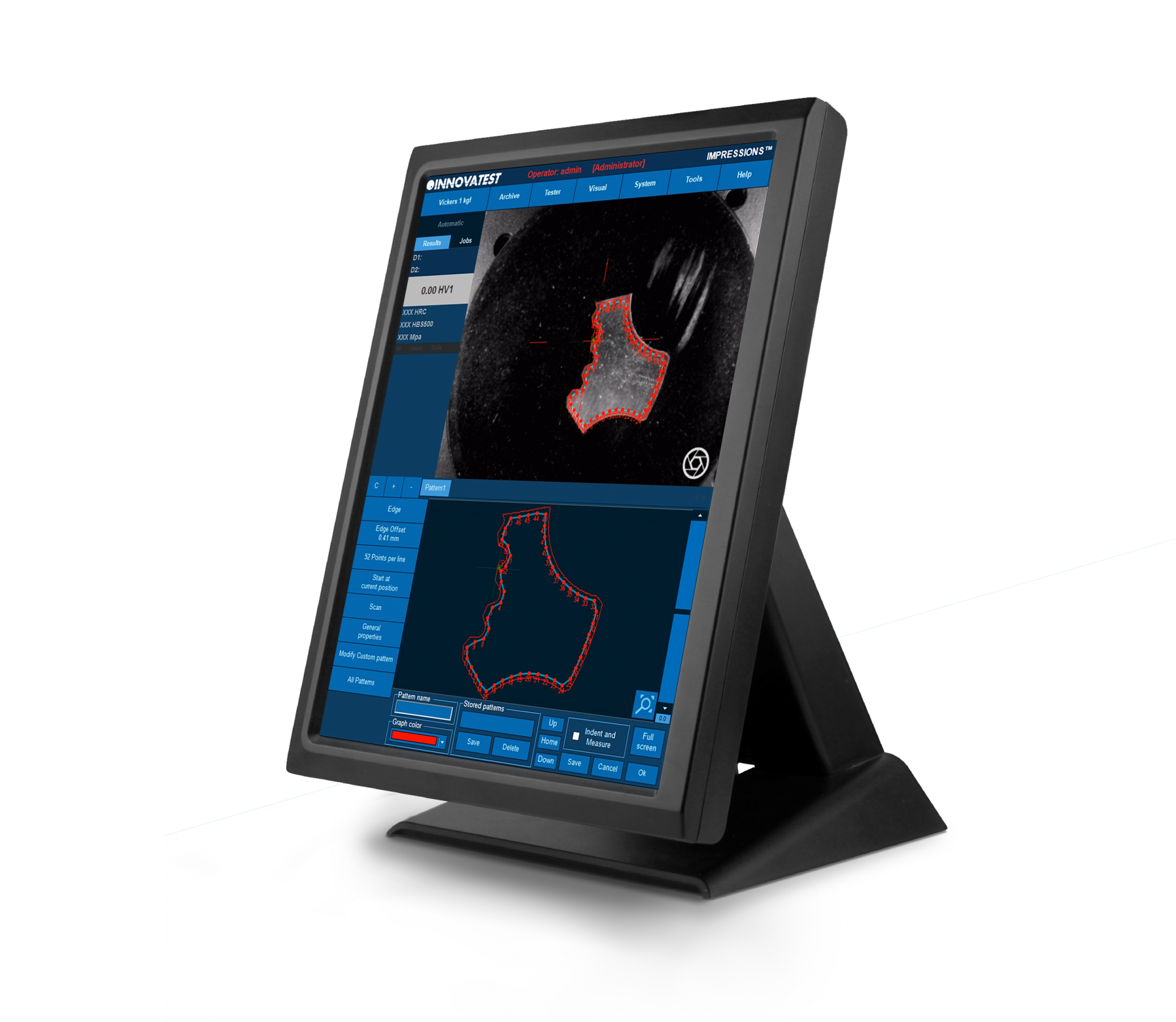
Analyse automatique des contours
Cette application analyse la zone de contours complète (ou partielle) d’un échantillon. La fonction vue d’ensemble / zoom de la caméra pour permettra d’analyser plus rapidement l’échantillon. Ce système analyse l’ensemble du contour défini et enregistre les données pertinentes dans le programme d’essai.
Par la suite, un certain nombre de points d’essai peut être inséré dans l’image analysée, ou programmé à des distances sélectionnées (décalage) par rapport au bord. Cette caractéristique avancée permet de conduire la procédure d’essai de dureté de façon entièrement automatique, tout en la combinant à la cartographie de dureté 2D ou 3D, également appelée « cartographie de dureté ».
المسح التلقائي للأطراف
يمسح هذا التطبيق منطقة المخطط التفصيلي (أو الجزئي) للعينة بالكامل. يمكن استخدام الوظيفة مع هدف باستخدام كاميرا التكبير/التصغير للمسح الضوئي عالي السرعة. يمسح النظام المخطط التفصيلي بالكامل المحدد ويخزن جميع البيانات ذات الصلة في برنامج الاختبار.
بعد ذلك، يمكن إدخال عدد غير محدود من نقاط الاختبار في الصورة الممسوحة ضوئيًا، أو ضبطها على مسافات محددة (إزاحة)، بالنسبة إلى الحافة. تتيح هذه الميزة المتقدمة إجراء اختبار الصلابة بشكل ذري. ميزة ممتازة للدمج مع رسم خرائط الصلابة ثنائي الأبعاد أو ثلاثي الأبعاد، المعروف أيضًا باسم “مخطط صلابة المستوى”.
自動輪郭スキャン
このアプリケーションでは、サンプルの輪郭の全体(または部分的)がスキャンされます。この機能は高速スキャン用のオーバービューズームカメラを使用することにより、目的に応じて使用することができます。設定した輪郭全体がスキャンされ、すべての関連データがテスト・プログラムに格納されます。
その後、任意のテストポイントがエッジに対して、スキャンされた画像に挿入されるか、または選択された距離 (オフセット) で設定されます。この高度な機能により、硬度試験手順を連続的に実行することができます。さらに優れた機能として2 Dまたは3 Dの硬さマッピングと組み合わせる「平面硬さチャート」 機能もあります。
Varredura automática de contornos
Esta aplicação escaneia toda a área de contorno (ou parcial) de uma amostra. A função pode ser usada com um objetivo, utilizando a câmera panorâmica de zoom para varredura de alta velocidade. O sistema escaneia todo o contorno definido e armazena todos os dados relevantes no programa de teste.
Posteriormente, um número ilimitado de pontos de teste pode ser inserido na imagem digitalizada, ou ser definido em distâncias selecionadas (offset), em relação à borda. Esta funcionalidade avançada permite que o procedimento de teste de dureza seja realizado atomicamente. Esta é uma excelente funcionalidade a ser combinada com o mapeamento da dureza 2D ou 3D, também conhecido como “gráfico de dureza plana”.
Gráfico de dureza 2d / 3d
The application „Plane hardness chart“, is also referred to as Color Mapping happens to be the perfect tool for securing the detail of the effective hardness distribution over the total sample cross section of heat treated samples. An important feature in material exploration, weld testing or in damage analysis.
In addition to the option to display a 2D graphic diagram, the system can generate a 3D visual as well. 2D and 3D hardness charts are included in one application.
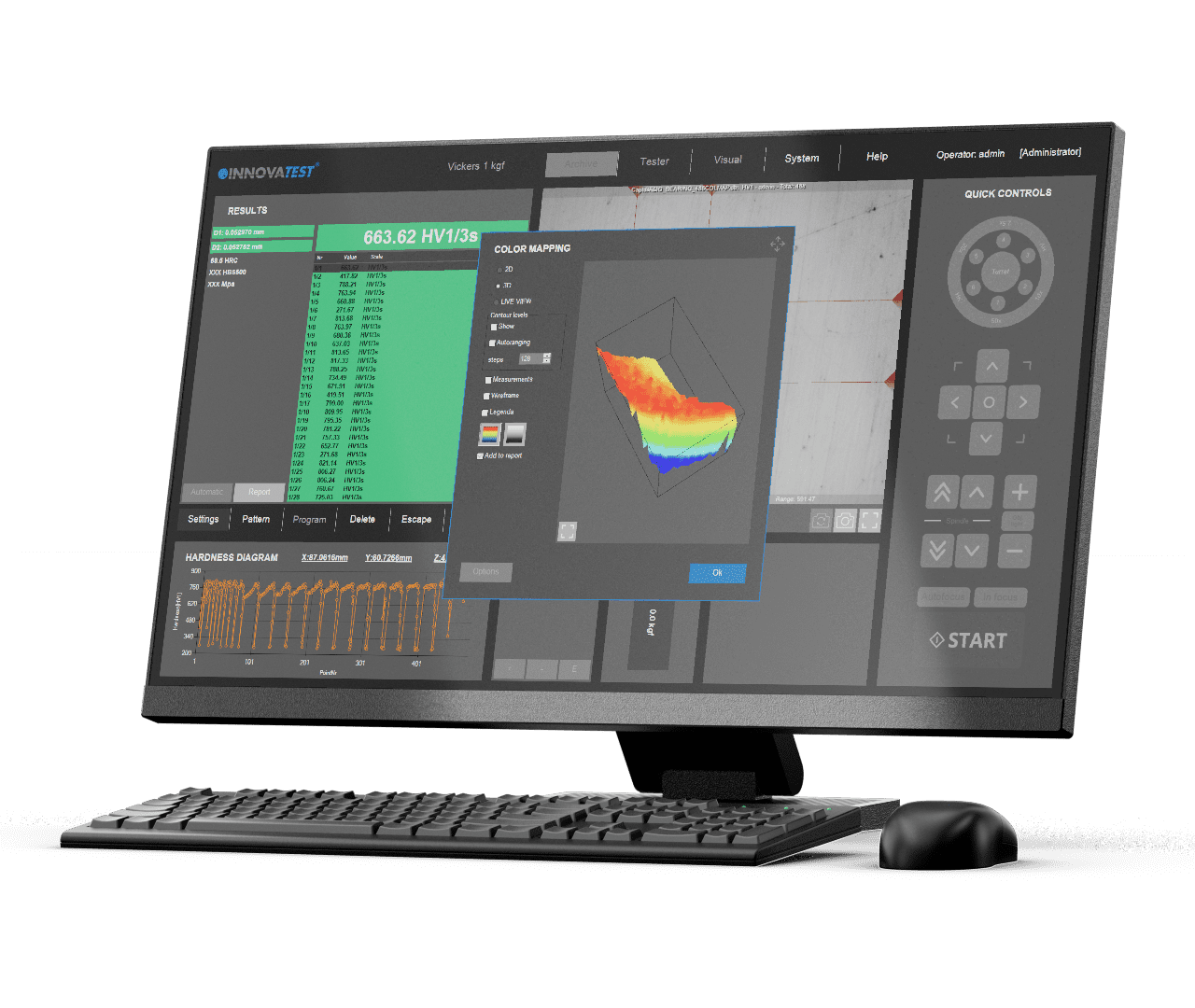
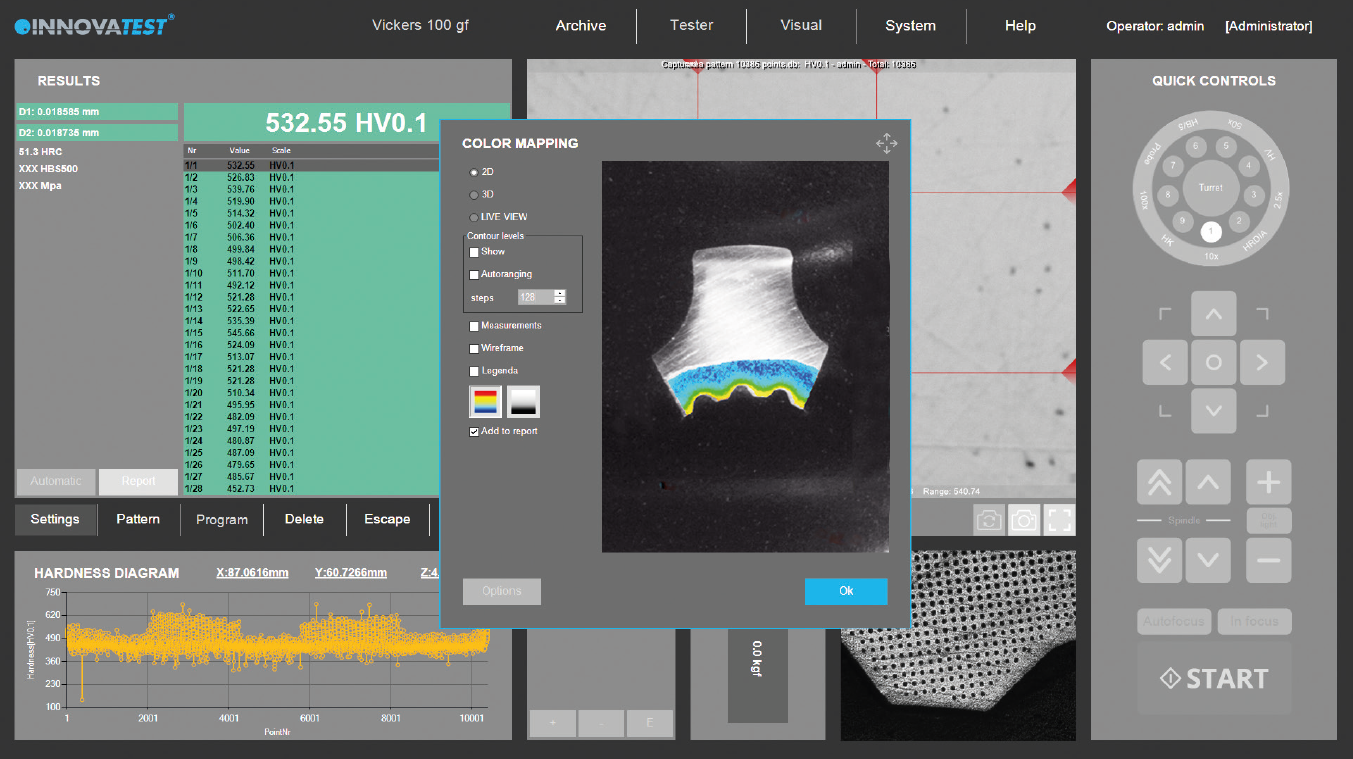
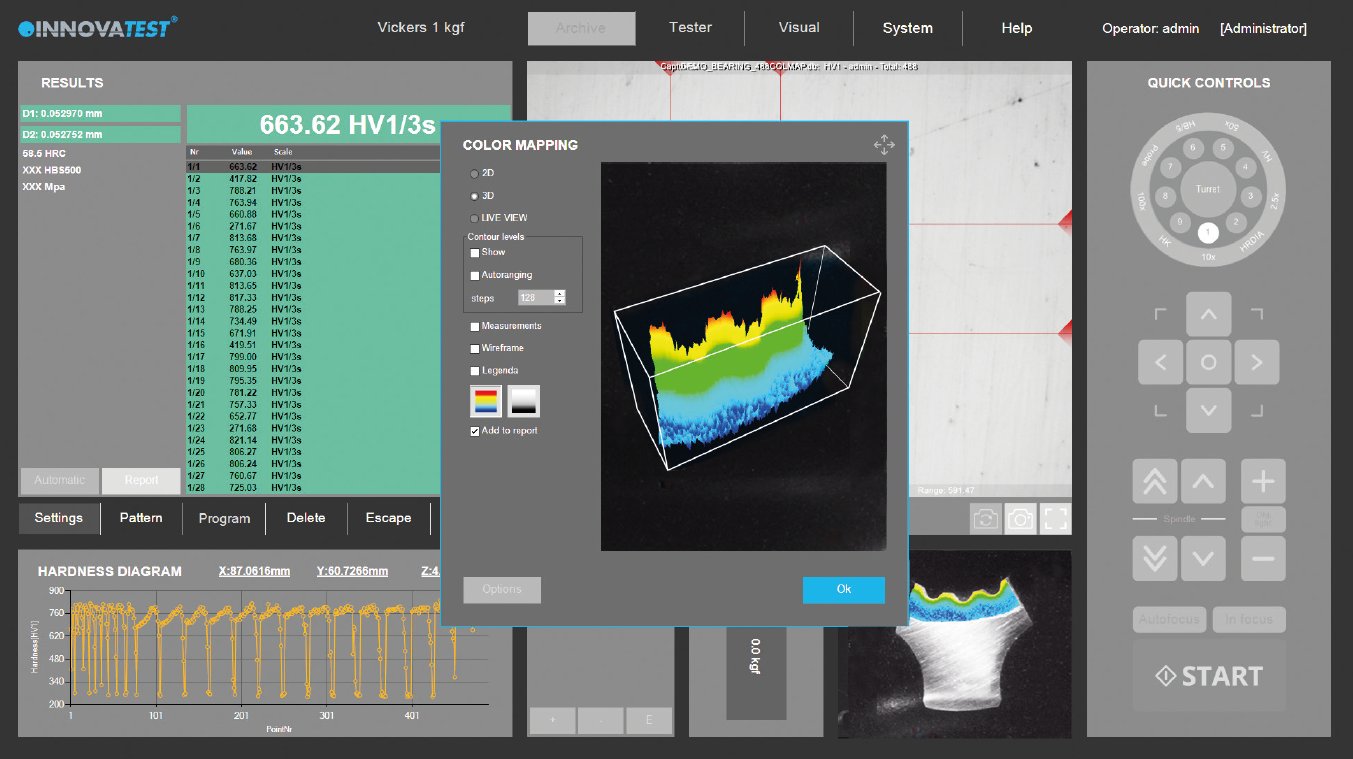
2D / 3D Härtediagramm
Diese optionale Software Modul 2D Scanning ist ein perfektes Werkzeug zur Sicherstellung der Material-Homogenität eines gesamten Querschnitts, speziell bei der Wärmebehandlung von Proben, eine wichtige Funktion für die Materialforschung, in der Schweißnahtprüfung und bei Schadensuntersuchung.
Neben der Darstellung als 2D Diagramm kann die Software ebenfalls eine 3D Grafik erzeugen. Das Software Modul Härte-Scan beinhaltet sowohl die 2D als auch 3D
Darstellung.
Mappatura Di Durezza 2d / 3d
L’applicazione “grafico della durezza”, anche chiamata “color mapping”, è lo strumento perfetto per analizzare i dettagli dell’effettiva distribuzione della durezza sulla sezione trasversale totale dei campioni trattati termicamente. Una caratteristica importante nell’esplorazione dei materiali, nei test di saldatura o nell’analisi dei danni.
Oltre alla possibilità di visualizzare un diagramma grafico 2D, il sistema può generare anche un’immagine 3D. I grafici di durezza 2D e 3D sono inclusi in un’unica applicazione.
2D / 3D Hardness Chart
The application „Plane hardness chart“, is also referred to as Color Mapping happens to be the perfect tool for securing the detail of the effective hardness distribution over the total sample cross section of heat treated samples. An important feature in material exploration, weld testing or in damage analysis.
In addition to the option to display a 2D graphic diagram, the system can generate a 3D visual as well. 2D and 3D hardness charts are included in one application.
WYKRES TWARDOŚCI 2D/3D
Aplikacja „Wykres twardości płaszczyzny”, nazywana również mapowaniem barwnym, jest doskonałym narzędziem do uzyskania szczegółów efektywnego rozkładu twardości na całym przekroju poprzecznym próbki poddanej obróbce cieplnej. Istotna funkcja w badaniach materiałów, badaniach spawalniczych lub analizie uszkodzeń.
Oprócz opcji wyświetlania wykresu graficznego 2D, system może również generować obraz 3D. Wykresy twardości 2D i 3D w ramach jednej aplikacji.
2D / 3D Hardness Chart
GRÁFICO DE DUREZA 2D / 3D
La aplicación “Gráfico plano de dureza”, también conocida como “Mapa de colores”, resulta ser la herramienta perfecta para asegurar en detalle la distribución de la dureza efectiva sobre la sección transversal total de las muestras tratadas térmicamente. Es una función importante en la exploración de materiales, en las pruebas de soldadura o en el análisis de falla.
Además de la opción de mostrar un diagrama gráfico 2D, el sistema puede generar un gráfico 3D también. Los diagramas de dureza 2D y 3D están incluidos en la misma aplicación.
Cartographie de dureté 2D / 3D
L’application « Cartographie de dureté », également appelée Cartographie couleur », est l’outil idéal pour identifier les caractéristiques de dureté sur une zone définie d’un échantillon traité thermiquement. Une fonction importante pour les explorations d’échantillons, les essais de soudures ou les analyses de défauts.
Le logiciel peut également générer un visuel 3D, en plus d’afficher une cartographie 2D. Les cartographies 2D et 3D font partie d’une seule et même application.
2D/3D硬度分布图
“2D硬度分布图”,作为一个选配功能,即用色彩标注硬度高低分布的功能,是一个可以获取试样整个剖面的硬度分布细节的有效工具,特别适合热处理试件的剖面硬度分析。
该功能对材料研究、焊缝测试或损伤分析也非常重要。
除了可选配显示2D硬度分布图外,还可以生成3D硬度分布图。 实际上,2D和3D硬度分布图是同一个应用模块下的不同功能。
Gráfico de dureza 2D / 3D
A aplicação “Gráfico de dureza plana”, também é referida como Mapeamento de Cores, é a ferramenta perfeita para garantir os detalhes da distribuição efetiva da dureza sobre a seção transversal total das amostras tratadas termicamente. Esta é uma funcionalidade importante na exploração do material, nos testes de solda ou na análise de danos.
Além da opção de exibir um diagrama gráfico 2D, o sistema também pode gerar um visual 3D. Os gráficos de dureza 2D e 3D estão incluídos em uma aplicação.
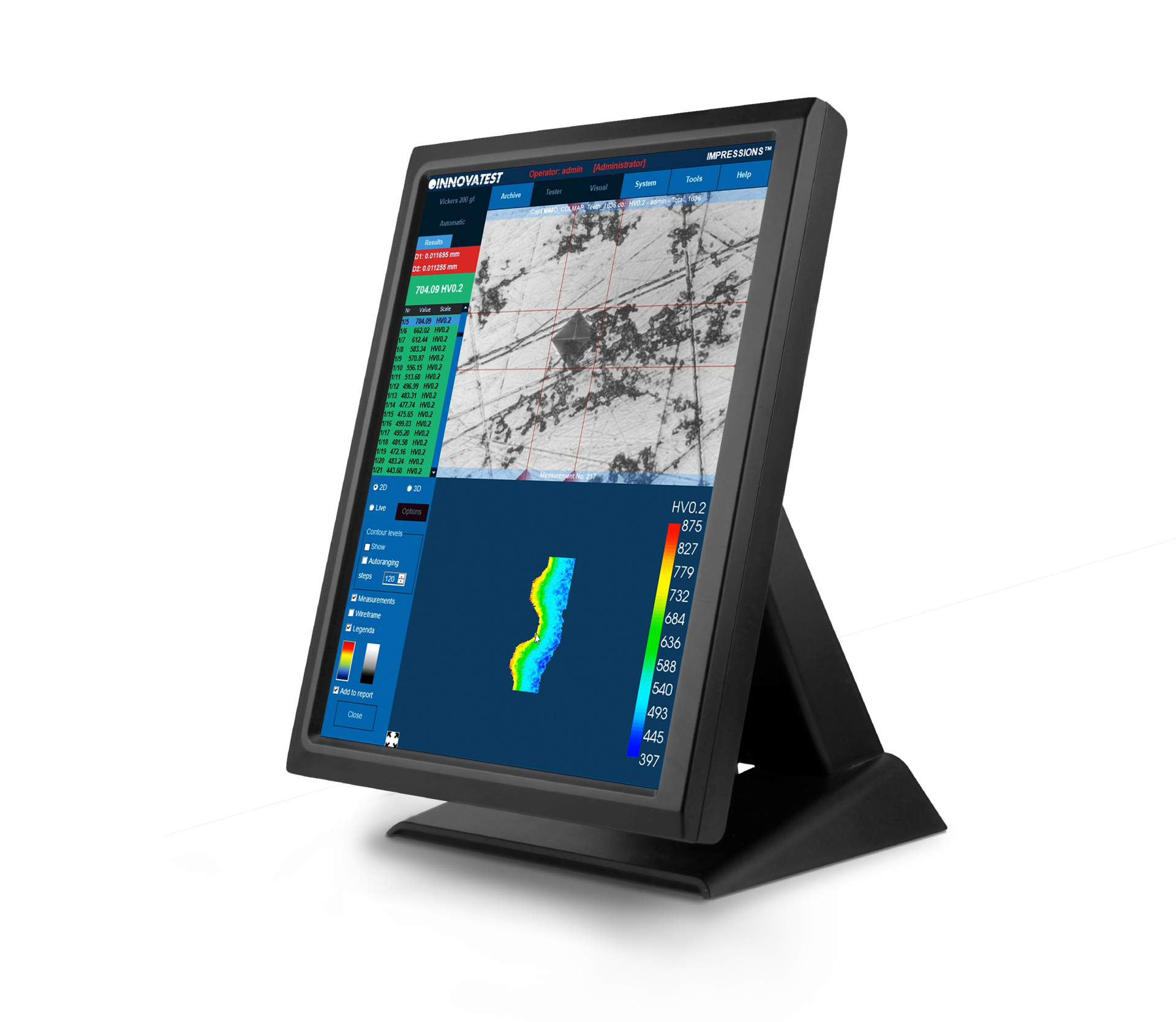


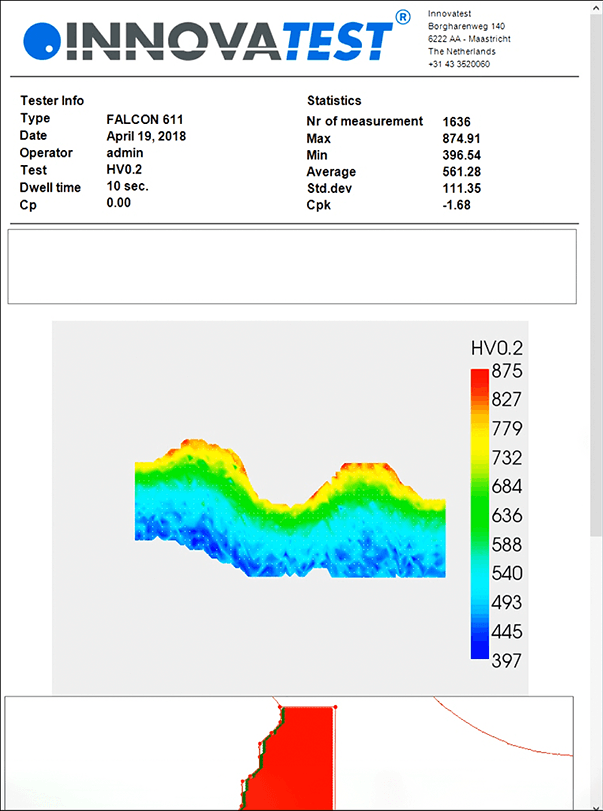
مخطط صلابة ثنائي وثلاثي الأبعاد
يُشار أيضًا إلى تطبيق “مخطط صلابة المستوى”، باسم “رسم خرائط الألوان” ليكون الأداة المثالية لتأمين تفاصيل توزيع الصلابة الفعال على المقطع العرضي الكلي للعينات المعالجة حرارياً. ميزة مهمة في استكشاف المواد واختبار اللحام أو في تحليل التلف.
بالإضافة إلى خيار عرض مخطط رسومي ثنائي الأبعاد، يمكن للنظام إنشاء صورة مرئية ثلاثية الأبعاد أيضًا. يتم تضمين مخططات صلابة ثنائية وثلاثية الأبعاد في تطبيق واحد.
2D / 3D硬さチャート
カラーマッピングとも呼ばれる 「平面硬さチャート」 は、熱処理したサンプルの全サンプル断面にわたって有効な硬さ分布の詳細を検証するための優れたツールです。材料調査、溶接テスト、または損傷解析における重要な機能です。
2 Dグラフィックダイアグラムを表示するオプションに加えて、3 Dビジュアルも生成できます。2 Dおよび3 D硬さチャートは1つのアプリケーションに含まれています。
Gráfico de dureza 2D / 3D
A aplicação “Gráfico de dureza plana”, também é referida como Mapeamento de Cores, é a ferramenta perfeita para garantir os detalhes da distribuição efetiva da dureza sobre a seção transversal total das amostras tratadas termicamente. Esta é uma funcionalidade importante na exploração do material, nos testes de solda ou na análise de danos.
Além da opção de exibir um diagrama gráfico 2D, o sistema também pode gerar um visual 3D. Os gráficos de dureza 2D e 3D estão incluídos em uma aplicação.
APLIKACJA DO RYSOWANIA I POMIARÓW
Opcja rysowania i pomiaru daje możliwość wykonania prostych pomiarów poza pomiarem twardości przy użyciu widoku obiektywu lub obrazu z kamery podglądowej. Możliwości pomiaru według odległości, długości i kąta.
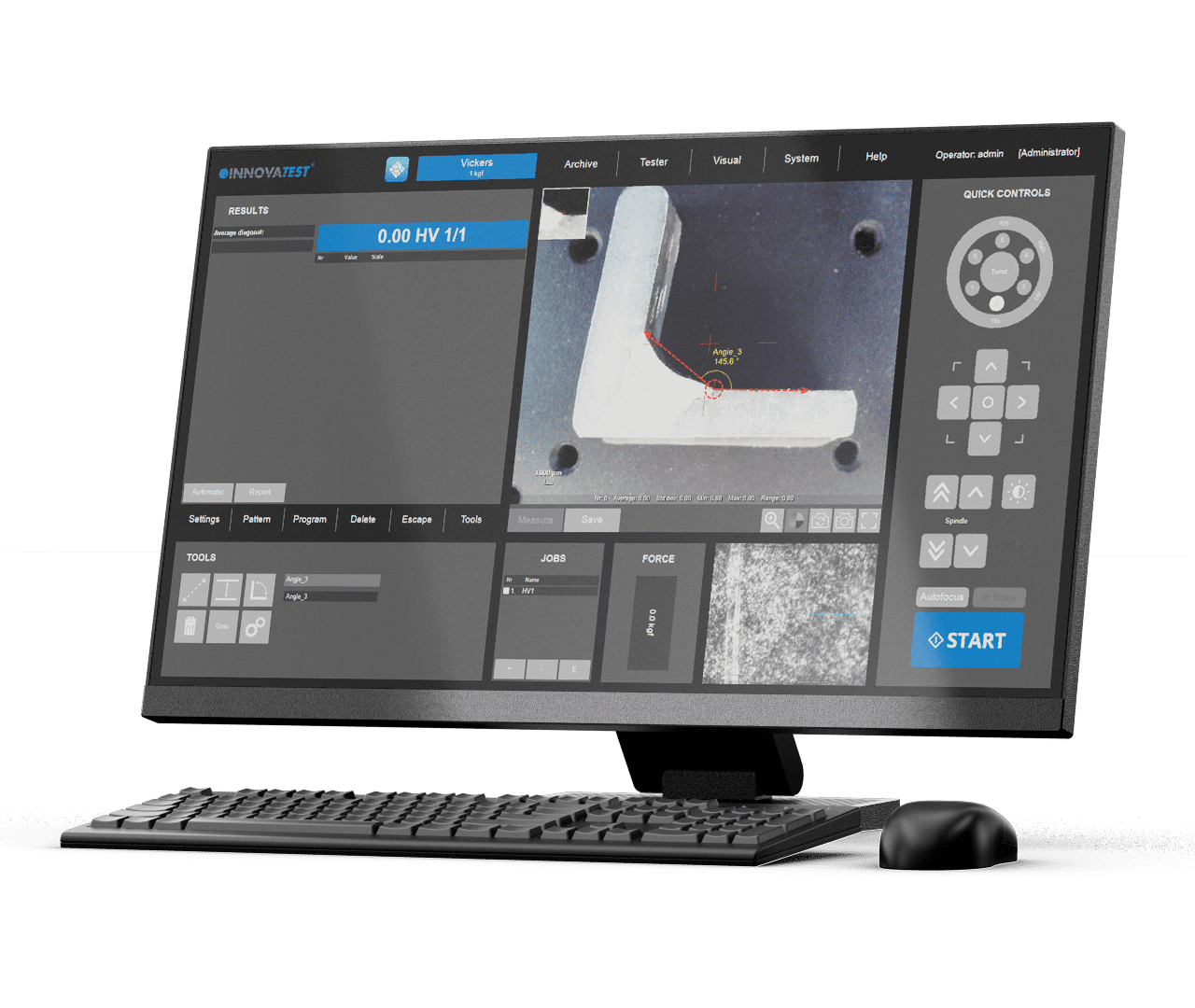
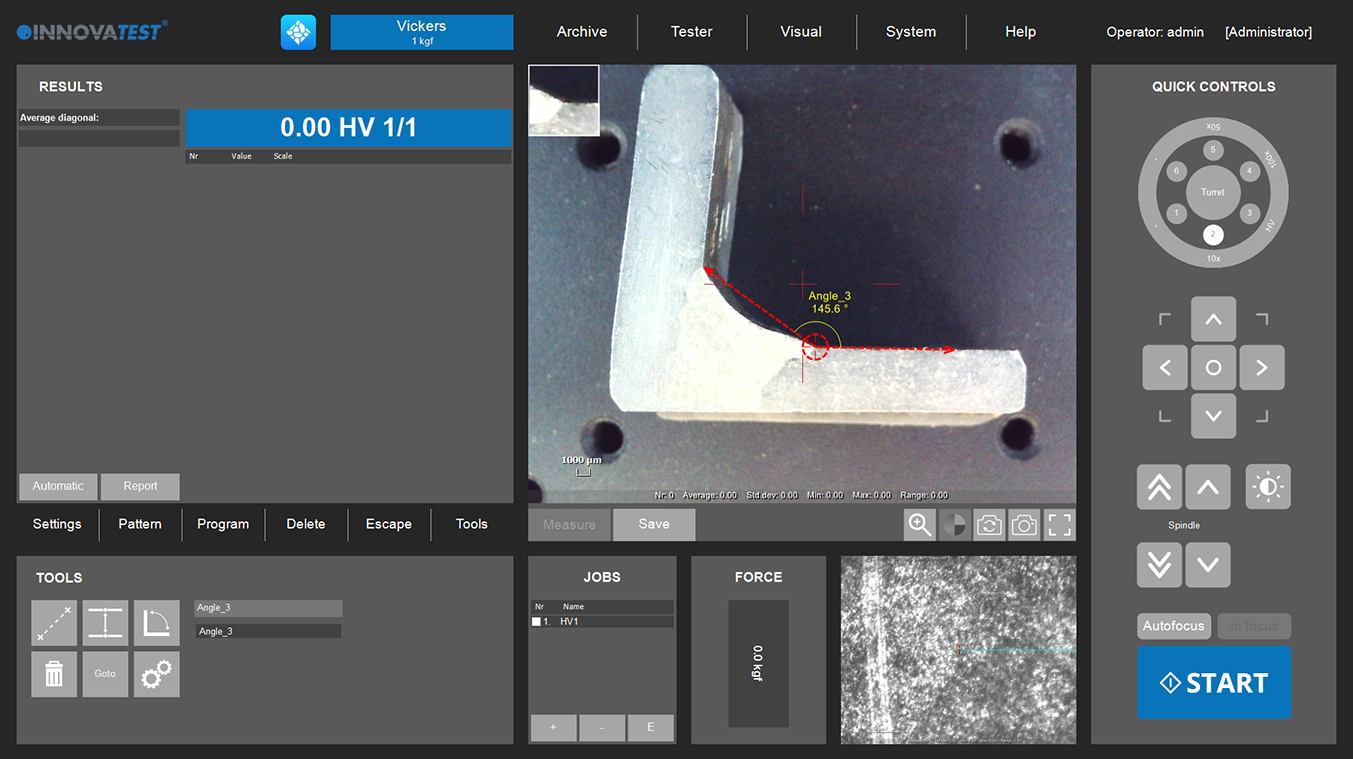
Drawing and Measuring Application
Drawing and measuring application
De teken- en meetoptie biedt de mogelijkheid om eenvoudige niet-hardheidsmetingen uit te voeren middels het gebruik van een objectief of het overzichtscamerabeeld. Mogelijkheden zijn metingen op afstand, lengte en hoek.
Applicazione Di Disegno E Misura
L’opzione di disegno e misurazione offre la possibilità di eseguire semplici misurazioni dimensionali utilizzando la telecamera panoramica o un obiettivo zoom. La capacità di misura è circostanziata a lunghezze, angoli e distanze.
APLICACIÓN DE DIBUJO Y MEDICIÓN
La opción de dibujo y medición ofrece la posibilidad de hacer mediciones simples cuando se utiliza la vista del objetivo o la imagen de la cámara de vista general. Las capacidades son las mediciones de distancia, longitud y ángulo.
Application de dessin et mesure
Aplicação de desenho e medição
A opção de desenho e medição oferece a possibilidade de fazer medições simples de dureza ao utilizar a vista objetiva ou a imagem panorâmica da câmera. As capabilidades são medições por distância, comprimento e ângulo.
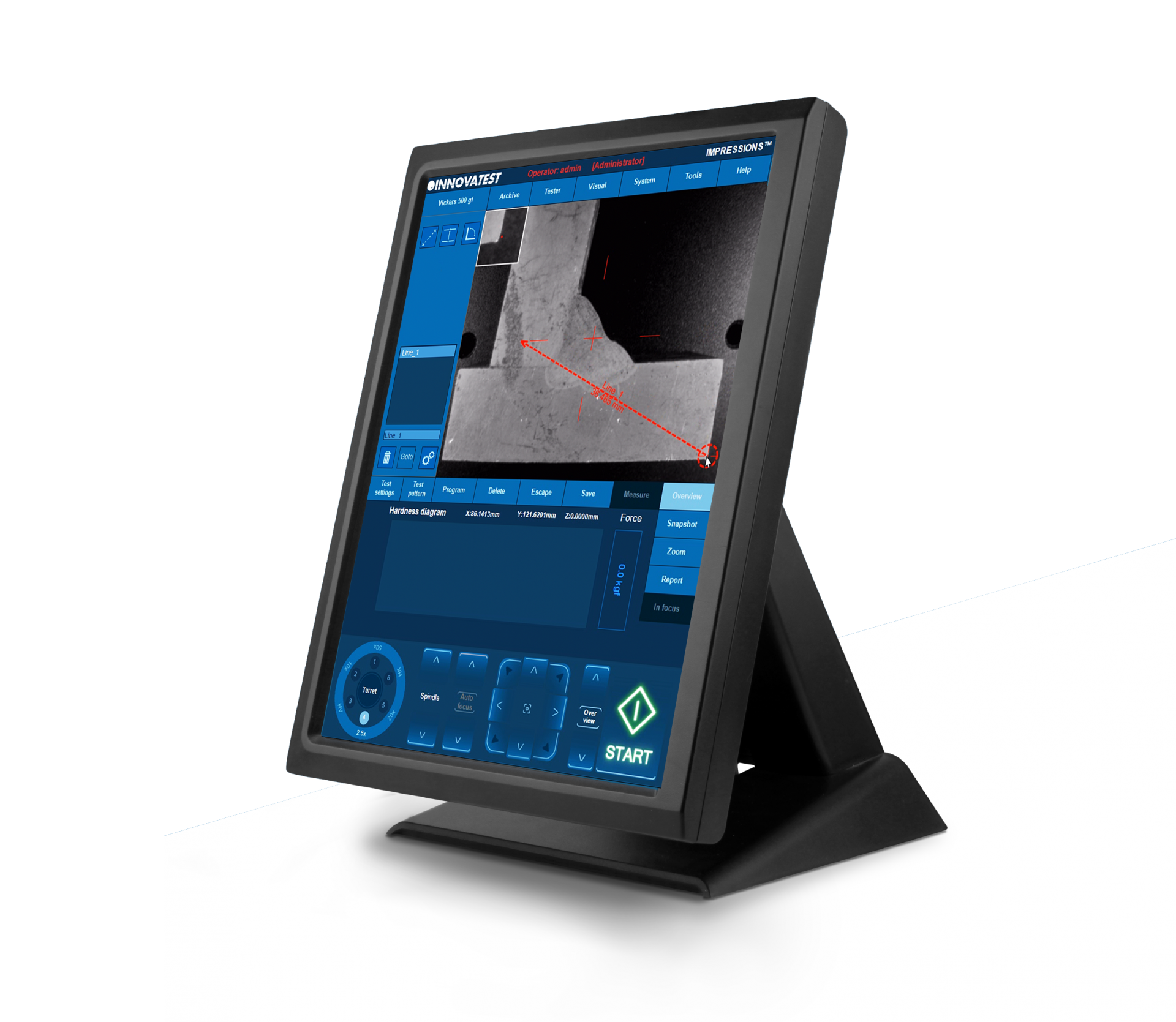


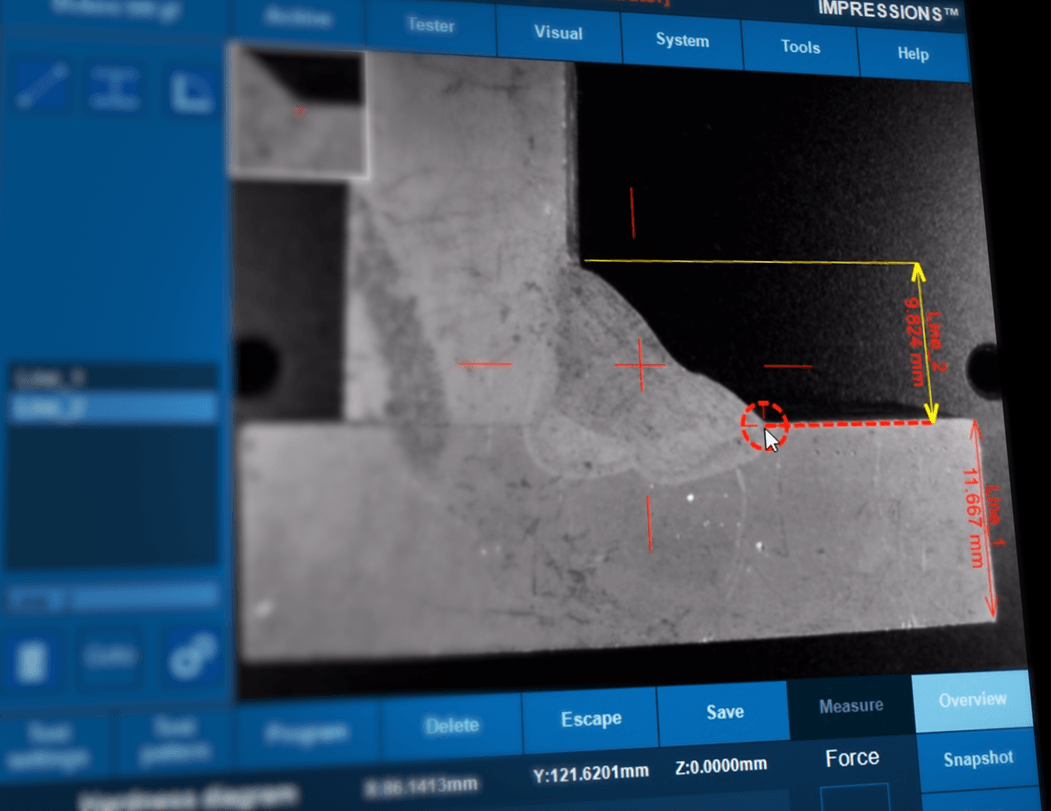
تطبيق الرسم والقياس
يوفر خيار الرسم والقياس إمكانية إجراء مقاسات بسيطة غير-صلابة عند استخدام العرض الموضوعي أو صورة الكاميرا العامة. القدرات هي مقاسات بالمسافة والطول والزاوية.
描画および測定アプリケーション
描画および測定オプションは、対物レンズまたはオーバービューカメライメージを使用するときに、簡単な非硬度測定を行うことができます。機能は、距離、長さ、角度による測定です。
Zeichnen und Messen
Das Modul Zeichnen und Messen bietet die Möglichkeit einfach Abstände, Längen und Winkel auf Ihrer Probe direkt zu messen.
Aplicação de desenho e medição
A opção de desenho e medição oferece a possibilidade de fazer medições simples de dureza ao utilizar a vista objetiva ou a imagem panorâmica da câmera. As capabilidades são medições por distância, comprimento e ângulo.
DualView-Technologie
Der in dieser Industrie einzigartige, kapazitive 15” Touchscreen Bildschirm in Portrait-Ansicht bietet Platz für alle erdenklichen Anwendung. Doppelbildschirm: Für anspruchsvolle Anwender kann ein zweiter vertikal oder horizontal angeordneter 15” – 24” Monitor angeschlossen werden.
Für didaktische Zwecke in Schulen und Universitäten kann ein Full-HD Projektor (Beamer) an den HDMI Ausgang angeschlossen werden. Mit diesen zahlreichen Optionen der Hard- und Software-Konfiguration, jährlichen Updates und komfortablen Upgrades ist IMPRESSIONS™ wahrlich die führende Software in der Härteprüf-Industrie.
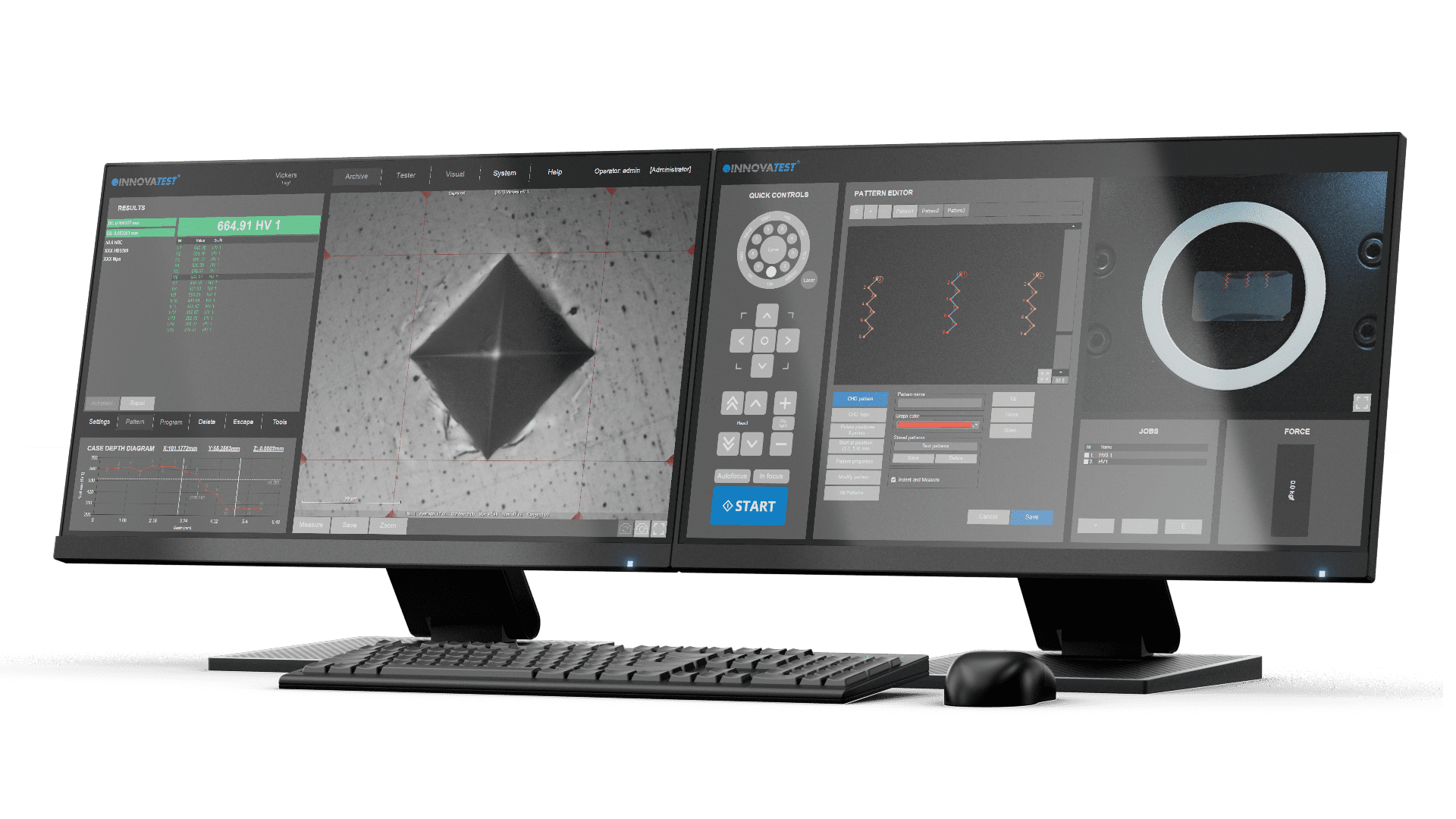
TECHNOLOGIA PODWÓJNEGO PODGLĄDU
Unikatowy w branży, 15-calowy tryb portretowy, pojemnościowy ekran dotykowy, wystarczająco przestronny dla wszystkich możliwych zastosowań. Podwójny ekran: Opcjonalnie dla wymagających użytkowników dostępny jest drugi pionowy ekran 15” lub poziomy 24”.
W celach edukacyjnych, w szkołach, na uniwersytetach, do gniazda obsługującego HDMI można podłączyć projektor Full HD. Dzięki tak wielu opcjom konfiguracji sprzętu i oprogramowania, corocznym aktualizacjom i ulepszeniom na żądanie, IMPRESSIONS™ faktycznie okazuje się wiodącym oprogramowaniem w branży.
Dualview technology
The unique in the industry, 15’’ portrait mode, capacitive touch screen, spacious enough for all possible applications. Dual screen: For demanding users, a second vertical 15’’ or 24’’ landscape screen is an option.
For educational purposes, schools, universities, a full HD projector can be connected to the HDMI supported outlet. With this many options in Hardware and Software configuration, yearly updates and on demand upgrades, IMPRESSIONS™ is truly the leading software in the industry.
Dualview technology
Het unieke in de branche, 15-inch portretmodus, capacitief touchscreen is ruim genoeg voor alle mogelijke toepassingen. Dubbel scherm: voor veeleisende gebruikers is een tweede verticaal 15 ” of 24 ” liggend scherm een optie.
Voor educatieve doeleinden, scholen, universiteiten, kan een full HD-projector worden aangesloten op de HDMI-connectie. Met zoveel opties in hardware- en softwareconfiguratie, jaarlijkse updates en upgrades op aanvraag, is IMPRESSIONS ™ echt de toonaangevende software in de branche.
Tecnologia Dualview
Touch screen capacitivo in modalità verticale da 15”, unico nel settore, sufficientemente ampio per tutte le possibili applicazioni.
Doppio schermo: per gli utenti più esigenti, secondo schermo verticale da 15” o orizzontale da 24” orizzontale.
Per scopi didattici, scuole, università, può essere collegato alla presa HDMI un proiettore Full HD. Con queste numerose opzioni di configurazione hardware e software, aggiornamenti annuali e upgrade su richiesta, IMPRESSIONS™ è in assoluto il software leader del settore.
TECNOLOGÍA DE VISTA DUAL
La única en la industria, modo vertical de 15”, pantalla táctil capacitiva, suficientemente espaciosa para todas las aplicaciones posibles. Pantalla doble: Para usuarios exigentes, una segunda pantalla vertical de 15” o 24” horizontal es opcional.
Para fines educativos, escuelas, universidades, se puede conectar un proyector full HD a la salida compatible con HDMI. Con todas estas opciones de configuración de hardware y software, actualizaciones anuales y mejoras bajo demanda, IMPRESSIONS™ es realmente el software líder en la industria.
تقنية الرؤية المزدوجة
الفريد في هذه الصناعة، وضع عمودي مقاس 15 بوصة، وشاشة واسعة تعمل باللمس، واسعة بما يكفي لجميع التطبيقات الممكنة. شاشة مزدوجة: للمستخدمين المتطلبين، تعد شاشة أفقية عمودية ثانية مقاس 15 بوصة أو 24 بوصة خيارًا لهم.
للأغراض التعليمية والمدارس والجامعات، يمكن توصيل جهاز عرض عالي الدقة بمنفذ HDMI المدعوم. مع هذه الخيارات العديدة في تكوين الأجهزة والبرامج والتحديثات السنوية والترقيات حسب الطلب، يعد IMPRESSIONS ™ حقًا البرنامج الرائد في الصناعة
Technologie dualview
L’écran tactile de 15’’ en mode portrait, unique dans l’industrie, permet d’utiliser toute sortes d’applications. Bi-écran Pour les utilisateurs exigeants, un second écran vertical de 15’’ ou 24’’, en mode paysage, peut être raccordé.
Pour les applications pédagogiques, les écoles, universités, un projecteur « Full HD » peut être raccordé sur la sortie « HDMI ». Grâce à ces nombreuses options matérielles et logicielles, aux mises à jour annuelles et aux mises à niveau sur demande , le logiciel IMPRESSIONS™ est réellement le produit phare de l’industrie.
Tecnologia DUALVIEW
O único na indústria, modo retrato de 15”, tela capacitiva sensível ao toque, espaçosa o suficiente para todas as aplicações possíveis. Tela dupla: Para usuários exigentes, uma segunda tela vertical de 15” ou horizontal de 24” é uma opção.
Para fins educacionais, escolas, universidades, um projetor HD completo pode ser conectado à tomada com suporte HDMI. Com estas muitas opções em configuração de hardware e software, updates anuais e upgrades a pedido, o IMPRESSIONS™ é verdadeiramente o software líder no setor.
双屏技术
针对有特殊需求的客户,可再选配一个15英寸纵向或24英寸横向的第二屏幕。针对有教学目的的用户(如高校等),也可通过机器标配的HDMI接口外接高清投影仪。IMPRESSIONS™ 是硬度测试仪器行业领先的软件系统,拥有多种软件和硬件配置。
INNOVATEST每年都会对软件进行更新,也会根据用户需求进行更新。
デュアルビューテクノロジー
15インチのポートレートモード、静電容量式タッチスクリーンを使用し、あらゆるアプリケーションに十分な広さを備えています。デュアルスクリーン:高度なユーザーには、15インチまたは24インチの横置きスクリーンをもう1つ選択できます。
教育目的では学校や大学向けにはフルHDプロジェクターをHDMIで接続できます。ハードウェアとソフトウェアの構成、年次アップデート、およびオンデマンドのアップグレードが可能で多くのオプションを備えたIMPRESSIONS™は業界をリードするソフトウェアです。
Tecnologia Dualview
O único na indústria, modo retrato de 15”, tela capacitiva sensível ao toque, espaçosa o suficiente para todas as aplicações possíveis. Tela dupla: Para usuários exigentes, uma segunda tela vertical de 15” ou horizontal de 24” é uma opção.
Para fins educacionais, escolas, universidades, um projetor HD completo pode ser conectado à tomada com suporte HDMI. Com estas muitas opções em configuração de hardware e software, updates anuais e upgrades a pedido, o IMPRESSIONS™ é verdadeiramente o software líder no setor.
GENERATOR RAPORTÓW
Wyobraź sobie, że dostajesz raport, który zawiera: nazwę Twojej firmy, adres, informacje kontaktowe, oznaczone wyniki w powiązaniu z wzorami lub sekwencyjne obrazy pomiarów optycznych, obrazy łączone, miejsca na notatki przy każdym wyniku lub zdjęciu, renderowanie wykonanego wzoru, podgląd obrazu wzoru na próbce, pełne statystyki, podsumowanie wyników, wyniki pozytywne/negatywne, zaliczone lub niezaliczone…, wszystkie te informacje, albo wariant umieszczenia w raporcie tylko tego, co jest Ci potrzebne – nazywamy to naszym Konfiguratorem raportu. To Ty decydujesz, jak dużo lub jak mało raportujesz w PDF lub przy użyciu drukarki laserowej. Prostotę obsługi dopełniamy, dając możliwość eksportu do pliku CSV, pamięci USB lub pliku w lokalizacji sieciowej. Zarządzanie danymi w najlepszym wydaniu!
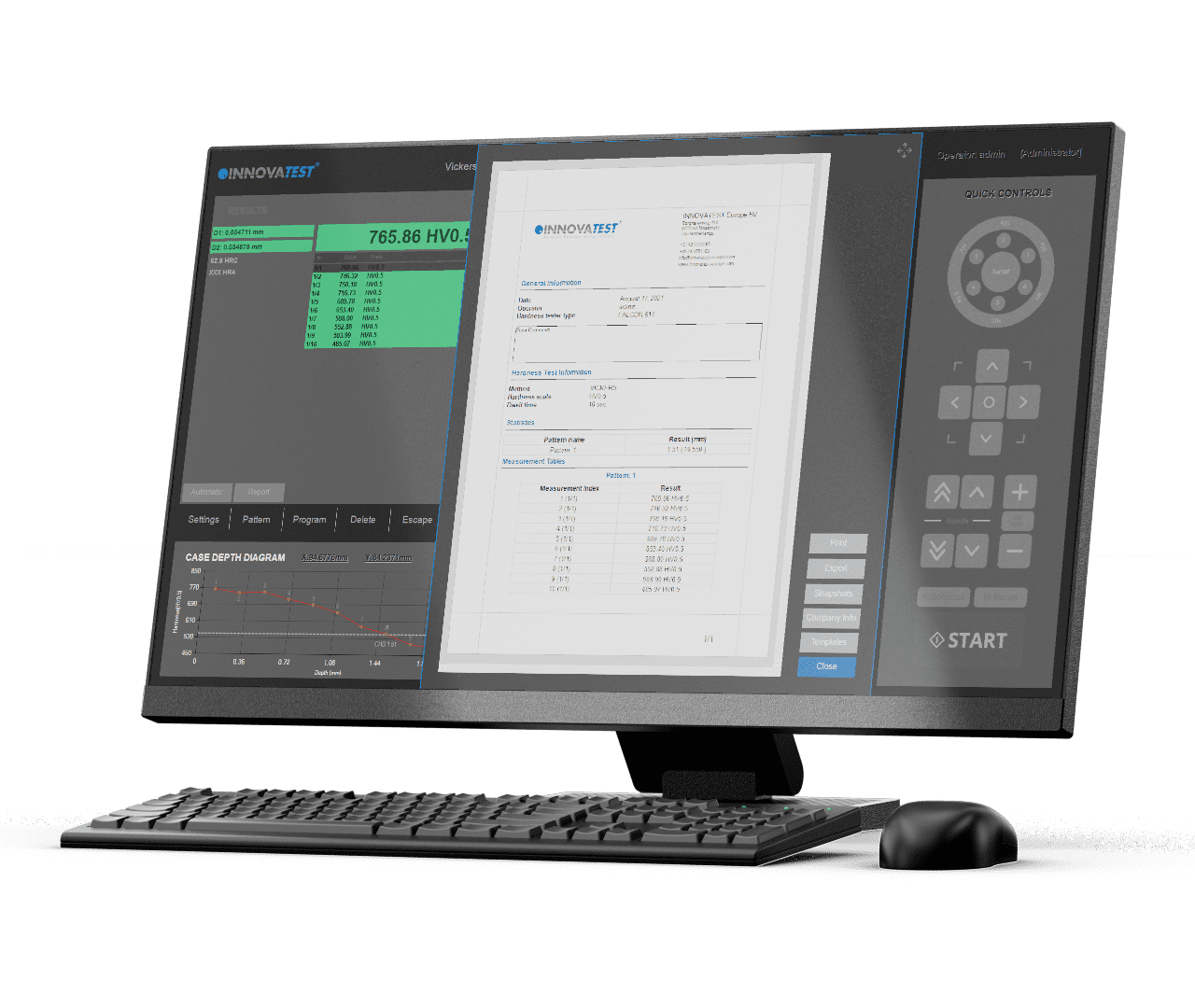
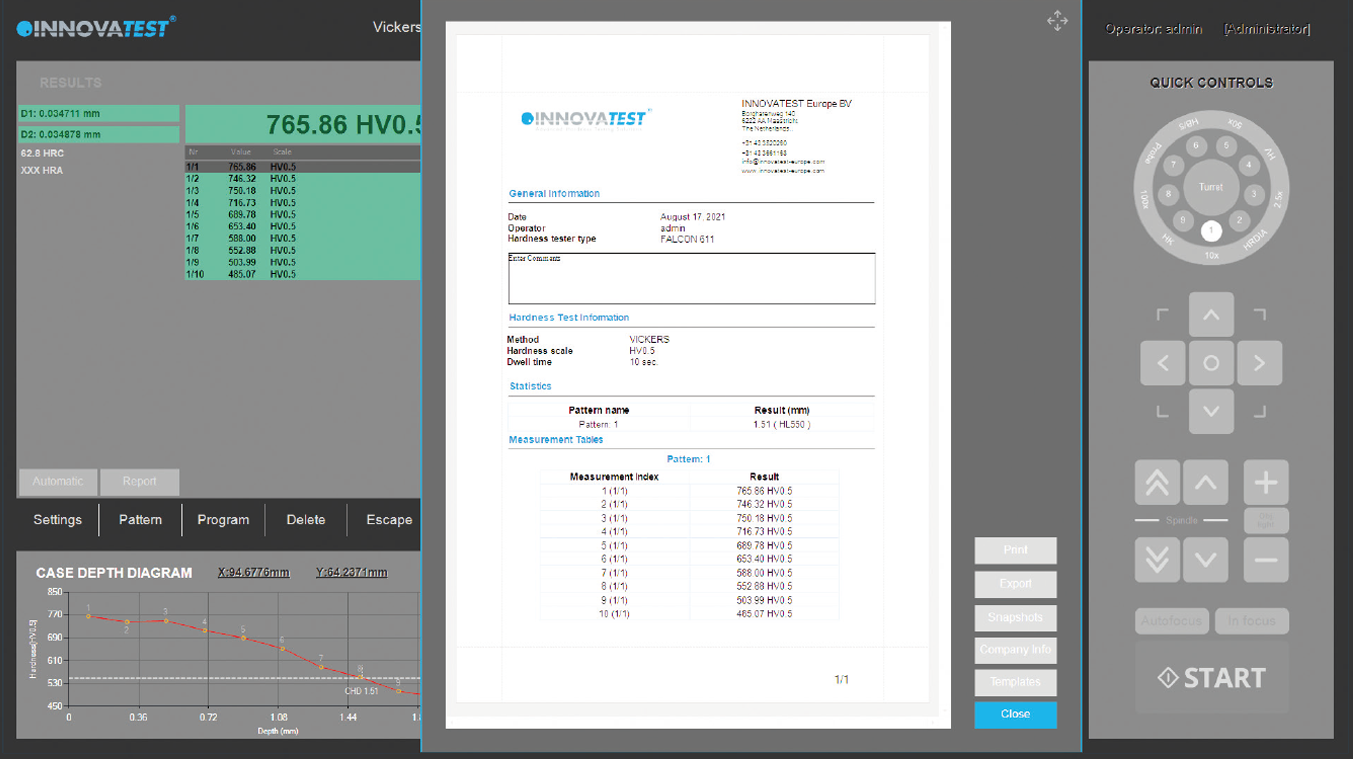
Report Generator
Imagine having a report created for you that includes: Your company name, address, contact information, labeled results related to patterns or sequential, pictures of your optical measurements, stitched images, notes section for each result or pictures, rendition of the pattern performed, overview picture of your pattern on your sample, full statistics, summary of your results, go no-go results, Pass or fail…all that information or having the ability to only have what you need reported, we call this our Report Configurator. You decide how much or how little you report by PDF or laser printer. We even keep it simple by choosing export to CSV file, to a thumb drive or network file location. Data management at its best!
Prüfprotokoll
Der Reportgenerator unterstützt die individuelle Gestaltung des Prüfberichts in einer leicht bedienbaren Nutzeroberfläche und ermöglicht die Integration Ihrer Firmierung und des Firmenlogos, der Prüfergebnisse, Grafiken und Bilder der Härteprüf-Eindrücke. Die Datei kann mit einem Laserdrucker gedruckt oder in eine
PDF-Datei umgewandelt werden. Alternativ kann der Inhalt als CSV-Datei exportiert werden um in anderen MSOffice-Anwendungen oder einer CAQ-Software weiterverarbeitet zu werden
Report Generator
Stel je voor dat je een rapport voor je hebt dat het volgende bevat: je bedrijfsnaam, adres, contactgegevens, gelabelde resultaten met betrekking tot patronen of sequentiële, afbeeldingen van je optische metingen, “stitched images”, sectie met opmerkingen voor elk resultaat of afbeelding, weergave van het uitgevoerde patroon, overzichtsfoto van uw patroon op uw proefstuk, volledige statistieken, samenvatting van uw resultaten, go no-go resultaten, geslaagd of niet …
Al die informatie of de mogelijkheid hebben om alleen te kiezen wat u nodig heeft, noemen we onze Report Configurator. U bepaalt zelf hoeveel of hoe weinig u rapporteert per pdf of laserprinter. We houden het zelfs simpel door te kiezen voor exporteren naar CSV-bestand, naar een USB-stick of netwerkbestandslocatie. Datamanagement op zijn best!
GENERADOR DE REPORTES
Imagínese teniendo un reporte creado por usted que incluye: El nombre de su compañía, dirección, información de contacto, resultados etiquetados relacionados con los patrones o secuencias, imágenes de sus mediciones ópticas, unión de imágenes, sección de notas para cada resultado o imágenes, esquema del patrón realizado, imagen general de su patrón en su muestra, estadísticas completas, resumen de sus resultados, configuración de limites de resultados, pasa o no pasa… toda esa información o tener la capacidad de sólo tener lo que necesita reportado, nosotros lo llamamos nuestro Configurador de Reportes. Usted decide cuánto o qué tan poco reporta por PDF o impresora láser. Incluso lo mantenemos simple eligiendo exportar un archivo de extensión CSV, a una unidad de disco duro o a una ubicación de archivo de red. ¡La administración de datos en su mejor momento!
Generatore Di Report
Immagina di avere un report creato per te che include: il nome della tua azienda, indirizzo, informazioni di contatto, risultati etichettati relativi a modelli o sequenziali, immagini delle tue misurazioni ottiche, immagini composite, sezione note per ogni risultato o immagine, resa del modello eseguito, immagine panoramica del modello sul campione, statistiche complete, riepilogo dei risultati, risultati non conformi, controlli superati o non superati … tutte queste informazioni o la possibilità di riportare solo ciò di cui hai bisogno grazie al nostro configuratore di report. Decidi tu quanto o quanto poco segnalare tramite PDF o stampante laser. Offriamo la massima flessibilità anche garantendo l’esportazione dati in file CSV, in una chiavetta USB o in un percorso di file di rete. La migliore gestione dei dati!
مولد التقرير
تخيل تقرير تم إنشاؤه لك يتضمن: اسم شركتك، العنوان، معلومات الاتصال، النتائج ذات العلامات المتعلقة بالأنماط أو المتسلسلة، صور المقاسات البصرية، الصور المُخيطة، قسم الملاحظات لكل نتيجة أو صور، عرض النمط المنفذ، صورة عامة للنمط الخاص بك على عينتك، إحصائيات كاملة أو ملخص لنتائجك، أو نتائج محظورة، أو نجاح أو فشل … كل هذه المعلومات أو القدرة على الإبلاغ عن ما تحتاج إليه وحسب، نسمي هذا مُكون التقرير الخاص بنا. أنت تقرر مقدار ما تقدمه عن طريق ملف PDF أو طابعة ليزر. حتى أننا نبسّط الأمر كثيرًا عن طريق اختيار التصدير إلى ملف CSV أو إلى محرك أقراص الإبهام أو موقع ملف الشبكة. إدارة البيانات في أفضل حالاتها!
报告生成器
报告生成器的测试报告自定义功能,使用户可以在报告中添加公司详细信息
和公司LOGO,也可根据需要对测试结果、图表和压痕图片等内容进行排版布局。所有报告可以通过与仪器连接的激光打印机(选配)直接打印出来。也可以
输出到CSV文档,MS office软件或其它第三方质量控制软件。
Générateur de rapports
Imaginez que vous puissiez disposer d’un rapport personnalisé comportant : Le nom de votre société, l’adresse, les informations de contact, les résultats étiquetés associés aux modèles, ou les images séquentielles de vos mesures optiques, les images assemblées, une section rassemblant les notes pour chaque résultat ou image, la reproduction du modèle réalisé, l’image d’ensemble du modèle sur votre échantillon, des statistiques complètes, un résumé de vos résultats, des résultats tout ou rien, réussite ou échec…toutes ces informations, ou au contraire, avoir la possibilité de ne disposer que de ce que vous souhaitez collecter : voici ce qu’est en mesure de réaliser notre Configurateur de Rapports Vous décidez du volume à conserver sur un document PDF ou de celui à sortir sur imprimante laser. Vous pouvez encore simplifier la démarche en exportant le rapport sous forme de fichier CSV, sur une clé USB ou l’emplacement d’un fichier réseau. Une gestion des données à votre convenance !
Gerador de relatórios
Imagine ter um relatório criado para você que inclua: nome de sua empresa, endereço, informações de contato, resultados rotulados relacionados a padrões ou sequenciais, imagens de suas medidas óticas, imagens costuradas, seção de notas para cada resultado ou imagens, renderização do padrão realizado, imagem panorâmica de seu padrão em sua amostra, estatísticas completas, resumo de seus resultados, resultados “go no-go”, Passar ou falhar… todas essas informações ou poder ter um relatório apenas daquilo que você precisa, chamamos isso de nosso Configurador de Relatórios. Você decide quanto ou quão pouco você reporta por PDF ou impressora a laser. Nós até mesmo o mantemos simples, escolhendo a exportação para arquivo CSV, para um “thumb drive” ou um arquivo em rede. Gerenciamento de dados por excelência!

レポートジェネレーター
会社名、住所、連絡先情報、パターンまたは試験手順に関連した結果や光学測定の画像、ステッチング画像、各結果または画像のノートセクション、実行されたパターン、サンプル上のパターンのオーバービュー画像、完全な統計、結果の確認、失敗した結果、合格または不合格…すべての情報を含むレポートを作成することを想像してください。私たちはこれをレポートコンフィグレータと呼びます。PDFやレーザープリンターで報告する内容を決めます。さらに、CSVファイル、サムドライブ、またはネットワークファイルの場所へのエクスポートを選択することでシンプルに試験報告を行う事ができます。レポートジェネレータは非常に優れたデータ管理システムです。
Gerador de relatórios
Imagine ter um relatório criado para você que inclua: nome de sua empresa, endereço, informações de contato, resultados rotulados relacionados a padrões ou sequenciais, imagens de suas medidas óticas, imagens costuradas, seção de notas para cada resultado ou imagens, renderização do padrão realizado, imagem panorâmica de seu padrão em sua amostra, estatísticas completas, resumo de seus resultados, resultados “go no-go”, Passar ou falhar… todas essas informações ou poder ter um relatório apenas daquilo que você precisa, chamamos isso de nosso Configurador de Relatórios. Você decide quanto ou quão pouco você reporta por PDF ou impressora a laser. Nós até mesmo o mantemos simples, escolhendo a exportação para arquivo CSV, para um “thumb drive” ou um arquivo em rede. Gerenciamento de dados por excelência!
FUNKCJA ZRZUTU EKRANU
Ta przydatna funkcja w programie IMPRESSIONS™ pozwala na wykonywanie zrzutów ekranu z obszaru podglądu za pomocą obiektywu i/lub kamery podglądu. Daje to możliwość przechowywania takich obrazów z komentarzami lub wklejania ich do generatora raportów w celu dalszego przetwarzania.
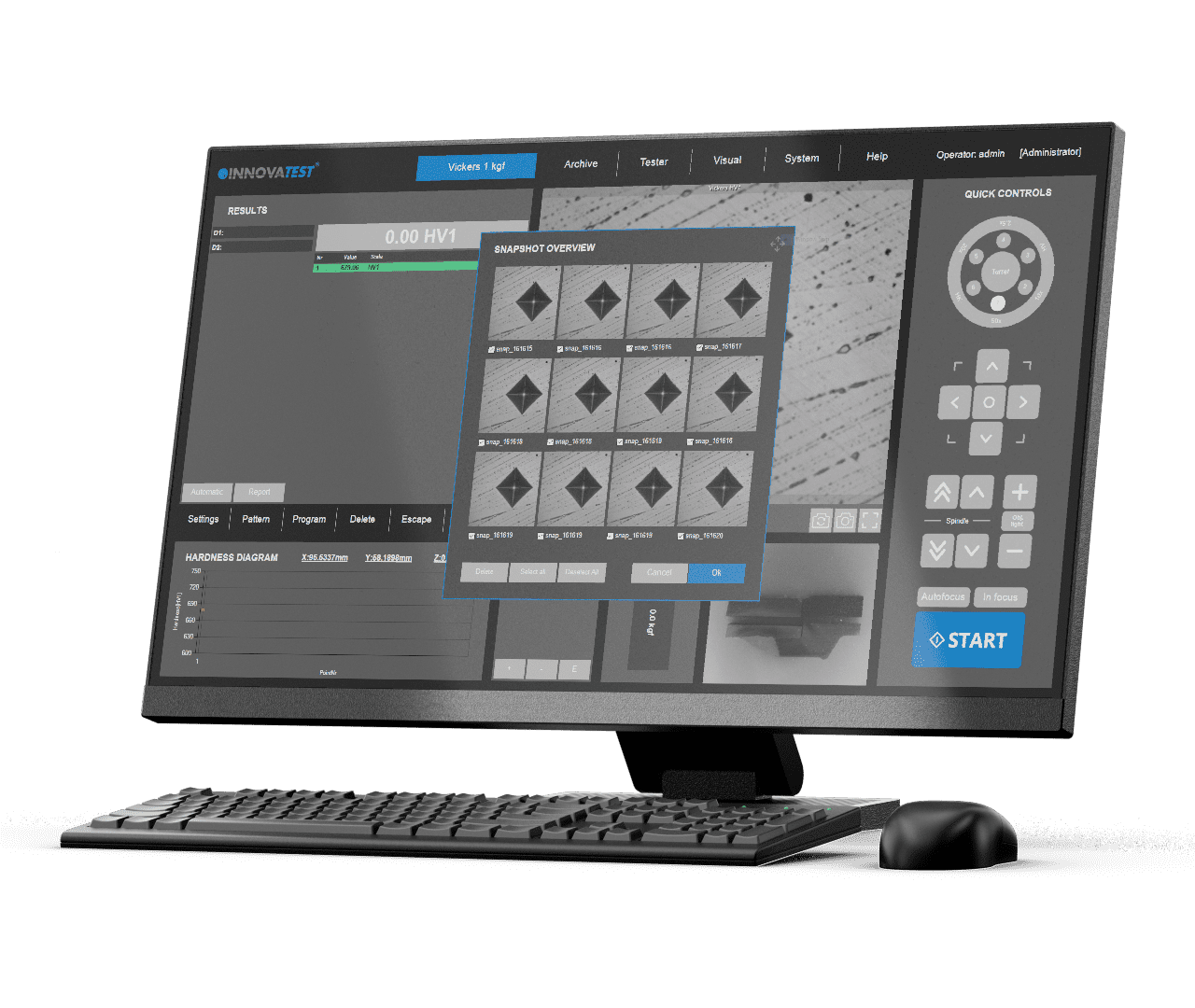
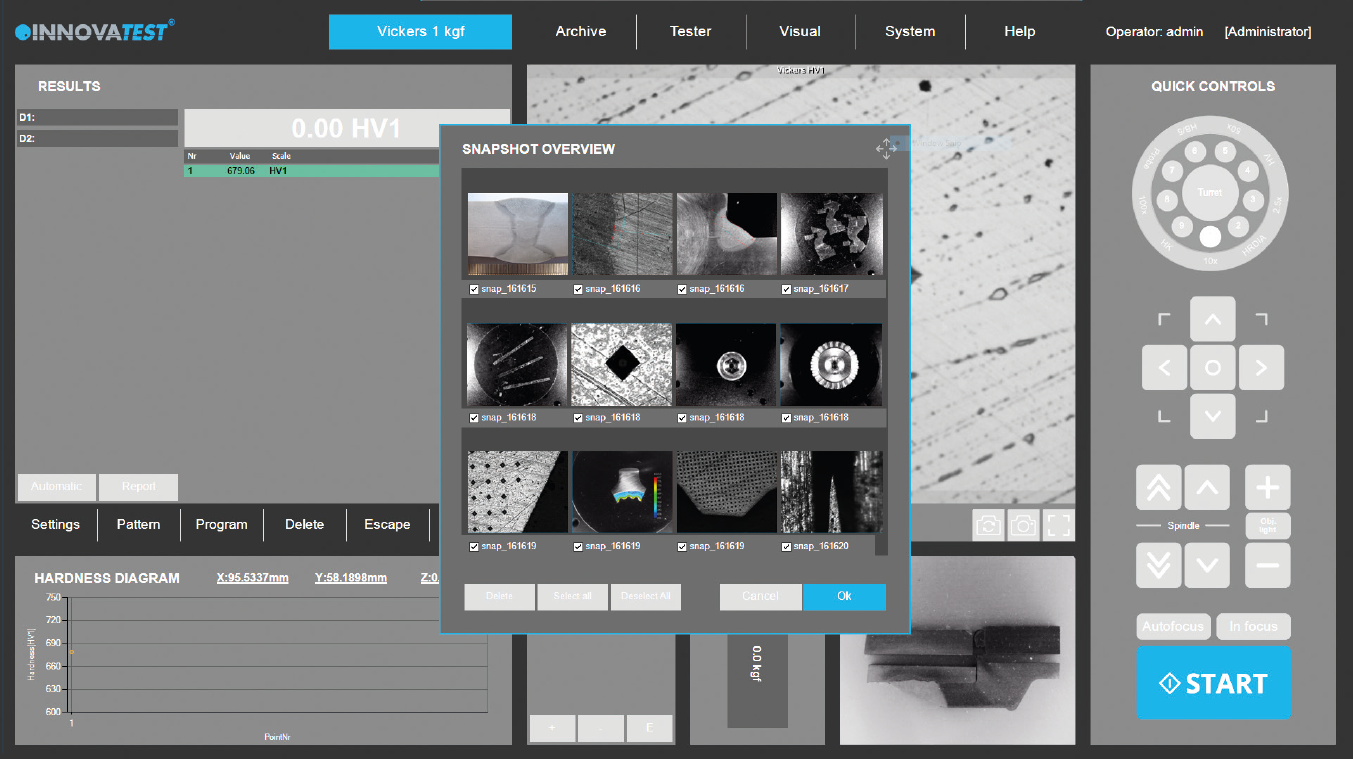
Screenshot-Funktion
Mit dieser praktischen Funktion lassen sich in IMPRESSIONS™ Screenshots des
Betrachtungsbereichs erstellen. Die Aufnahmen können mit Kommentaren
versehen und gespeichert oder zur weiteren Bearbeitung in das Prüfprotokoll
kopiert werden.
Snapshot Function
Deze handige functie in IMPRESSIONS ™ stelt u in staat om schermopnames te maken van het weergavegebied van een objectief of overzichtscamera. Er is de mogelijkheid om dergelijke afbeeldingen met commentaar op te slaan of om ze in de rapportgenerator te plakken voor verdere verwerking.
وظيفة الصورة المفاجئة
تتيح لك هذه الوظيفة المفيدة في IMPRESSIONS ™ التقاط لقطات شاشة لمنطقة المشاهدة عن طريق العرض الموضوعي و/أو الكاميرا العرضية. تتيح الفرصة لتخزين مثل هذه الصور مع التعليقات أو لصقها في منشئ التقارير لمزيد من المعالجة.
FUNCIÓN DE CAPTURA INSTANTÁNEA
Esta práctica función en IMPRESSIONS™ permite hacer capturas de pantalla del área de vista por medio de una cámara de vista del objetivo y/o de vista general. Esto da la oportunidad de almacenar tales imágenes con comentarios o de añadirlas al generador de informes para su posterior procesamiento.
Fonction photo
Cette fonction pratique du logiciel IMPRESSIONS™ vous permet de photographier l’écran de la zone de visualisation au moyen de l’image donnée par l’objectif et / ou de celle de la caméra Vue d’ensemble. Vous pouvez également enregistrer ces images en ajoutant des commentaires ou les coller dans le générateur de rapports pour toute utilisation ultérieure.
Funzione Snapshot
Questa pratica funzione IMPRESSIONS ™ consente di acquisire schermate dell’area di visione tramite obiettivo o telecamera panoramica. Offre l’opportunità di memorizzare le immagini con commenti o di incollarle nel generatore di report per un’ulteriore elaborazione.
Snapshot Function
This handy function in IMPRESSIONS™ allows you to make screen captures of the viewing area by way of objective view and/or Overview camera. It gives the opportunity to store such images with comments or to paste them into the report generator for further processing.
Função snapshot
Esta útil função em IMPRESSIONS™ permite fazer capturas de tela da área de visualização por meio de visão objetiva e/ou câmera Overview. Ela dá a oportunidade de armazenar tais imagens com comentários ou de colá-las no gerador de relatórios para processamento posterior.
スナップショット機能
IMPRESSIONS™のこの便利な機能は、対物もしくはオーバービューカメラを使用して表示領域のスクリーンキャプチャを作成できます。この機能でイメージをコメント付きで保存したり、さらにレポートジェネレータに貼り付けることができます。
Automatische Kantenerkennung
Eine Technologie die automatisch oder per Mausklick die Kante einer Probe erkennt. Diese Funktion dient der Ermittlung und Festlegung der Startposition für eine CHD
Prüfung oder andere Prüfaufgaben.
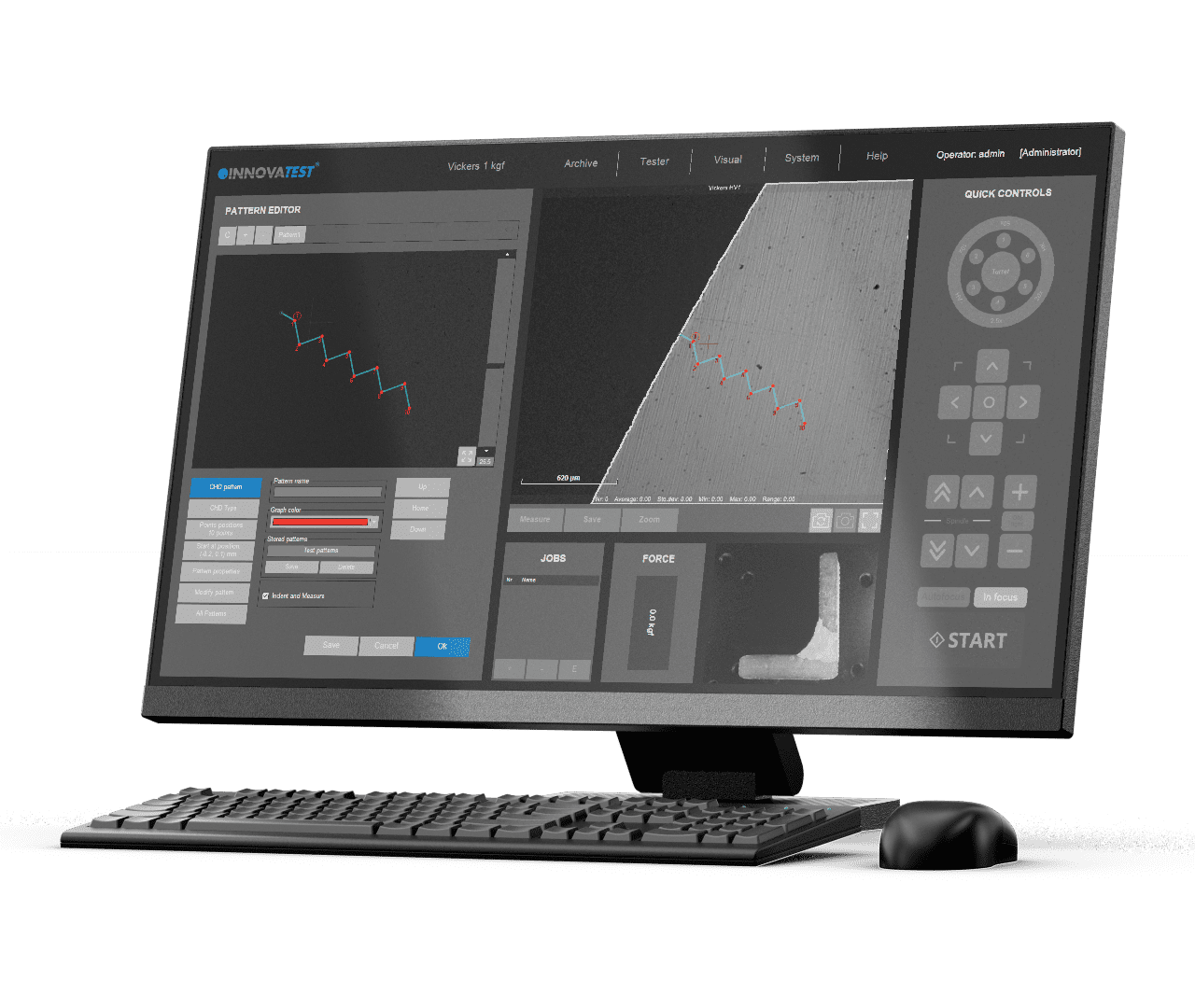
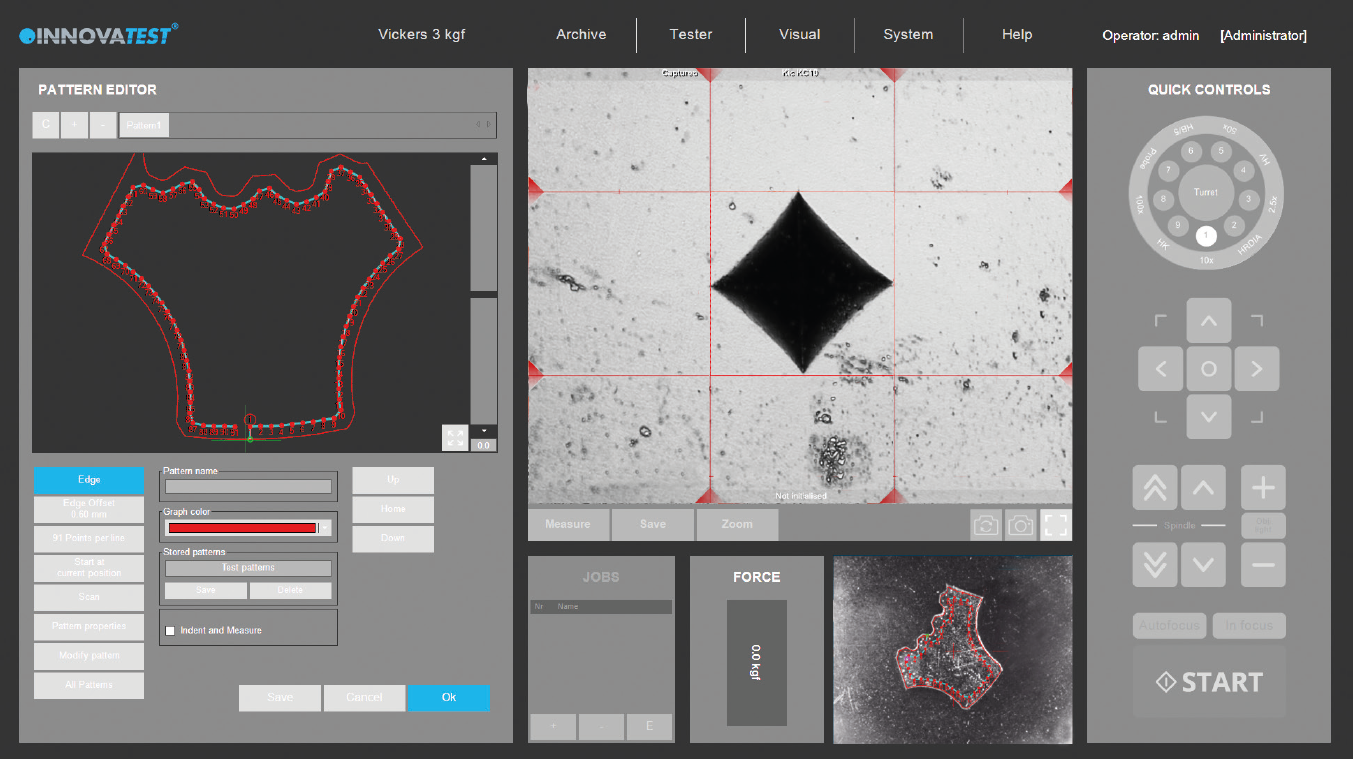
AUTOMATYCZNE WYKRYWANIE KRAWĘDZI
Technologia, która automatycznie lub za pomocą jednego kliknięcia myszką rozpoznaje krawędź próbki. Pomaga to w określeniu i utrwaleniu żądanej pozycji wyjściowej dla CHD lub innych zadań szablonów pomiarowych.
Automatic Edge Detection
Technology that automatically or at a mouse click recognizes the edge of your sample. This helps to determine and fix the desired starting position for CHD or other pattern testing jobs.
Automatic Edge Detection
Technologie die automatisch of met een muisklik de rand van uw proefstuk herkent. Deze technologie helpt bij het bepalen en fixeren van de gewenste startpositie voor CHD of andere patroonmetingen.
الكشف التلقائي عن الحواف
تقنية تتعرف تلقائيًا أو بنقرة زر على حافة عيّنتك يساعد هذا في تحديد موضع البداية المطلوب لأمراض القلب التاجية وإصلاحها أو وظائف اختبار الأنماط الأخرى.
DETECCIÓN AUTOMÁTICA DE BORDES
Esta tecnología reconoce el borde de su muestra automáticamente o con un clic del ratón. Esto ayuda a determinar y fijar la posición inicial deseada para CHD u otros trabajos de patrones de ensayo.
Détection automatique du bord
Technologie qui permet de reconnaître automatiquement ou d’un clic de souris le bord de votre échantillon. Elle vous aide à déterminer et à définir la position initiale recherchée pour mesurer la CHD ou tout autre test de gabarit.
Detecção automática de bordas
Tecnologia que, automaticamente ou com um clique do mouse, reconhece as bordas de sua amostra. Isto ajuda a determinar e fixar a posição inicial desejada para os trabalhos de CHD ou outros testes padrão.
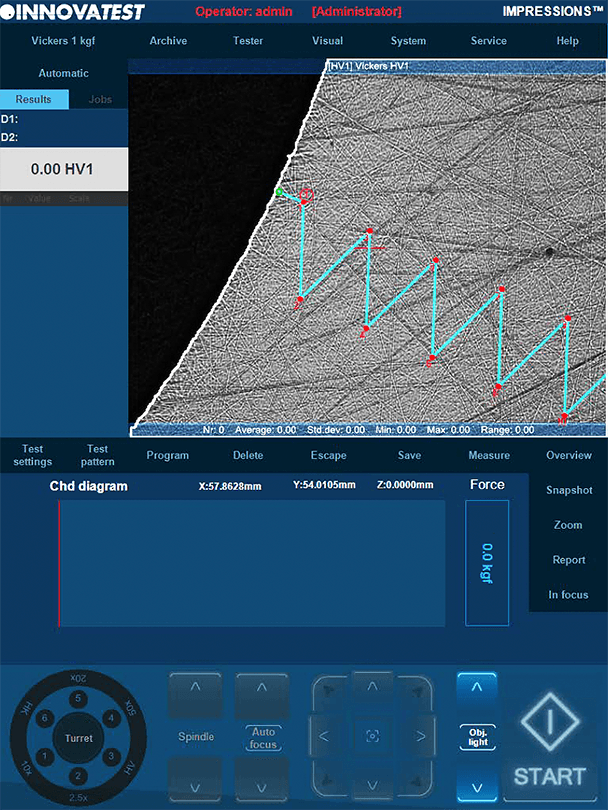
Rilevamento Automatico Dei Bordi
Tecnologia che riconosce automaticamente o tramite clic del mouse il bordo del tuo campione. Questa funzione aiuta a determinare e fissare la posizione di partenza desiderata per analisi CHD o altre prove tramite pattern.
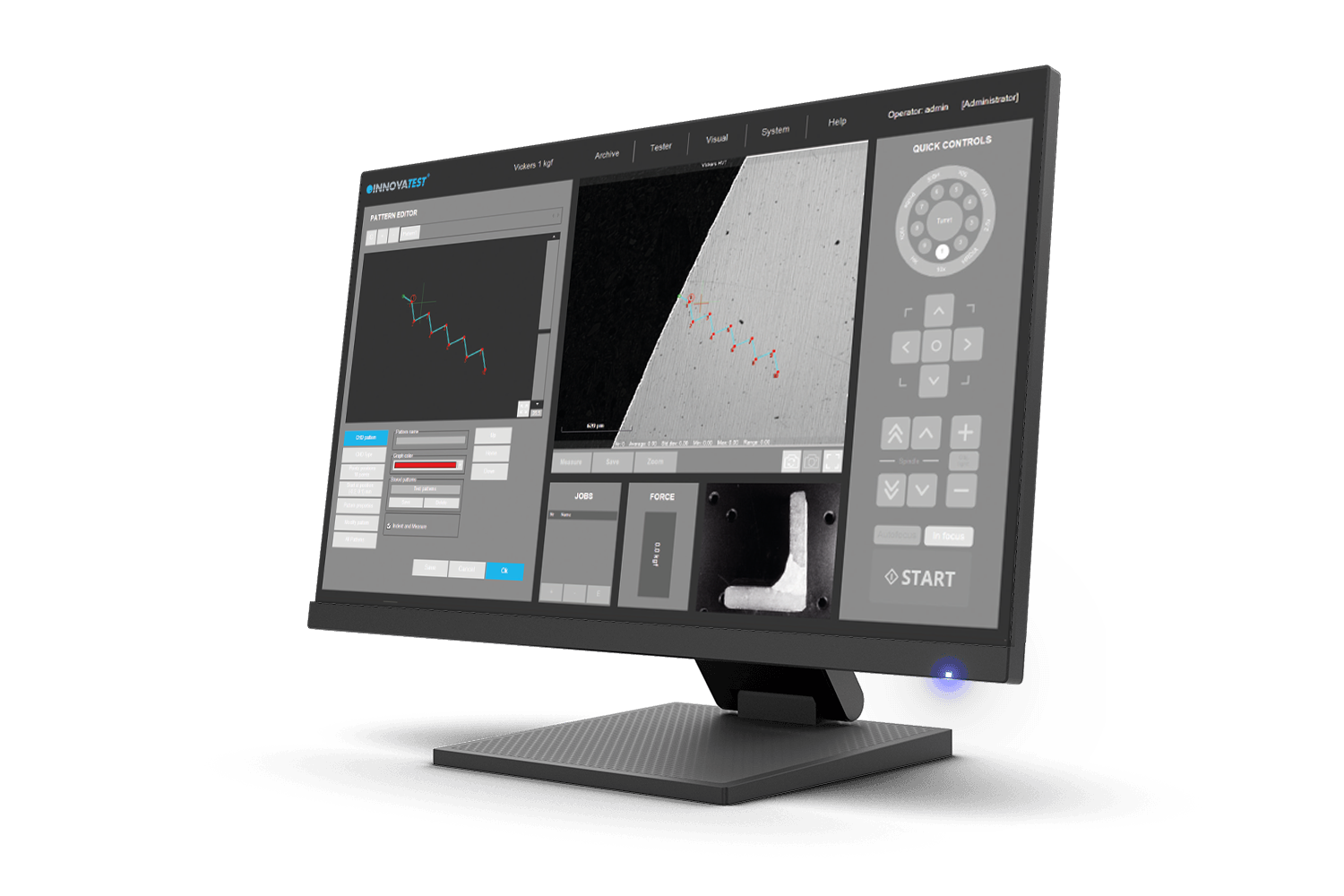
Detecção automática de bordas
Tecnologia que, automaticamente ou com um clique do mouse, reconhece as bordas de sua amostra. Isto ajuda a determinar e fixar a posição inicial desejada para os trabalhos de CHD ou outros testes padrão.
WYKRES GŁĘBOKOŚCI/CZASU SIŁY
Funkcja ta pokazuje głębokość wgłębnika w materiale podczas wykonywania pomiaru Rockwella. Wykres siły/głębokości zawiera wizualizację zależności między głębokością wgłębnika a przyłożoną siłą.
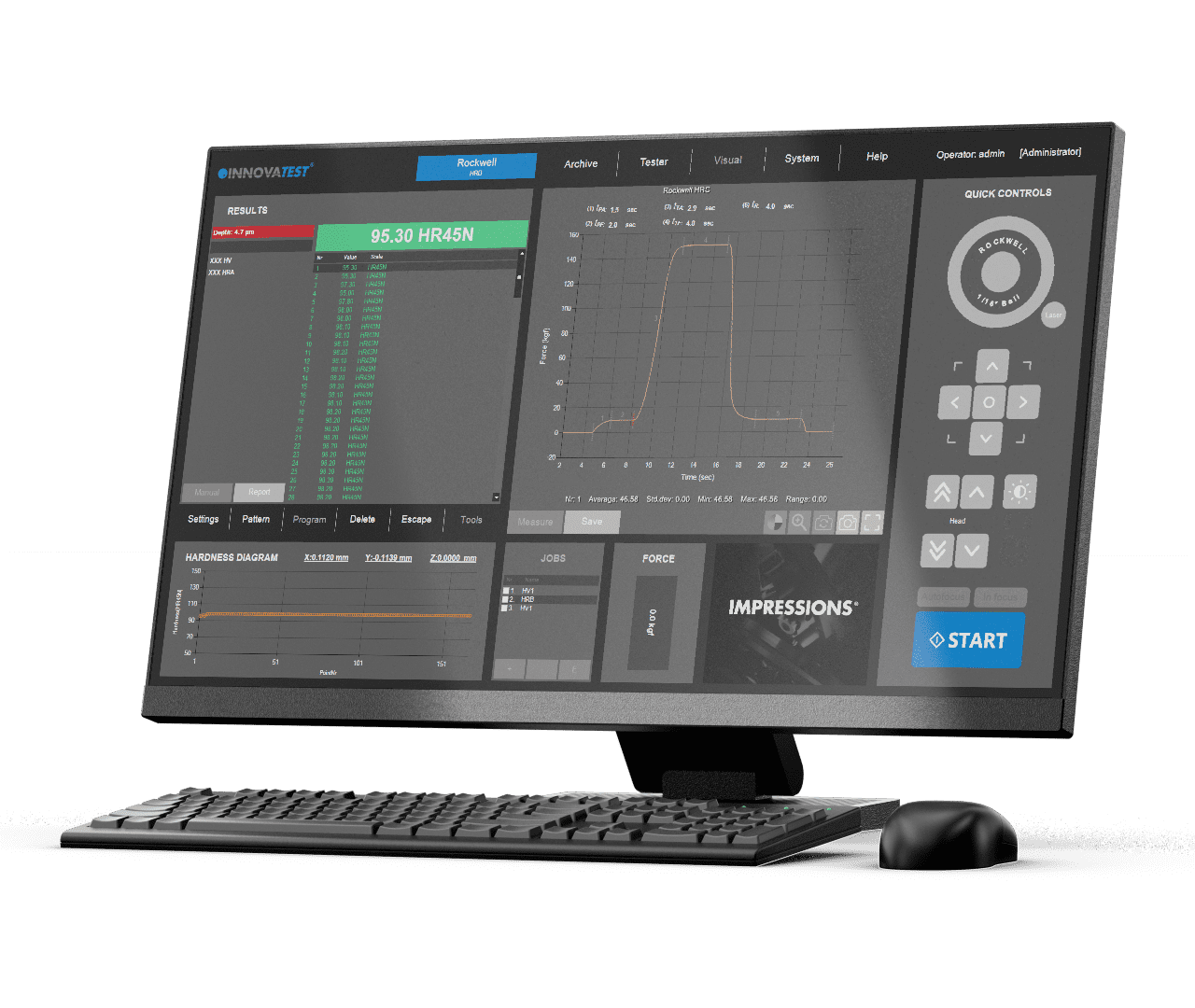
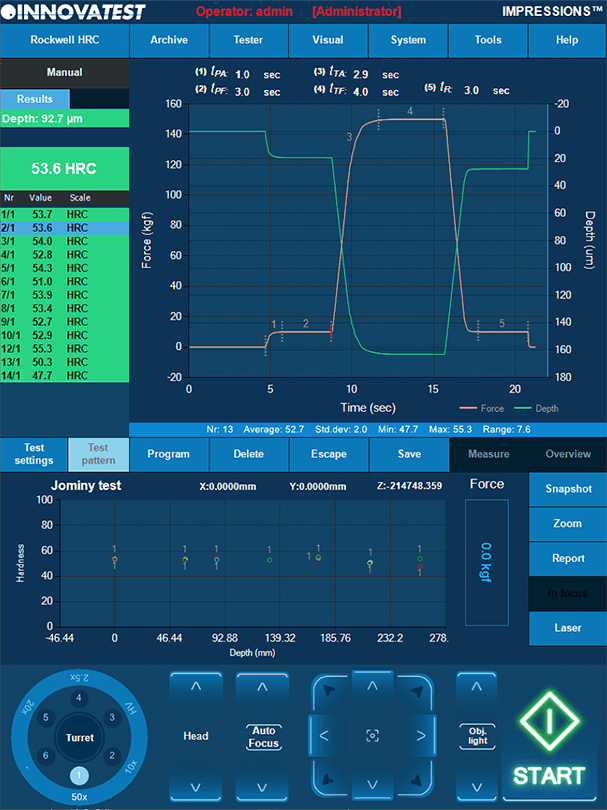
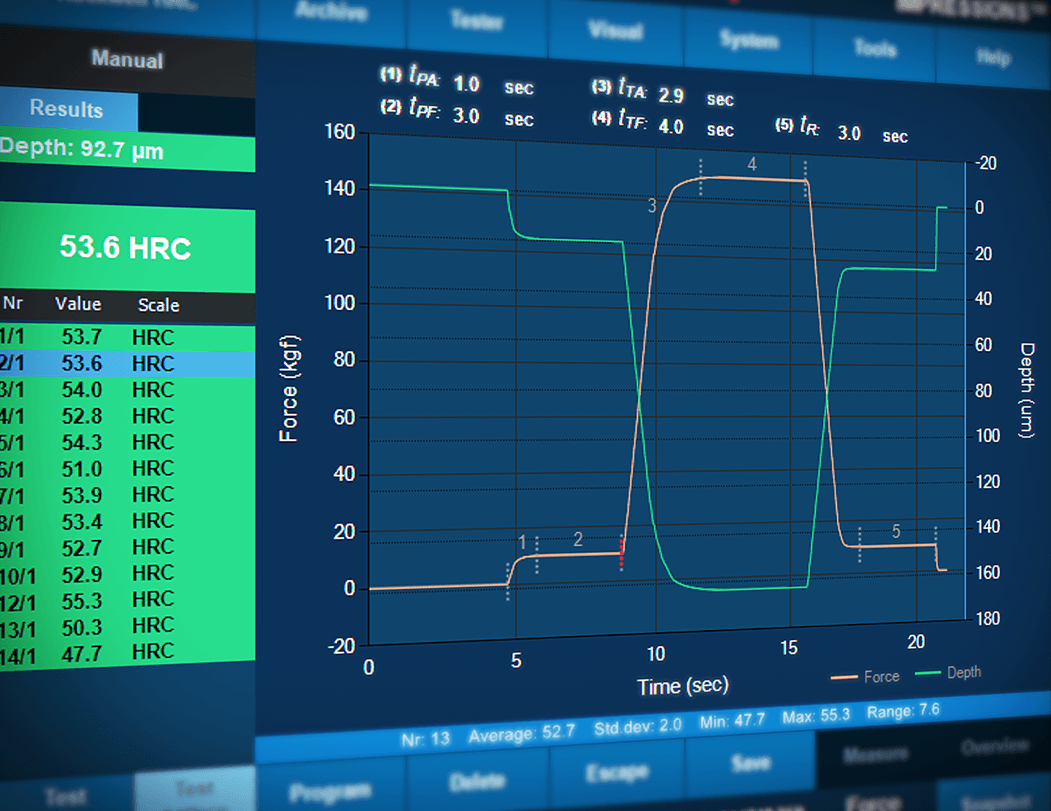
Force depth/time diagram
This feature will show the depth of the indenter in the material while performing a Rockwell measurement. The force/depth diagram contains the visualisation of the relation between indenter depth and the force applied.
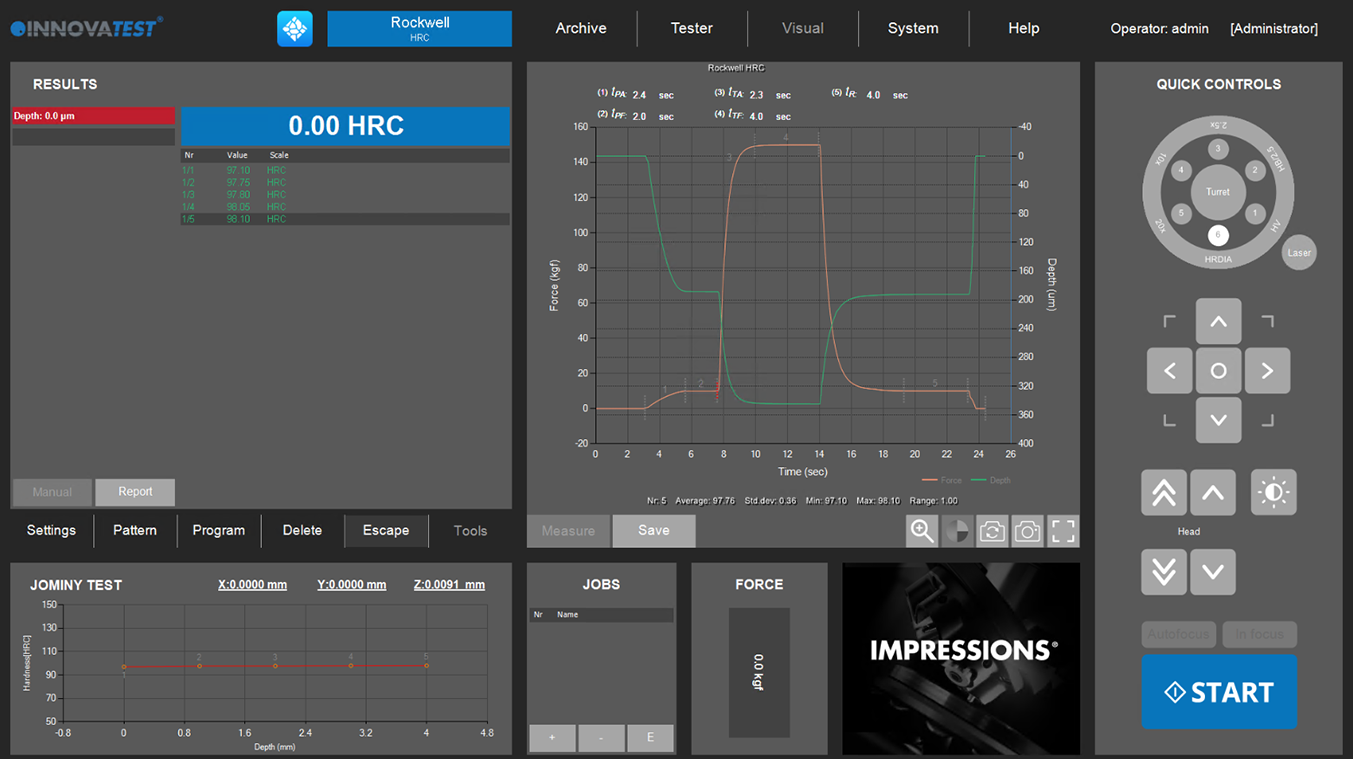
Force depth/time diagram
Deze feature toont de diepte van de indenter in het materiaal tijdens het uitvoeren van een Rockwell-meting. Het kracht / diepte diagram bevat de visualisatie van de relatie tussen indringdiepte en de uitgeoefende kracht.
DIAGRAMA DE PROFUNDIDAD DE LA CARGA/TIEMPO
Esta función muestra la profundidad del indentador en el material mientras se realiza una medición de Rockwell. El diagrama carga/profundidad contiene la visualización de la relación entre la profundidad del indentador y la carga aplicada.
Diagramme force/profondeur
Cette fonction indique la profondeur du pénétrateur dans le matériau lors d’une mesure Rockwell. La diagramme force / profondeur visualise la relation entre la profondeur du pénétrateur et la force appliquée.
Diagrama de profundidade de força/tempo
Esta funcionalidade mostrará a profundidade do entalhe no material enquanto se realiza uma medição Rockwell. O diagrama força/profundidade contém a visualização da relação entre a profundidade do indentador e a força aplicada.
Kraft-Tiefe/Zeit-Diagramm
Diese Funktion zeigt die Eindringtiefe des Eindringkörpers im Material während der Durchführung einer Rockwell-Messung an. Das Kraft/Tiefe-Diagramm visualisiert das Verhältnis zwischen Eindringtiefe und aufgebrachter Kraft.

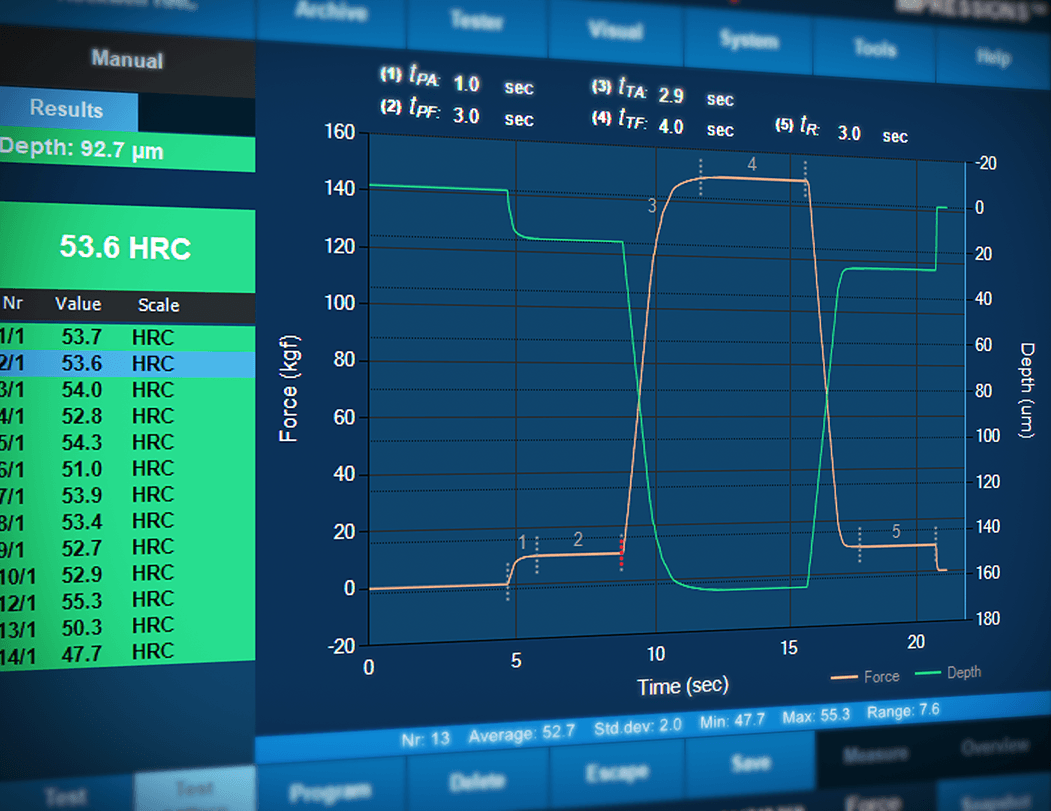
Diagramma Forza Profondità / Tempo
Questa funzione mostrerà la profondità del penetratore nel materiale durante l’esecuzione di una misurazione Rockwell. Il diagramma forza / profondità contiene la visualizzazione della relazione tra la profondità del penetratore e la forza applicata.
مخطط عمق القوة/ الوقت
ستُظهر هذه الميزة عمق المسافة البادئة في المادة أثناء إجراء قياس روكويل. يحتوي مخطط القوة/العمق على تصور للعلاقة بين عمق الإنتندر والقوة المطبقة.
Diagrama de profundidade de força/tempo
Esta funcionalidade mostrará a profundidade do entalhe no material enquanto se realiza uma medição Rockwell. O diagrama força/profundidade contém a visualização da relação entre a profundidade do indentador e a força aplicada.
Dureza da rosca de parafusos (ISO 898-1)
Uma ferramenta de software especializada do IMPRESSIONS™ permite que você configure e realize testes totalmente automáticos de acordo com a ISO 898-1 para medição de rosca de parafusos de um componente (des)carbonizado. O Gerador de Relatórios foi aprimorado com funcionalidades de reportagem para esta aplicação.
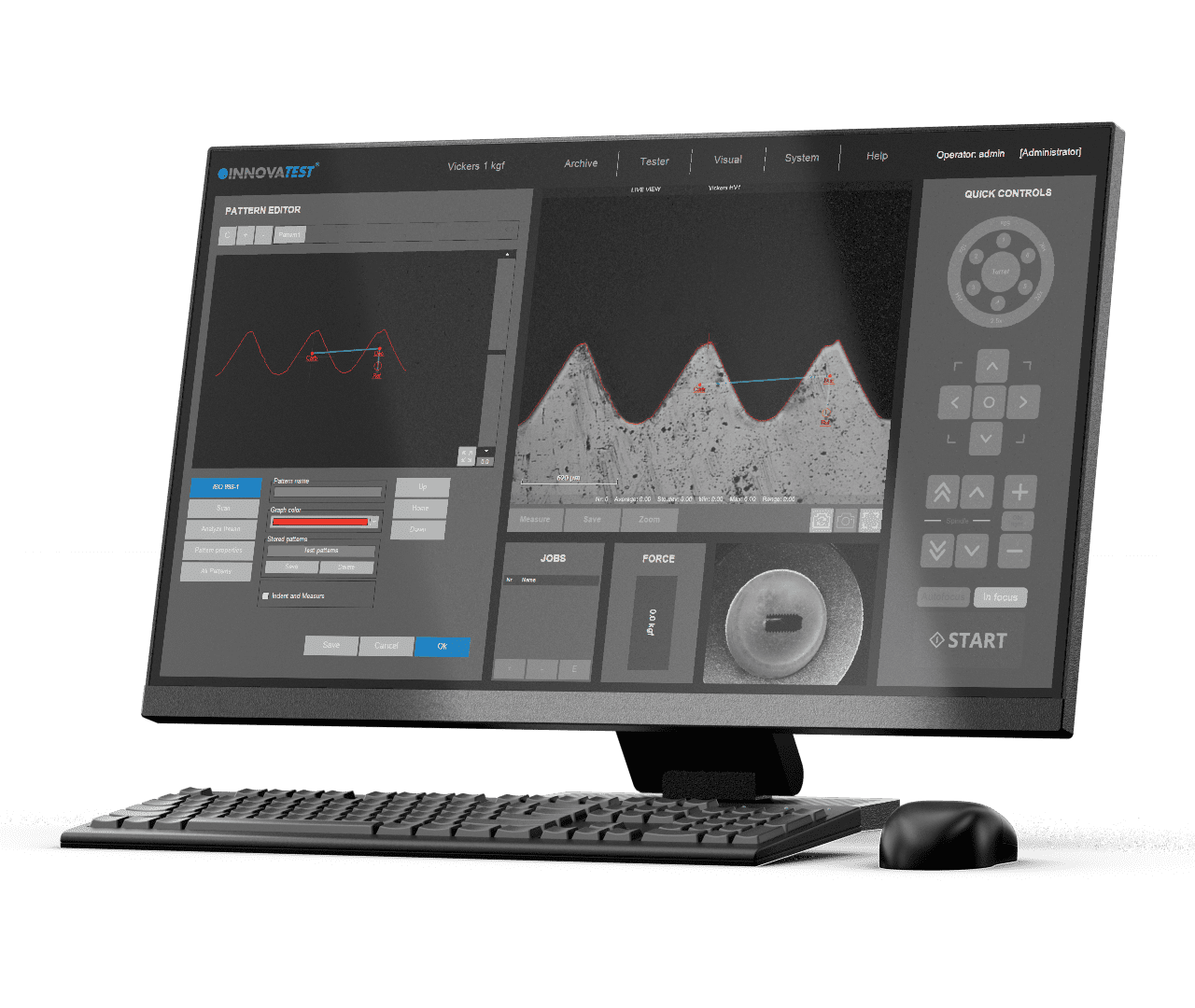
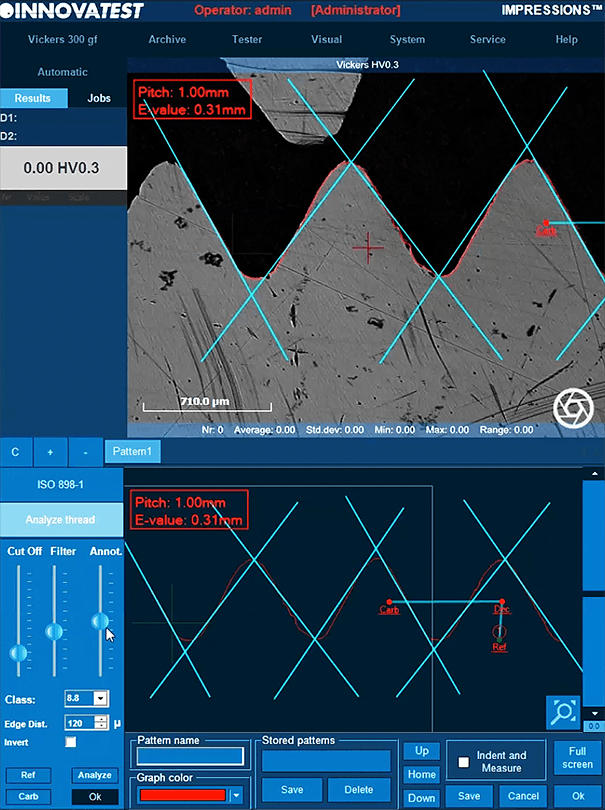
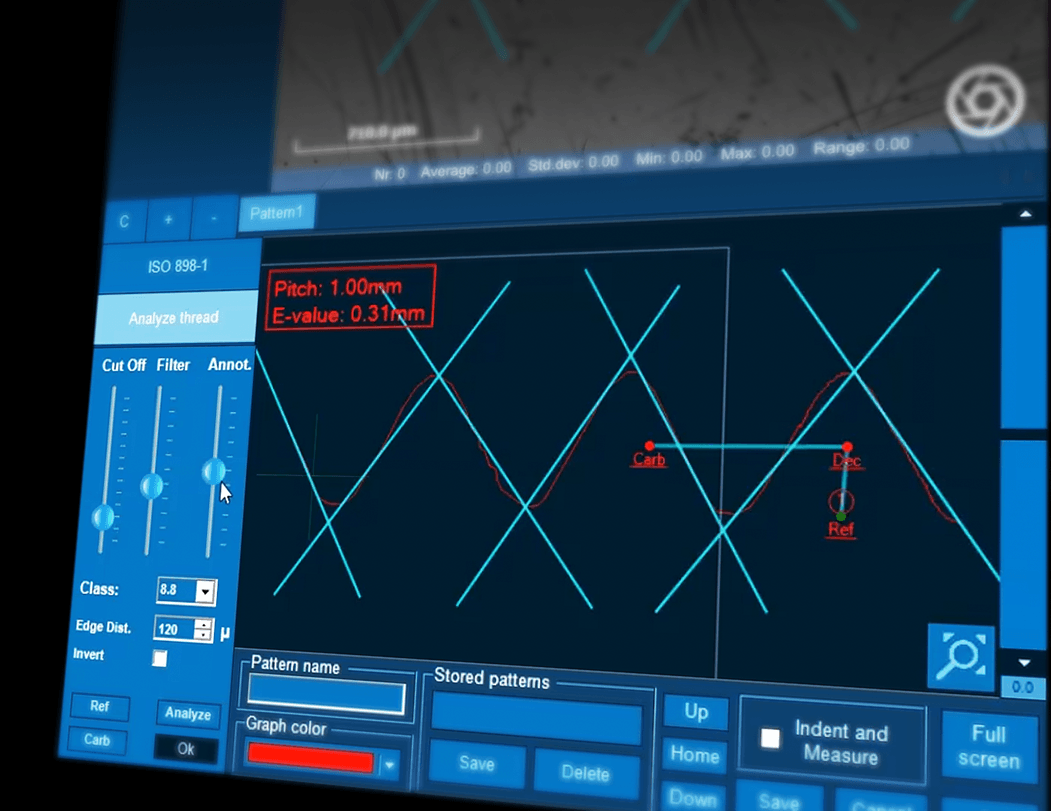

Ermittlung der Randentkohlung an Schrauben-gewinde (ISO-898-1)
Ein spezielles IMPRESSIONS™ Modul ermöglicht die einfache Konfiguration und vollautomatische Durchführung der Härteprüfung gemäß ISO 898 – 1 zur Bestimmung der Randentkohlung an Gewinden von Schrauben.

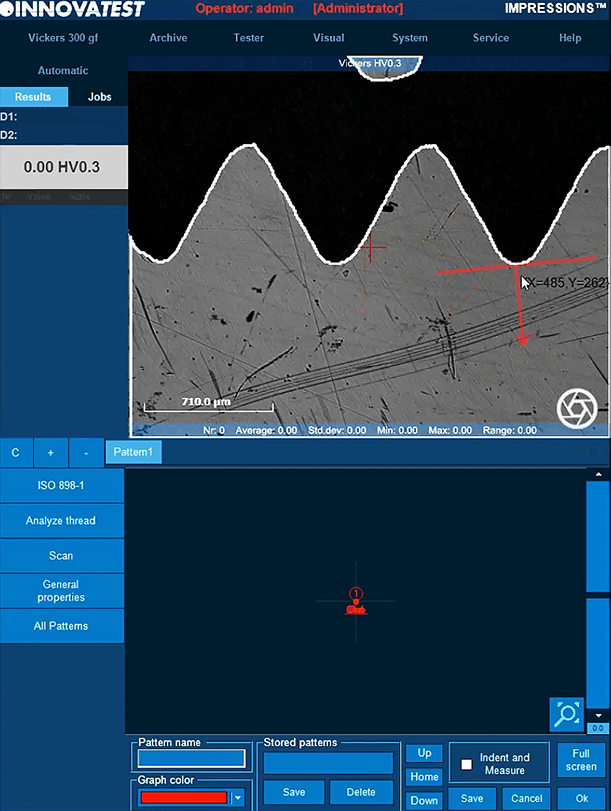
TWARDOŚĆ GWINTU ŚRUBY (ISO 898-1)
Specjalistyczne narzędzie programowe IMPRESSIONS™ umożliwia skonfigurowanie i prowadzenie w pełni automatycznych pomiarów zgodnie z normą ISO 898-1 w zakresie pomiaru gwintu śrubowego elementów od-/nawęglonych. Generator raportów jest wzbogacony o funkcje raportowania dla tej aplikacji.
Hardness of Screw Thread (ISO 898-1)
A specialized software tool of IMPRESSIONS™ allows you to set up and conduct fully automatic testing as per ISO 898-1 for screw thread measurement of (de)-carbonized part. Report Generator is enhanced with reporting features for this application.
Hardness of Screw Thread (ISO 898-1)
Een gespecialiseerde softwaretool van IMPRESSIONS ™ stelt u in staat om volledig automatische testen op te zetten en uit te voeren volgens ISO 898-1 voor schroefdraadmeting van (de)gecarboniseerde onderdelen. De Report Generator is uitgebreid met rapportagefuncties voor deze applicatie.
DUREZA DE ROSCA DE TORNILLO (ISO 898-1)
Una herramienta de software especializada de IMPRESSIONS™ que permite configurar y realizar ensayos totalmente automáticos según la norma ISO 898-1 para la medición de la parte (des)carbonizada de la rosca del tornillo. El generador de reportes se ha mejorado con funciones de reporte para esta aplicación.
Dureté du filetage (ISO 898-1)
Un outil spécial du logiciel IMPRESSIONS™ vous permet de configurer et de mener un essai entièrement automatique conforme à la norme ISO 898-1 pour les pièces filetées en acier au carbone et en acier allié. Pour cette application, le Générateur de rapports est enrichi de fonctions lui permettant d’établir des rapports.
Dureza da rosca de parafusos (ISO 898-1)
Uma ferramenta de software especializada do IMPRESSIONS™ permite que você configure e realize testes totalmente automáticos de acordo com a ISO 898-1 para medição de rosca de parafusos de um componente (des)carbonizado. O Gerador de Relatórios foi aprimorado com funcionalidades de reportagem para esta aplicação.
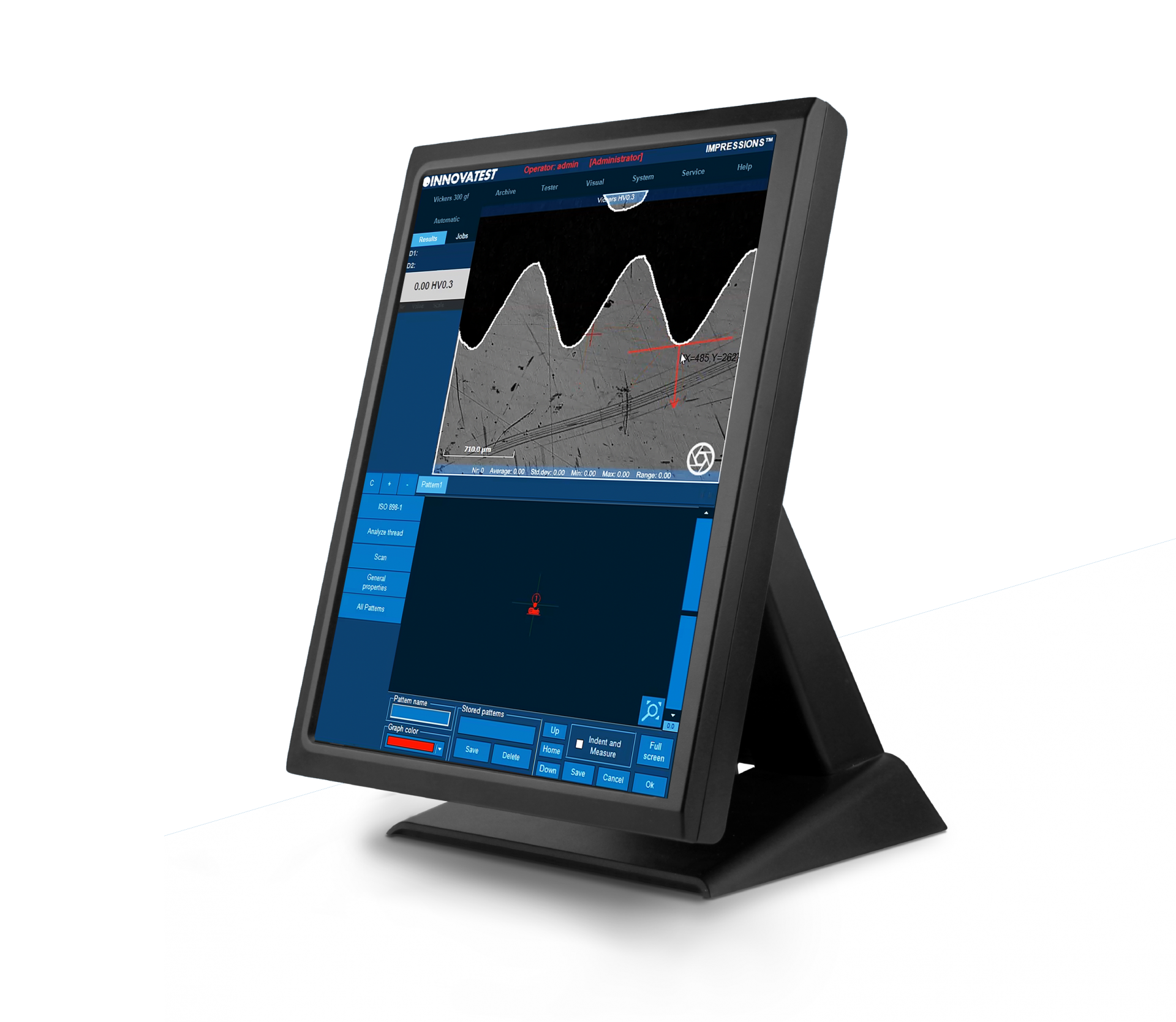
Durezza Filetto Della Vite (ISO 898-1)
Un applicazione dedicata del software IMPRESSIONS ™ consente di impostare e condurre test completamente automatici, secondo ISO 898-1, per la misurazione della filettatura di viti in materiale (de)-carbonizzato. Il generatore di report è stato strutturato con funzionalità specifiche per questa applicazione.
صلابة البرغي اللولبي (ISO 898-1)
تتيح لك أداة برمجية متخصصة من IMPRESSIONS ™ إعداد وإجراء اختبار آلي بالكامل وفقًا لمعيار ISO 898-1 لقياس الخيط اللولبي للجزء (de) الكربوني. تم تحسين “مولد التقرير” بميزات إعداد التقارير لهذا التطبيق.
ネジ硬さ
(ISO 898-1)
専用ソフトウェアツールを使用しISO 898-1に準拠した完全自動テストをセットアップ実行するとカーボンパーツのねじ山測定を行うことができます。レポートジェネレータには、このアプリケーション用のレポート機能が追加されています。
Ermittlung der Randentkohlung an Schrauben-gewinde (ISO 2702)
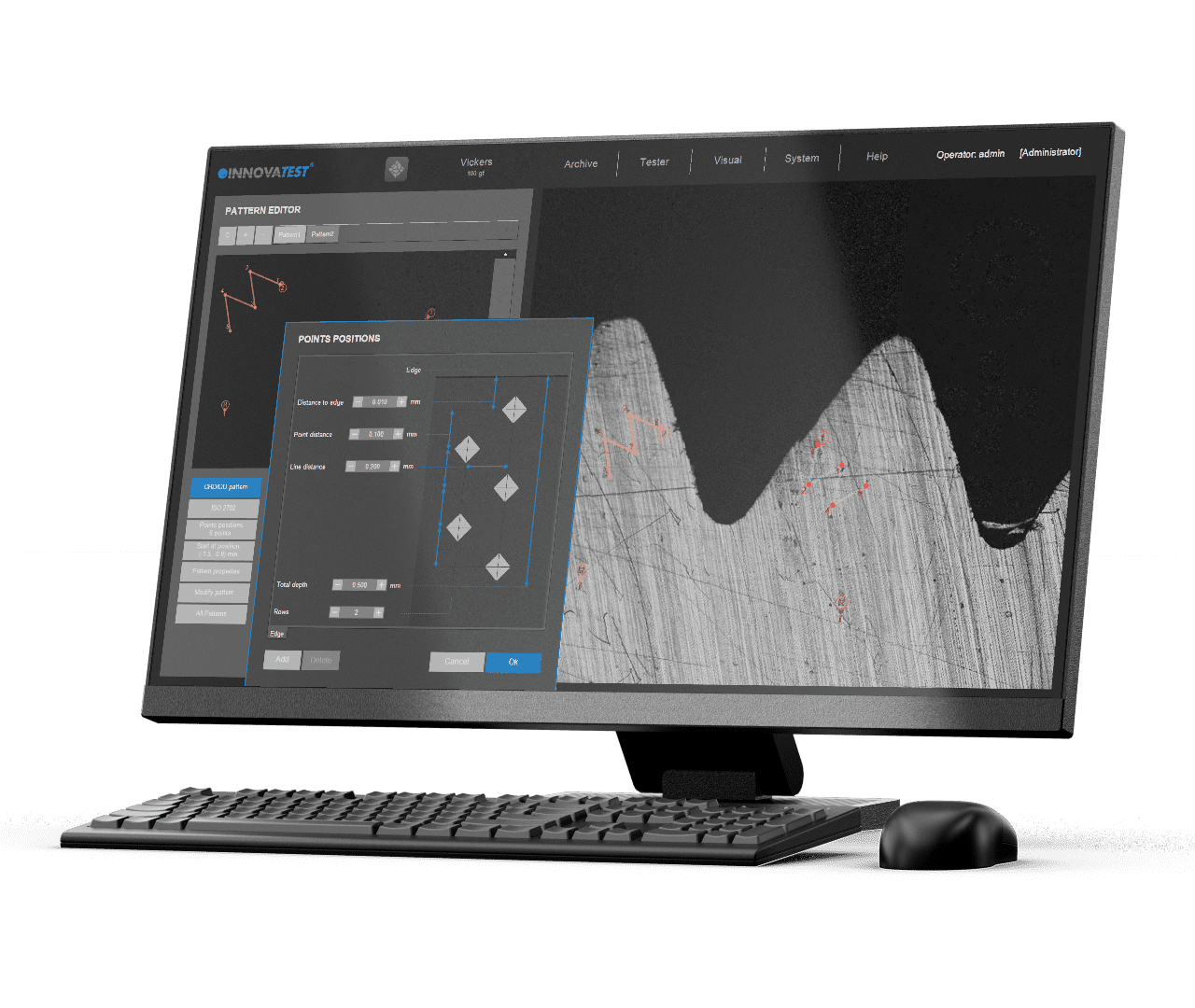
TWARDOŚĆ ŚRUB SAMOGWINTUJĄCYCH (ISO 2702)
Specjalistyczne narzędzie programowe IMPRESSIONS™ umożliwia skonfigurowanie i prowadzenie w pełni automatycznych pomiarów zgodnie z normą ISO 2702 w zakresie pomiaru gwintu śrubowego elementów od-/nawęglonych. Generator raportów jest wzbogacony o funkcje raportowania dla tej aplikacji.
Hardness of Tapping Screws
(ISO 2702)
Een gespecialiseerde softwaretool van IMPRESSIONS ™ stelt u in staat om volledig automatische testen op te zetten en uit te voeren volgens ISO 2702 voor schroefdraadmeting van (de)gecarboniseerde onderdelen. De Report Generator is uitgebreid met rapportagefuncties voor deze applicatie.
Hardness of Tapping Screws (ISO 2702)
A specialized software tool of IMPRESSIONS™ allows you to set up and conduct fully automatic testing as per ISO 2702 for screw thread measurement of (de)-carbonized part. Report Generator is enhanced with reporting features for this application.
DUREZA DE TORNILLOS AUTORROSCANTE (ISO 2702)
Una herramienta de software especializada de IMPRESSIONS™ que permite configurar y realizar ensayos totalmente automáticos según la norma ISO 2702 para la medición de la parte (des)carbonizada de la rosca del tornillo. El generador de informes se ha mejorado con las características de informe para esta aplicación.
Dureté des vis auto-taraudeuses
(ISO 2702)
Un outil spécial du logiciel IMPRESSIONS™ vous permet de configurer et de mener un essai entièrement automatique conforme à la norme ISO 2702 pour les pièces filetées en acier au carbone et en acier allié. Pour cette application, le Générateur de rapports est enrichi de fonctions lui permettant d’établir des rapports.
Dureza de parafusos de rosqueamento
(ISO 2702)
Uma ferramenta de software especializada do IMPRESSIONS™ permite que você configure e realize testes totalmente automáticos de acordo com a ISO 2702 para a medição de rosca de componentes (des)carbonizados. O Gerador de Relatórios foi aprimorado com recursos de relatórios para esta aplicação.
自攻螺丝硬度 (ISO 2702)
Durezza Viti Autofilettanti (ISO 2702)
Un applicazione dedicata del software IMPRESSIONS ™ consente di impostare e condurre test completamente automatici, secondo ISO 2702, per la misurazione della filettatura di viti in materiale (de)-carbonizzato. Il generatore di report è stato strutturato con funzionalità specifiche per questa applicazione.
صلابة مسامير التنصت
(ISO 2702)
تتيح لك أداة برمجية متخصصة من IMPRESSIONS ™ إعداد وإجراء اختبار آلي بالكامل وفقًا لمعيار ISO 2702 لقياس الخيط اللولبي للجزء (de) الكربوني. تم تحسين “مولد التقرير” بميزات إعداد التقارير لهذا التطبيق.
Dureza de parafusos de rosqueamento
(ISO 2702)
Uma ferramenta de software especializada do IMPRESSIONS™ permite que você configure e realize testes totalmente automáticos de acordo com a ISO 2702 para a medição de rosca de componentes (des)carbonizados. O Gerador de Relatórios foi aprimorado com recursos de relatórios para esta aplicação.
タッピングネジ硬さ(ISO 2702)
専用ソフトウェアツールを使用しISO 2702に準拠した完全自動テストセットアップ実行するとカーボンパーツのねじ山測定を行うことができます。レポートジェネレータには、このアプリケーション用のレポート機能が追加されています。
Benutzerdefinierte Programme
Für wiederkehrende Aufgaben bietet IMPRESSIONS™ die Möglichkeit zum
Einrichten und Speichern benutzerdefinierter Prüfprogramme. Dabei kann für jede Aufgabe ein sogenannter Job erstellt werden. Alle anwendungsspezifischen Parameter wie Härteskala, Prüflast, Verweildauer, Prüfpositionen, Umwertung und die Berichtsvorlage werden in diesem Job gespeichert.
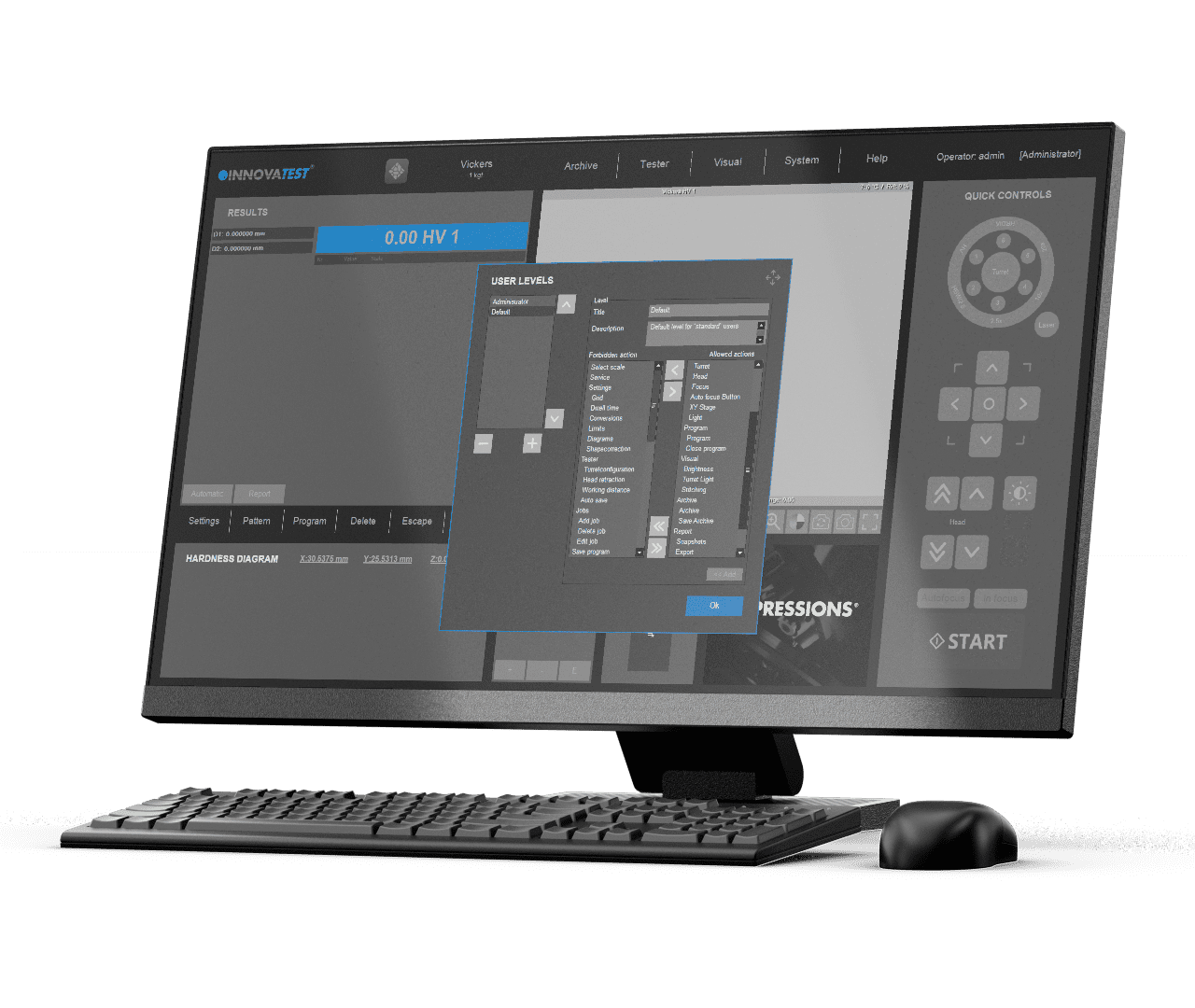
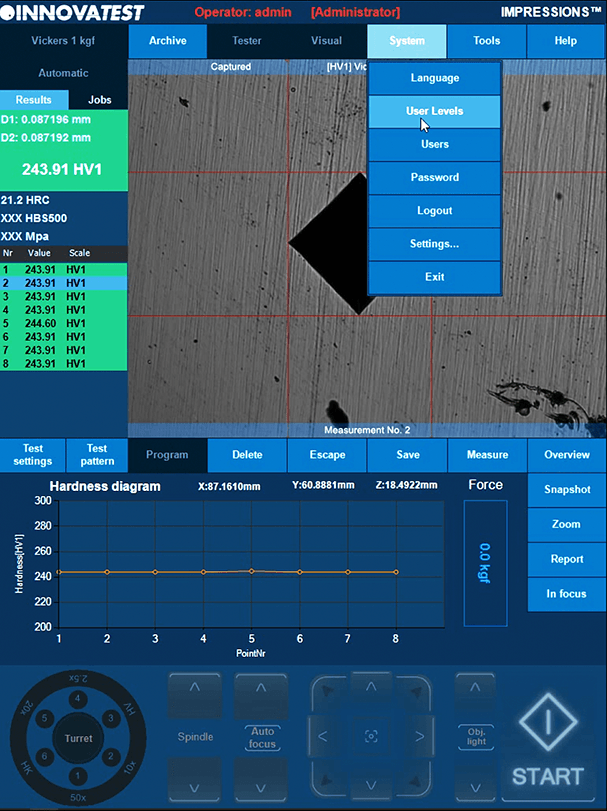
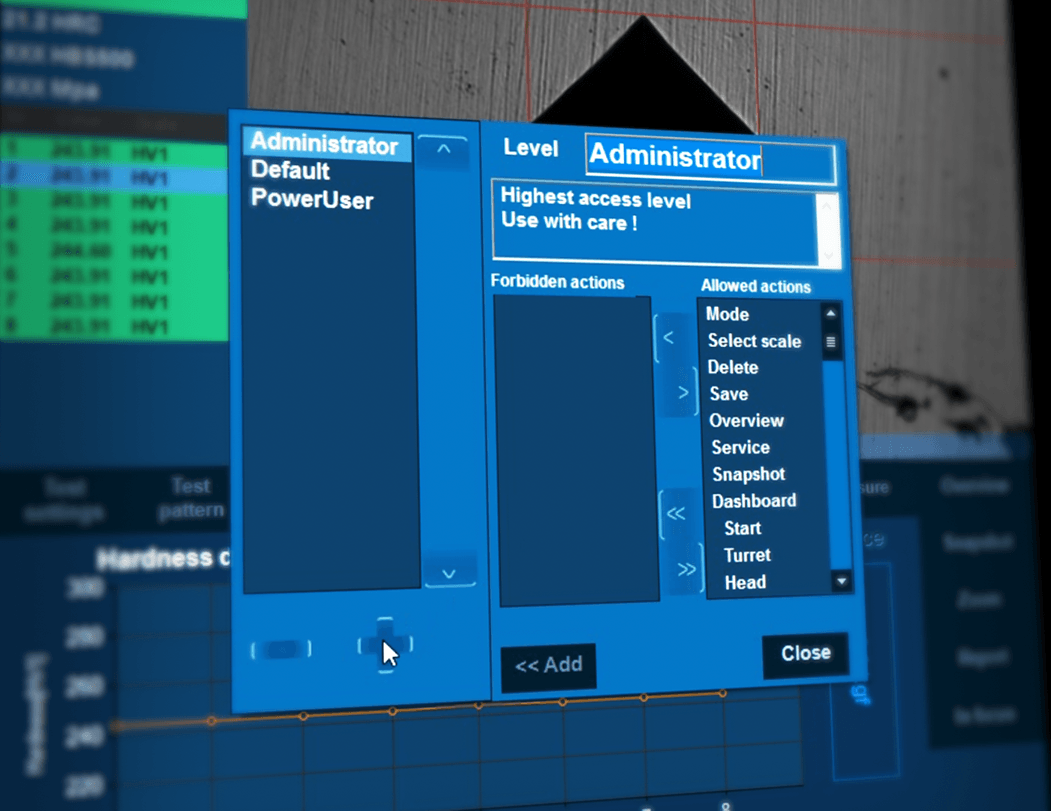
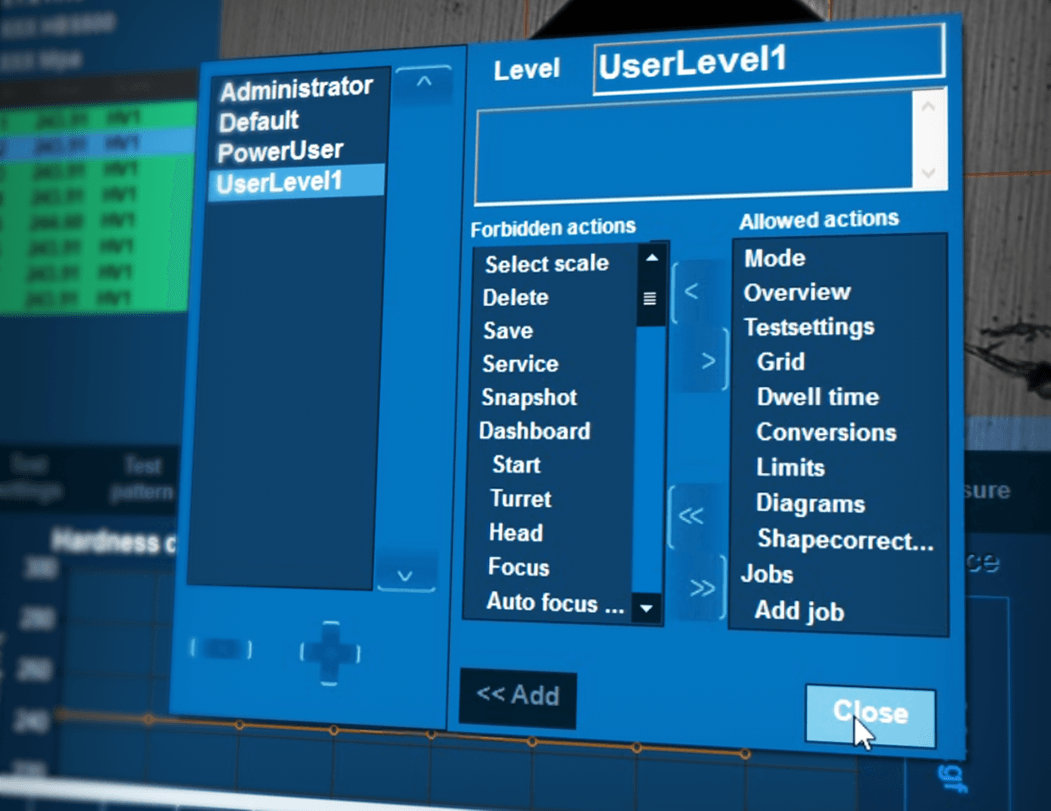
KONTROLA Z POZIOMU UŻYTKOWNIKA
Do powtarzania zadań IMPRESSIONS™ wykorzystuje opcję ustawiania i przechowywania niestandardowych programów pomiarowych. Dla każdej czynności można stworzyć „zadanie”. Wszystkie parametry specyficzne dla zastosowania, takie jak skala twardości, siła, czas oczekiwania, szablon, konwersja i szablon raportu są przechowywane w tym samym programie. Kontrola z poziomu użytkownika pozwala na ochronę wszystkich parametrów przed nieumyślnymi zmianami, zwiększając powtarzalność i odtwarzalność, dzięki obsłudze pomiarów za pomocą ustawionych programów pomiarowych.
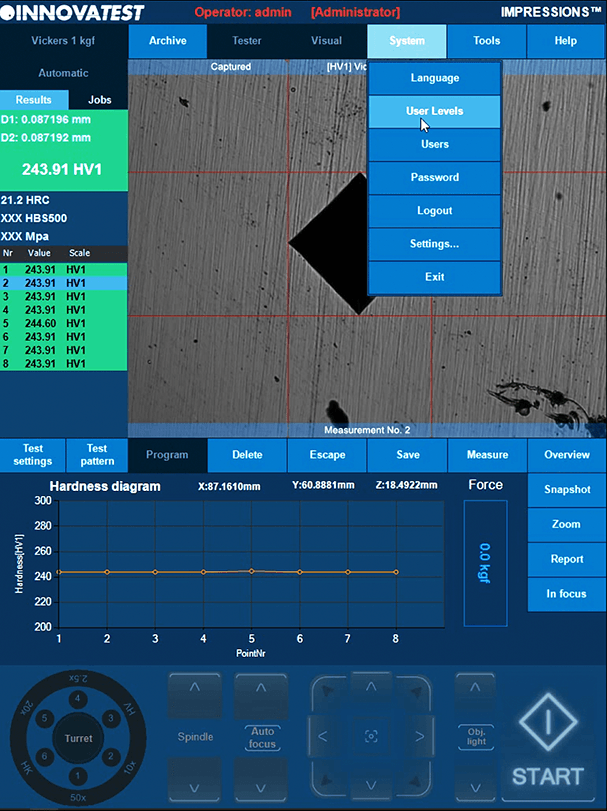

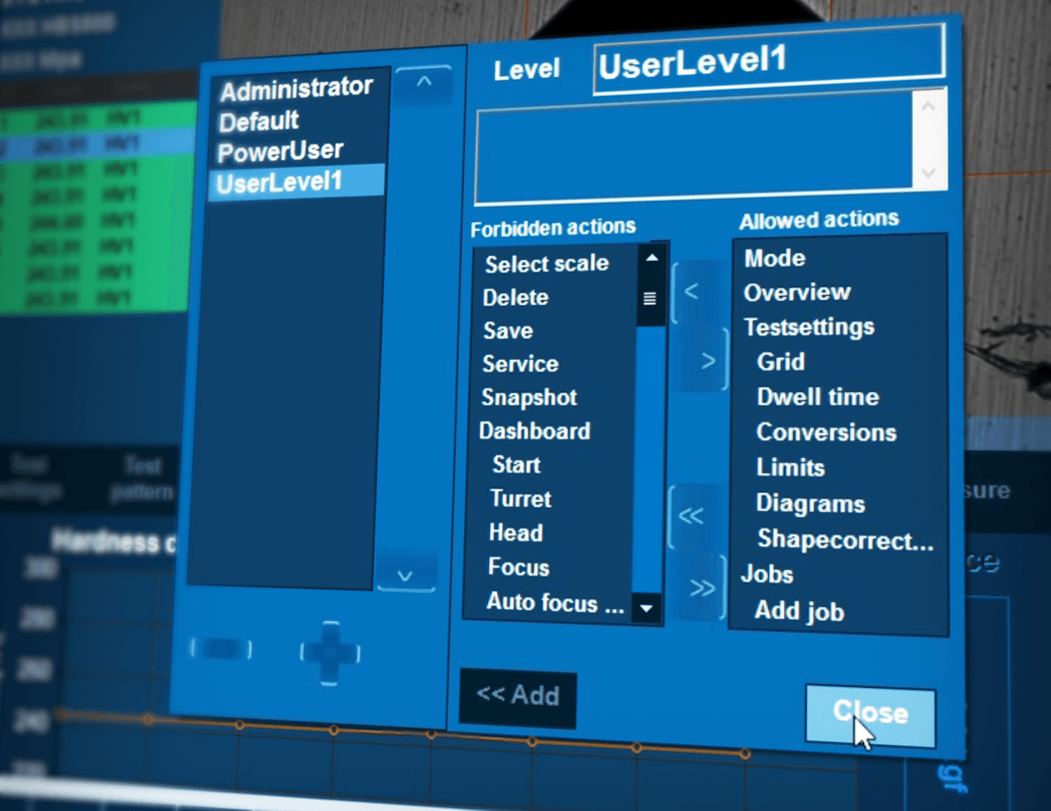
User Level Management
Voor terugkerende taken maakt IMPRESSIONS ™ gebruik van de mogelijkheid om aangepaste testprogramma’s in te stellen en op te slaan. Voor elke taak kan een ‘”job” worden aangemaakt. Alle applicatiespecifieke parameters, zoals hardheidsschaal, kracht, verblijftijd, patroon, conversie en het rapportsjabloon worden in hetzelfde programma opgeslagen. Met User Level Management kunnen al uw parameters worden beschermd tegen onbedoelde wijzigingen, waardoor de herhaalbaarheid en reproduceerbaarheid vergroot wordt.
User Level Management
For repeating jobs, IMPRESSIONS™ utilizes the option of setting up and storing custom test programs. For each task, a ‘’job’’ can be created. All application specific parameters, like hardness scale, force, dwell-time, pattern, conversion and the report template are stored in the same program. User Level Management allows all your parameters to be protected from inadvertent alteration escalating your repeatability and reproducibility by operating your testing by your set programs for testing.
ADMINISTRACIÓN A NIVEL DE USUARIO
Para trabajos repetitivos, IMPRESSIONS™ utiliza la opción de configurar y almacenar programas de ensayos personalizados. Para cada tarea, se puede crear un “trabajo”. Todos los parámetros específicos de la aplicación, como la escala de la dureza, fuerza, tiempo de espera, patrón, conversión y la plantilla del reporte se almacenan en el mismo programa. La administración a nivel de usuario permite que todos los parámetros estén protegidos de alteraciones inadvertidas escalando su repetibilidad y reproducibilidad al realizar sus ensayos con su configuración de programas de ensayo.
Gestion au niveau utilisateur
Pour les missions répétitives, IMPRESSIONS™ propose une option qui permet de configurer et de sauvegarder des programmes d’essai sur mesure. Pour chaque tâche, une « mission » peut être créée. Tous les paramètres spécifiques de l’application, comme l’échelle de dureté, la force, la durée de temporisation, le gabarit, la conversion et le modèle de rapport, sont enregistrés dans le même programme. La Gestion au niveau utilisateur permet de protéger vos paramètres de toute modification accidentelle en augmentant la répétabilité et la reproductibilité lors de l’essai avec les programmes définis pour l’essai.
Gerenciamento a nível do usuário
Para trabalhos repetitivos, o IMPRESSIONS™ utiliza a opção de configuração e armazenamento de programas de testes personalizados. Para cada tarefa, pode ser criado um “trabalho”. Todos os parâmetros específicos da aplicação, como escala de dureza, força, tempo de residência, padrão, conversão e o modelo de relatório são armazenados no mesmo programa. O Gerenciamento a Nível de Usuário permite que todos os seus parâmetros sejam protegidos contra alterações inadvertidas que aumentem sua repetibilidade e reprodutibilidade, operando seus testes através de seus programas definidos para testes.
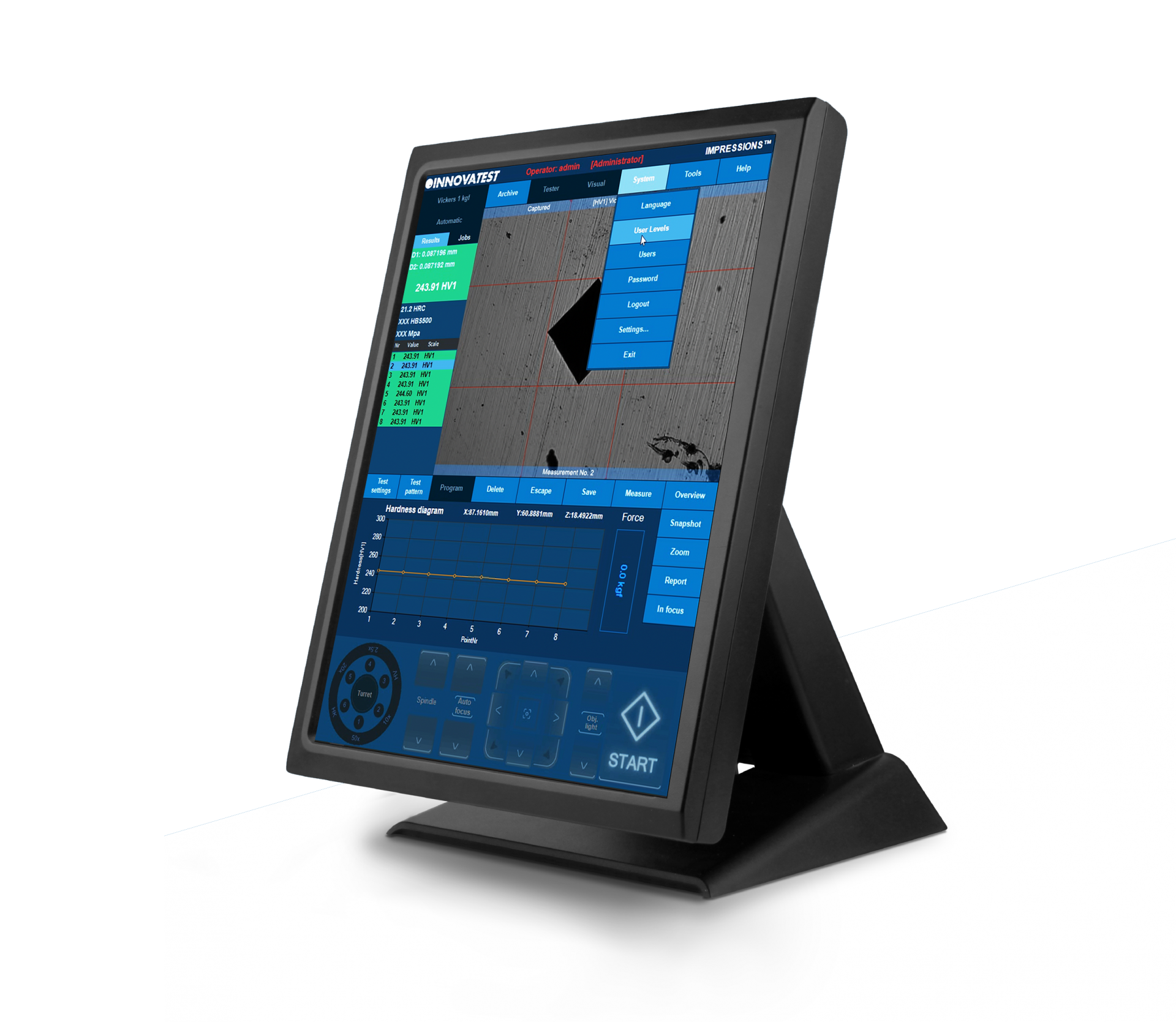
用户分级管理
对于重复任务,可利用IMPRESSIONS™ 软件设置并储存自定义测试程序。对于每个测试任务,均可新建一个“工作表”。
所有测试程序的具体参数,如硬度标尺、试验力、保荷时间、测试模板、硬度转换和报告模板等都储存在同一程序中。
Gestione Permessi Utente
Per la ripetizione dei processi di misura, il software IMPRESSIONS ™ consente di impostare e memorizzare programmi personalizzati. Per ogni attività è possibile creare un programma dedicato. Tutti i parametri specifici dell’applicazione, come la scala di durezza, la forza, il tempo di permanenza, il modello, la conversione e il report vengono memorizzati al suo interno. La gestione dei permessi utente consente di proteggere tutti i parametri da modifiche involontarie, aumentando la ripetibilità e la riproducibilità dei test eseguiti tramite gli appositi programmi.
إدارة مستوى المستخدم
لتكرار المهام، يستخدم IMPRESSIONS ™ خيار إعداد برامج الاختبار المخصصة وتخزينها. لكل مهمة، يمكن إنشاء “وظيفة”. تخزّن جميع المعلومات الخاصة بالتطبيق، مثل مقياس الصلابة والقوة ووقت الإقامة والنمط والتحويل وقالب التقرير في البرنامج عينه. تتيح إدارة مستوى المستخدم حماية جميع المعلمات الخاصة بك من التغيير غير المقصود مما يزيد من قابلية التكرار والتكرار من خلال تشغيل الاختبار بواسطة برامجك المحددة للاختبار.
Gerenciamento a nível do usuário
Para trabalhos repetitivos, o IMPRESSIONS™ utiliza a opção de configuração e armazenamento de programas de testes personalizados. Para cada tarefa, pode ser criado um “trabalho”. Todos os parâmetros específicos da aplicação, como escala de dureza, força, tempo de residência, padrão, conversão e o modelo de relatório são armazenados no mesmo programa. O Gerenciamento a Nível de Usuário permite que todos os seus parâmetros sejam protegidos contra alterações inadvertidas que aumentem sua repetibilidade e reprodutibilidade, operando seus testes através de seus programas definidos para testes.
ユーザーレベル管理
繰り返しの試験ジョブではカスタムテストプログラムを設定および保存するオプションを使用します。タスクごとに 「ジョブ」 を作成できます。硬度スケール、荷重、荷重保持時間、試験パターン、変換、レポートテンプレートなど、アプリケーション固有のパラメータはすべて同じプログラムに保存されます。ユーザー・レベル管理により、設定されたテストプログラムでテストを実行することで、すべてのパラメータを不用意な変更から保護します。
自動測定
ソフトウエア機能により手動で測定ラインを配置する必要はなくなりました。IMPRESSIONSの測定アルゴリズムは傷や粗い表面でさえもインデントを検出し、硬さの規定に従って関連する圧痕寸法を測定します。手動測定モードに切り替えて画面タッチするかマウスを使用して測定値を調整することができます。測定ラインを色付けして、サンプルの表面とのコントラストを最適化できます。測定値が対称性に関する基準を満たしていることを確認するには、自動インデントチェックを有効にします。すべての硬度値は、ISO 18265、ISO 50150、ASTME 140に従って他のスケールに変換できます。
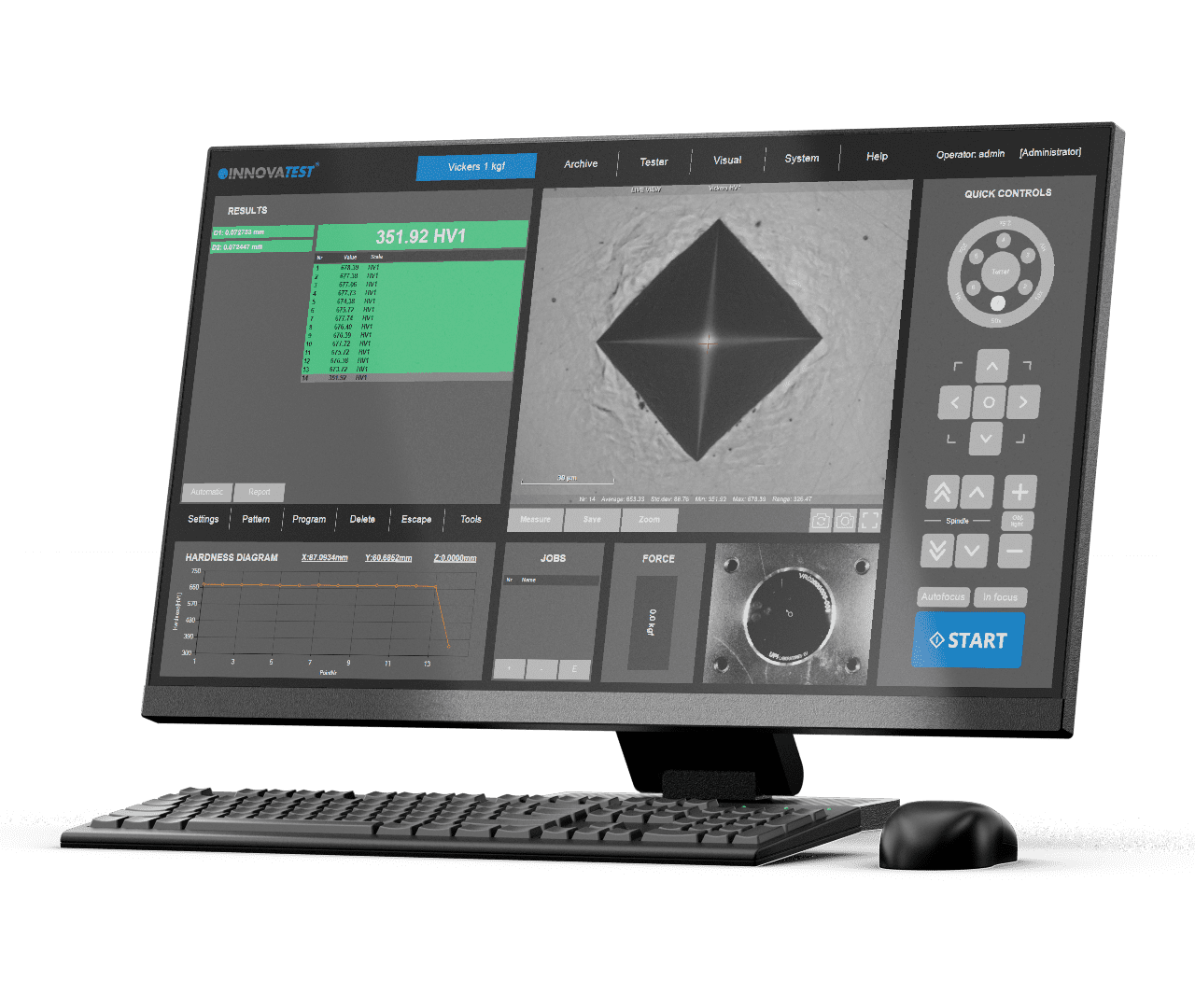
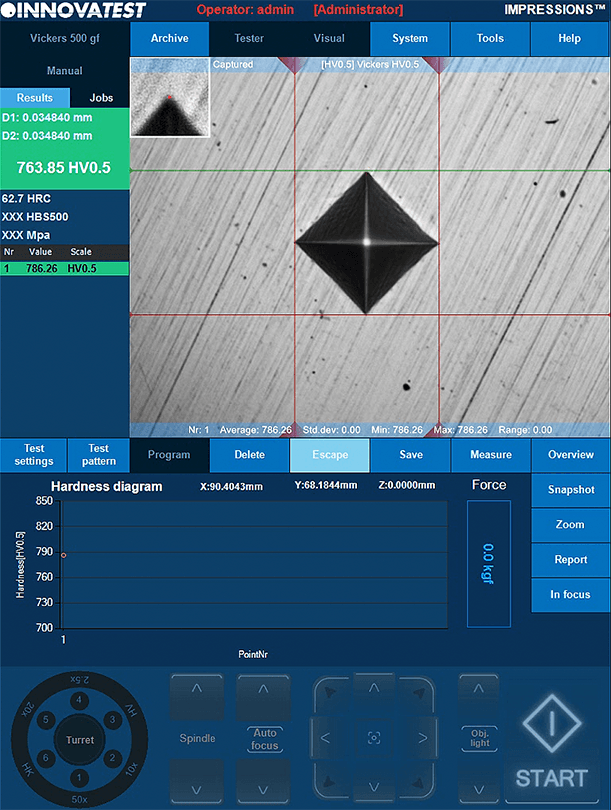
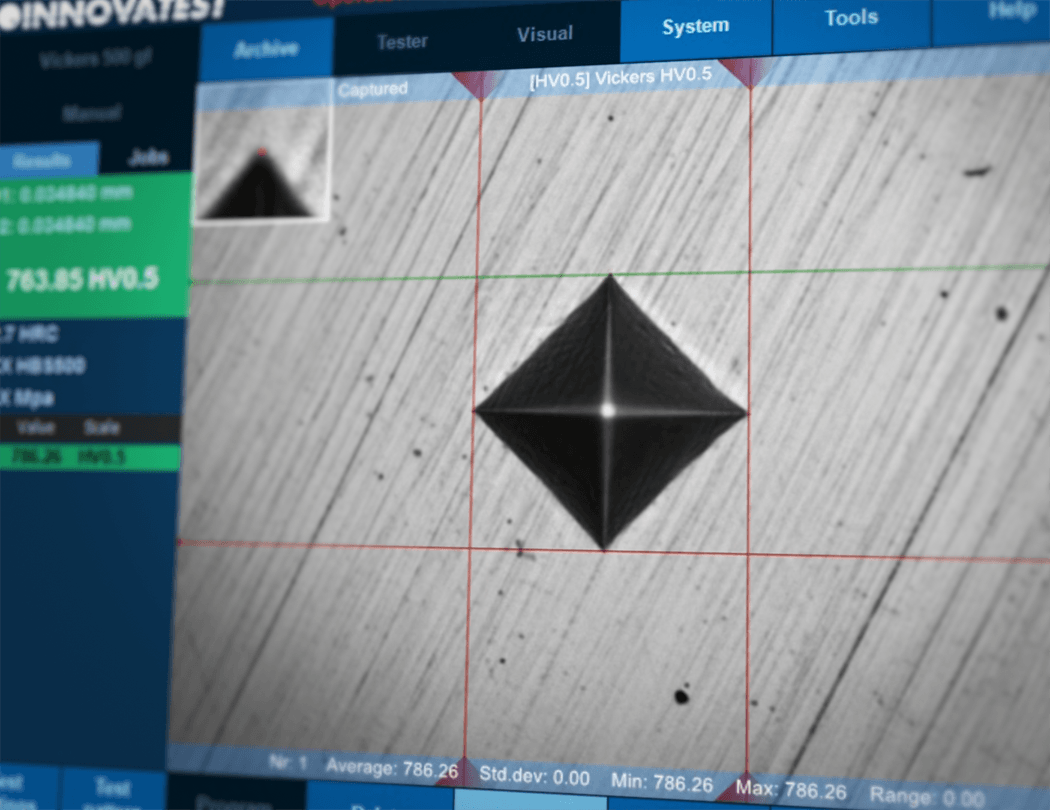
Automatische Härteeindruck-
vermessung
Die manuelle Positionierung von Messfaden-Linien ist nicht mehr erforderlich. Die automatische Bildanalyse von IMPRESSIONS™ besitzt verfeinerte Auswertealgorithmen und wertet die Diagonalen der Härteprüfeindrücke auch an sehr schlechten oder verkratzten Oberflächen normkonform aus. Trotzdem können Sie jederzeit in den manuellen Messmodus wechseln und eine manuelle Auswertung vornehmen.
Dazu verschieben Sie die Messlinien per Touchfunktion auf dem Monitor oder mittels im Lieferumfang enthaltener Maus. Je nach Probenoberfläche kann zur Kontrasterhöhung die Farbe der Messlinien angepasst werden. Um sicherzustellen, dass eine Differenz der Diagonalen erkannt wird aktivieren Sie die Symmetrieüberwaschung. Alle Härtewerte können nach ISO 18265, ISO 50150, ASTM E140 in andere Skalen umgewertet werden.
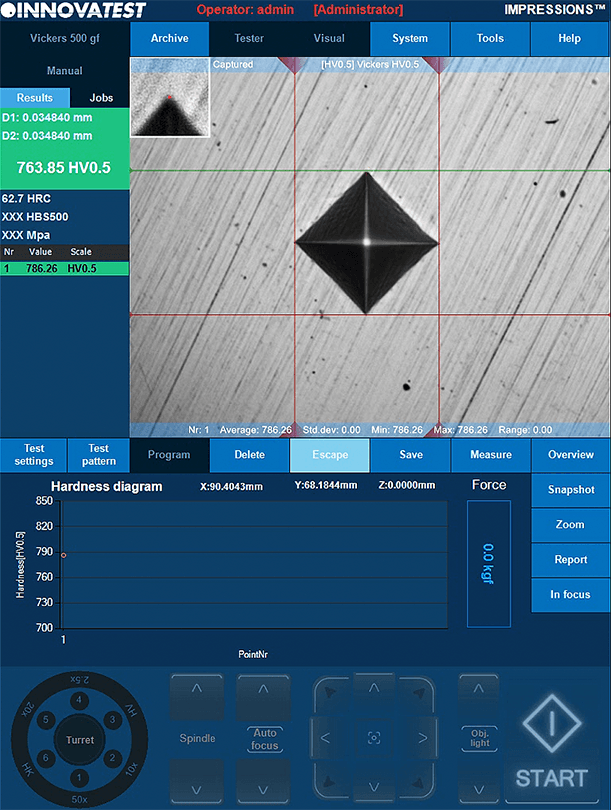
POMIAR AUTOMATYCZNY
Ręczne ustawianie linii pomiarowych nie jest już konieczne. Dopracowane algorytmy pomiarowe IMPRESSIONS™ wykrywają wgłębienia nawet na słabej jakości lub bardzo porysowanych powierzchniach i mierzą odpowiednie wymiary wgłębień zgodnie z normami. Zachowaj kontrolę, przechodząc do trybu pomiaru ręcznego i miej możliwość dostosowania pomiarów dotknięciem ekranu lub za pomocą myszki.
Liniom pomiarowym można nadać taki kolor, żeby uzyskać jak najlepszy kontrast z płaszczyzną próbki. Aby zapewnić spełnianie przez pomiary odpowiednich norm dotyczących symetrii, należy włączyć automatyczną kontrolę wgłębień. Wszystkie wartości twardości mogą być przeliczane na inne skale zgodnie z ISO 18265, ISO 50150, ASTM E140.
Automatic measurement
Handmatige positionering van meetlijnen is niet langer nodig. De verfijnde meetalgoritmen van IMPRESSIONS ™ detecteren zelfs op zeer slechte of bekraste oppervlakken deukjes en meten de relevante afmetingen van de indrukkking volgens de normen. Houd de controle door over te schakelen naar de handmatige meetmodus en heb de mogelijkheid om metingen aan te passen door het scherm aan te raken of de muis te gebruiken.
Om contrast te geven met het oppervlak van het proefstuk kunnen de meetlijnen voorzien worden van een kleur. Schakel de automatische controle van de indrukking in om er zeker van te zijn dat de metingen voldoen aan de relevante normen voor symmetrie. Alle hardheidswaarden kunnen worden omgezet naar andere schalen volgens ISO 18265, ISO 50150, ASTM E140.
MEDICIÓN AUTOMÁTICA
Ya no es necesario el posicionamiento manual de las líneas de medición de indentación. IMPRESSIONS™ ha refinado sus algoritmos de medición que detectan las indentaciones incluso en superficies muy pobres o rayadas y miden las dimensiones de las indentaciones relevantes de acuerdo con las normas. Tenga el control cambiando al modo de medición manual y ajuste las mediciones tocando la pantalla táctil o usando el ratón.
Se pueden colorear las líneas de indentación para obtener el mejor contraste con la superficie de la muestra. Para asegurar que las medidas cumplan con los estándares relevantes de simetría, habilite el control automático de indentación. Todos los valores de dureza pueden ser convertidos a otras escalas de acuerdo con ISO 18265, ISO 50150, ASTM E140.
Mesure automatique
Le positionnement manuel des lignes filaires n’est plus nécessaire. Les algorithmes de mesures affinés du logiciel d’IMPRESSIONS™ détectent les empreintes (même sur des surfaces de mauvaise qualité ou rayées) et mesurent les dimensions de l’empreinte correspondante à la norme. Garder le contrôle de la procédure en passant en mode de mesure manuel tout en conservant la possibilité d’ajuster les mesures en touchant l’écran ou en utilisant la souris.
Les lignes filaires peuvent être colorées pour créer un meilleur contraste par rapport à la surface de l’échantillon. Pour vous assurer que les mesures respectent les normes de symétrie, activer la vérification automatique de l’empreinte. Les valeurs de dureté peuvent être converties à d’autres échelles conformément aux normes ISO 18265, ISO 50150, ASTM E140.
自动测量
无需手动定位,IMPRESSIONS™软件精确的测量算法可在不光滑或有划伤的表面对压痕进行检测,并根据标准测量压痕的相关尺寸。
可切换到手动测量模式下,通过触摸屏幕或鼠标来调整测量结果。测量线可以彩色标示从而与试样表面形成突出对比。激活压痕自动检测功能可以确保测量在对称性上符合相关标准。所有硬度值可根据 ISO 18265,ISO 50150,ASTM E140转换为其它标 尺。

Medição automática
O posicionamento manual das linhas filares não é mais necessário. IMPRESSIONS™ algoritmos de medição refinados detectam recuos mesmo em superfícies muito pobres ou arranhadas e medem as dimensões dos recuos relevantes de acordo com as normas. Mantenha-se no controle mudando para o modo de medição manual e tenha a opção de ajustar as medidas tocando a tela ou usando o mouse.
As linhas filares podem ser coloridas para dar o melhor contraste contra a superfície do espécime. Para assegurar que as medidas atendam aos padrões relevantes de simetria, autorize a verificação automática das indentações. Todos os valores de dureza podem ser convertidos para outras escalas de acordo com ISO 18265, ISO 50150, ASTM E140.
القياس التلقائي
لم يعد الوضع اليدوي للخطوط الخيطية مطلوبًا. تكتشف خوارزميات القياس المحسنة IMPRESSIONS ™ المسافات البادئة حتى على الأسطح الرديئة جدًا أو المخدوشة وتقيس أبعاد المسافة البادئة ذات الصلة وفقًا للمعايير. ابق متحكمًا من خلا التبديل إلى وضع القياس اليدوي ولديك خيار تعديل المقاسات عن طريق لمس الشاشة أو استخدام الفأرة.
يمكن تلوين خطوط الخيط لإعطاء أفضل تباين مع سطح العينة. للتأكد أن المقاسات تفي بالمعايير ذات الصلة بشأن التناظر، فعّل خاصيّة فحص المسافة البادئة تلقائيًا. يمكن تحويل جميع قيم الصلابة إلى موازين أخرى وفقًا لمعايير ISO 18265 , ISO 50150 وASTM E140.
Misura Automatica
Il posizionamento manuale delle linee di calcolo non è più necessario. I raffinati algoritmi di misurazione del software IMPRESSIONS ™ rilevano le impronte anche su superfici molto rovinate o graffiate misurandone le dimensioni in accordo con le normative standard. Mantieni il controllo passando alla modalità di misurazione manuale, con la possibilità di regolare le misurazioni toccando lo schermo o utilizzando il mouse.
Le linee possono essere colorate a piacere per migliorare il contrasto con la superficie del campione. Per garantire che le misurazioni soddisfino gli standard di forma e simmetria dell’impronta, è possibile abilitare un controllo automatico dedicato. Tutti i valori di durezza possono essere convertiti in altre scale secondo ISO 18265, ISO 50150, ASTM E140.
Automatic measurement
Manual positioning of filar lines is no longer required. IMPRESSIONS™ refined measurement algorithms detect indents even on very poor or scratched surfaces and measure the relevant indent dimensions according to standards. Stay in control by switching to manual measure mode and have the option of adjusting measurements by touching the screen or using the mouse.
Filar lines can be colored to give the best contrast against the specimen’s surface. To assure that measurements meet relevant standards on symmetry, enable the automatic indent check. All hardness values can be converted to other scales according to ISO 18265, ISO 50150, ASTM E140.
Medição automática
O posicionamento manual das linhas filares não é mais necessário. IMPRESSIONS™ algoritmos de medição refinados detectam recuos mesmo em superfícies muito pobres ou arranhadas e medem as dimensões dos recuos relevantes de acordo com as normas. Mantenha-se no controle mudando para o modo de medição manual e tenha a opção de ajustar as medidas tocando a tela ou usando o mouse.
As linhas filares podem ser coloridas para dar o melhor contraste contra a superfície do espécime. Para assegurar que as medidas atendam aos padrões relevantes de simetria, autorize a verificação automática das indentações. Todos os valores de dureza podem ser convertidos para outras escalas de acordo com ISO 18265, ISO 50150, ASTM E140.
CHD, SHD, NHD Konfigurator
Die Durchführung normkonformer Prüfungen zur Bestimmung von CHD
/ SHD / NHD kann individualisiert werden. Die Prüfungen können aus der
Übersichts-Ansicht oder Mess-Ansicht gestartet werden. In die Prüfsequenz
können zusätzliche Prüfpositionen für die Bestimmung der Kernhärte (mit anderen Prüflasten) gesetzt werden.
Um diese Prüfungen normkonform durchführen zu können überwacht und korrigiert die Software die Einhaltung der vorgeschriebenen Mindestabstände. Nutzen Sie die Funktion “Prüfdauer-Optimierung”: Alle Eindrücke werden gesetzt, die automatische Auswertung startet und stoppt sobald die Grenzhärte unterschritten wird.
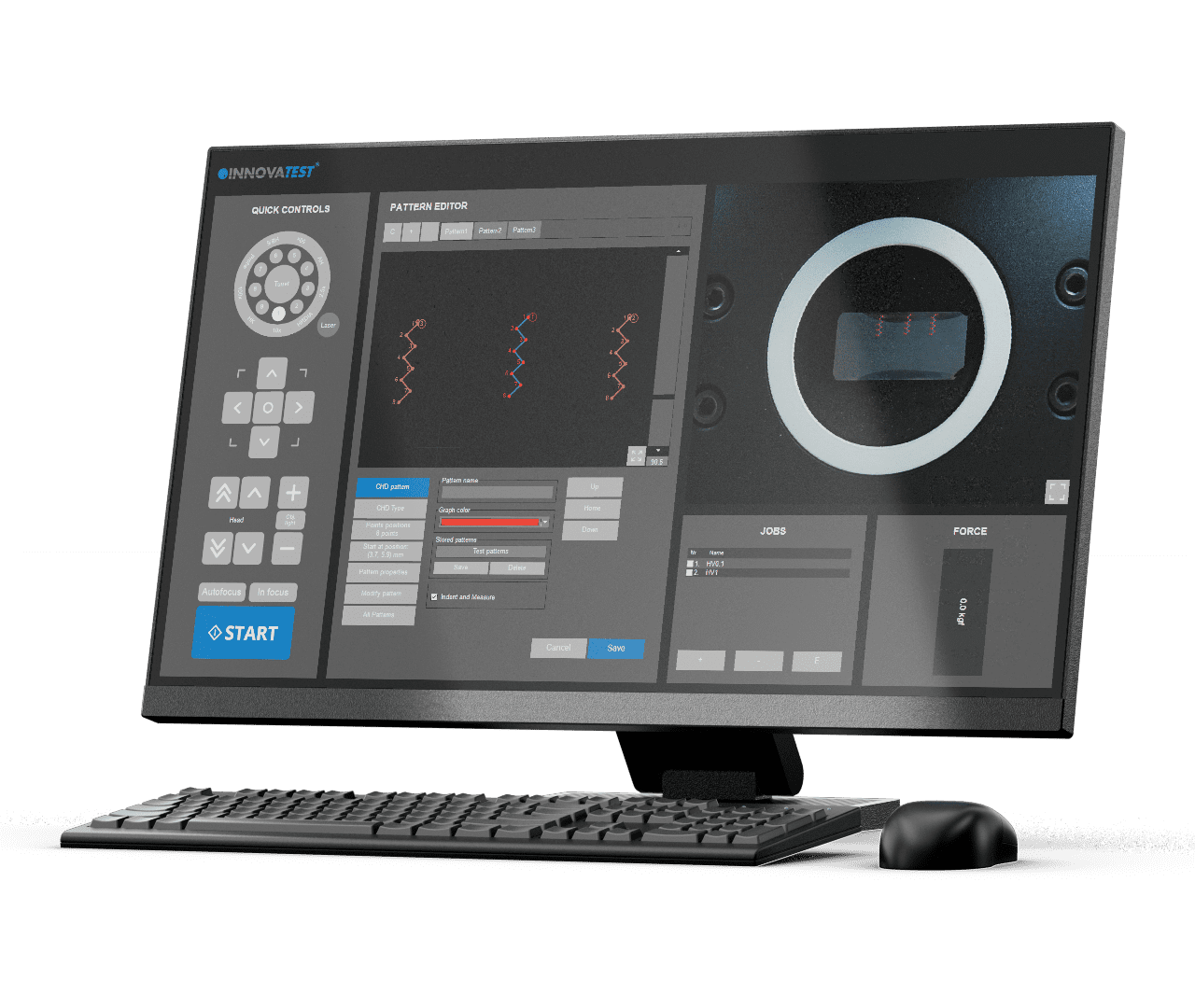
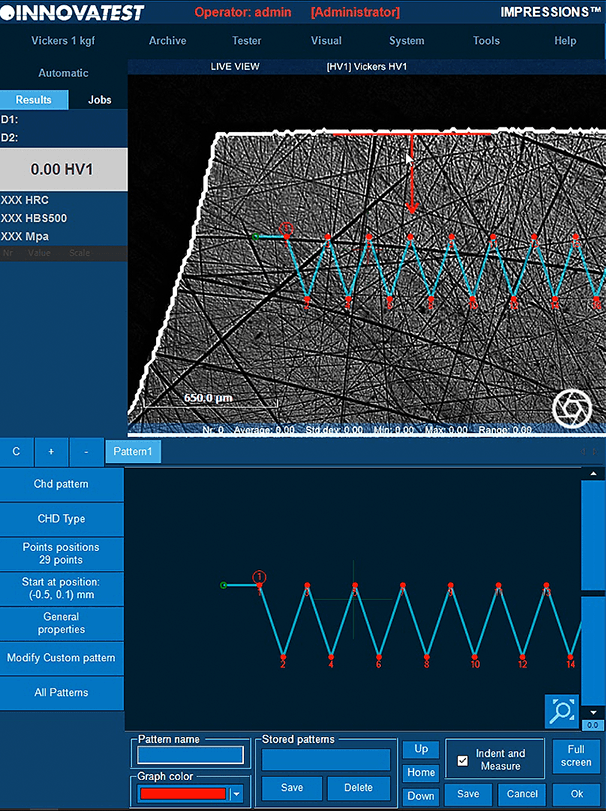
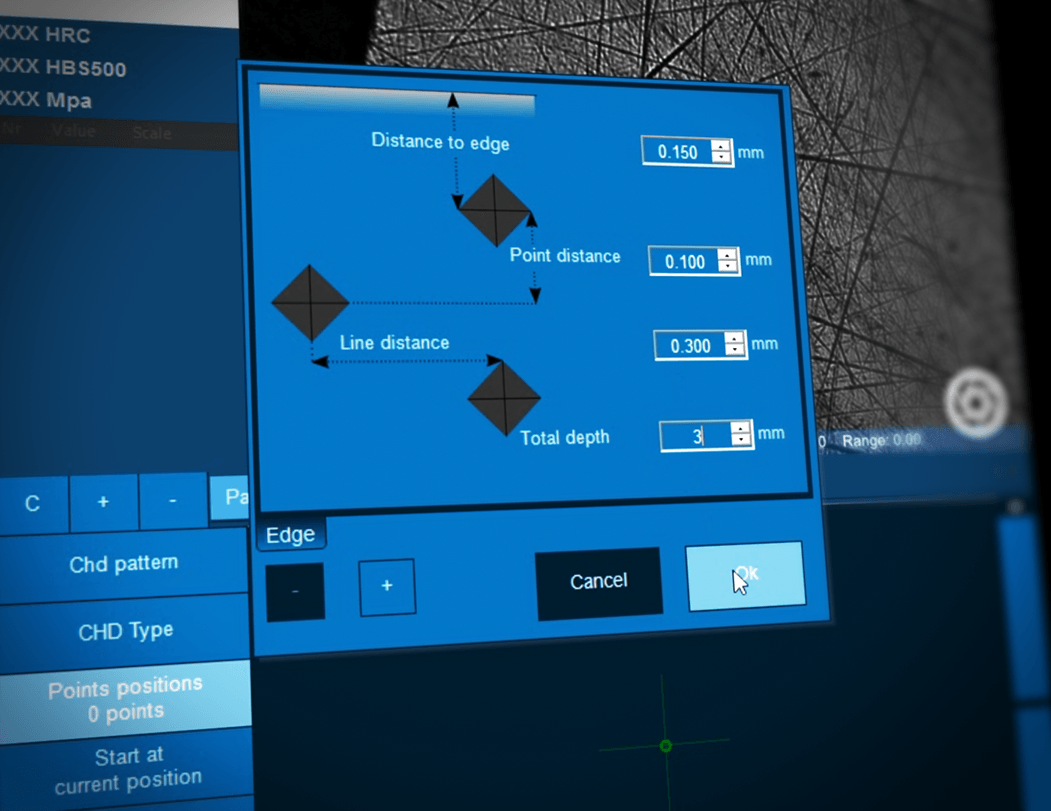
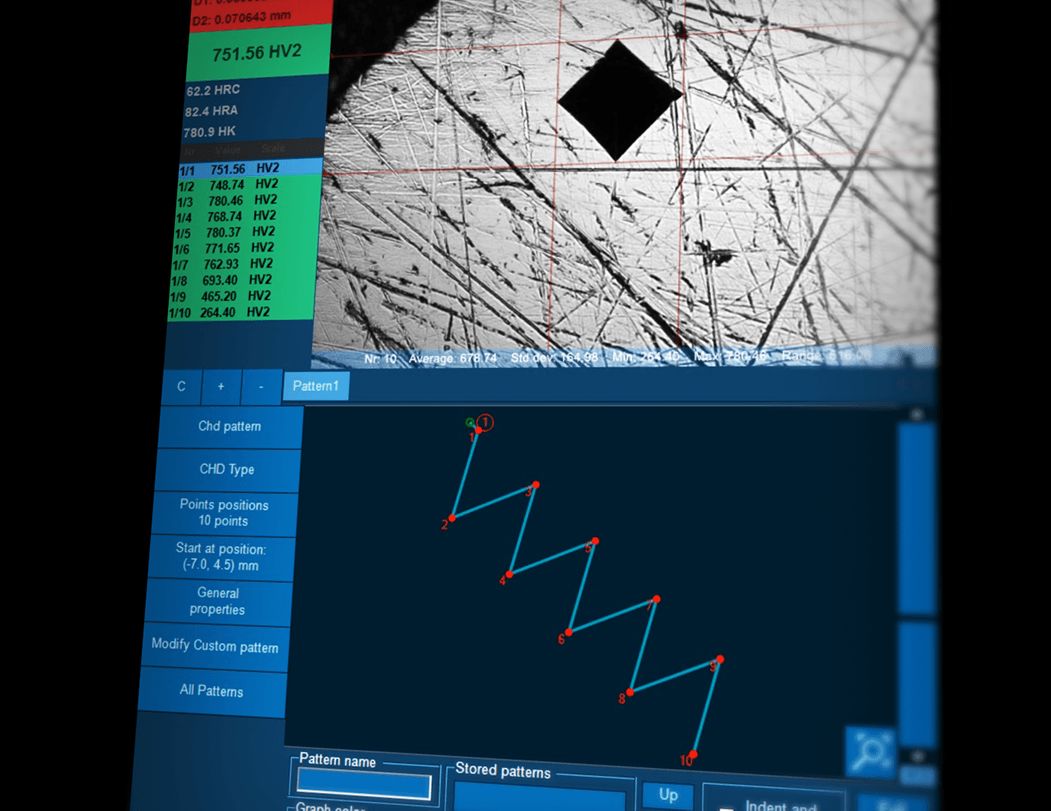
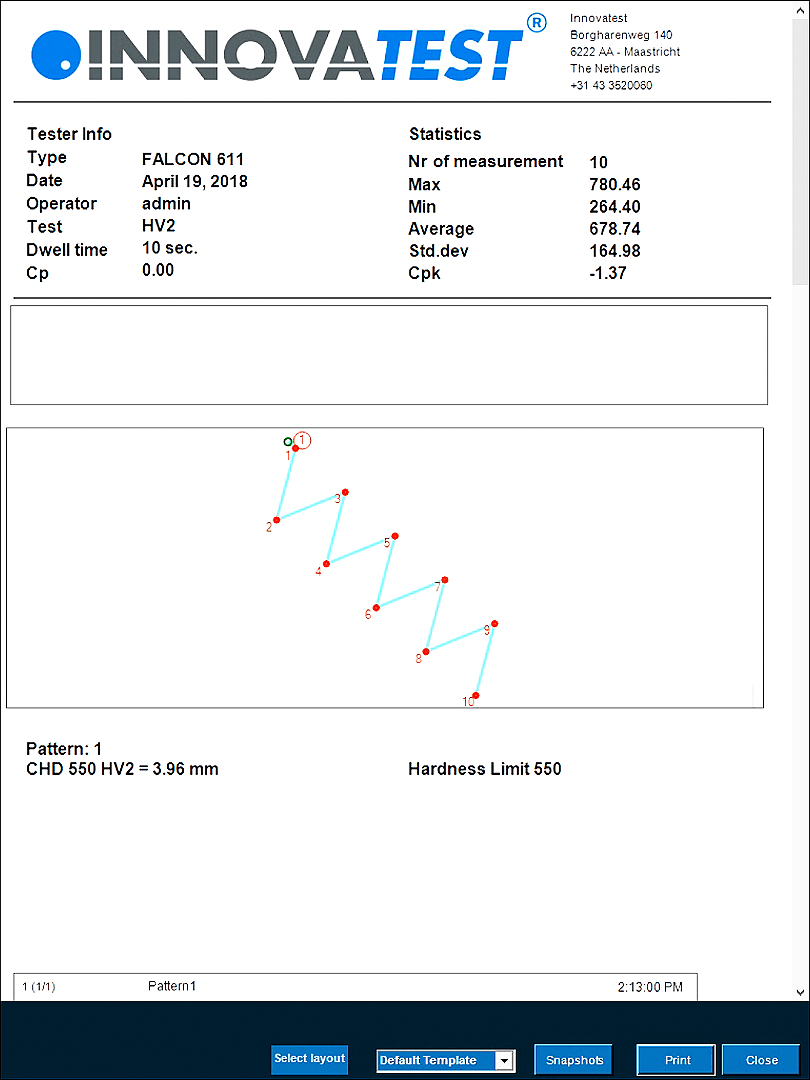
CHD,SHD,NHDプログラム
ラボのスループットを向上させるにはどうすればよいでしょうか。最も一般的なテスト設計は設定が簡単で、自動的に実行され、適用可能な標準規格に準拠した形になります。
CHD/SHD/NHDテストは、対物レンズ観察画面、またはオーバービューから直接開始できます。硬さの追加ポイントは、 NHD測定のために別々に定義できます。
テストポイントの距離は標準規格に準拠した最小距離に自動的に設定され、正確なテストが行われます。時間節約テストモードの「すべてのインデントを完了してから評価」と「自動停止」は、下限硬度に達するとすぐにテスト工程を完了します。Report Generatorは、このアプリケーションのレポート機能で拡張されています。
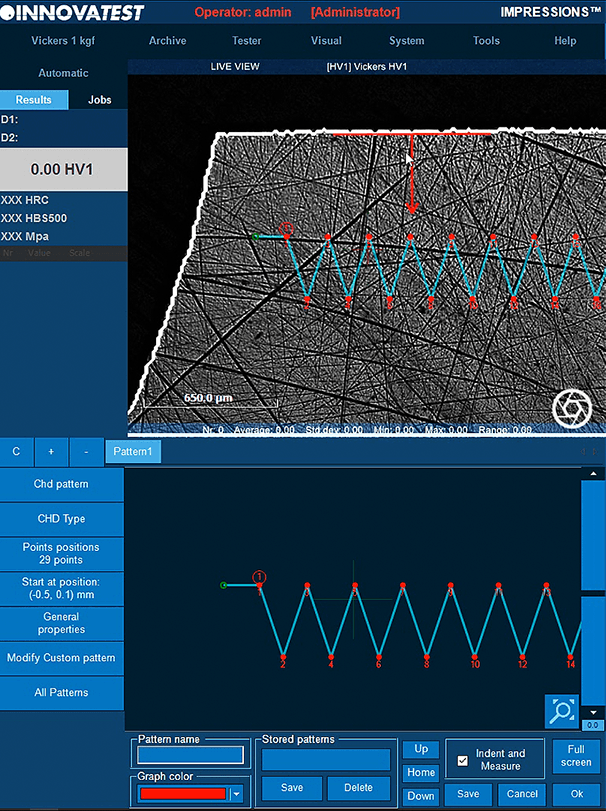

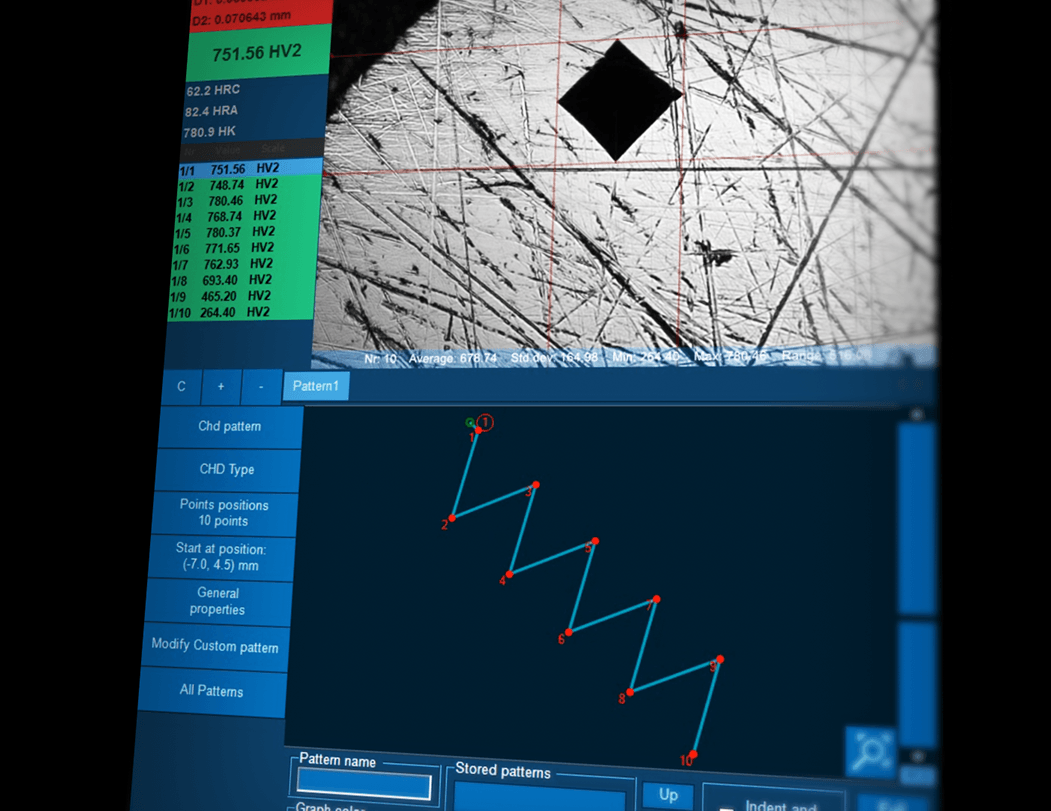
KONFIGURATOR CHD, SHD, NHD
Jak zwiększyć przepustowość w swoim laboratorium? Dostosuj najczęściej wykorzystywany szablon pomiarowy tak, aby był łatwy do skonfigurowania i do wykonywania automatycznie oraz zgodny z obowiązującymi normami. Pomiary CHD/SHD/NHD można uruchomić bezpośrednio z widoku powierzchni lub z podglądu. Dodatkowe punkty pomiarowe twardości dla pomiarów NHD mogą być definiowane oddzielnie.
Celem prawidłowego przeprowadzenia pomiaru, odległości punktów pomiarowych są automatycznie ustawiane zgodnie z normą na najniższą wartość. Oszczędzający czas tryb pomiarowy „wykonaj wszystkie wgłębienia i oceń” oraz „auto-stop” służy do zakończenia serii pomiarów w chwili, gdy zostanie osiągnięta dolna granica twardości. Generator raportów jest wzbogacony o funkcje raportowania dla tej aplikacji.
CHD, SHD, NHD Configurator
Hoe verhoog je de output in je lab? Door het meest gebruikelijke meetontwerp automatisch uit te voeren en toch te voldoen aan de toepasselijke normen. CHD / SHD / NHD-testen kunnen direct vanuit het oppervlakaanzicht of vanuit het overzicht worden gestart. Extra kernpunten van hardheid kunnen afzonderlijk worden gedefinieerd voor NHD-metingen.
Om deze testen conform de normen te kunnen uitvoeren, bewaakt en corrigeert de software het naleven van de voorgeschreven minimumafstanden. Gebruik de functie “Optimalisatie testduur”: alle indrukkingen zijn ingesteld, de automatische evaluatie start en stopt zodra de hardheid onder de limiet komt. De Report Generator is uitgebreid met rapportagefuncties voor deze applicatie.
CHD, SHD, NHD Configurator
How do you increase throughput in your lab? Make the most common testing design as easy to set up as it is to perform automatically and still adhere to the applicable standards. CHD/SHD/NHD testing can be started directly from the surface view or from the overview. Additional core points of hardness can be defined separately for NHD measurements.
The distances of test points are automatically set to a minimum distance, following the standard, to assure correct testing is conducted. Time saving test mode “complete all indentations – then evaluate” and “auto-stop” to complete test series as soon as the lower hardness limit has been reached. Report Generator is enhanced with reporting features for this application.
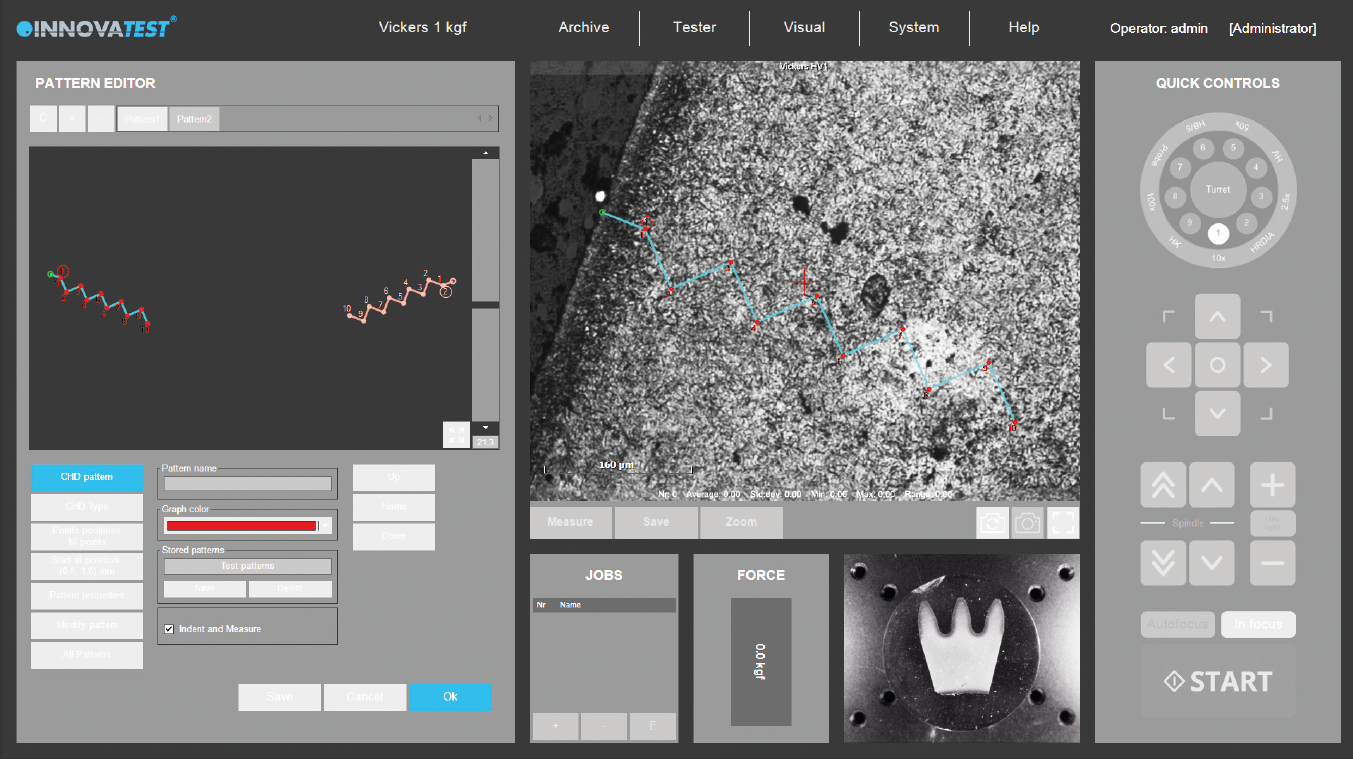
Configurateur CHD, SHD, NHD
Comment augmenter la rentabilité de votre laboratoire ? Rendre la réalisation de la conception d’essai la plus courante, aussi aisée à configurer, que cela l’est automatiquement, dans le respect des normes applicables. Les essais CHD/SHD/NHD peuvent être lancés directement depuis la vue de la surface ou depuis la vue d’ensemble. Des points centraux de dureté supplémentaire peuvent être définis séparément pour les mesures NHD.
Les distances entre les points d’essai sont automatiquement définies à partir de valeurs minimales, en respectant la norme pour que l’essai se déroule correctement. Mode d’essai gain de temps « réaliser toutes les empreintes – puis évaluer »et « arrêt automatique » pour réaliser les séries d’essais dès que la limite de dureté inférieure est atteinte. Pour cette application, le Générateur de rapports est enrichi de fonctions lui permettant d’établir des rapports.
CONFIGURADOR CHD, SHD, NHD
¿Cómo se aumenta el rendimiento de su laboratorio? Haciendo que el diseño del ensayo más común sea tan fácil de configurar como lo es realizarlas automáticamente y aun así cumplir con las normas aplicables. Los ensayos de CHD/SHD/NHD pueden iniciarse directamente desde la vista de superficie o desde la vista general. Se pueden definir por separado puntos esenciales de dureza adicionales para las mediciones NHD.
Las distancias de los puntos del ensayo se establecen automáticamente a una distancia mínima, siguiendo el estándar, para asegurar que se lleve a cabo un ensayo correcto. El modo de ensayo de ahorro de tiempo “completa todas las indentaciones – luego evalúa” y “auto-parada” para completar la serie de pruebas tan pronto como se haya alcanzado el límite inferior de dureza. El generador de reportes se ha mejorado con funciones de reporte para esta aplicación.
CHD, SHD, NHD
配置程序
根据标准规定进行规范化的CHD/SHD/NHD测试。该测试既可在显微图像下,也可在全景图像下直接开始测试。可单独为 NHD测试设置额外的硬度核心点。
按照标准,为了确保测试正确进行,测试点的间距会按照最小距离自动设置。省时测试模式在完成所有压痕后,会自动开始测量,当硬度值达到设置下限后,测试序列会自动停止。
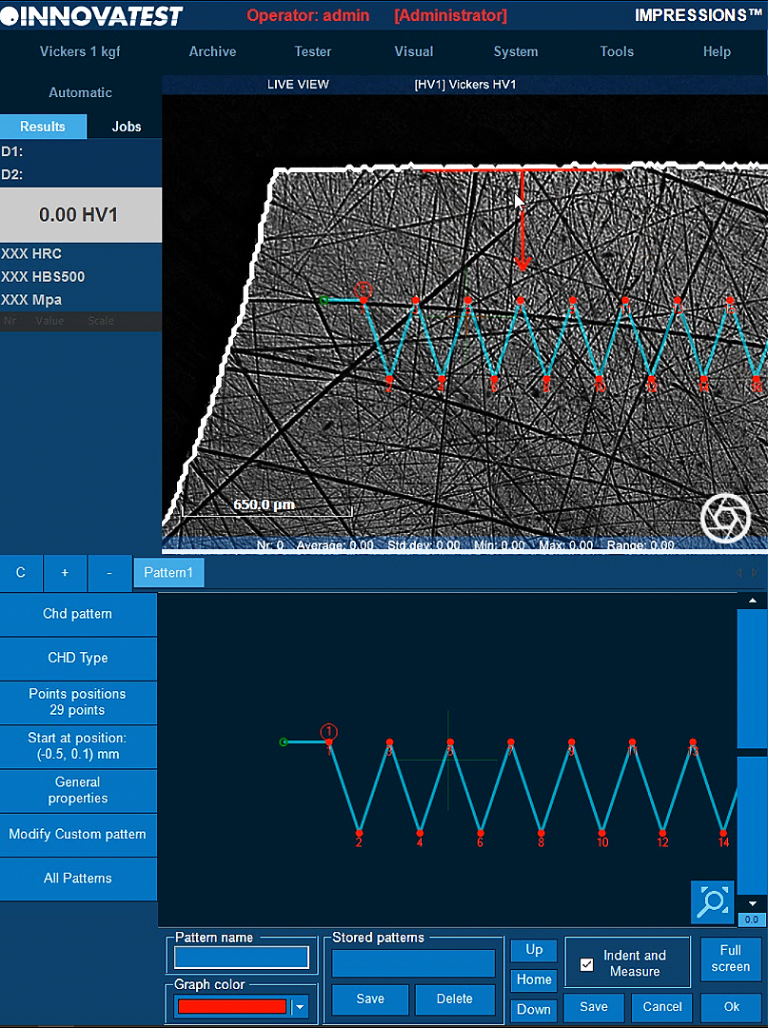


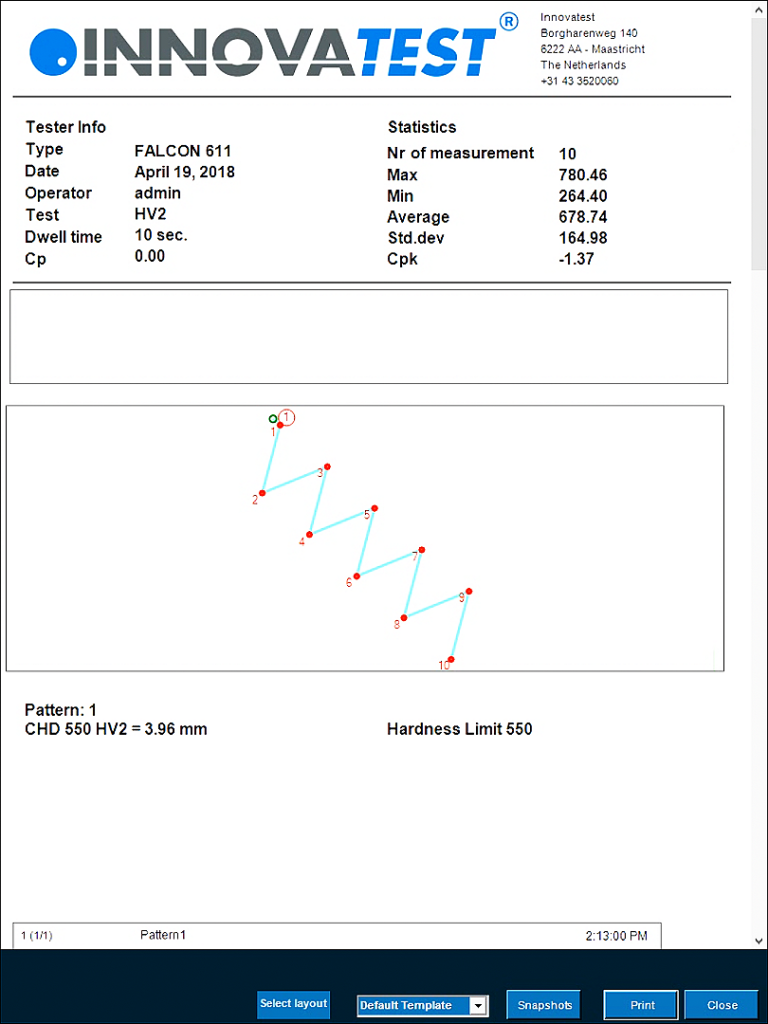
Configurador CHD, SHD, NHD
Como você aumenta a produção em seu laboratório? Faça com que o projeto de teste mais comum seja tão fácil de configurar quanto de executar automaticamente e ainda aderir às normas aplicáveis. Os testes CHD/SHD/NHD podem ser iniciados diretamente da vista da superfície ou da visão geral. Pontos centrais adicionais de dureza podem ser definidos separadamente para medições de NHD.
As distâncias dos pontos de teste são automaticamente definidas a uma distância mínima, seguindo o padrão, para garantir que os testes sejam realizados corretamente. Modo de teste com economia de tempo “completar todas as reentrâncias – depois avaliar” e “parada automática” para completar a série de testes assim que o limite de dureza mais baixo tiver sido atingido. O Gerador de Relatórios foi aprimorado com recursos de relatório para esta aplicação.
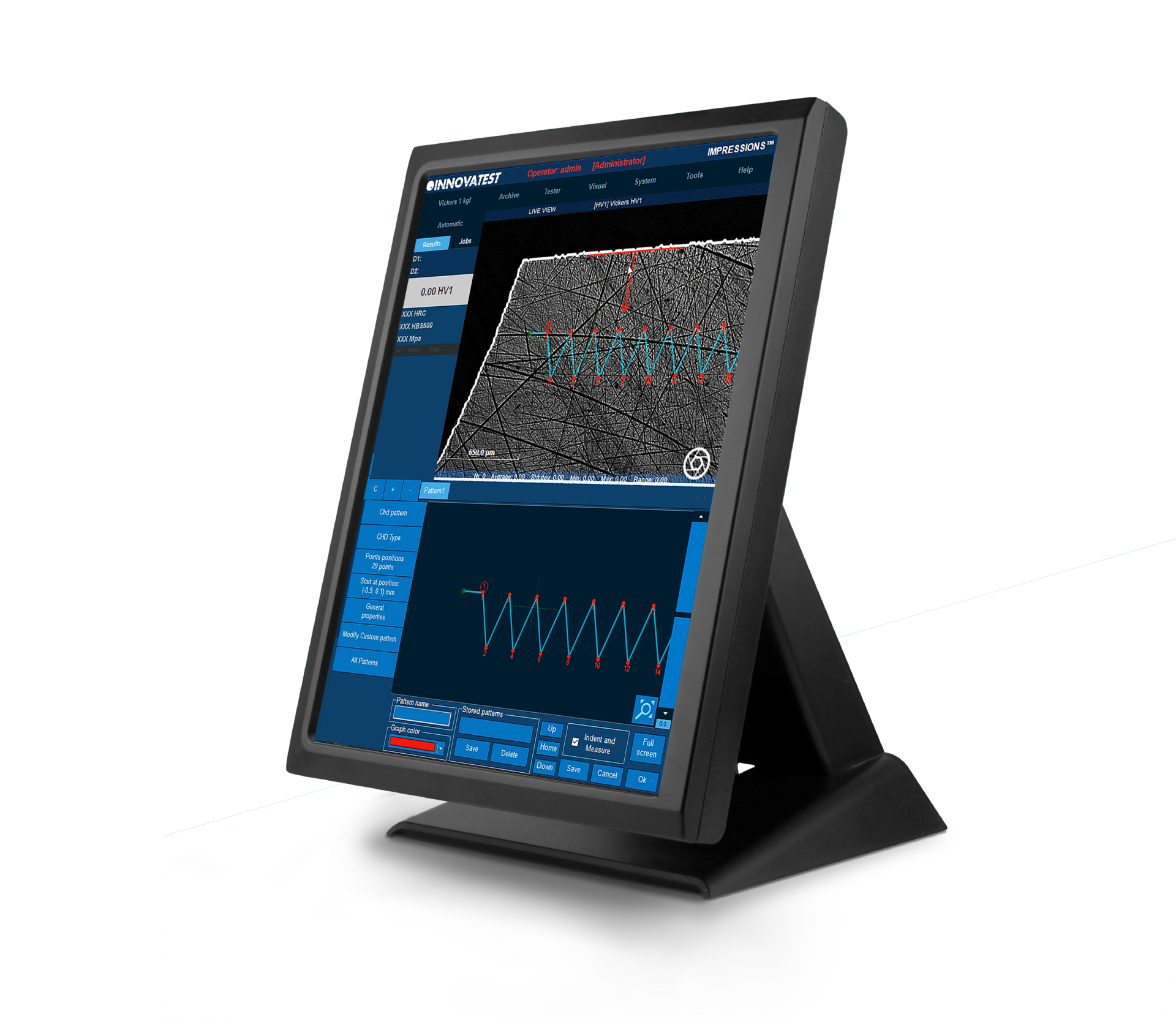
Configuratore CHD, SHD, NHD
Come aumentare la produttività nel tuo laboratorio? Rendi le misurazioni più comuni facili da configurare tanto quanto eseguirle automaticamente, sempre in conformità agli standard applicabili. Le prove CHD / SHD / NHD possono essere avviate direttamente sia dalla vista panoramica che da quella zoom. Ulteriori punti di durezza fondamentali possono essere definiti separatamente per le misurazioni NHD.
Le distanze dei punti di prova vengono automaticamente impostate mantenendo la distanza minima, in base agli standard, al fine di garantire l’esecuzione di test conformi. Modalità di risparmio tempo “completa tutte le impronte – poi analizza” e “arresto automatico” per completare la serie di test non appena viene raggiunto il limite di durezza inferiore. Il generatore di report supporta l’implementazione dedicata di questa tipologia di prove.
مكون CHD،SHD،NHD
كيف تزيد الإنتاجية في مختبرك؟ اجعل تصميم الاختبار الأكثر شيوعًا سهل الإعداد كما هو الحال مع الأداء التلقائي مع الاستمرار في الالتزام بالمعايير المعمول بها. يمكن بدء اختبار CHD / SHD / NHD مباشرة من عرض السطح أو من النظرة العامة. يمكن تحديد نقاط الصلابة الأساسية الإضافية بشكل منفصل لمقاسات NHD.
يتم ضبط مسافات نقاط الاختبار تلقائيًا على مسافة دنيا، وفقًا للمعيار، لضمان إجراء الاختبار الصحيح. وضع اختبار توفير الوقت “أكمل المسافات البادئة كلها- ثم أجر التقييم” و”الإيقاف التلقائي” لإكمال سلسلة الاختبار بمجرد الوصول إلى الحد الأدنى للصلابة. تم تحسين “مولد التقرير” بميزات إعداد التقارير لهذا التطبيق.
Schweissnaht-
prüfung (ISO 9015)
Dieses speziell entwickelte Software-Modul ermöglicht die normkonforme
Prüfung von Schweißnähten nach ISO-Standard. Durch die Einblendung
und Überlagerung vorkonfigurierter, verschieb- und streckbarer Prüfmuster-
Skizzen in das Livebild der Schweißnaht gelingt die Ausrichtung der Prüfpositionen im Handumdrehen. Die Eindrücke werden – unter Beachtung der erforderlichen Distanzen – in den Grundwerkstoff, die Wärmeeinflusszone und das Schmelzgut sowie die Fusionslinien gesetzt, ausgewertet und dokumentiert.
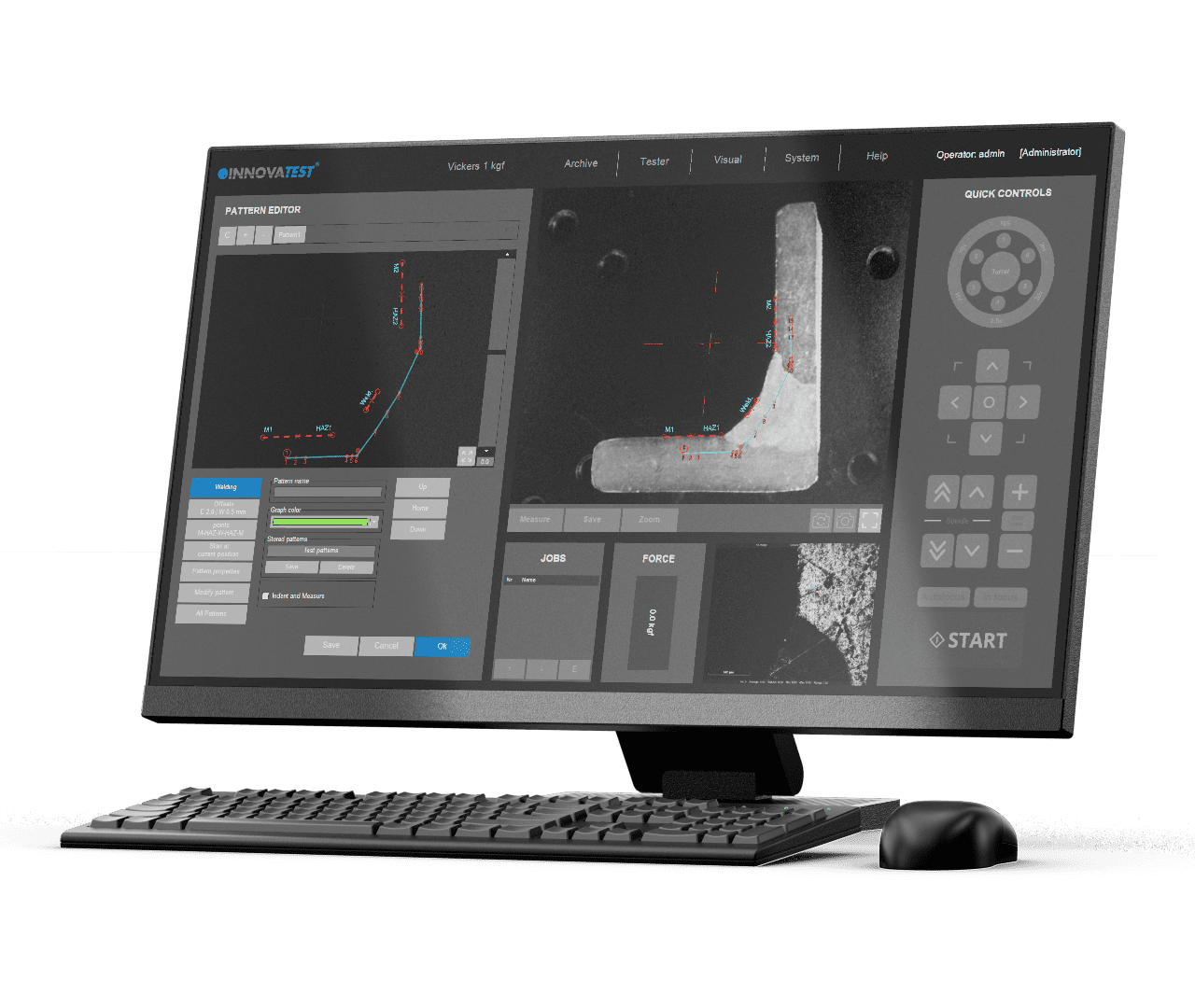
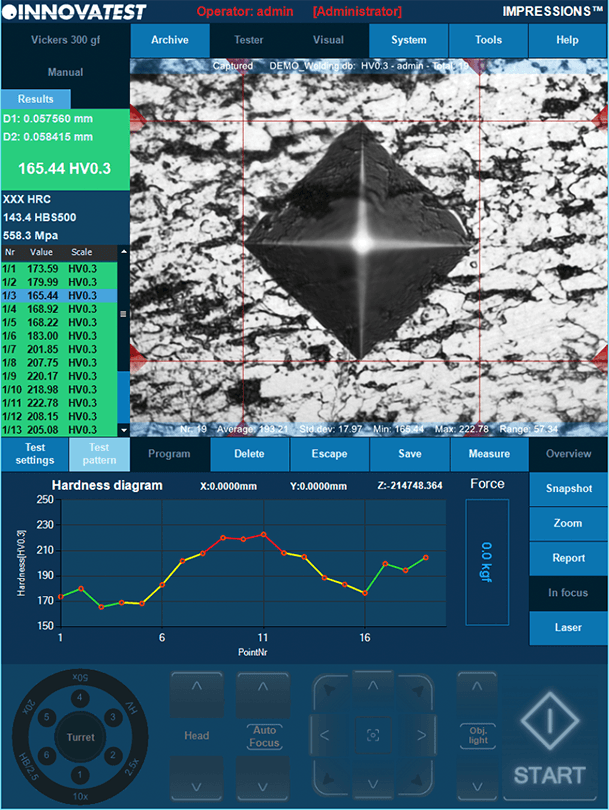
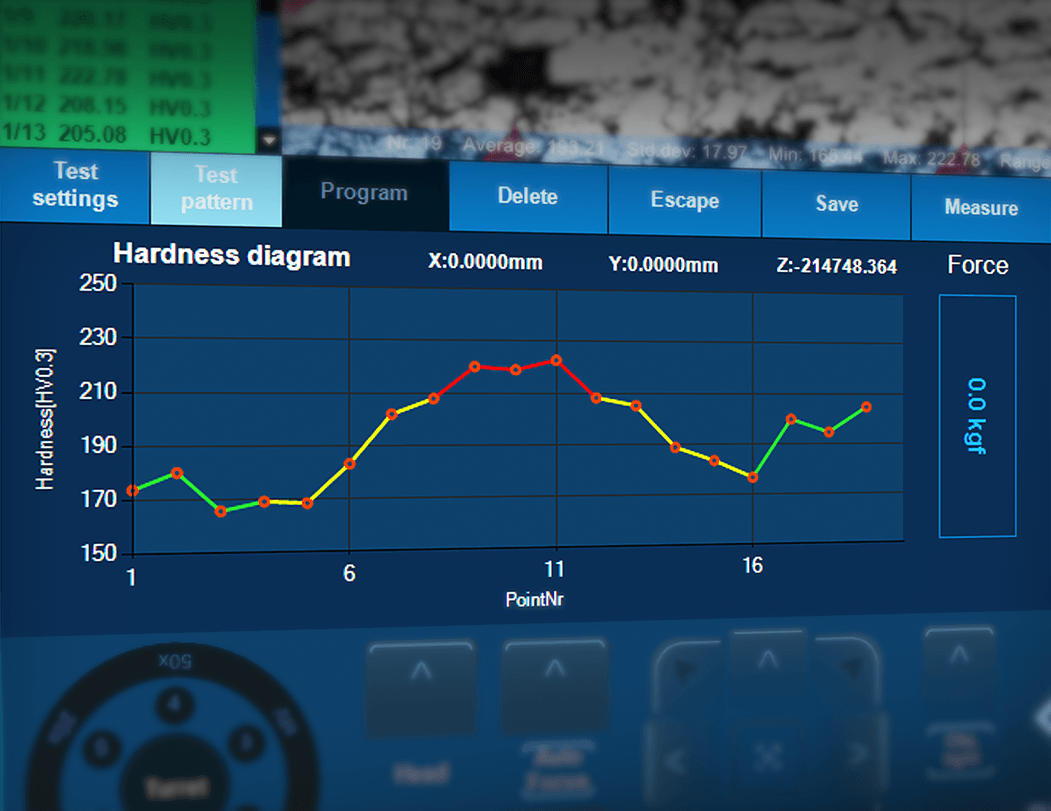


Inspeção de solda (ISO 9015)
Esta ferramenta especialmente desenvolvida permite a realização de testes de dureza em peças ou segmentos soldados de acordo com a norma ISO. A configuração do padrão de acordo com os requisitos torna-se “fácil”, devido aos pontos de teste predefinidos nas diferentes zonas da solda e à correlação automática entre os pontos de teste. O sistema executará um procedimento de teste totalmente automático e exibirá e registrará os resultados de acordo. O O Gerador de Relatórios foi aprimorado com recursos de relatório para esta aplicação.
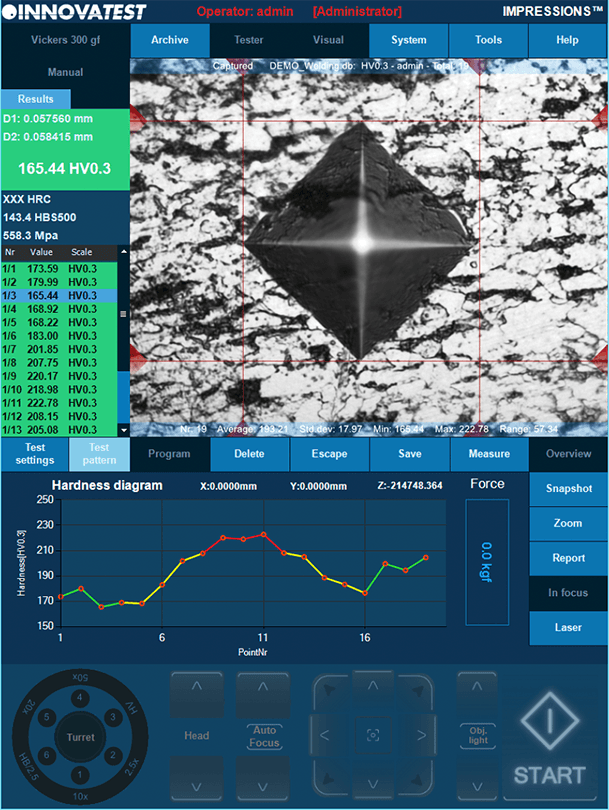
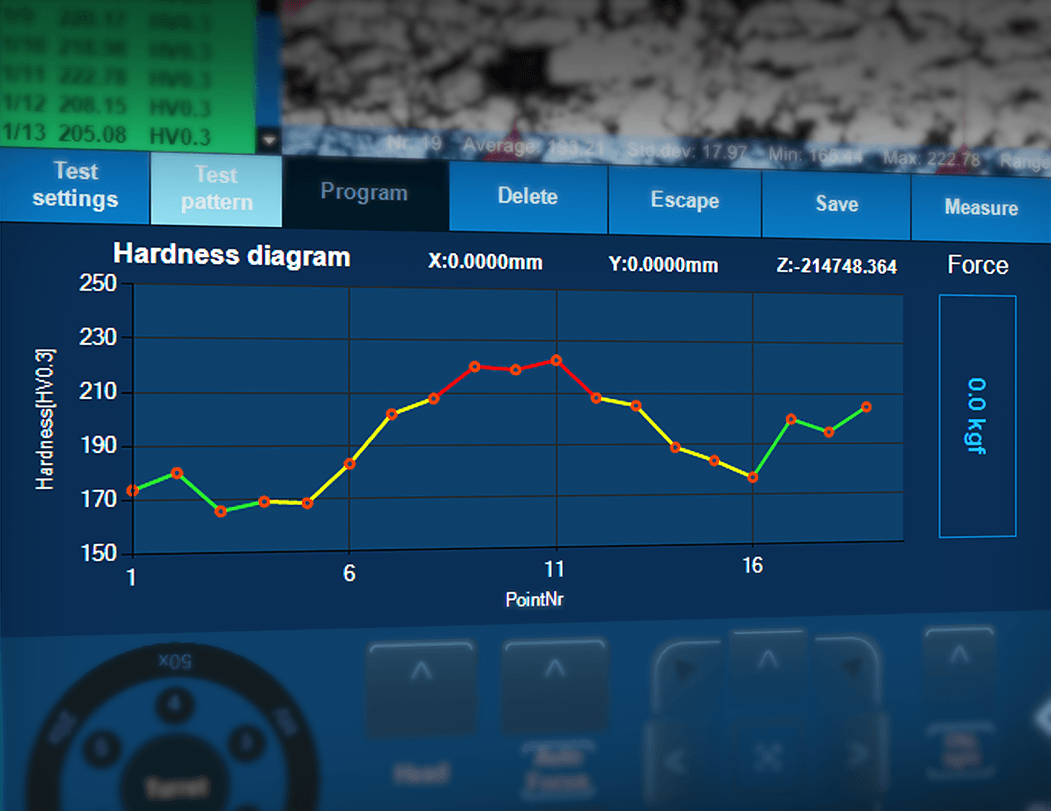
溶接解析(ISO9015)
特別に開発されたツールは、ISO規格に従って溶接された部品またはセグメントの硬度試験を行うことができます。溶接の異なる領域にあらかじめテストポイントを設定し、テストポイント間に自動相関を設定するため、要件に応じたパターンの設定が非常に簡単になります。システムは完全に自動化されたテスト手順を実行し、結果を表示および記録します。Report Generatorは、このアプリケーションのレポート機能で拡張されています。

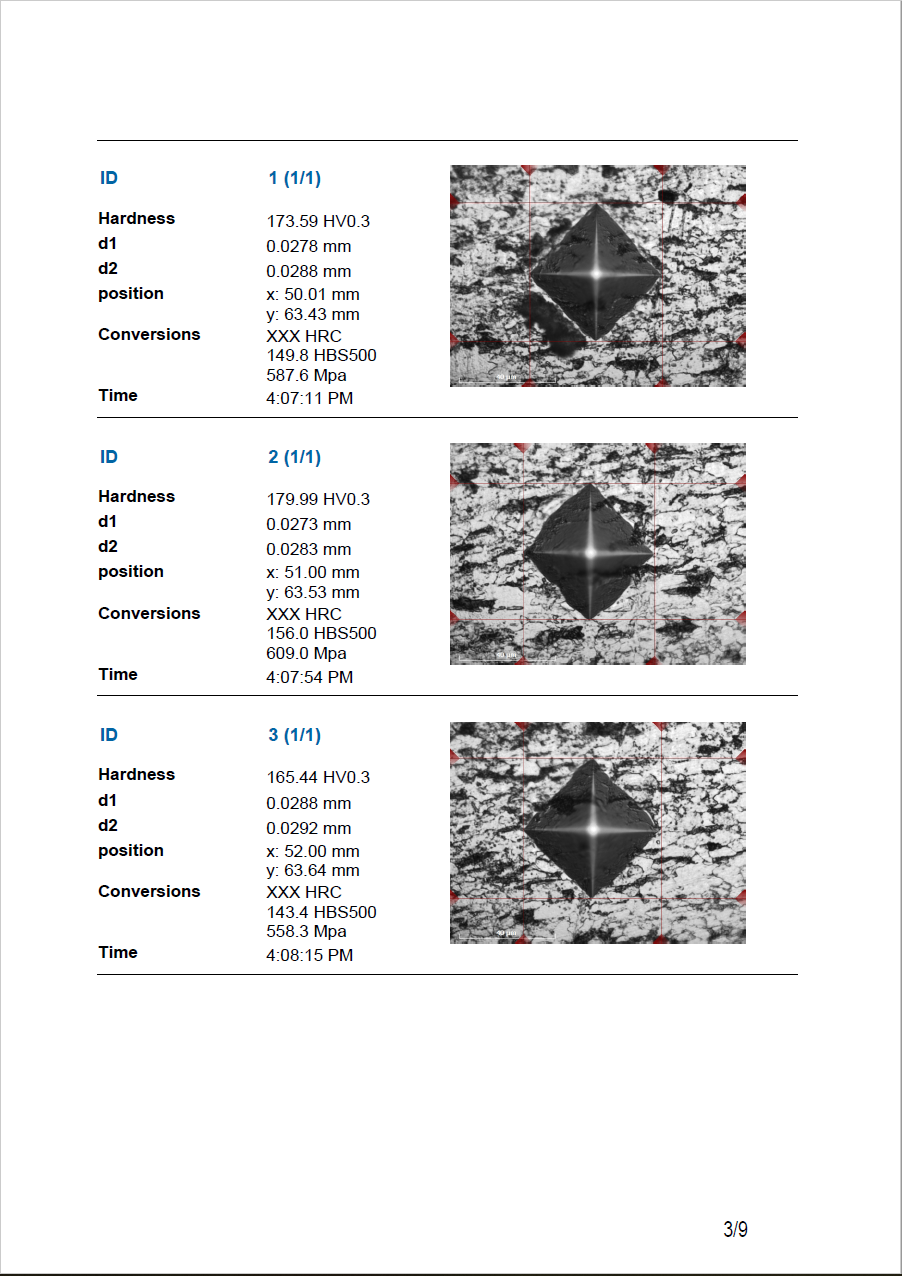
KONTROLA SPAWÓW (ISO 9015)
To specjalnie opracowane narzędzie umożliwia prowadzenie badań twardości na detalach lub segmentach spawanych zgodnie z normą ISO. Ustawienie wzoru zgodnie z wymaganiami staje się „dziecinnie proste”, dzięki wstępnie ustawionym punktom pomiarowym w różnych strefach spoiny i automatycznej korelacji pomiędzy nimi. System uruchomi w pełni automatyczną procedurę pomiarową i wyświetli oraz odpowiednio zarejestruje wyniki. Generator raportów jest wzbogacony o funkcje raportowania dla tej aplikacji.
Weld inspection (ISO 9015)
Met deze speciaal ontwikkelde tool kunt u hardheidsmetingen uitvoeren op gelaste onderdelen of segmenten volgens ISO-norm. Het instellen van het patroon volgens de vereisten is eenvoudig dankzij vooraf ingestelde meetpunten in de verschillende zones van de las en de automatische correlatie tussen de meetpunten. Het systeem zal een volledig automatische meetprocedure uitvoeren en de resultaten dienovereenkomstig weergeven en registreren. De Report Generator is uitgebreid met rapportagefuncties voor deze applicatie.
INSPECCIÓN DE SOLDADURAS (ISO 9015)
Esta herramienta especialmente desarrollada permite realizar ensayos de dureza en partes o segmentos soldados de acuerdo con la norma ISO. La configuración del patrón según los requerimientos se convierte en “fácil de hacer”, debido a los puntos de ensayo preestablecidos en las diferentes zonas de la soldadura y la correlación automática entre los puntos de ensayo.
El sistema ejecuta un procedimiento de ensayo totalmente automático, muestra y registra los resultados, por consiguiente. El generador de reportes se ha mejorado con funciones de reporte para esta aplicación.
焊缝检验(ISO 9015)
这个专门开发的工具使您能够对焊件或焊缝根据ISO标准进行硬度测试。
可以在不同的焊接区域内对测试点做预设定且测试点间会自动关联,因而根据要求设置测试模板变成了一件“轻而易举”的事。系统会运行一个全自动的测试程序并显示和记录相应的测试结果。
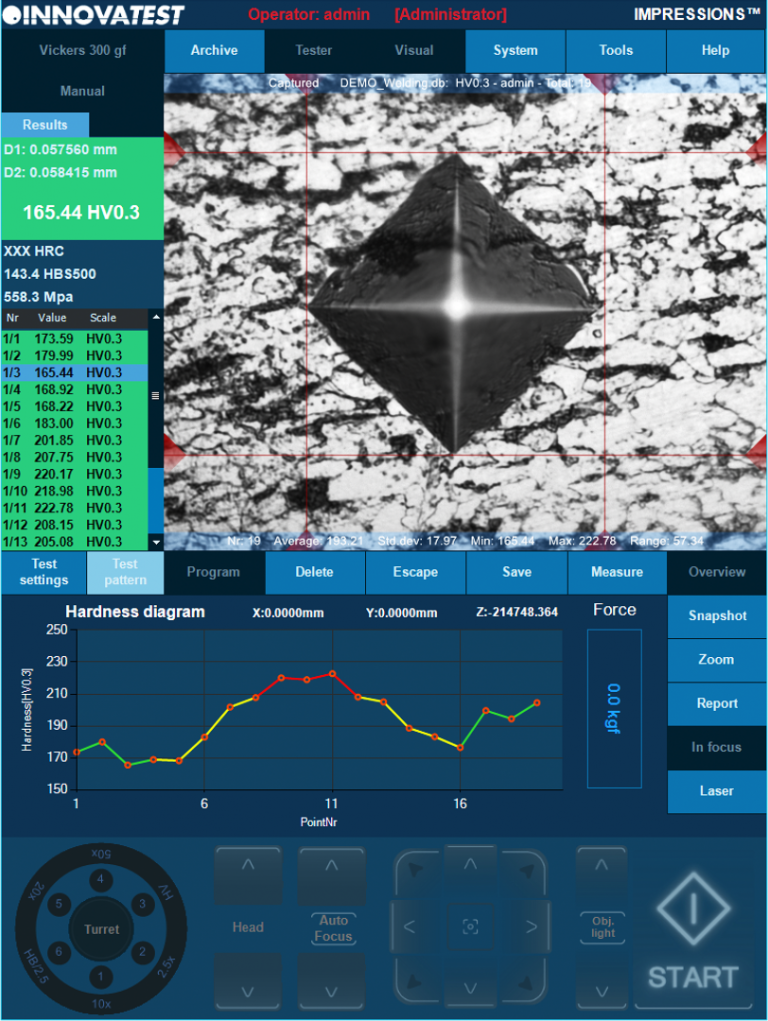
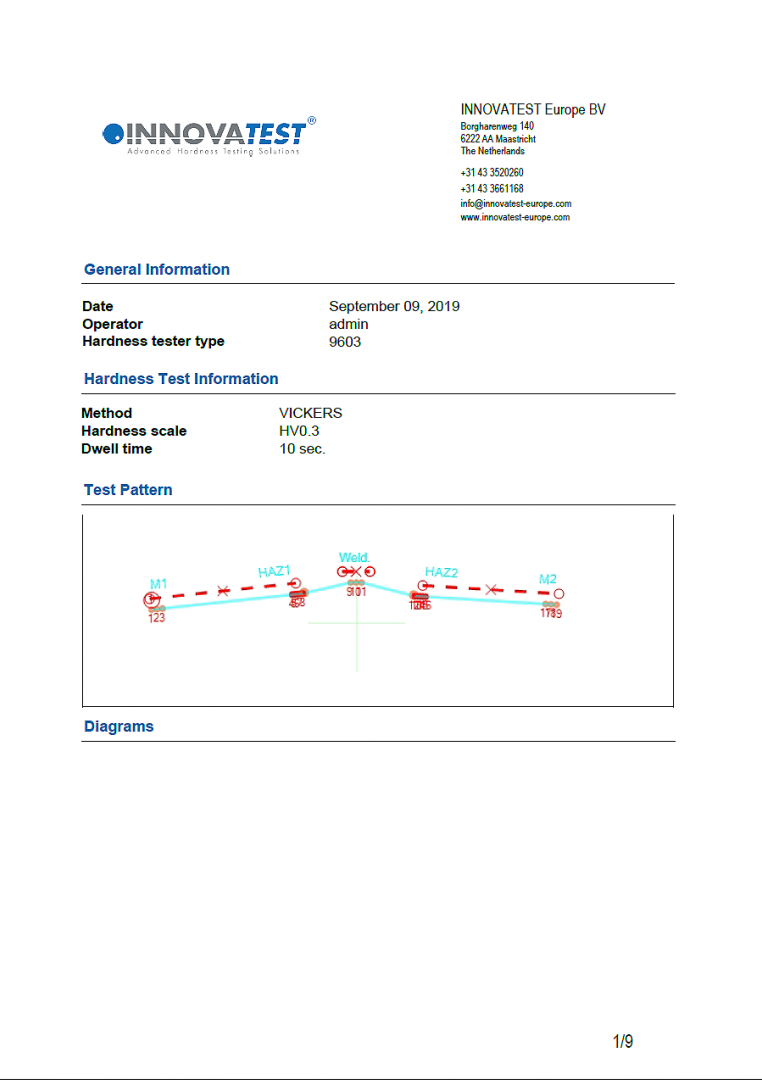
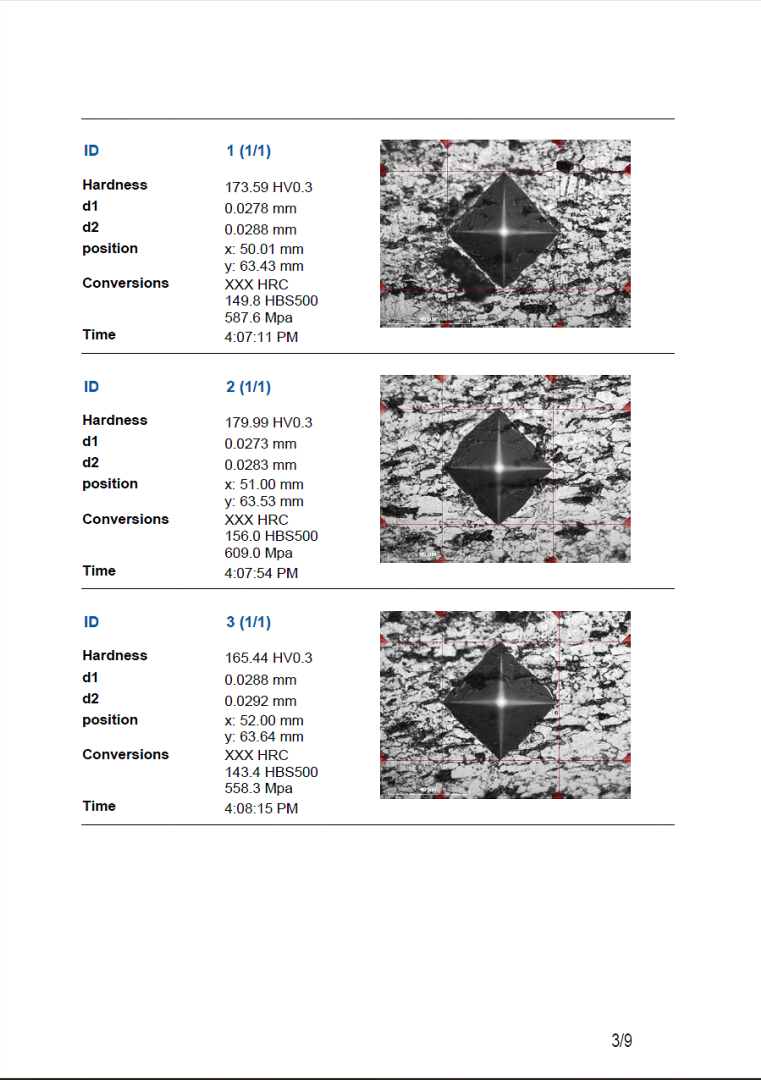
Inspection des soudures (ISO 9015)
Cet outil spécialement développé vous permet de mener des essais de dureté sur des pièces ou des éléments soudés conformément à la norme ISO. Il devient « facile » de configurer le gabarit conformément aux exigences, grâce aux points d’essais pré-configurés dans les différentes zones de soudure et à la corrélation automatique entre ces points. Le système lance une procédure d’essai entièrement automatique puis affiche et enregistre les résultats. Pour cette application, le Générateur de rapports est enrichi de fonctions lui permettant d’établir des rapports.
Weld inspection (ISO 9015)
This especially developed tool enables you to conduct hardness testing on welded parts or segments according to ISO standard. Setting up the pattern according to the requirements becomes ‘’easy-to-do’’, due to pre-set test points in the different zones of the weld and automatic correlation between test points. The system will run a fully automatic test procedure and display and record the results accordingly. Report Generator is enhanced with reporting features for this application.
Inspeção de solda (ISO 9015)
Esta ferramenta especialmente desenvolvida permite a realização de testes de dureza em peças ou segmentos soldados de acordo com a norma ISO. A configuração do padrão de acordo com os requisitos torna-se “fácil”, devido aos pontos de teste predefinidos nas diferentes zonas da solda e à correlação automática entre os pontos de teste. O sistema executará um procedimento de teste totalmente automático e exibirá e registrará os resultados de acordo. O O Gerador de Relatórios foi aprimorado com recursos de relatório para esta aplicação.
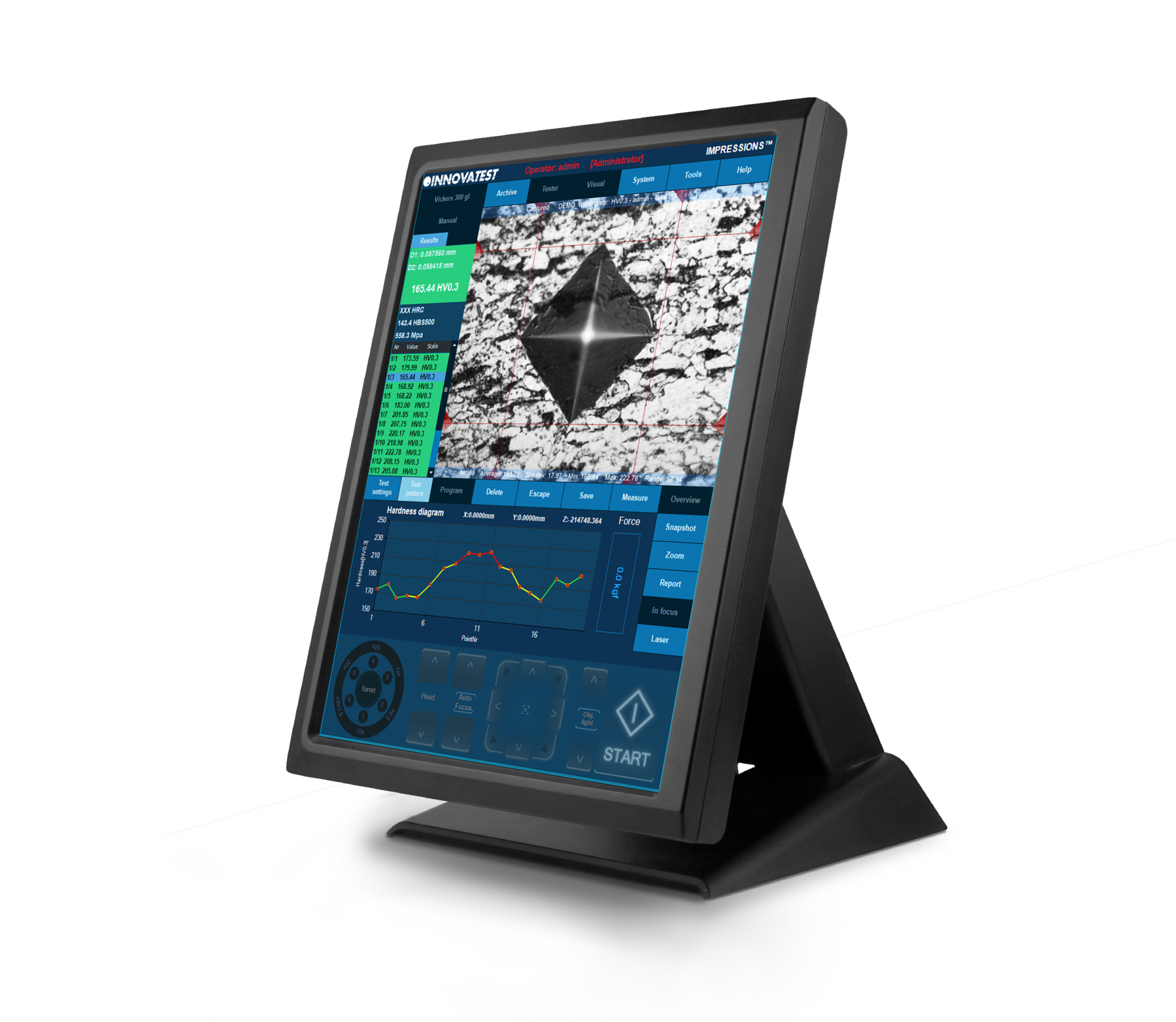
Ispezione Saldature (ISO 9015)
Questo strumento appositamente sviluppato, consente di eseguire prove di durezza, secondo lo standard ISO 9015, su elementi o componenti saldati. L’impostazione del modello in base alle esigenze diventa ”elementare”, grazie ai punti di prova preimpostati nelle diverse zone della saldatura e alla correlazione automatica tra i vari punti. Il sistema eseguirà una procedura di test completamente automatica e visualizzerà e registrerà i risultati di conseguenza. Il generatore di report è stato migliorato con funzionalità specifiche per questa applicazione.
فحص اللحام (ISO 9015)
تتيح لك هذه الأداة المطورة بشكل خاص إجراء اختبار الصلابة على الأجزاء أو الأقسام الملحومة وفقًا لمعيار ISO. يصبح إعداد النموذج وفقًا للمتطلبات “سهل التنفيذ”، نظرًا لنقاط الاختبار المحددة مسبقًا في مناطق اللحام المختلفة والارتباط التلقائي بين نقاط الاختبار. يُشغّل النظام عملية إجراء اختبار آلي بالكامل وعرض النتائج وتسجيلها وفقًا لذلك. تم تحسين “مولد التقرير” بميزات إعداد التقارير لهذا التطبيق.
Munition Einzel-
oder Serienprüfungen
Diese Anwendung wurde in enger Zusammenarbeit mit Herstellern von
Munitionshülsen entwickelt. Möglich sind Einzel- oder Serienprüfungen
von Munitionshülsen gemäß den Anforderungen dieser Industrie. Die
vollautomatische Prüfsequenz generiert einen detaillierten Bericht mit einzelnen
Messwerten, einer Statistik und einer „GO / NO-GO“-Anzeige. Außerdem
sind detaillierte Einstellungen für Wiederholungsmessungen möglich.
Weitere Informationen erhalten Sie jederzeit gern von unserem Vertrieb.
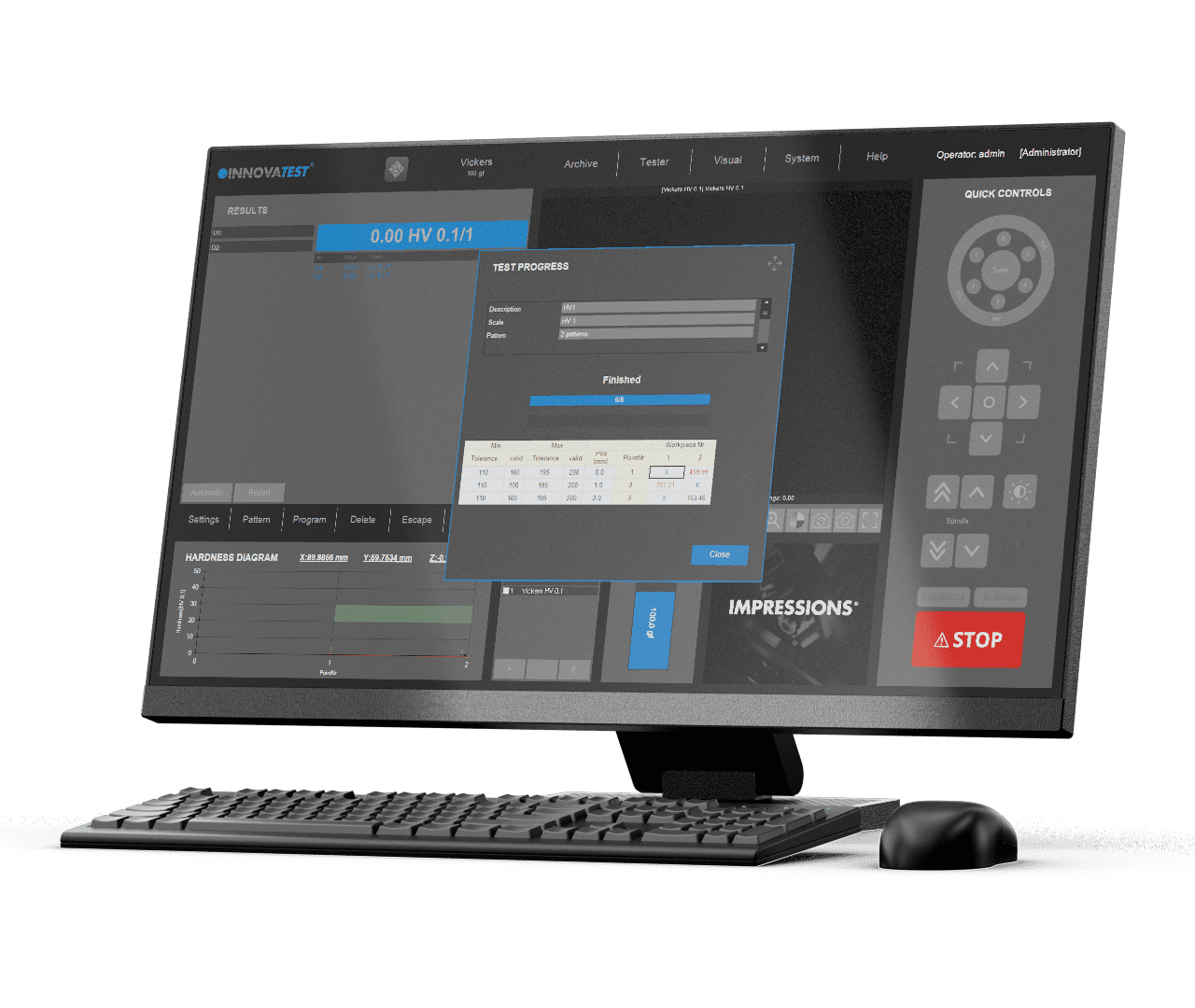
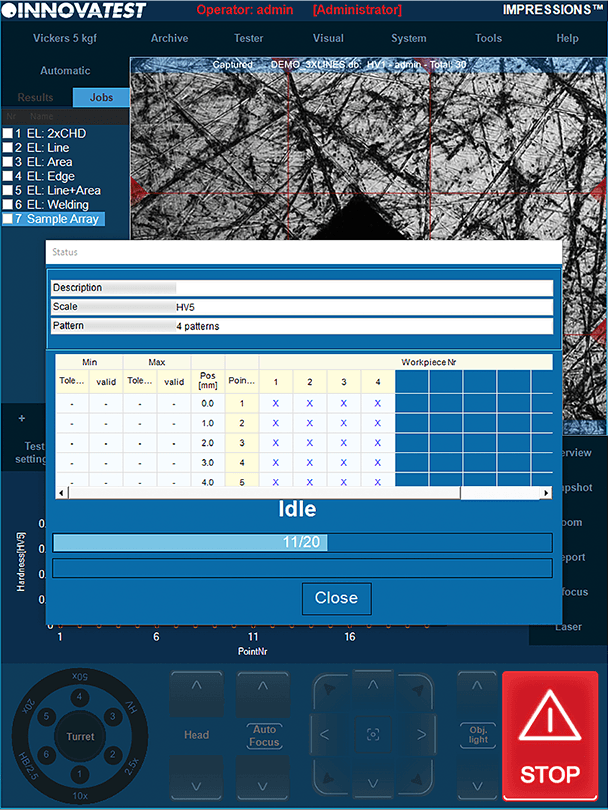
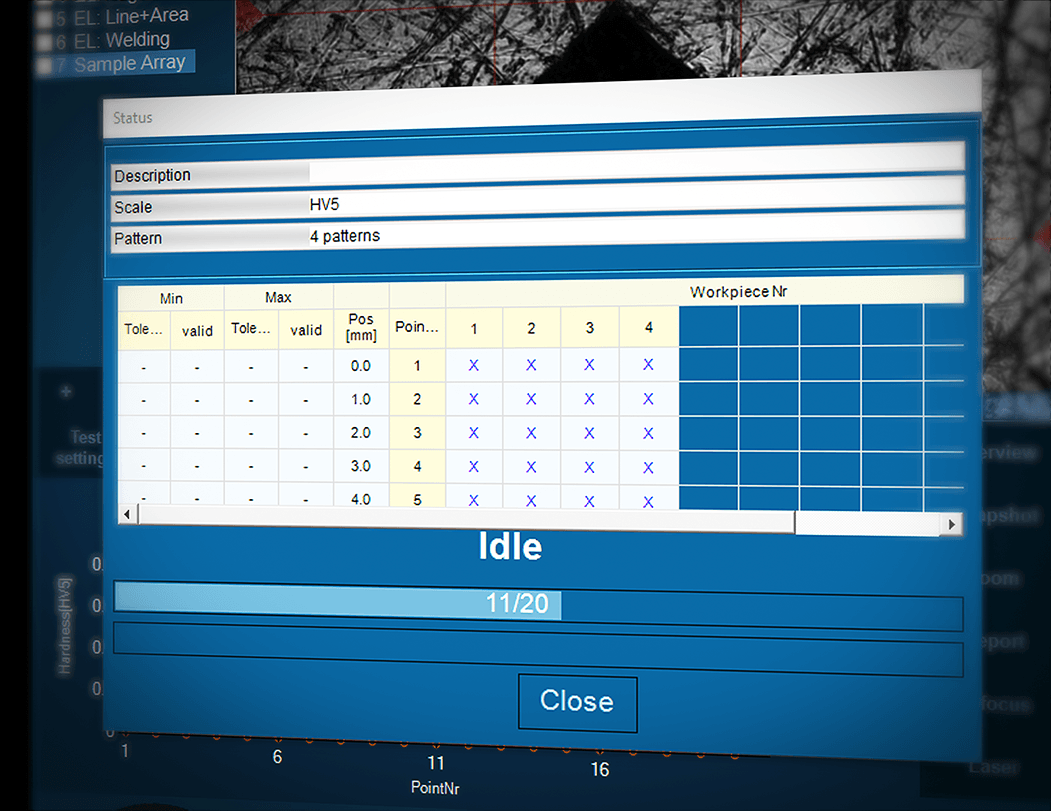
Testes de padrões de munição
Esta aplicação é desenvolvida em estreita cooperação com fabricantes especiais de cartuchos e invólucros de munição. Ela permite a realização de testes de cartuchos/invólucros únicos e múltiplos de acordo com as exigências da indústria.
O procedimento de teste totalmente automático gera um relatório detalhado, fornecendo leituras individuais e estatísticas com indicação Go/No Go. Isto inclui ainda configurações sofisticadas para nova medição. Para obter detalhes particulares, entre em contato com nosso departamento de vendas.

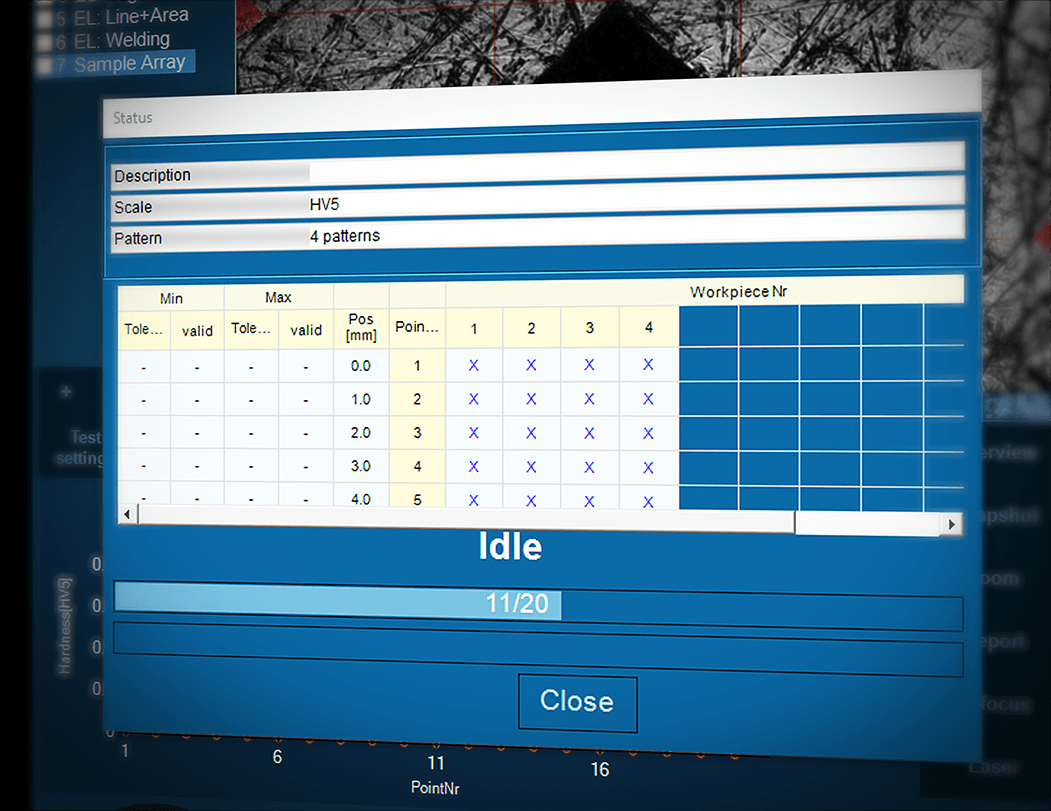
弾薬試験パターン
このアプリケーションは、弾薬シェルおよびケーシングの専門メーカーと緊密に協力して開発されています。業界の要件に応じて、単一および複数のシェル/ケーシングのテストが可能です。
全自動化されたテスト手順により詳細なレポートが生成され、1つの測定値とGo/No Go表示による統計が提供されます。これは、再測定のための高度な設定をさらに含みます。詳細は営業部までお問い合わせください。
SZABLON DO POMIARÓW AMUNICJI
Ta aplikacja została opracowana w ścisłej współpracy ze specjalnymi producentami nabojów i łusek. Pozwala ona na pojedyncze i zbiorcze badanie łuski/naboju zgodnie z wymaganiami branży.
Po w pełni automatycznej procedurze pomiarowej generowany jest szczegółowy raport, z pojedynczymi odczytami i statystykami oraz wskazaniem pozytywnego/negatywnego wyniku. Dostępne są też dalsze zaawansowane ustawienia do ponownego pomiaru. W celu uzyskania szczegółowych informacji prosimy o kontakt z naszym działem sprzedaży.
Ammunition Pattern Testing
Deze applicatie is ontwikkeld in nauwe samenwerking met fabrikanten van munitiehulzen. Het maakt meten van een enkele huls of van meerdere hulzen tegelijkertijd mogelijk en dit volgens de vereisten in de industrie.
De volledig automatische testprocedure genereert een gedetailleerd rapport, met enkele metingen en statistieken met Go / No Go-indicatie. Tevens biedt deze applicatie geavanceerde instellingen voor hermetingen. Voor bijzonderheden kunt u contact opnemen met onze verkoopafdeling.
Ammunition Pattern Testing
This application is developed in close cooperation with special manufacturers of ammunition shells and casings. It allows single and multiple shell/casing testing according to the requirements in the industry.
The fully automatic test procedure generates a detailed report, providing single readings and statistics with Go/No Go indication. This further includes sophisticated settings for remeasurement. For particular details please contact our sales department.
弹壳测试模板
这款应用软件是与一家特殊的弹壳制造商密切合作开发的。可以根据行业要求对单个或多个弹壳进行测试。
全自动的测试程序可生成一个详细的报告,提供单个读数和带通过/不通过指示的统计。此软件还可进一步对重新测量进行复杂设置。
更多详情,请联系我们的销售部门

ENSAYO DE PATRONES DE MUNICIÓN
Esta aplicación se desarrolla en estrecha colaboración con fabricantes especiales de casquillos y carcasas de munición. Esto permite la realización de ensayos en casquillos y carcasas individuales y múltiples de acuerdo con los requerimientos de la industria.
El procedimiento de ensayo totalmente automático genera un reporte detallado, que proporciona lecturas individuales y estadísticas con indicación de Pasa/No Pasa. Esto además incluye sofisticados ajustes para la remedición. Para más información, por favor contacte a nuestro departamento de ventas.
Configurateur de gabarit pour essais de munitions
Cette application a été développée en étroite collaboration avec les fabricants spécialisés de cartouches et de munitions. Elle permet de réaliser des essais uniques et multiples de cartouches / douilles conformément aux normes de l’industrie.
La procédure d’essais entièrement automatique génère un rapport détaillé avec des détails spécifiques et des statistiques accompagnés d’une mention « TOUT OU RIEN ». L’application comprend en outre des paramètres avancés pour effectuer de nouvelles mesures. Pour obtenir de plus amples détails, veuillez contacter notre service commercial.
Testes de padrões de munição
Esta aplicação é desenvolvida em estreita cooperação com fabricantes especiais de cartuchos e invólucros de munição. Ela permite a realização de testes de cartuchos/invólucros únicos e múltiplos de acordo com as exigências da indústria.
O procedimento de teste totalmente automático gera um relatório detalhado, fornecendo leituras individuais e estatísticas com indicação Go/No Go. Isto inclui ainda configurações sofisticadas para nova medição. Para obter detalhes particulares, entre em contato com nosso departamento de vendas.
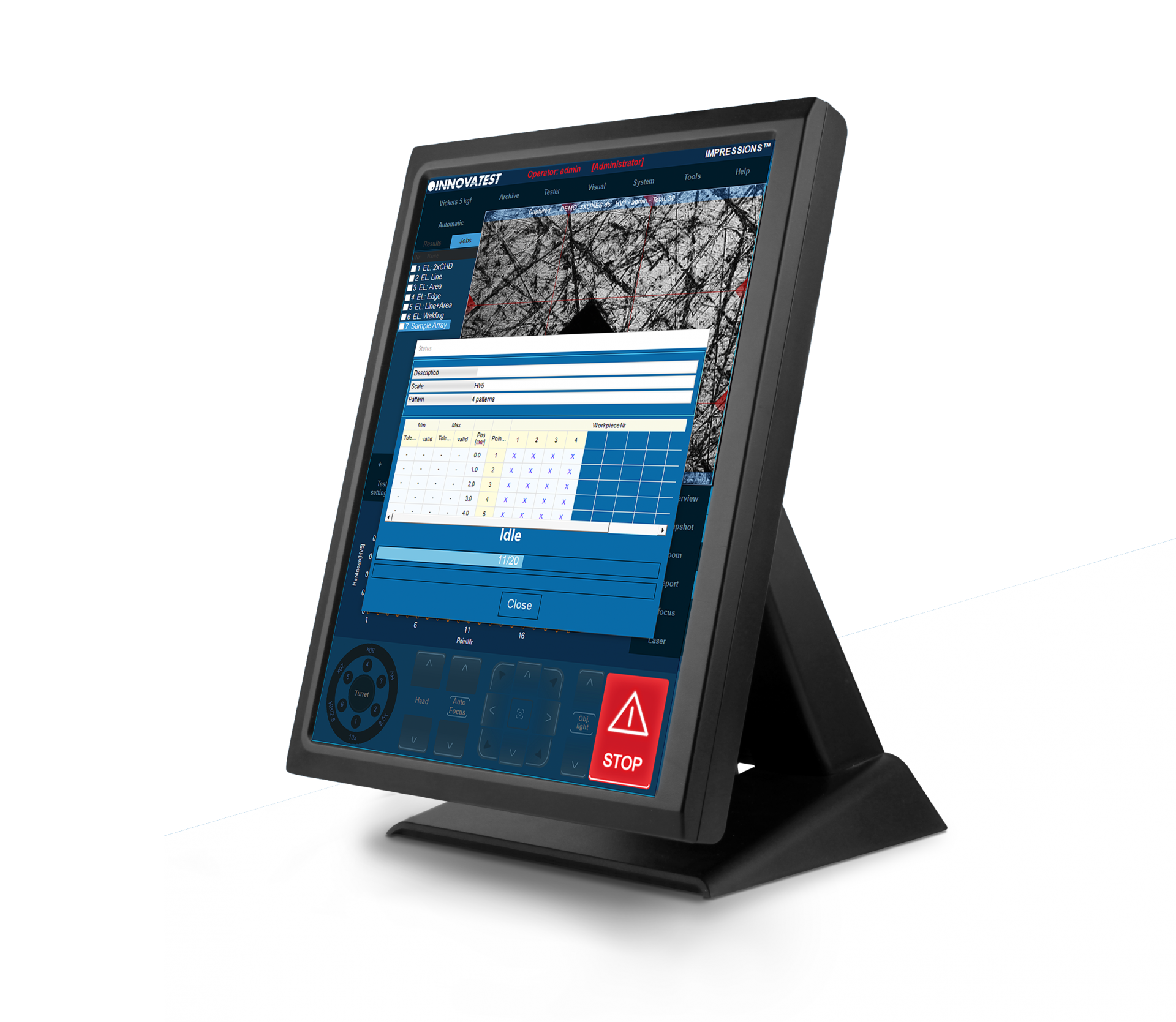
Prove Per Munizioni
Questa applicazione è sviluppata in stretta collaborazione con produttori specializzati di proiettili e bossoli di munizioni. Consente il test singolo e multiplo di guscio / involucro in base ai requisiti del settore.
La procedura di test completamente automatica genera un report dettagliato, fornendo letture singole e statistiche con indicazione Passa / Non Passa. Sono incluse ulteriori impostazioni sofisticate per la rimisurazione. Per ulteriori dettagli contattare il nostro ufficio commerciale.
اختبار نمط الذخيرة
تم تطوير هذا التطبيق بالتعاون الوثيق مع الشركات المصنعة الخاصة لقذائف وأغلفة الذخيرة. يسمح باختبار الغلاف/الغلاف الفردي والمتعدد وفقًا لمتطلبات الصناعة.
يُنشئ إجراء الاختبار التلقائي بالكامل تقريرًا مفصلاً، ويوفر قراءات وإحصائيات فردية مع إشارة Go /No Go. يتضمن هذا أيضًا إعدادات متطورة لإعادة القياس. للحصول على تفاصيل خاصة، يرجى الاتصال بقسم المبيعات لدينا.
Q-DAS
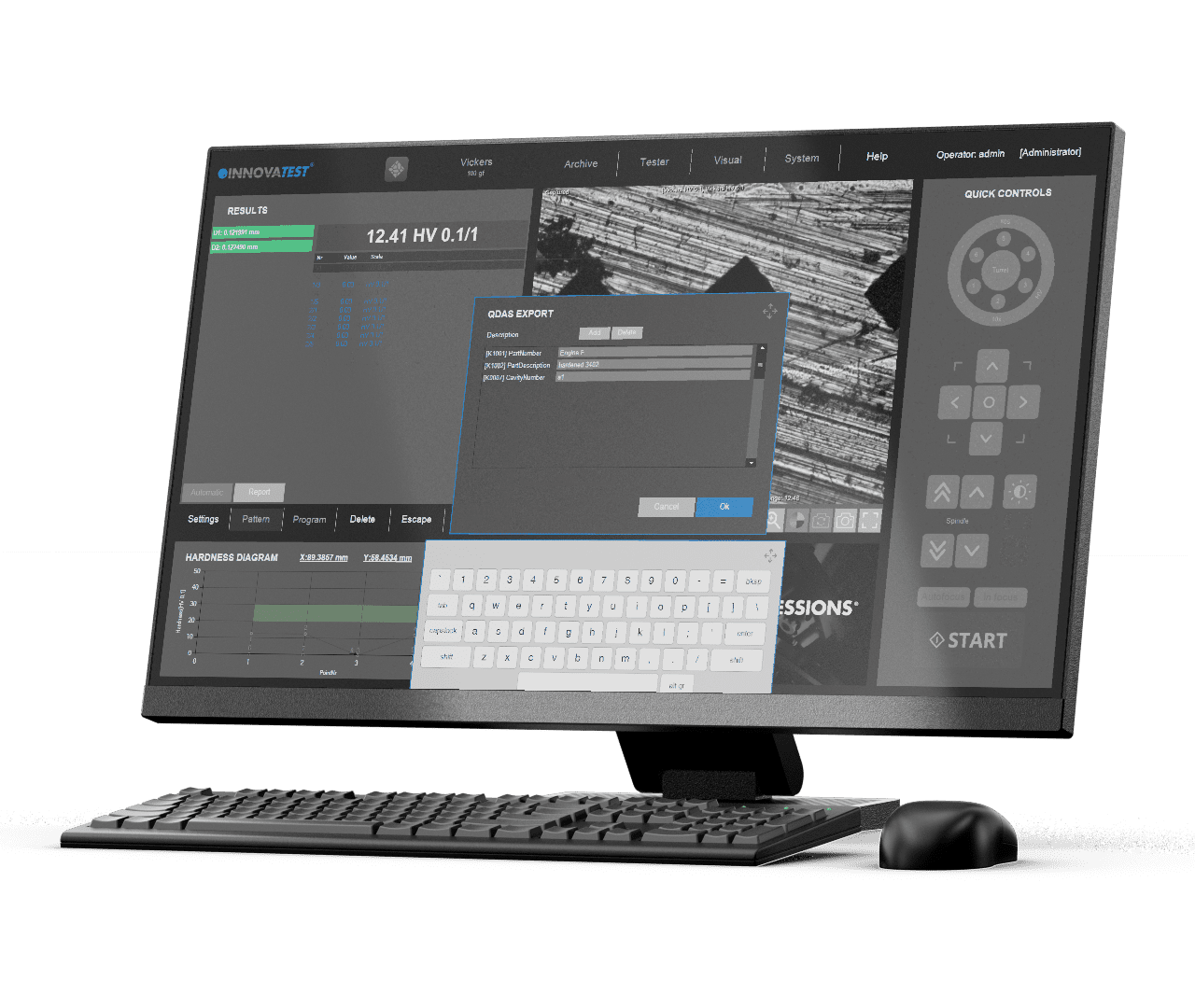
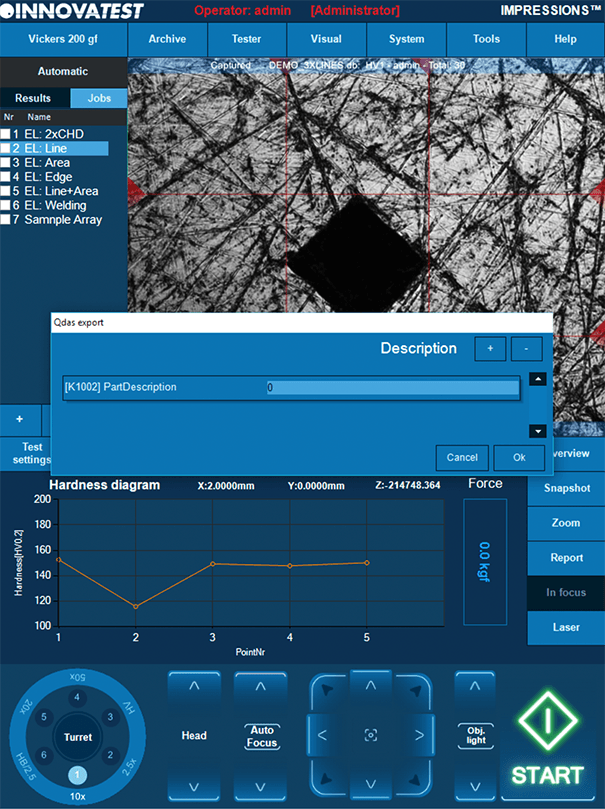

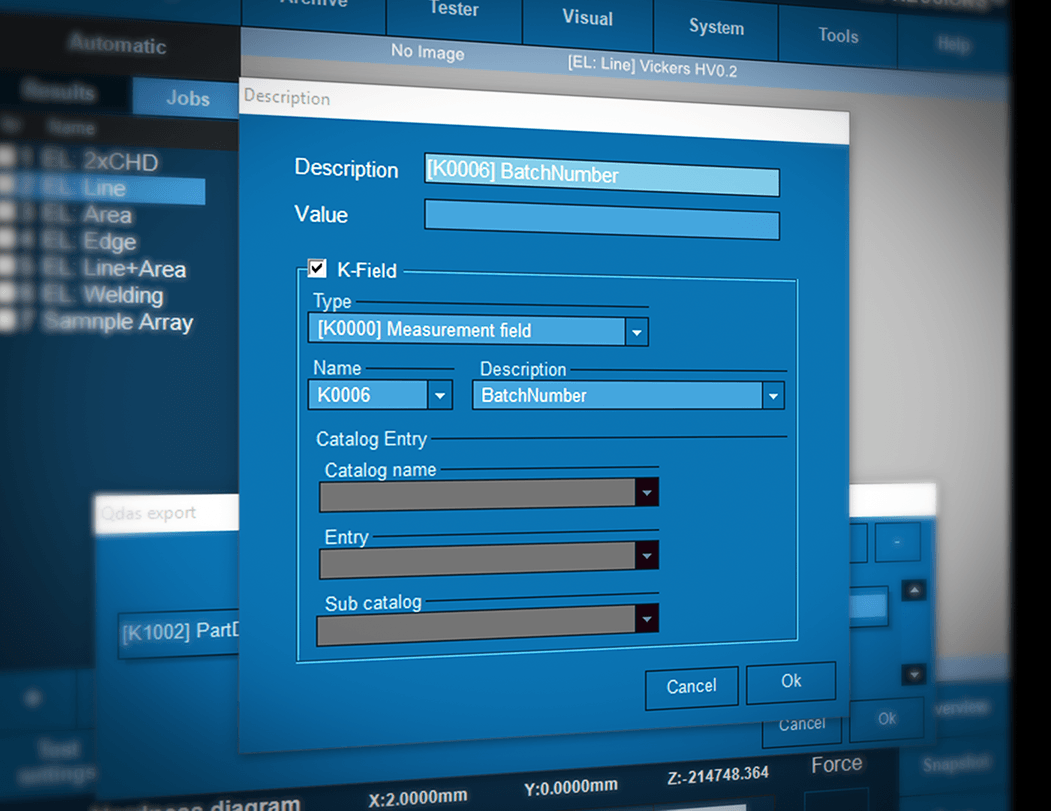
Q-DAS
O sistema tem canais bidirecionais de entrada e saída. O controle do testador pode ser realizado remotamente e suporta, por exemplo, mas não limitado a, sistemas robóticos. Os valores de teste podem ser exportados como valores individuais ou como sequência de dados a serem tratados por um software de avaliação de qualidade de terceiros.
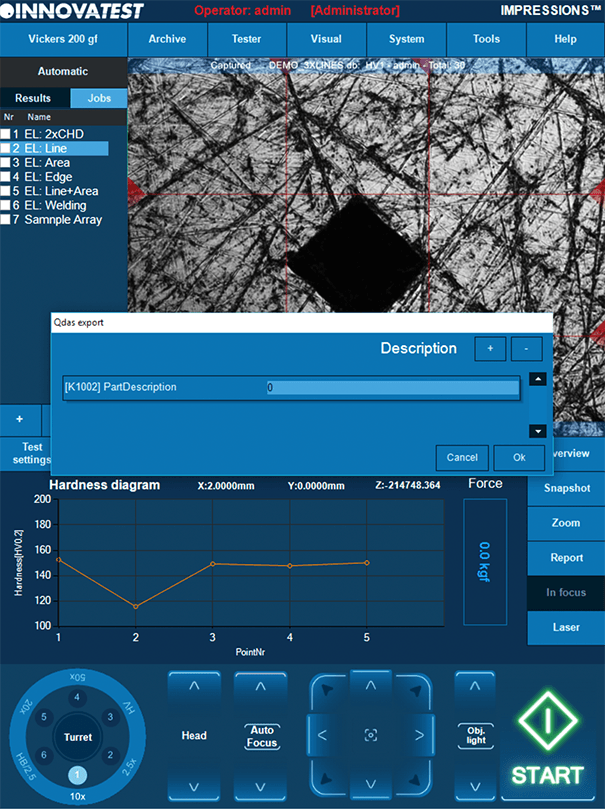
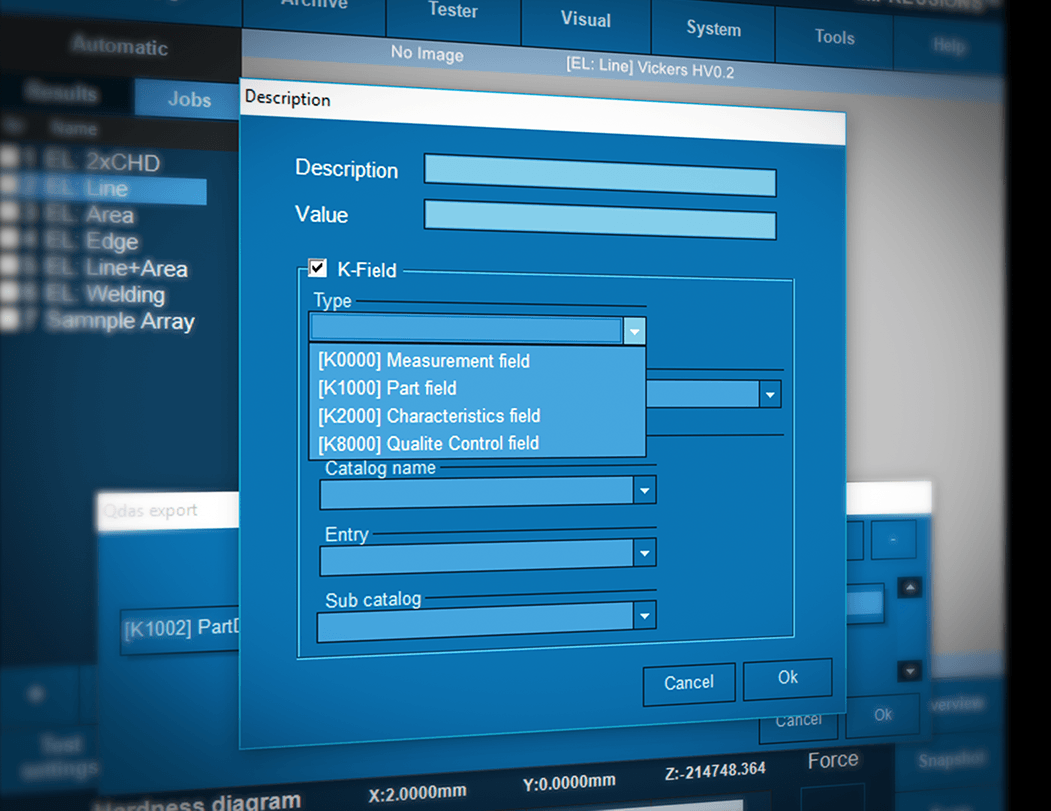

Q-DAS
システムには双方向の入力チャンネルと出力チャンネルがあります。試験機制御は遠隔で行うことができ、例えば、ロボットシステムなどと連携することができる。試験結果値は、単一の値またはサードパーティの品質評価ソフトウェアで処理するデータの文字列としてエクスポートできます。
Q-DAS
Q-DAS
Q-DAS
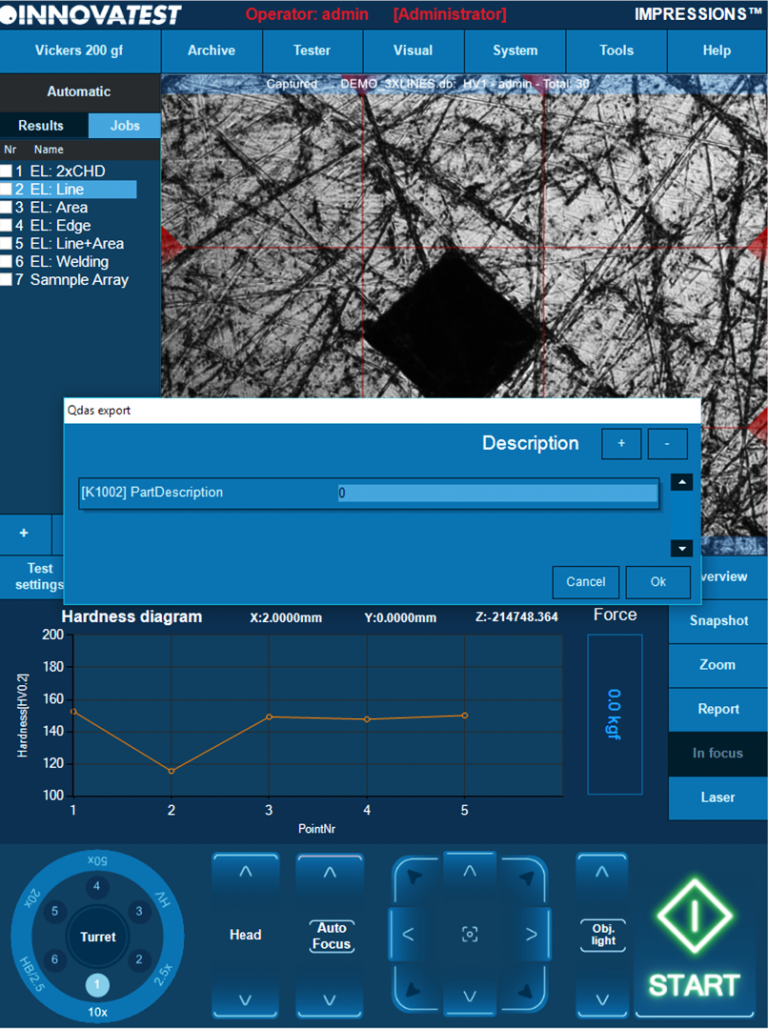


Q-DAS
Q-DAS
Le système dispose de canaux d’entrée et de sortie bidirectionnelles. Le contrôle de l’appareil peut être réalisé à distance et prend notamment en charge des systèmes robotiques. Les valeurs d’essais peuvent être exportées comme des valeurs individuelles ou comme une série de données à traiter dans le logiciel d’évaluation de qualité d’un tiers.
Q-DAS
O sistema tem canais bidirecionais de entrada e saída. O controle do testador pode ser realizado remotamente e suporta, por exemplo, mas não limitado a, sistemas robóticos. Os valores de teste podem ser exportados como valores individuais ou como sequência de dados a serem tratados por um software de avaliação de qualidade de terceiros.
Q-DAS
Il sistema dispone di canali di ingresso e uscita bidirezionali. Il controllo del durometro può essere condotto in remoto e tra i tanti sistemi supportati figurano ad esempio quelli robotici. I risultati di misura possono essere esportati come singoli valori o come stringa di dati da gestire tramite un software di gestione qualità di terze parti.