Test Pattern Editor for Automated Multi-Point Hardness Testing
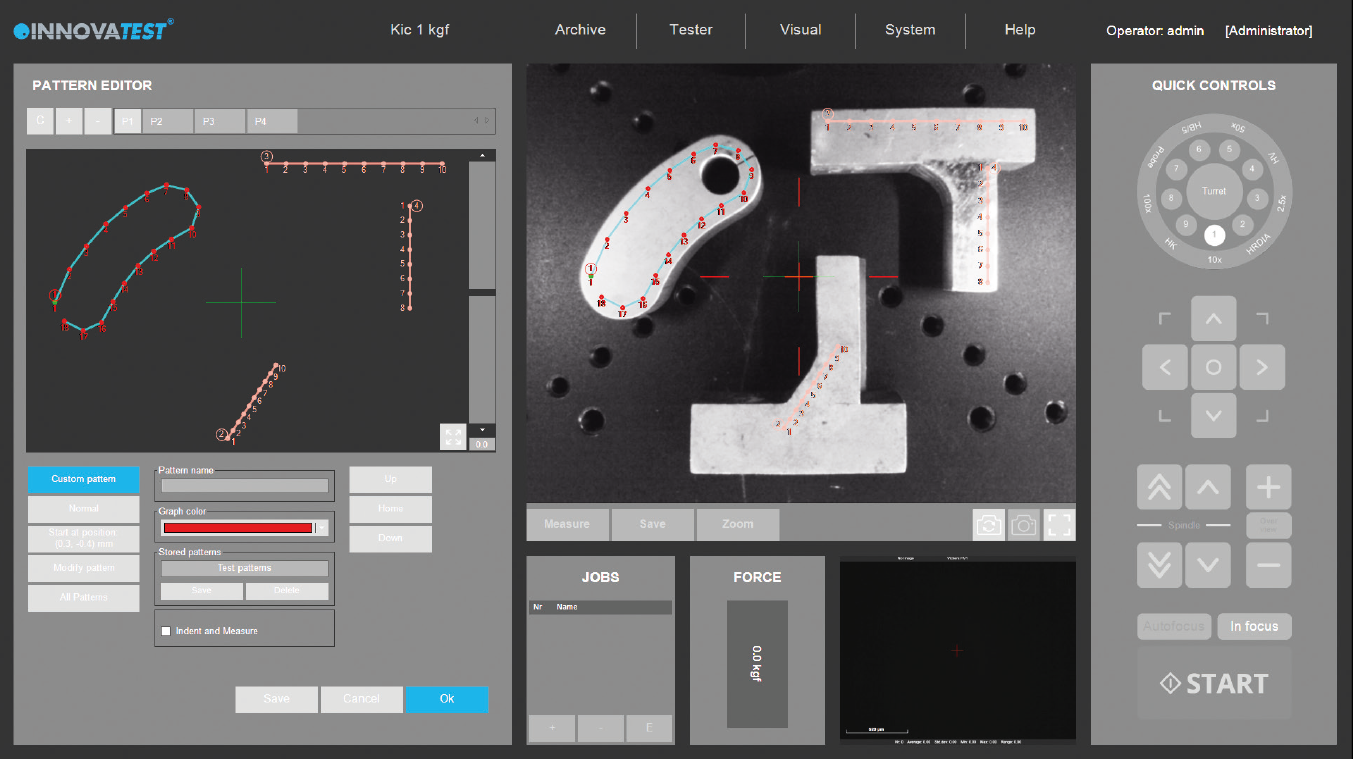
The IMPRESSIONS™ Test Pattern Editor is a powerful software module designed to simplify and automate multi-point hardness testing across Rockwell, Brinell, and Vickers applications.
Built for high-efficiency laboratories and production environments, this module enables users to create, manage, and execute complex test patterns with precision—supporting batch hardness testing, automated workflows, and high throughput testing requirements.
Flexible Pattern Creation for Complex Testing Applications
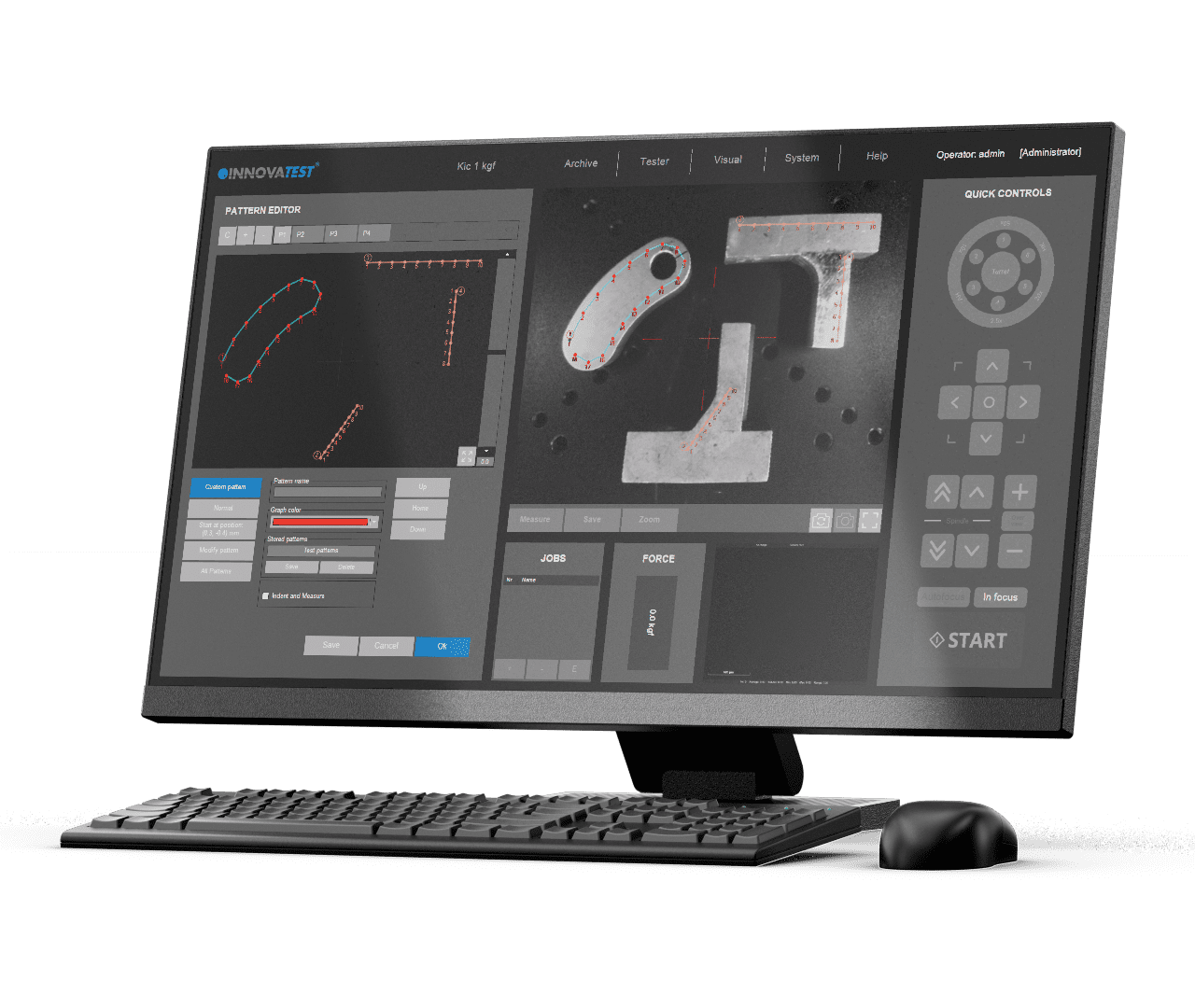
The Test Pattern Editor provides complete flexibility in designing test sequences tailored to your sample geometry and testing requirements.
This flexibility makes it ideal for advanced material analysis and production quality control.
Automated Multi-Point Testing for High Throughput Environments
Manual positioning and testing can be time-consuming and prone to variability. The Test Pattern Editor enables fully automated execution of predefined test sequences.
This significantly improves productivity and supports high throughput hardness testing in industrial environments.
Live Vision Technology for Accurate Pattern Placement
The module features advanced live vision capabilities, allowing users to position test patterns directly on the sample surface.
This ensures precise alignment of test patterns, even on complex or irregular sample geometries.
Drag-and-Drop Workflow for Efficient Operation
Ease of use is central to the IMPRESSIONS™ software design. The Test Pattern Editor includes intuitive tools to streamline workflow management.
This reduces setup time and simplifies operation for both new and experienced users.
Full Traceability with Customizable Test Point Identification
Each test point within a pattern can be individually labeled and tracked, supporting detailed analysis and reporting.
This functionality is essential for applications requiring detailed documentation, such as failure analysis, research, and regulated quality control processes.
Automated vs Manual Hardness Testing
Traditional manual hardness testing methods require operators to position each test point individually, increasing the risk of inconsistency and reducing overall efficiency.
The IMPRESSIONS™ Test Pattern Editor provides a clear advantage through automation:
Manual Testing Limitations:
Automated Testing with IMPRESSIONS™:
By replacing manual processes with intelligent automation, the Test Pattern Editor significantly improves productivity, accuracy, and data consistency.
Optimized for Key Hardness Testing Applications
The IMPRESSIONS™ Test Pattern Editor is designed to support a wide range of real-world applications, making it a versatile solution for both laboratories and industrial environments.
Weld Testing
Perform precise hardness traverses across weld seams and heat-affected zones (HAZ) with automated, evenly spaced test patterns.
Case Depth Analysis
Create linear or complex patterns to measure hardness gradients and determine effective case depth in carburized or hardened materials.
Coating Thickness and Surface Treatments
Analyze coatings and surface layers with controlled test positioning and variable force application.
Material Research and Development
Execute complex testing routines on new materials and alloys with repeatable, high-precision patterns.
Optimized for Automated and Batch Hardness Testing
By combining flexible pattern creation, automation, and intelligent software design, the IMPRESSIONS™ Test Pattern Editor transforms traditional hardness testing into a highly efficient process.
The result is a scalable solution that enhances productivity, accuracy, and data reliability in modern hardness testing environments.